About Notion's media kit
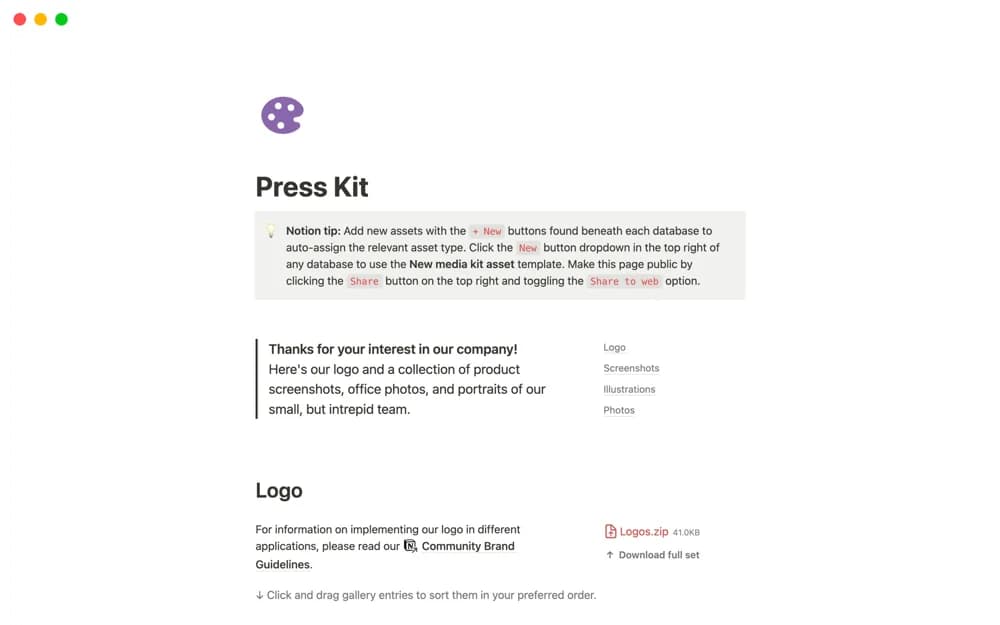
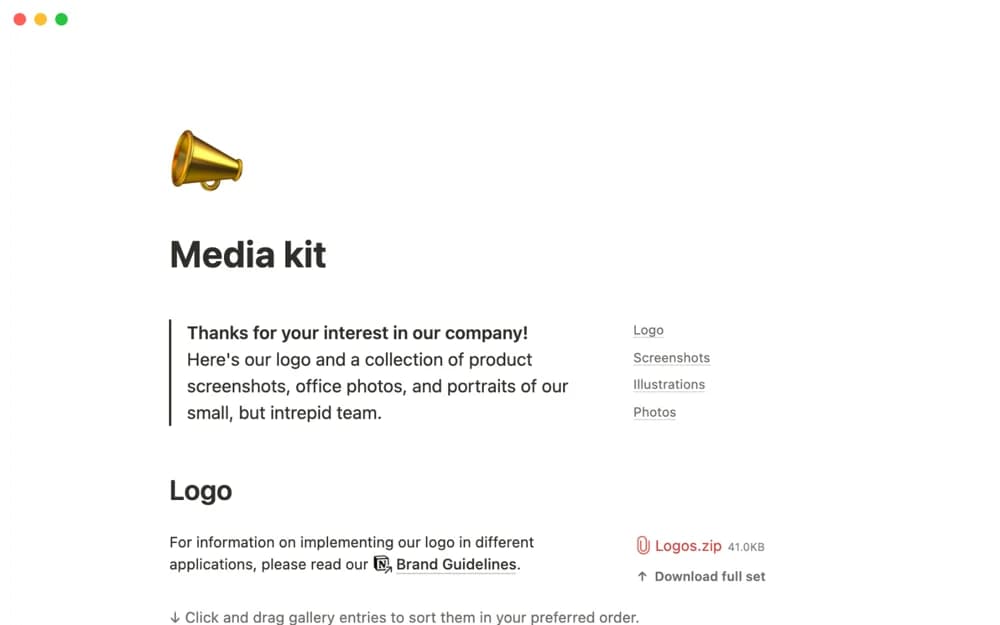
A media-kit page for presenting a company’s logo, product screenshots, office photographs, and team portraits consistently.
What’s included
- Logo presentation
- Product and office imagery
- Team portraits and a shared brand-reference page
How to use it in practice
Replace all example content with current approved images. Add concise context and usage guidance where necessary, then test downloads or linked files as an external reader. Review the kit whenever the brand, product interface, or team photography changes.
Set it up in your workspace
- Open the original Notion Marketplace listing and add the template to your chosen workspace while signed in. Keep its example records until you understand how the pages connect.
- Replace all example content with current approved images.
- Try one complete example before adding a large backlog. Check that its views and any calculations show what you expect, then replace the sample content with your own.
Who it suits and what to consider
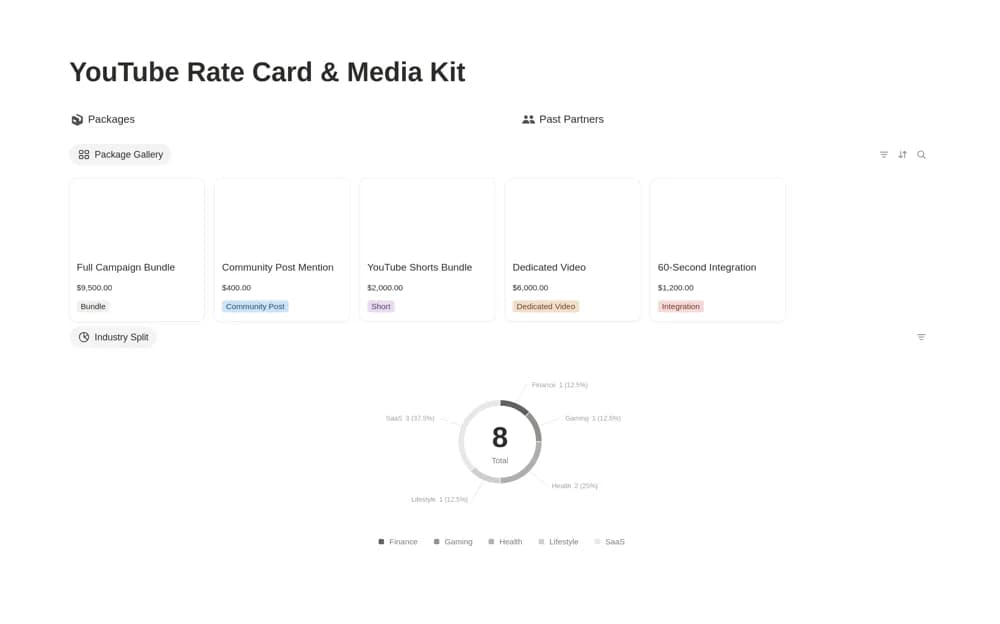
Brands assembling an accessible visual reference for media coverage. The source describes visual brand assets, without confirming audience metrics or sponsorship-pricing sections.