About Press Kit
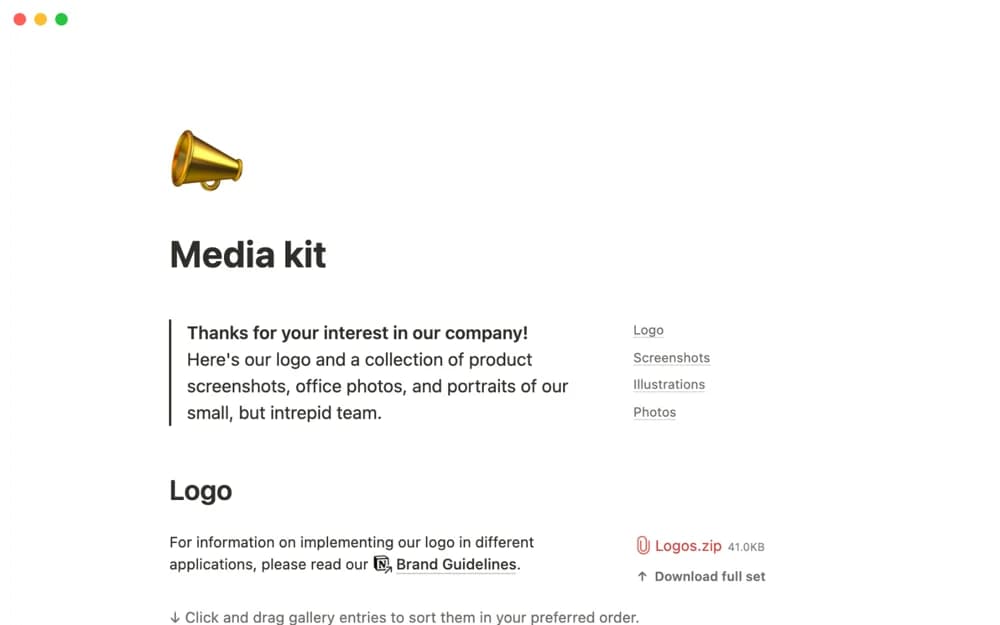
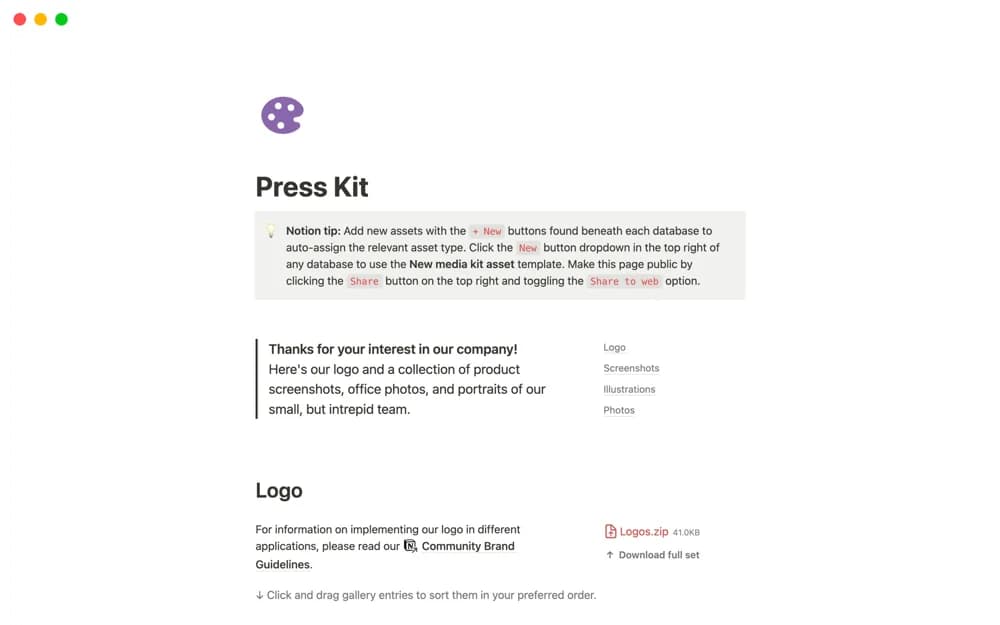
A public-ready brand asset library with categorized logos, screenshots, illustrations, photographs, and quick-add buttons.
What’s included
- Brand-asset databases
- New-asset buttons with type organization
- A shareable page for approved media resources
How to use it in practice
Add current approved assets and explain which version to use. Check file access and permissions from a signed-out visitor’s view before publishing. Keep a named owner and remove obsolete versions so journalists can find the right material without asking for another link.
Set it up in your workspace
- Open the original Notion Marketplace listing and add the template to your chosen workspace while signed in. Keep its example records until you understand how the pages connect.
- Add current approved assets and explain which version to use.
- Try one complete example before adding a large backlog. Check that its views and any calculations show what you expect, then replace the sample content with your own.
Who it suits and what to consider
Communications teams sharing approved visual material with the press. Review licensing, usage guidance, and privacy before making assets public.