 Free
YouTube Channel Creator Revenue Dashboard
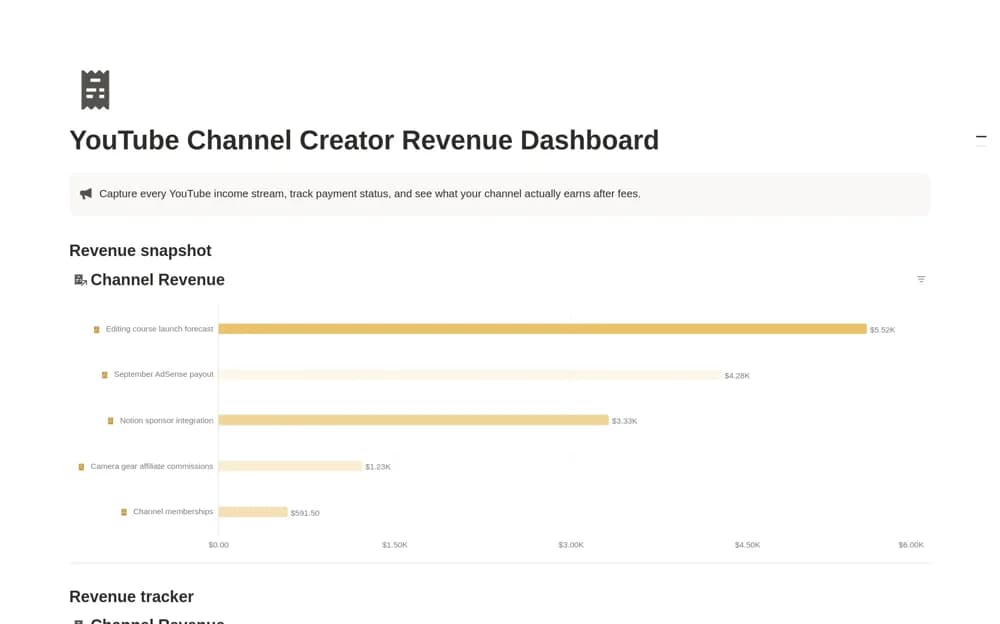
A creator income dashboard recording gross revenue, fees, dates, owners, and payment status, with a net-revenue calculation and an entry-level comparison view.
Turn video ideas into a production plan you can maintain. Explore Notion templates for YouTube creators organizing research, scripts, shoots, editing, thumbnails, publication, and reviewing what viewers responded to.
Showing 1–5 of 5 templates
FreeA creator income dashboard recording gross revenue, fees, dates, owners, and payment status, with a net-revenue calculation and an entry-level comparison view.
 Free
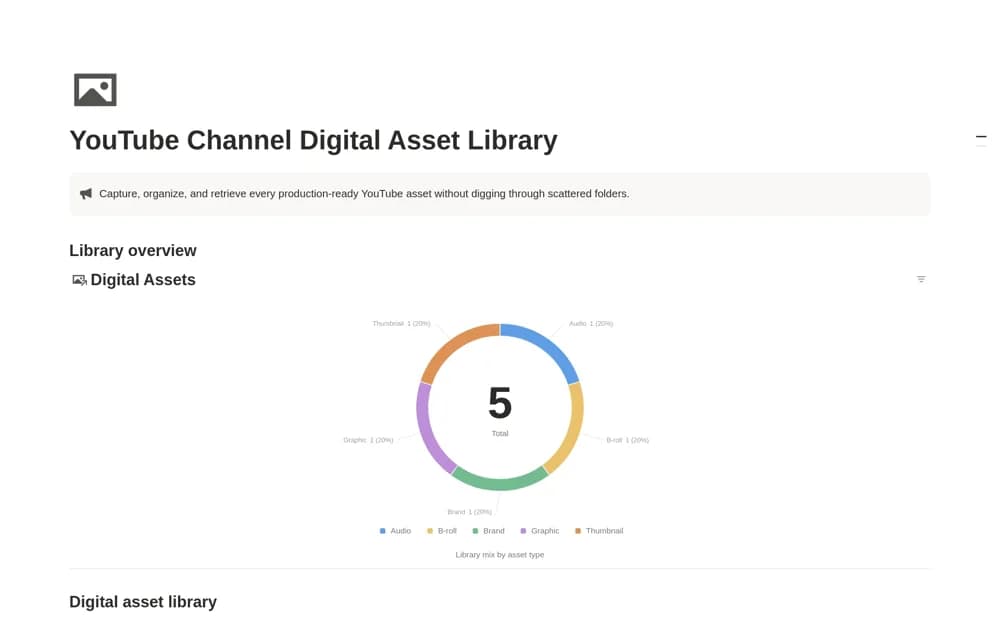
A media-asset catalog for thumbnails, B-roll, audio, graphics, and brand files, with formats, source links, asset links, dates, and license context.
 Free
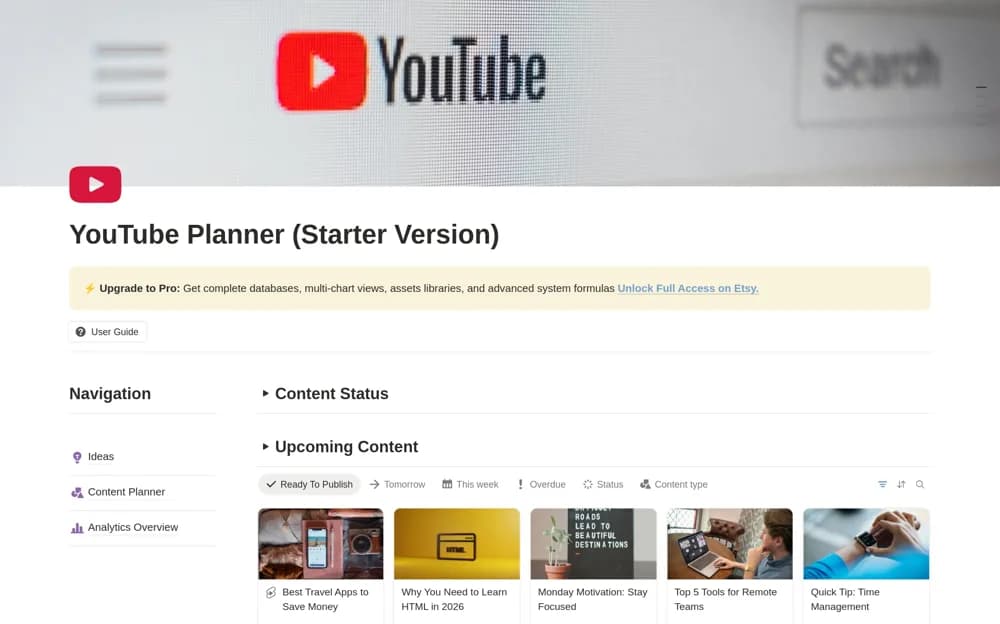
A free YouTube starter planner using one content database for ideas, scheduling, calendar views, and analytics records.
 Free
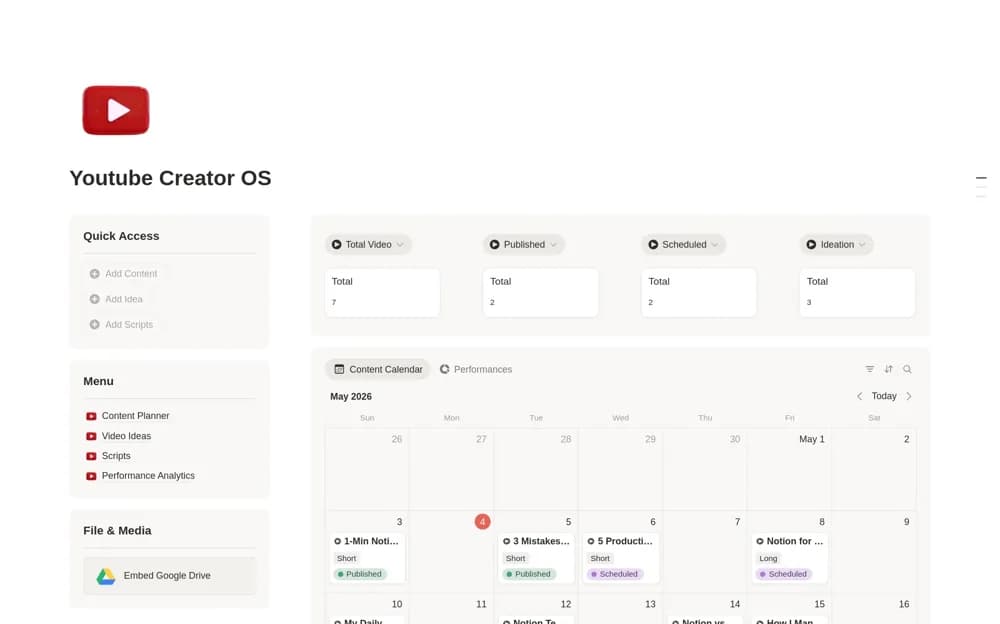
A YouTube planning system linking video ideas, scripts, content scheduling, upload records, and performance metrics.
 Free
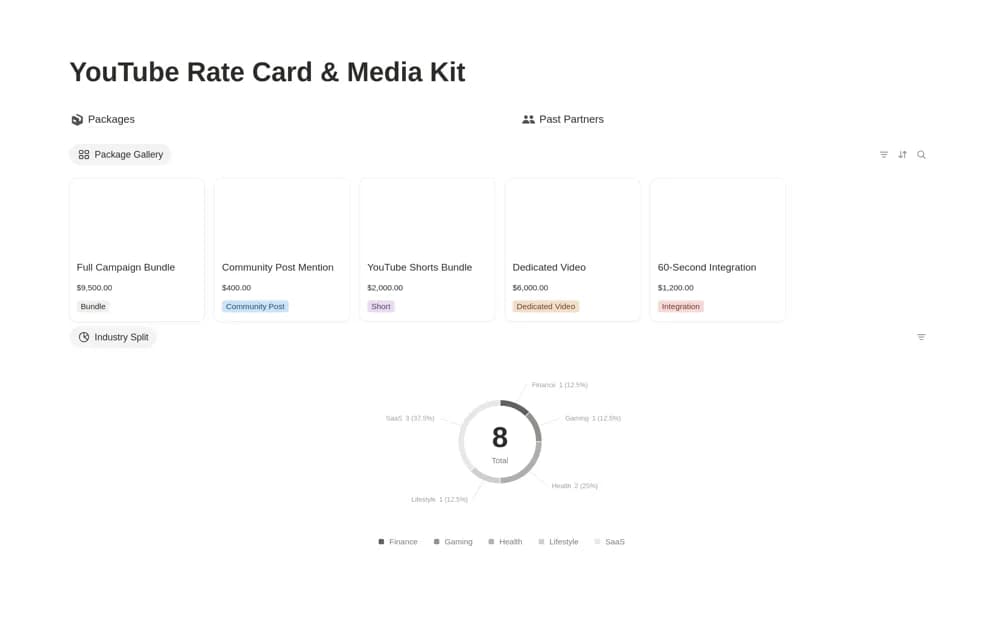
A YouTube sponsorship rate card combining priced packages, deliverables, turnaround, usage rights, and past partners, with gallery, comparison, and industry-summary views.
Compare the purpose and included features before choosing a workspace.
YouTubers and small creator businesses tracking income from forecast to actual receipt.
YouTube teams and editors maintaining a reusable production library across videos.
Creators organizing videos, Shorts, posts, and live-stream plans.
5 working templates from 4 creators: 5 free. Links last checked October 11, 2026.
| Template | Best for | Price | Creator |
|---|---|---|---|
| YouTube Channel Creator Revenue Dashboard | YouTubers and small creator businesses tracking income from forecast to actual receipt. | Free | RunBook |
| YouTube Channel Digital Asset Library | YouTube teams and editors maintaining a reusable production library across videos. | Free | RunBook |
| YouTube Content Planner: From Ideas to Planning | Creators organizing videos, Shorts, posts, and live-stream plans. | Free | Orion Crest |
| Youtube Creator OS | YouTube creators organizing a repeatable production process. | Free | NStation |
| YouTube Rate Card & Media Kit | Creators preparing a clearer starting point for brand sponsorship conversations. | Free | ZikoTemplates |
Choose a video with a clear audience and promise, then plan its research and production needs. Keep title and thumbnail options close to the brief without treating them as a substitute for useful content. Distinguish planned, filmed, edited, and published work. Check any claimed platform integration in the creator’s documentation; a planner normally still requires you to produce and upload the video.
Video briefs and research
Production and asset status
A realistic publication schedule
About the directoryDefine the intended viewer and what the video should help them understand or do. Connect research, script, shoot needs, editing, thumbnail choices, and review to that purpose. Keep filmed work distinct from approved or published work. After release, record the live link and dated observations that can inform the next video without assuming a single metric explains the result.
Jump straight to any listing in the collection.
Only if those features and their setup are explicitly described. A planner can organize production without connecting to the channel. Check the creator's requirements and keep any manually entered metrics labeled with their reporting period and source.
It depends on the job you need it to do. Good starting points in this collection include YouTube Channel Creator Revenue Dashboard (youTubers and small creator businesses tracking income from forecast to actual receipt), YouTube Channel Digital Asset Library (youTube teams and editors maintaining a reusable production library across videos), YouTube Content Planner: From Ideas to Planning (creators organizing videos, Shorts, posts and and live-stream plans). Compare the included features below, then try your first choice with a week of real information before moving everything across.
Yes. This collection currently includes 5 listings with a confirmed free creator offer. Use the Free filter to compare them. A free version can have different features from a creator’s paid upgrade, so check the original listing and current access terms before adding it to your workspace.