About Pink Travel Planner
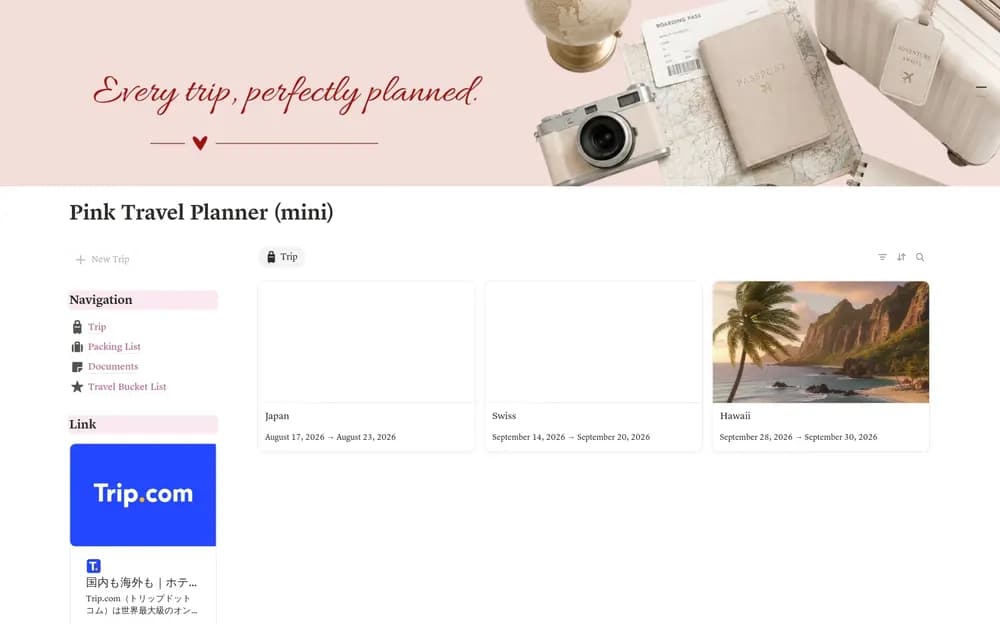
Organize trips in a pink Notion travel planner with itineraries, a saved-places map, restaurants, photo spots, reservations, a budget, and packing.
What’s included
- Travel dashboard with quick actions for destinations, activities, reservations, and expenses
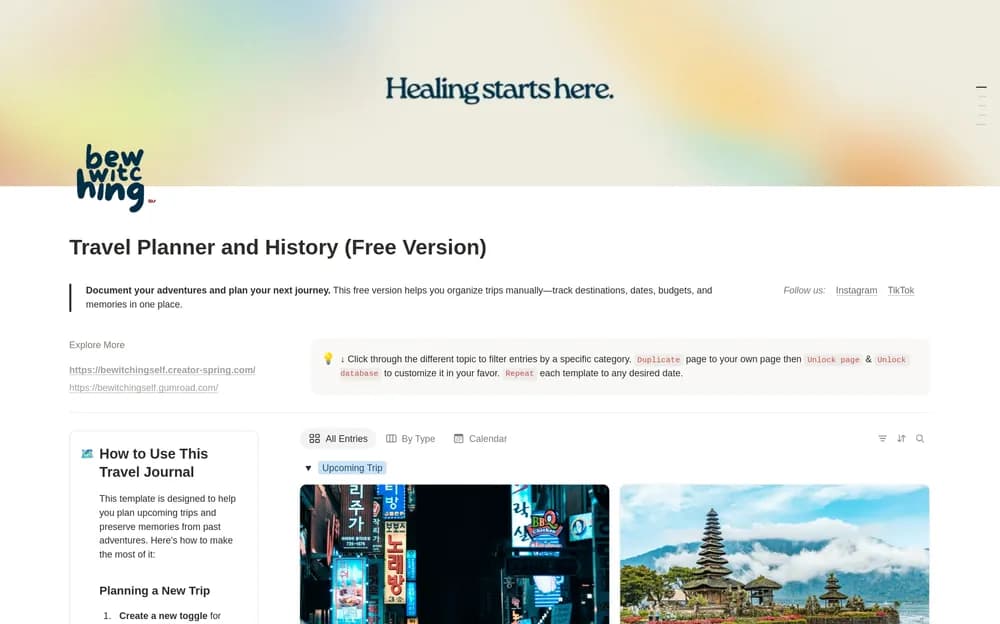
- Trips database with dates, companions, and budgets
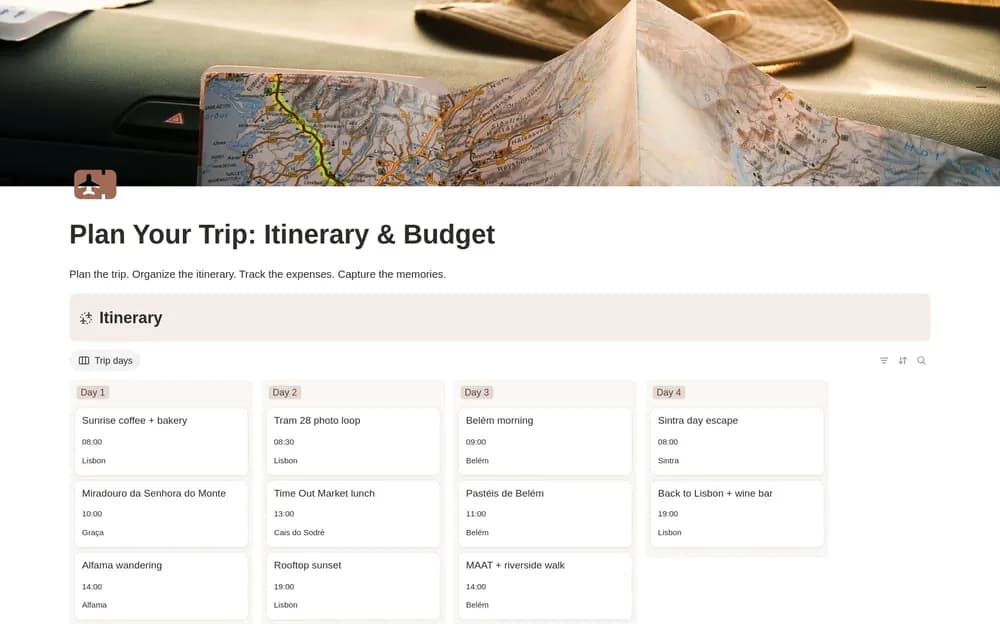
- Day-by-day itinerary and a map of saved places
- Activities, restaurants, and photo spots lists
- Budget, reservations, packing list, and documents sections
How to use it in practice
Add one upcoming trip with its dates and companions. Enter the reservations you already have, then pin a handful of restaurants and photo spots on the map. Build the first two days of the itinerary, log expected costs in the budget, and start the packing list a week before you leave.
Set it up in your workspace
- Open the original Notion Marketplace listing and add the template to your chosen workspace while signed in. Keep its example records until you understand how the pages connect.
- Add one upcoming trip with its dates and companions.
- Try one complete example before adding a large backlog. Check that its views and any calculations show what you expect, then replace the sample content with your own.
Who it suits and what to consider
Travelers who want a decorative planner that covers every part of a trip. Many separate sections mean more setup per trip, so skip the ones you will not use. Storing travel documents in Notion is convenient, but consider which sensitive details you keep there.