About Plan Your Trip: Itinerary & Budget
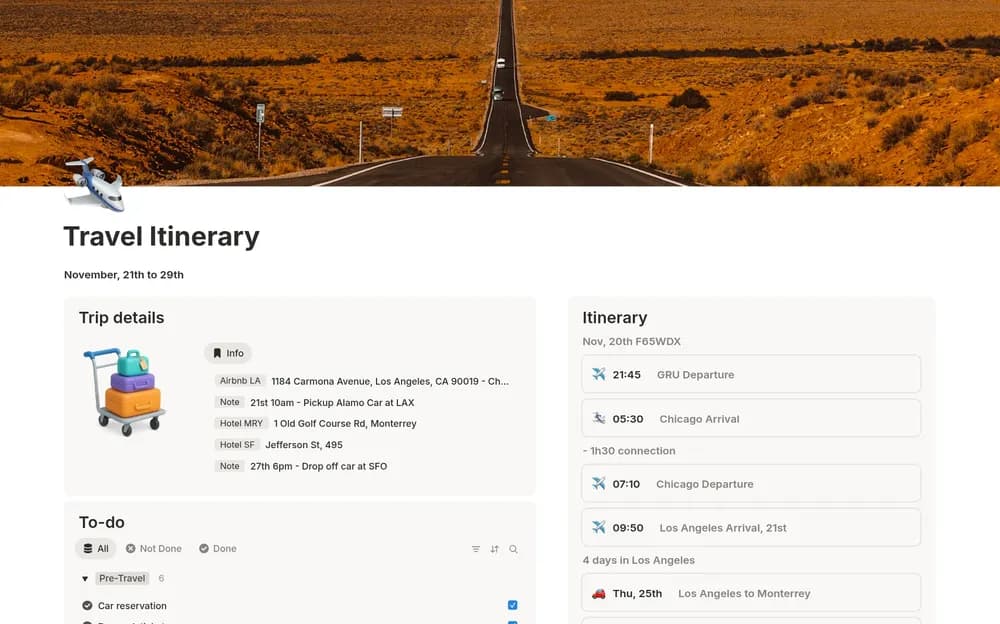
Prepare a single trip in Notion with flight and stay details side by side, a categorized to-do list, a daily itinerary, and per-person expenses.
What’s included
- Overview of flights and accommodation
- Prefilled to-do checklist sorted into documents, bookings, money, health, packing, and more
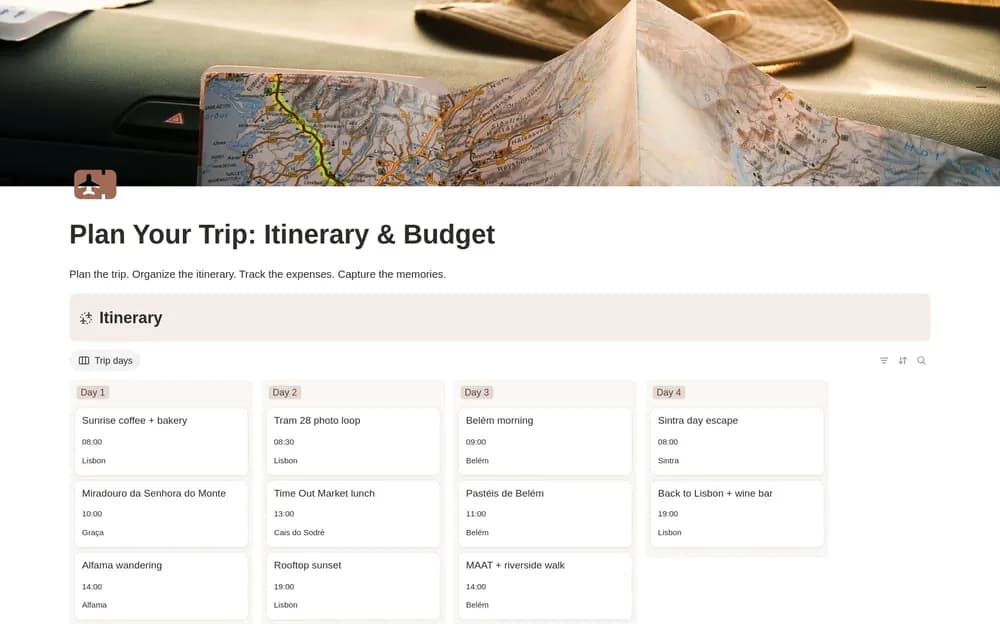
- Itinerary for daily plans and routes
- Expense tracker filterable by person or day
- Post-trip reflection page
How to use it in practice
Swap the example flight and accommodation entries for your real reservations. Work through the documents and bookings categories of the checklist first. Sketch a rough itinerary for the first few days, log any deposits you have already paid as expenses, and filter by person to see where costs stand.
Set it up in your workspace
- Open the original Notion Marketplace listing and add the template to your chosen workspace while signed in. Keep its example records until you understand how the pages connect.
- Swap the example flight and accommodation entries for your real reservations.
- Try one complete example before adding a large backlog. Check that its views and any calculations show what you expect, then replace the sample content with your own.
Who it suits and what to consider
Travelers who want one trip page with a ready-made preparation checklist. Bookings are copied in by hand; the creator notes there are no plugins or integrations. The layout appears built around one trip, so duplicate it for each new trip.