About Personal CRM — Networking & Follow-Up Tracker
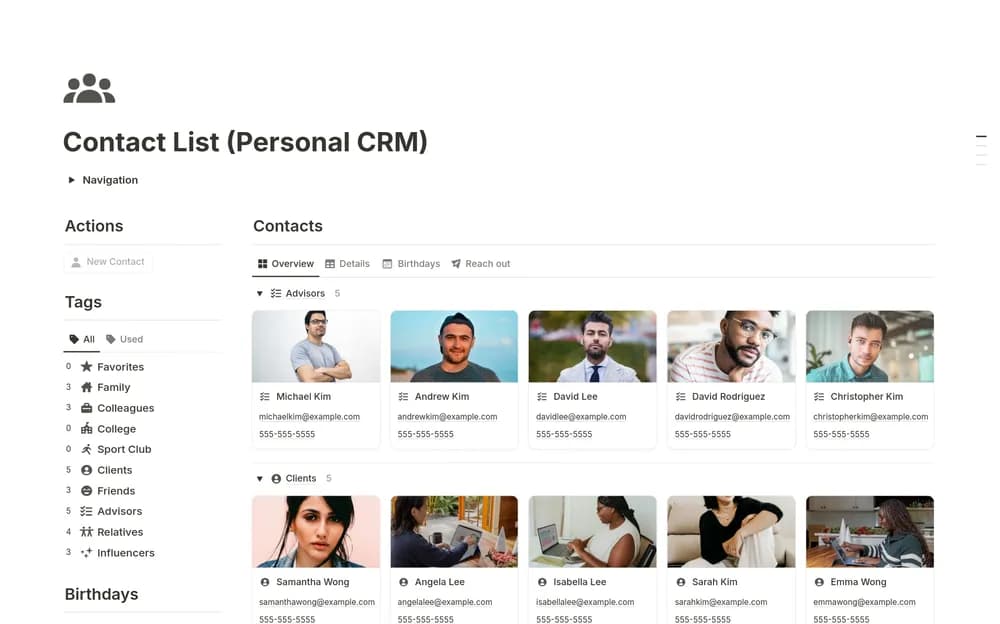
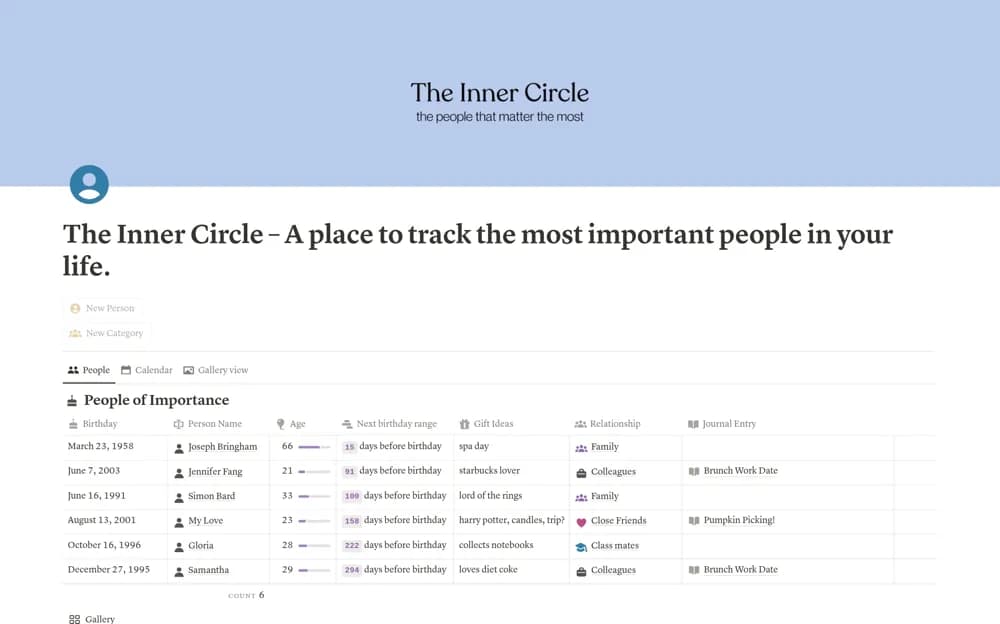
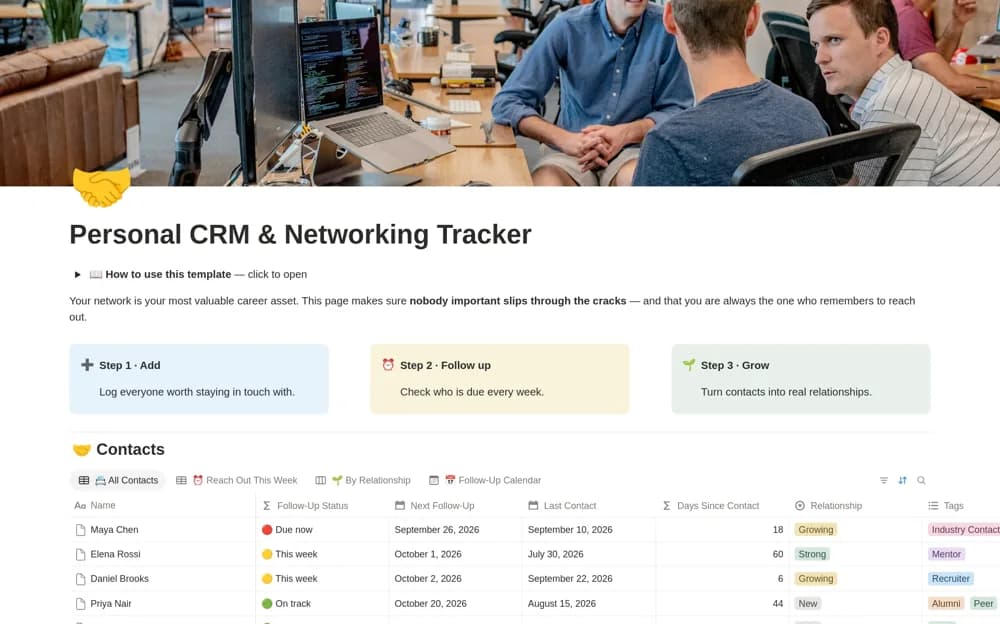
Keep professional contacts in Notion with relationship stages, follow-up dates, a weekly outreach list, and editable message examples.
What’s included
- Contacts with company and meeting context
- Date-based follow-up status
- Relationship-stage board
- Follow-up calendar and message examples
How to use it in practice
Add a recent contact and note where you met and what you discussed. Choose a sensible follow-up date, then review the weekly outreach list at a regular time. Write a personal message using the saved context and update the record after the conversation rather than marking outreach complete in advance.
Set it up in your workspace
- Open the original Notion Marketplace listing and add the template to your chosen workspace while signed in. Keep its example records until you understand how the pages connect.
- Add a recent contact and note where you met and what you discussed.
- Try one complete example before adding a large backlog. Check that its views and any calculations show what you expect, then replace the sample content with your own.
Who it suits and what to consider
People maintaining professional relationships through a small, regular follow-up routine. The date-based list is a reminder aid. It does not send messages or ensure another person wants to receive them.