 Paid
PaidFreelancingFeatured
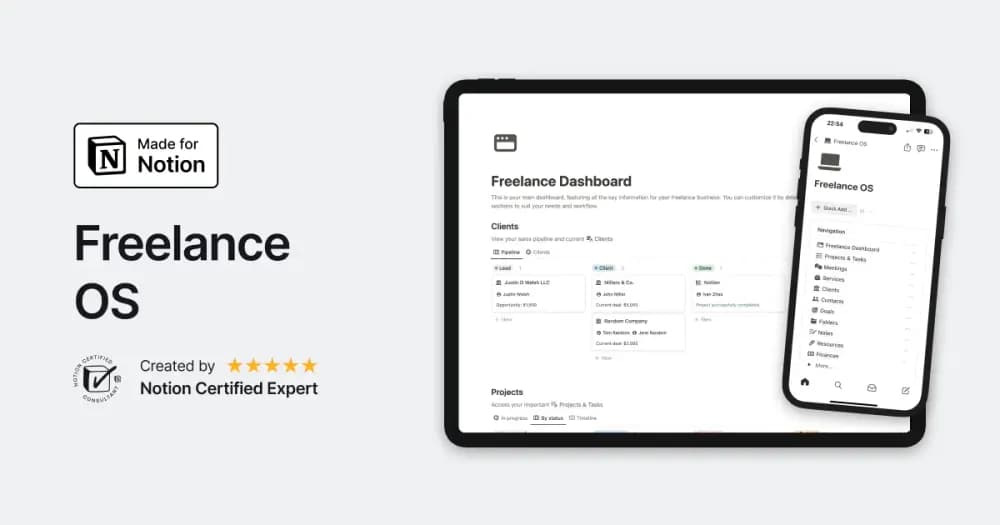
Freelance OS
Notion Everything’s workspace for running the client side of independent work.
Keep contact details, conversations, and client work connected. Find Notion CRM templates for independent work, small teams, and growing relationships.
Showing 1–18 of 21 templates
A little structure goes a long way.PaidNotion Everything’s workspace for running the client side of independent work.
 Free
Free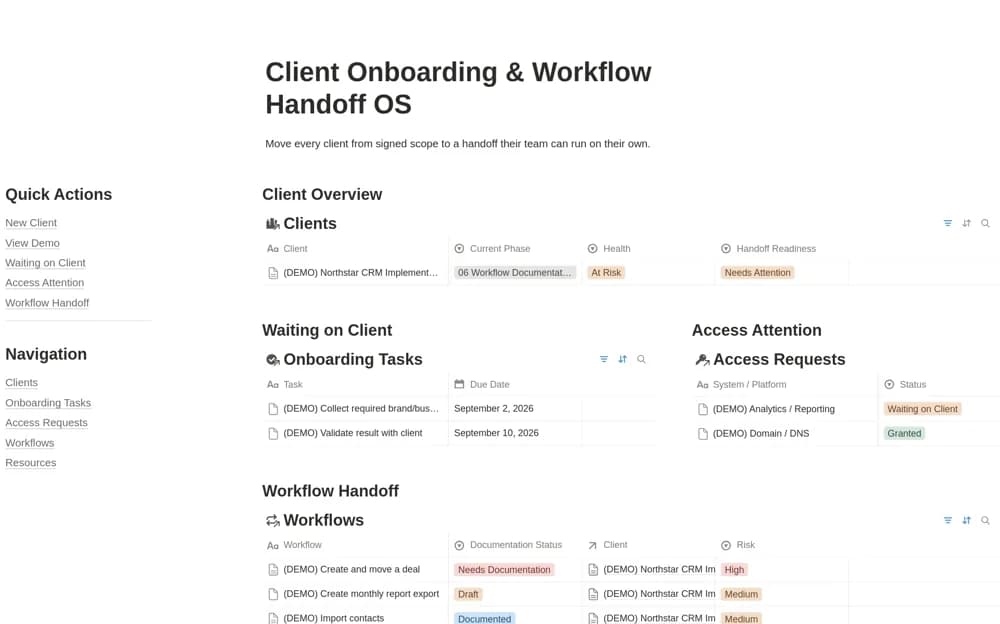 Free
FreeA client implementation workspace tracking onboarding progress, missing access, workflow documentation, and handoff readiness, with a client-facing handoff view and a sample engagement.
 Free
Free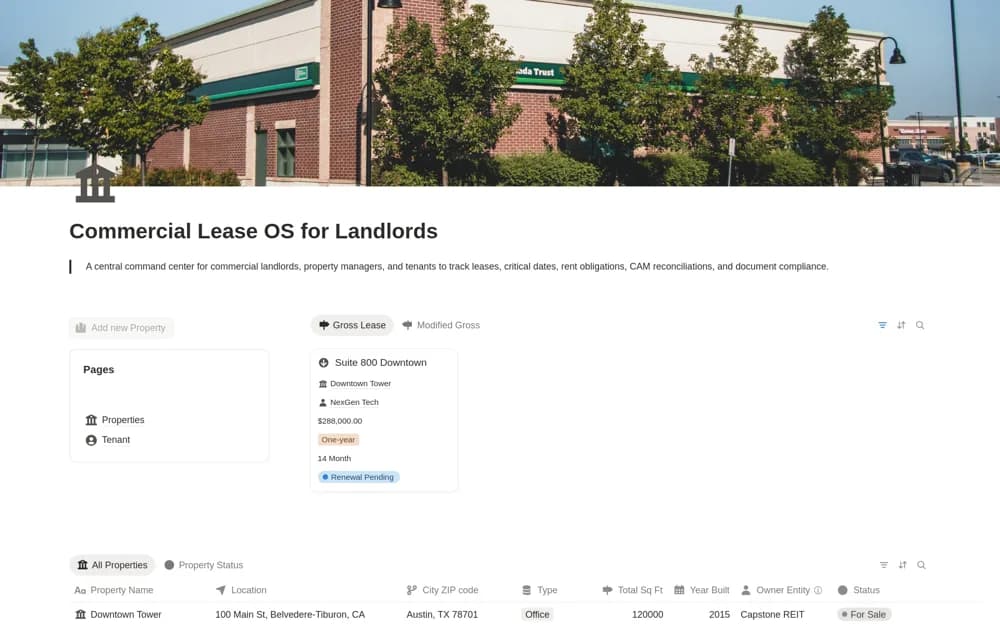 Paid
PaidA paid commercial-property workspace for leases, renewal or expiration dates, rent obligations, common-area maintenance reconciliations, and related compliance documents.
 Free
Free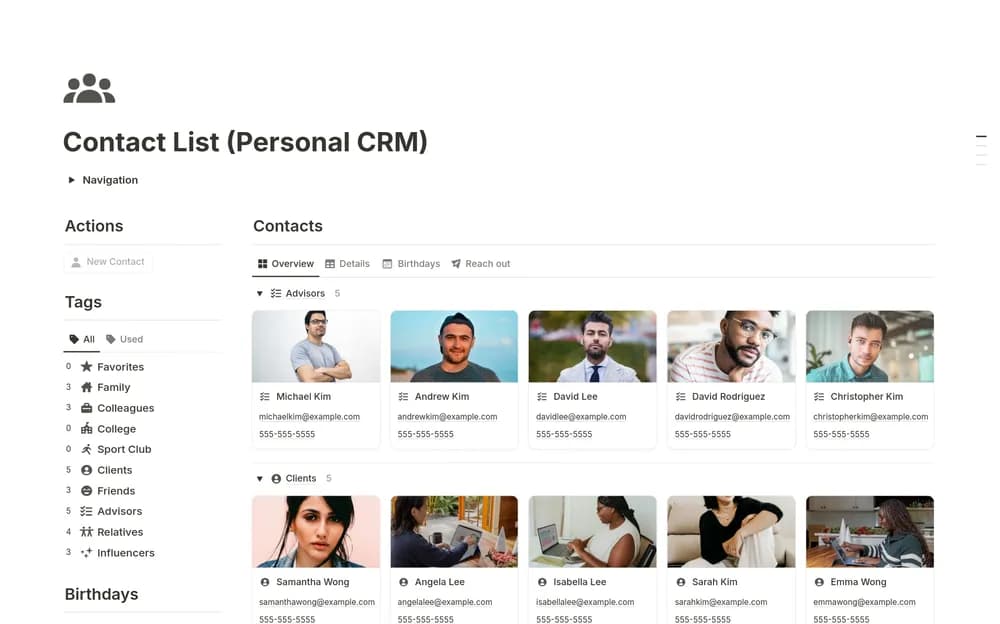 Free
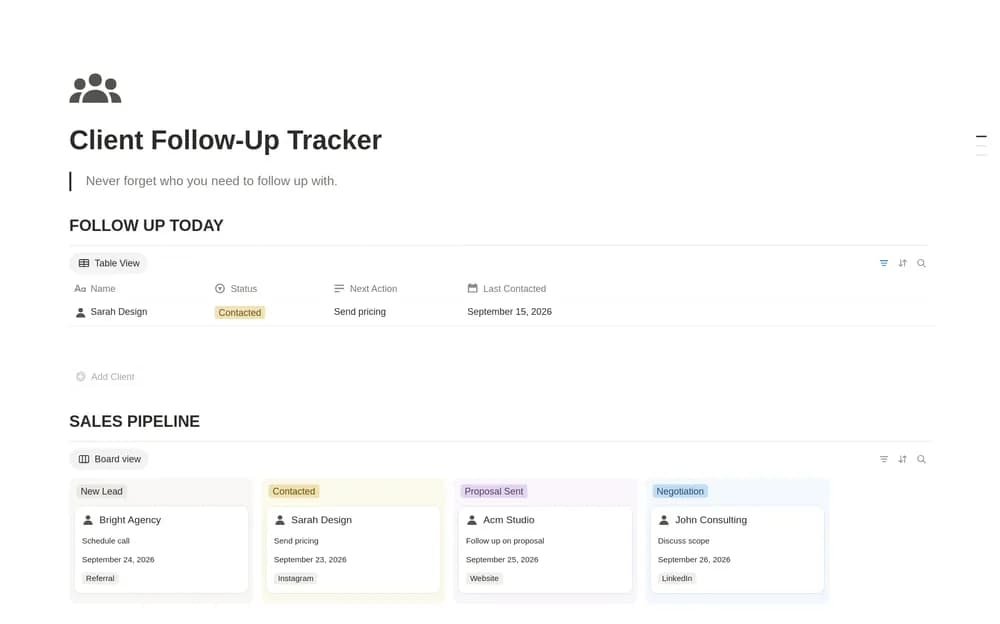
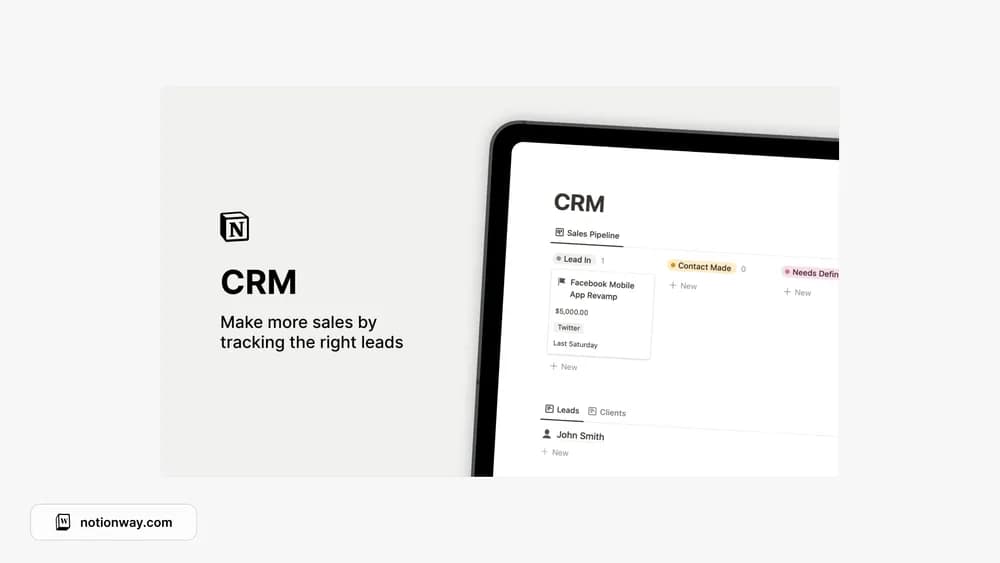
FreeA personal CRM for remembering people and the context around them.
 Free
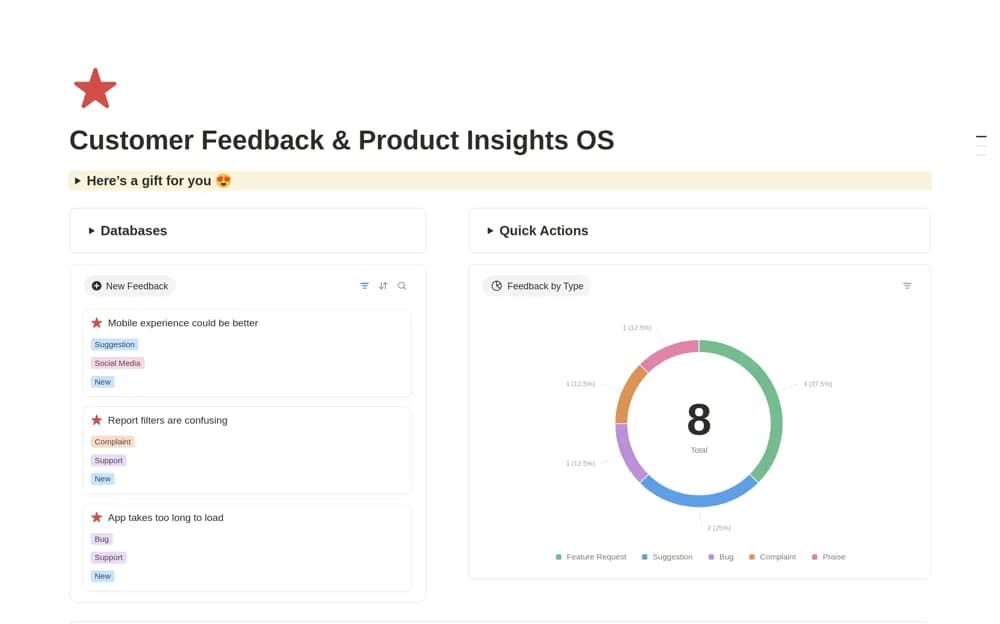
FreeA product feedback workspace for collecting customer requests and connecting them with features and development tasks.
 Paid
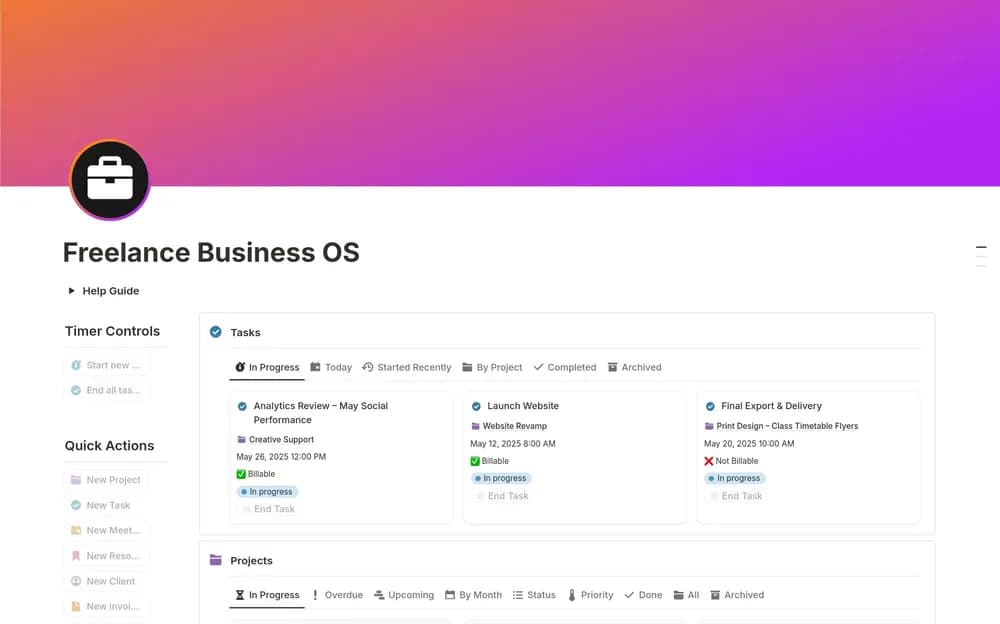
PaidKeep freelance clients, projects, and invoice records within reach.
 Free
Free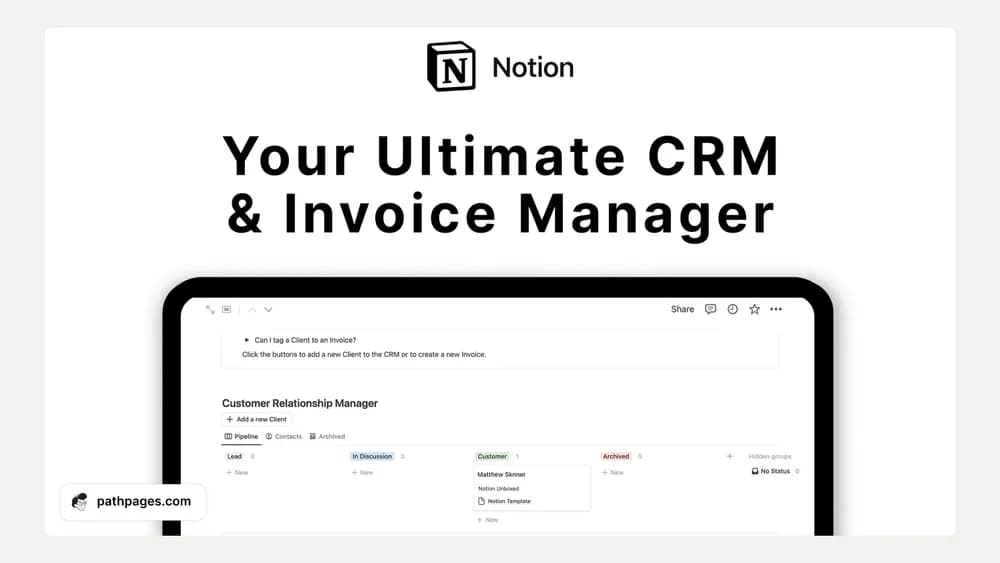 Free
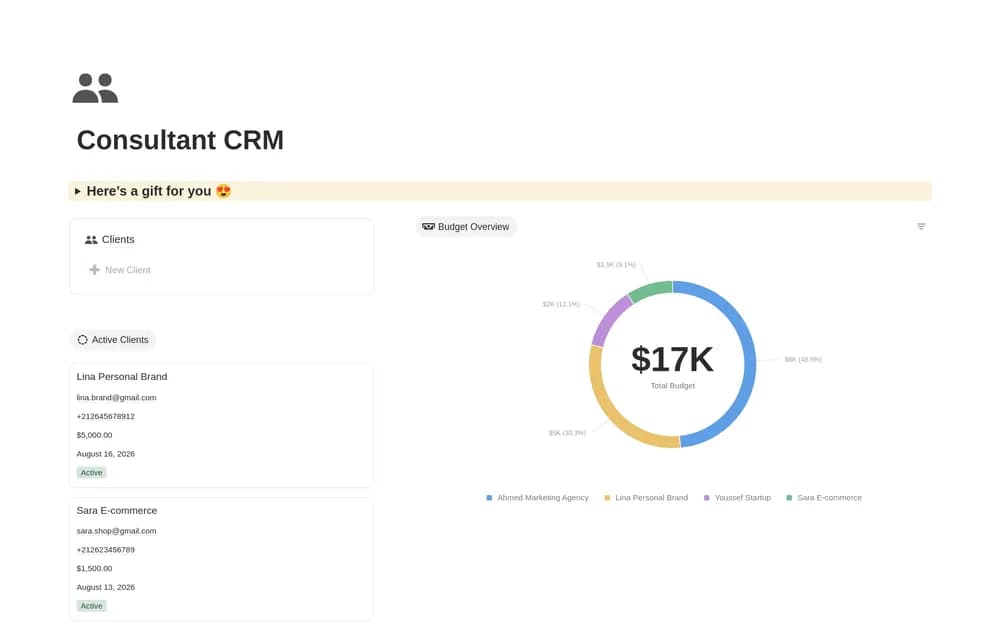
FreeBring client relationships and invoice organization into one workspace.
 Free
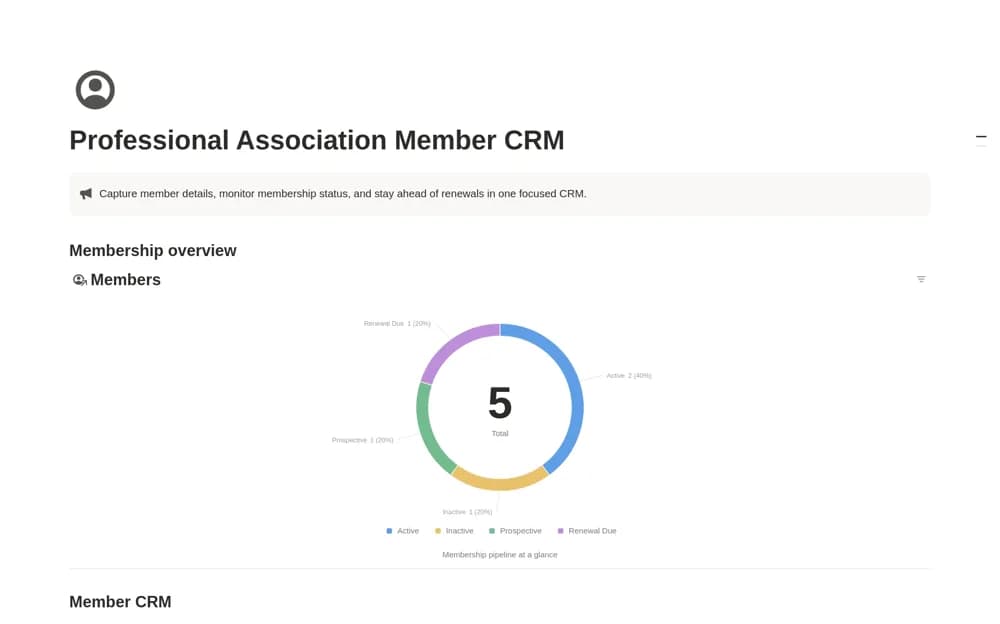
FreeA member directory for professional associations, with contact and organization details, membership type, lifecycle status, join dates, and renewals.
 Free
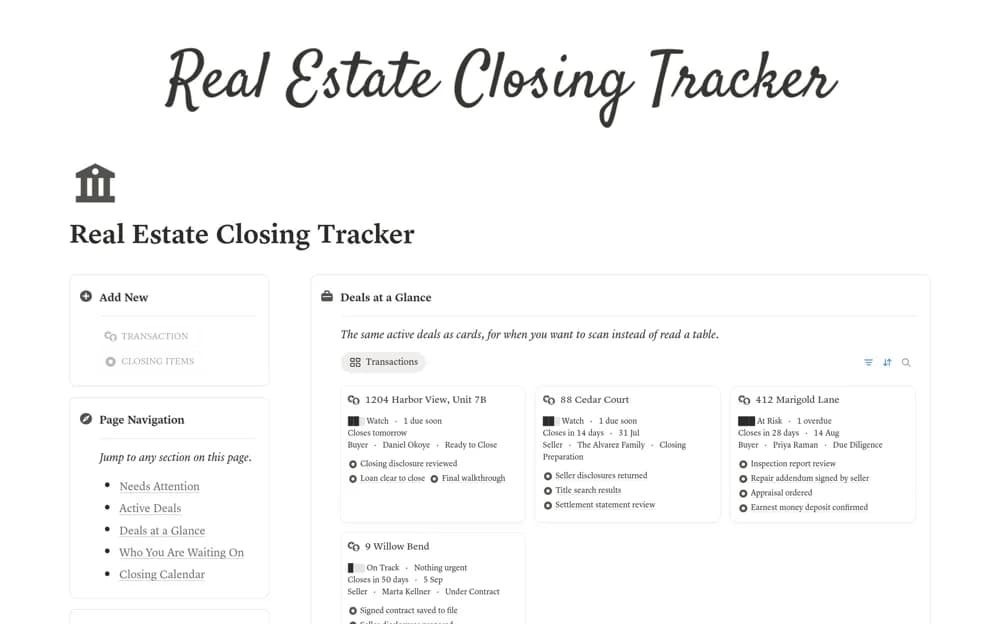
FreeA real estate closing tracker linking active deals, contract deadlines, waiting items, and calculated attention flags.
 Free
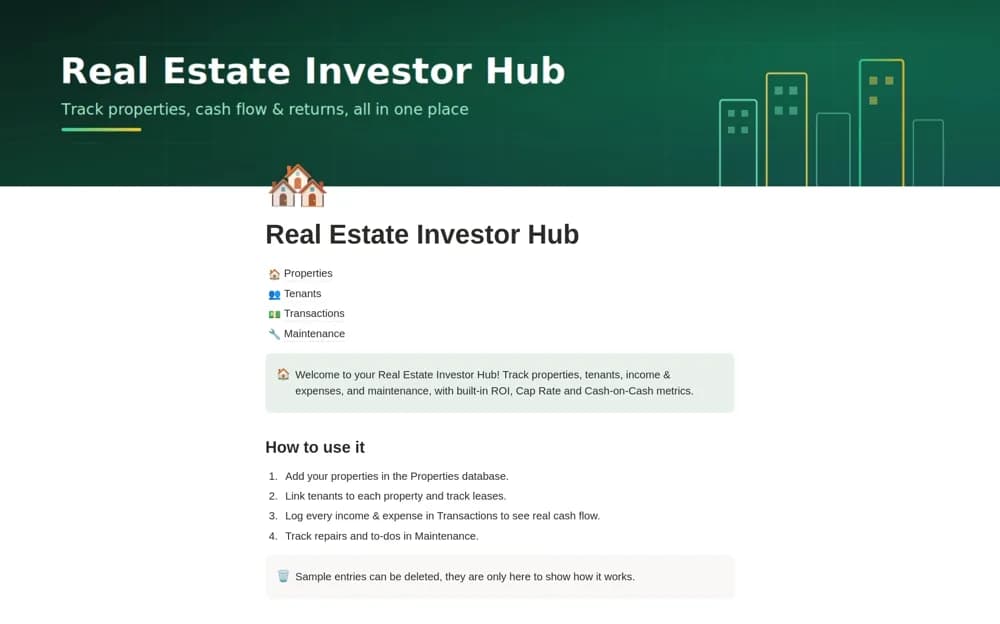
FreeA rental-property workspace connecting properties, tenants, transactions, and maintenance, with property-level calculations for cash flow, cap rate, cash-on-cash return, and equity.
 Free
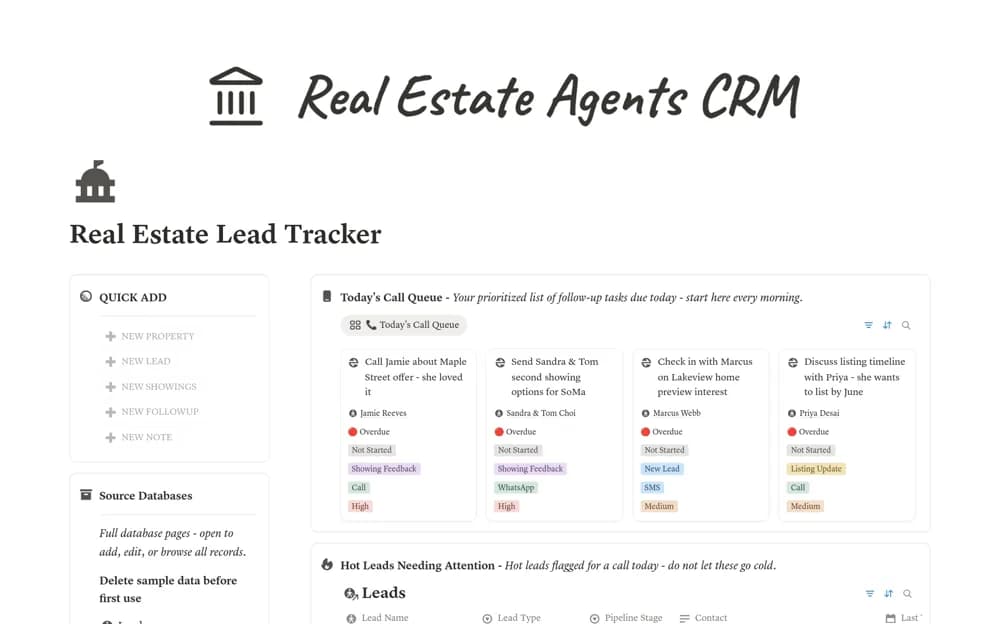
FreeA real estate CRM linking buyer and seller leads, properties, showings, follow-ups, and last-contact priorities.
 Paid
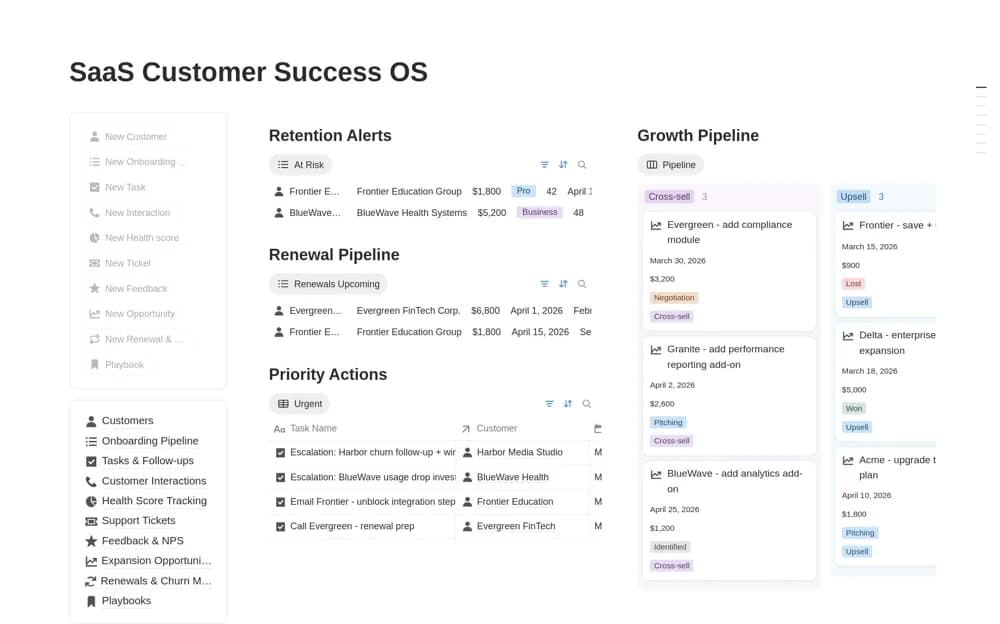
PaidA SaaS customer-success workspace for accounts, onboarding, interactions, follow-ups, health indicators, and support context.
 Free
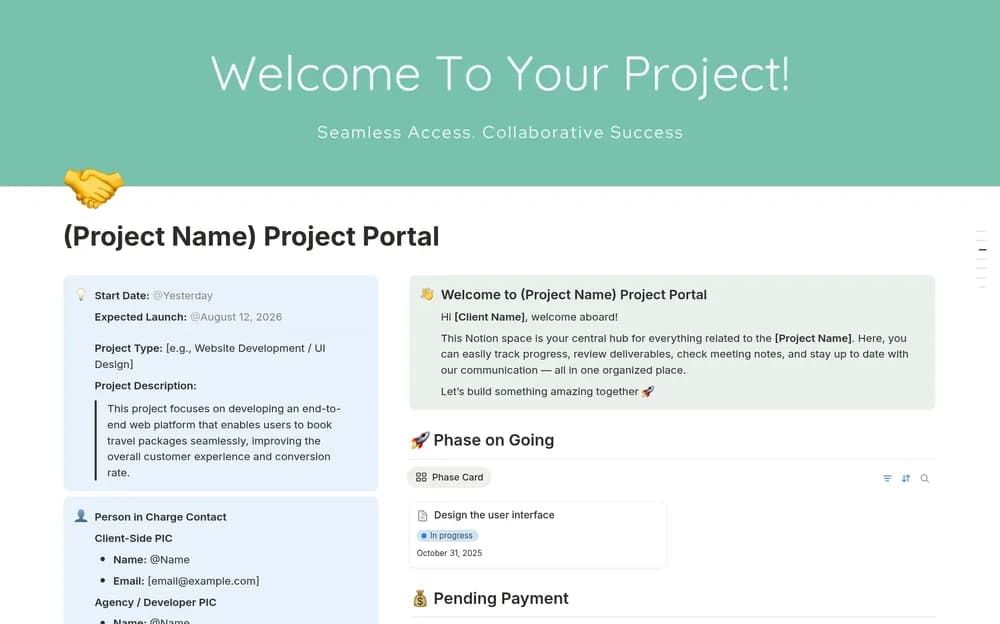
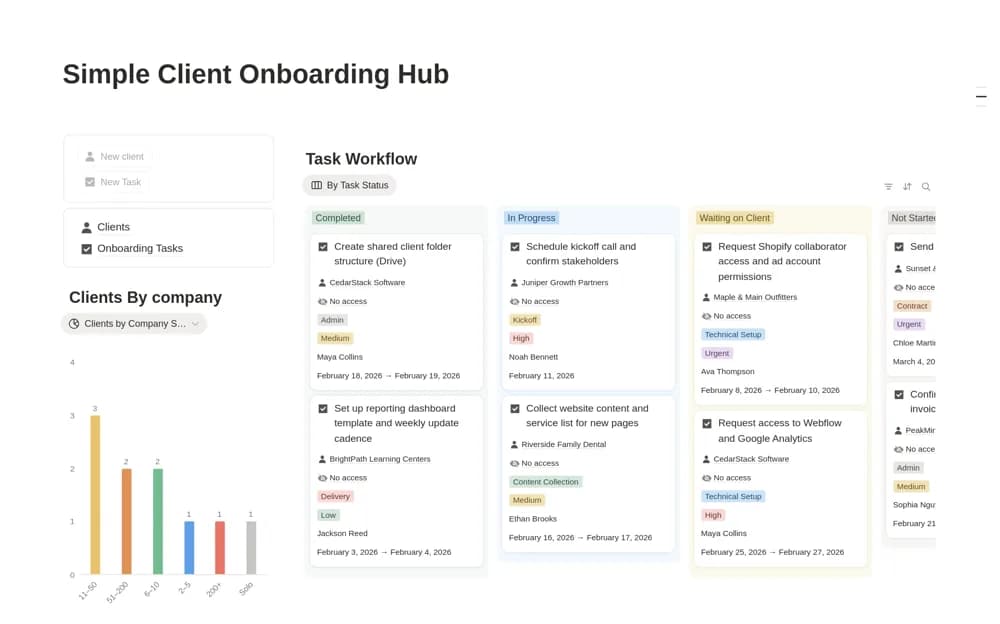
FreeA lightweight onboarding system with two connected databases for clients and tasks, including a start-date calendar and a view of work waiting on the client.
 Paid
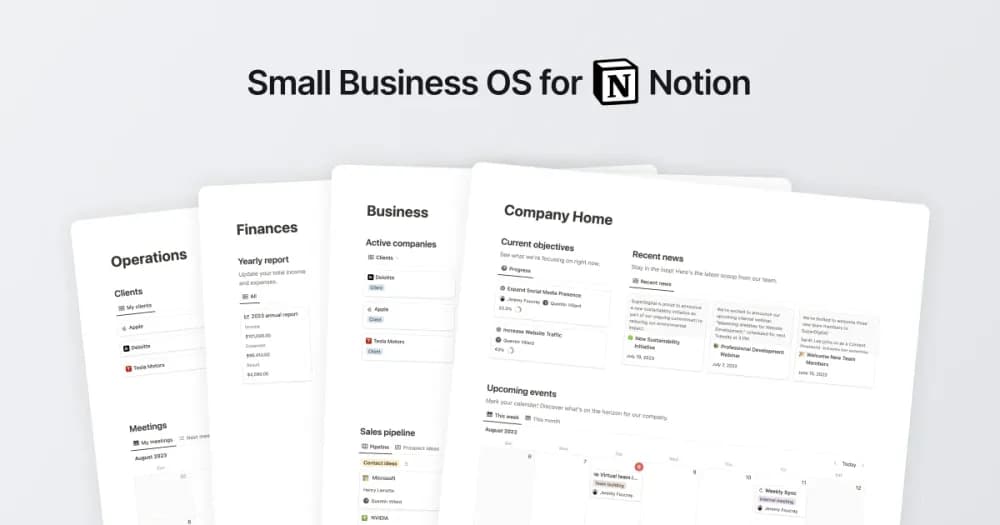
PaidA connected workspace for a small business’s projects, clients, and knowledge.
Compare the purpose and included features before choosing a workspace.
Independent professionals sharing project context with a client.
People who want a more useful contact list.
Independent businesses keeping track of relationships.
Think about what you need to remember before the next conversation. A useful CRM keeps recent notes, open work, and the next follow-up close to the contact. Check how duplicates and inactive relationships are handled. If you need automatic email logging, confirm that the creator documents it rather than assuming it is included.
Contact and company records
Conversation history
Follow-up dates
About the directoryBegin with active contacts and record the last interaction, open work, and next agreed action. Distinguish a person, their company, and a deal or project when the workflow needs all three. Decide how duplicates and inactive records will be handled before importing a large contact list.
A template layout alone does not connect communication services. Some creators describe integrations, but check their requirements and permissions separately. Otherwise, expect to record conversations and follow-ups manually.
Yes. This collection currently includes 16 listings with a confirmed free creator offer, alongside 5 paid or freemium options. Use the Free filter to compare them. A free version can have different features from a creator’s paid upgrade, so check the original listing and current access terms before adding it to your workspace.