About Post-Meeting Triage
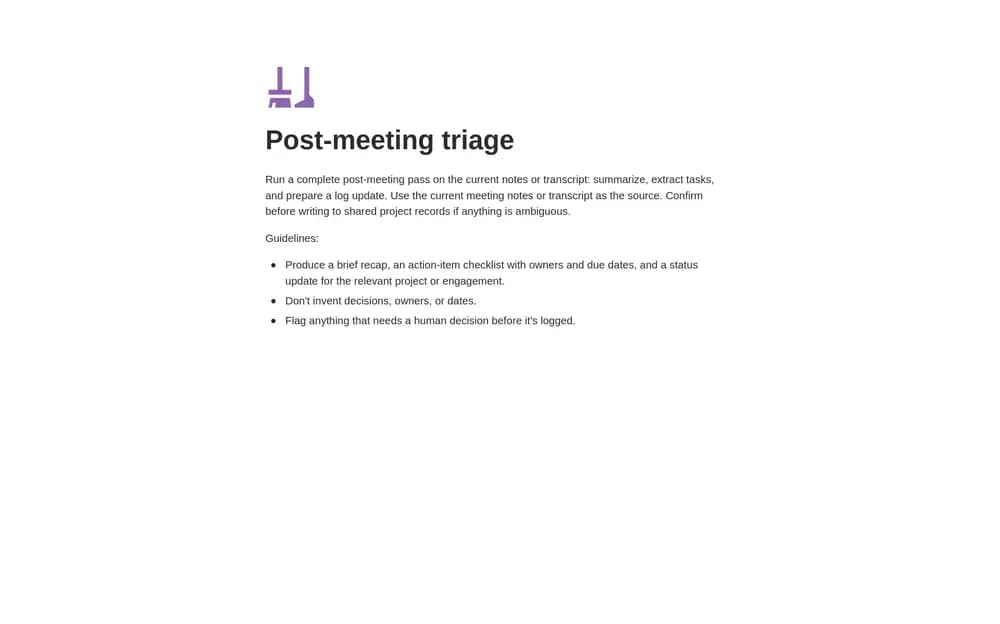
Process meeting notes in a single Notion AI pass that returns a recap, a list of action items, and an update for your decision log.
What’s included
- Meeting recap
- Action-item list
- Decision-log update
- Single combined pass over meeting notes
How to use it in practice
Choose notes from a recent meeting and run the skill on them. Check the action items against what people actually agreed, and confirm the decision-log update records the decisions accurately. Try it after each meeting for a week and note how much manual editing remains.
Set it up in your workspace
- Open the original Notion Marketplace listing and add the template to your chosen workspace while signed in. Keep its example records until you understand how the pages connect.
- Choose notes from a recent meeting and run the skill on them.
- Try one complete example before adding a large backlog. Check that its views and any calculations show what you expect, then replace the sample content with your own.
Who it suits and what to consider
Notion AI users who want meeting outputs filed without three separate cleanup steps. The brief listing does not explain how the decision log must be structured, so check where updates are written before using it on important meetings; Notion AI access is required.