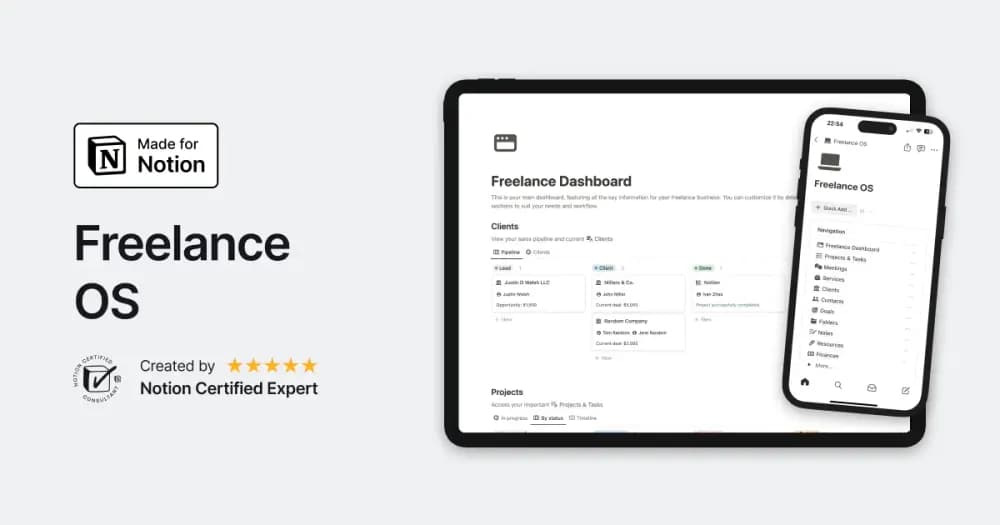
 Paid
PaidFreelancingFeatured
Freelance OS
Notion Everything’s workspace for running the client side of independent work.
Keep scope, tasks, and deadlines in view. Browse Notion project templates for independent work, small teams, and projects with many moving parts.
Showing 1–18 of 34 templates
A little structure goes a long way.PaidNotion Everything’s workspace for running the client side of independent work.
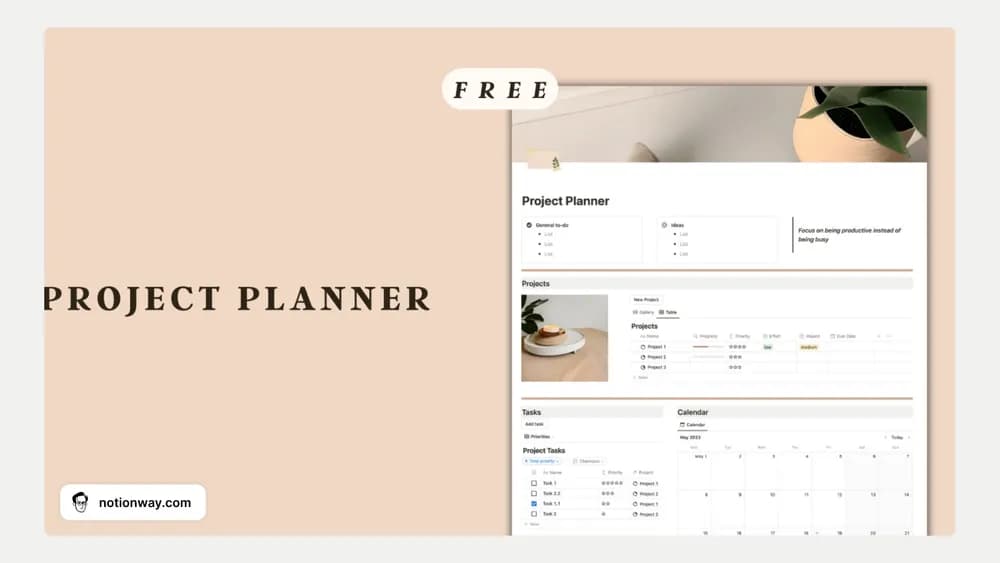 Free
Free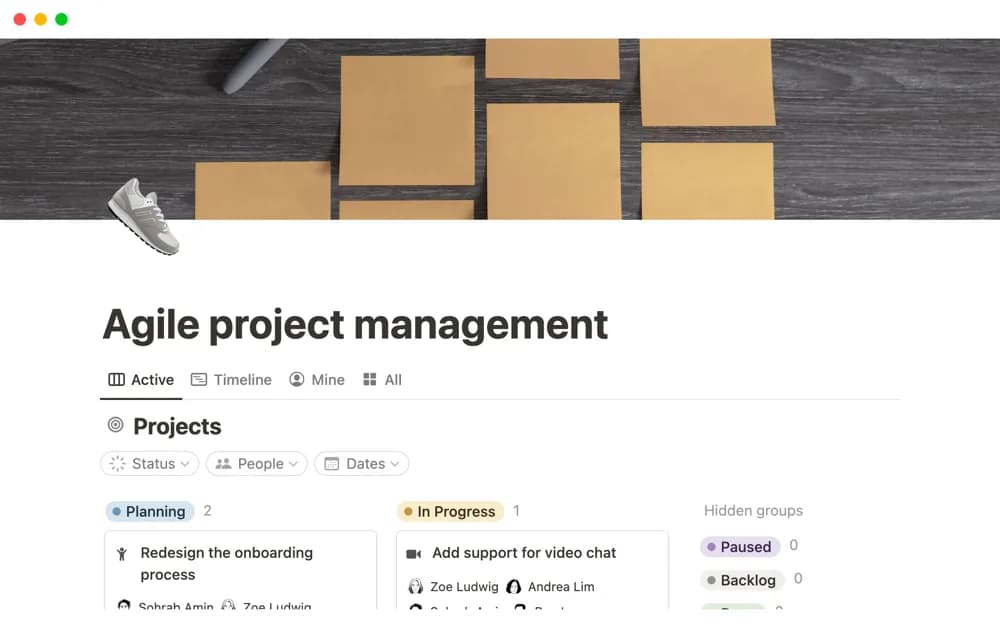 Free
FreeA Notion-made project system that divides work into tasks and sprints with a sprint timeline.
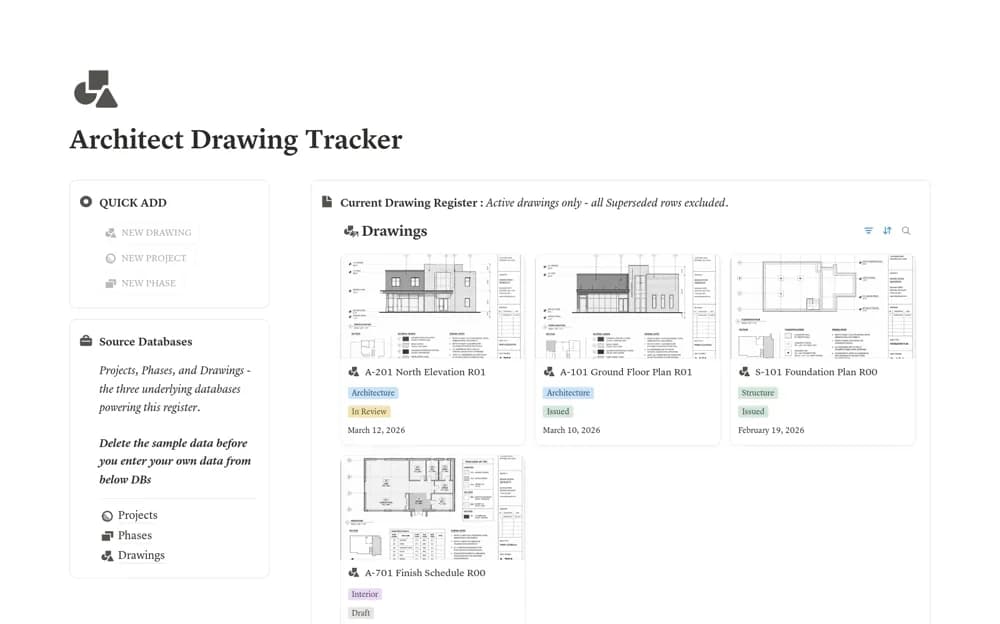 Free
FreeA drawing revision register with separate projects, phases, and drawing records, including current, issued, superseded, historical, and missing-file-link views.
 Paid
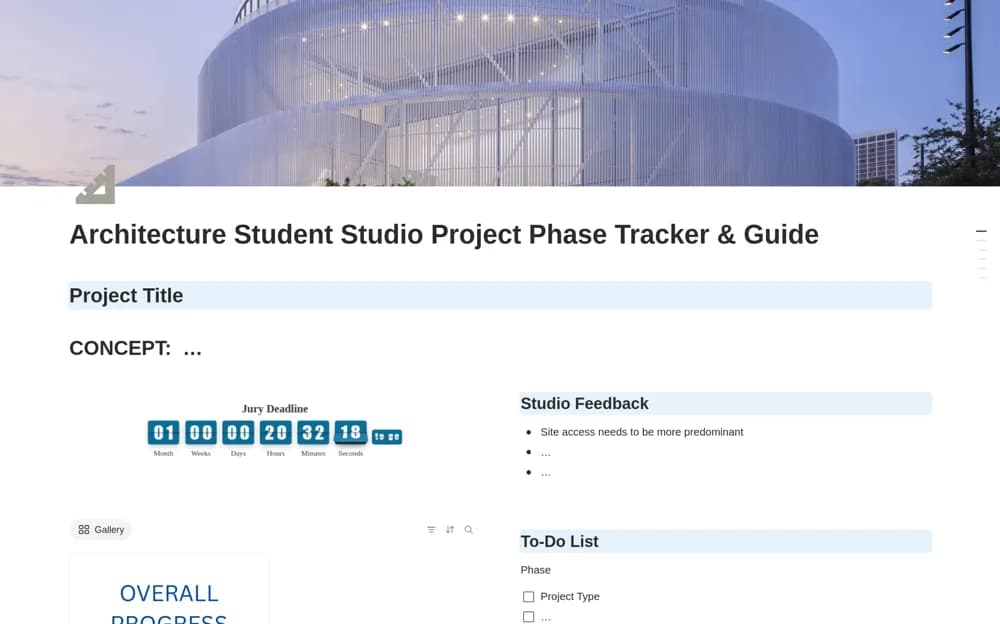
PaidAn architecture studio tracker connecting design phases, presentation deadlines, feedback, and project progress.
 Free
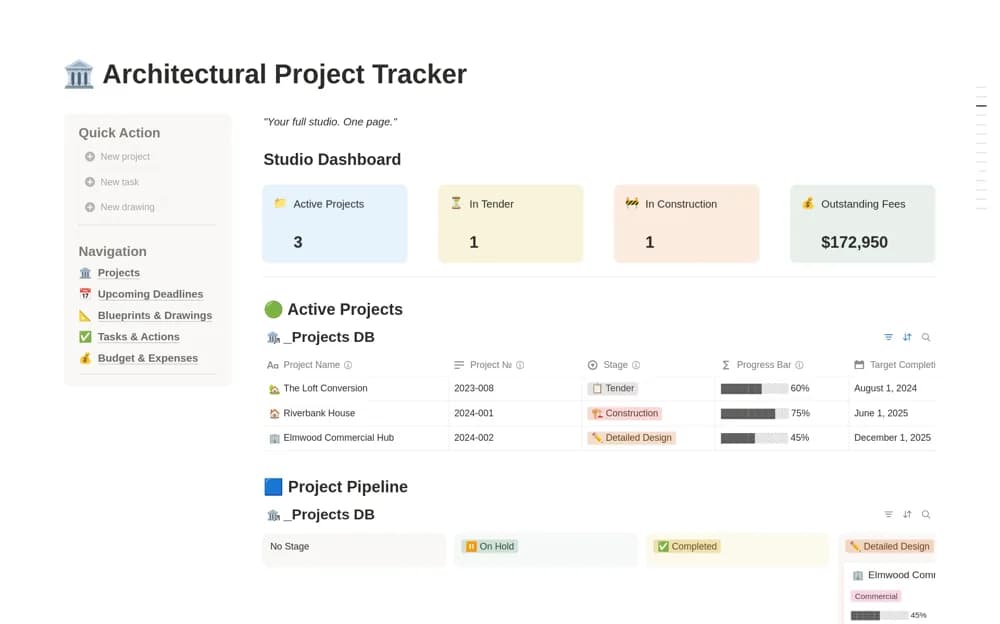
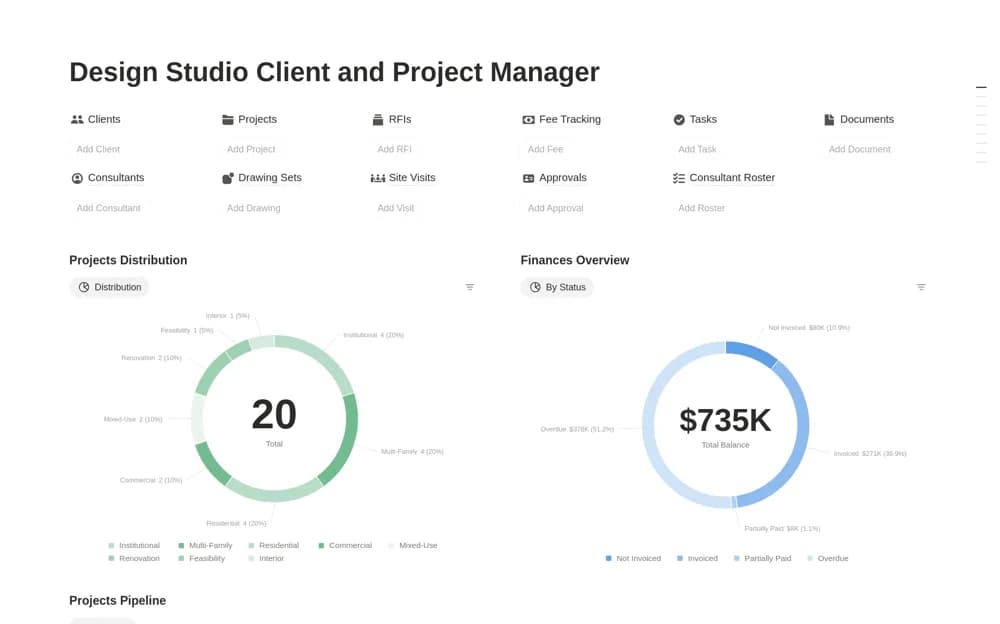
FreeAn architectural project workspace with phase tracking, fees and outstanding invoices, a drawing register, consultants, tasks, deadlines, and a studio overview.
 Free
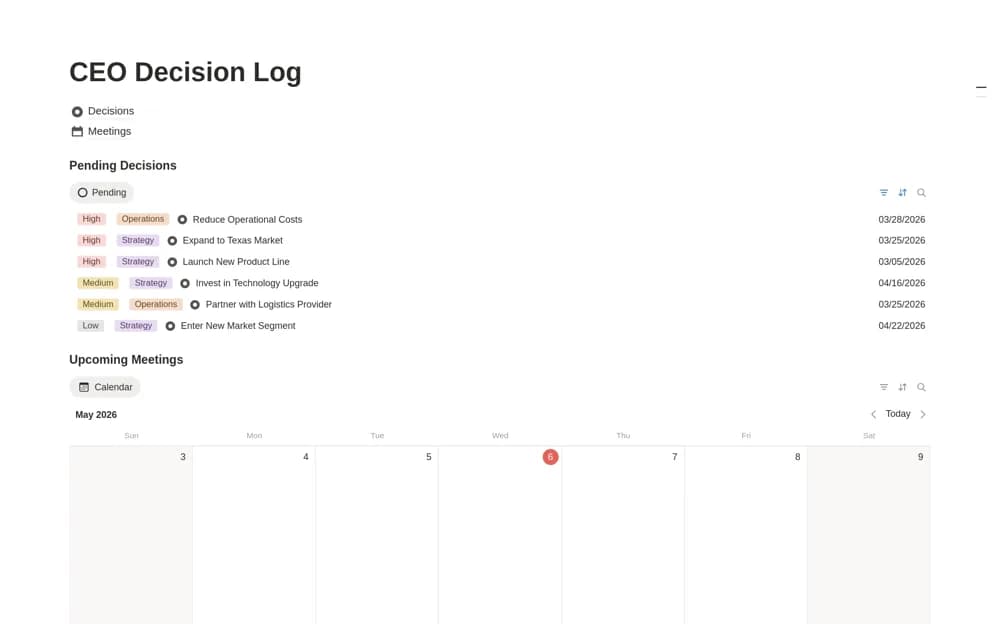
FreeAn executive decision log connecting decisions to meetings, with context, owners, next steps, status, and a pending-approval view.
 Free
Free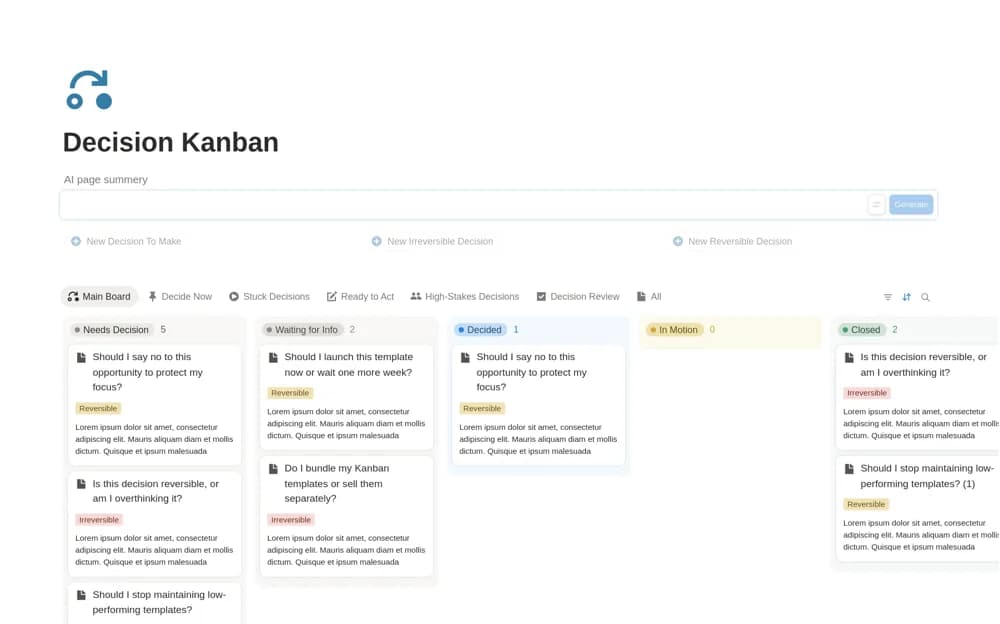 Free
FreeA decision-focused Kanban board organizing questions by status, reversibility, and blockers, with views for decisions ready to make, stuck choices, and follow-through.
 Paid
PaidA studio operations workspace linking clients, design projects, drawings, approvals, site visits, and fees.
 Free
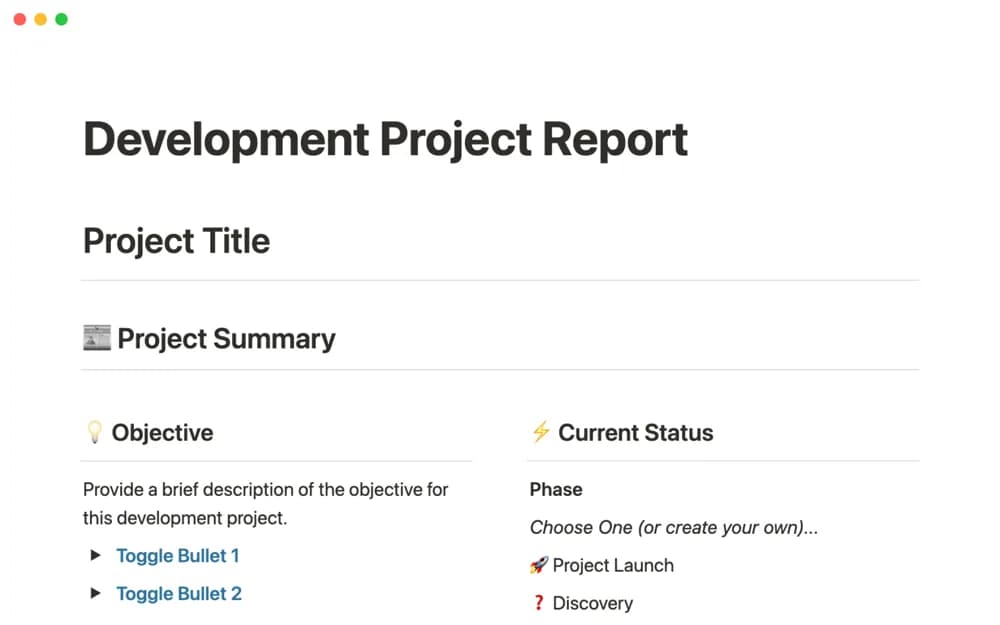
FreeA software project report for sharing design, development progress, current status, and delivery context.
 Free
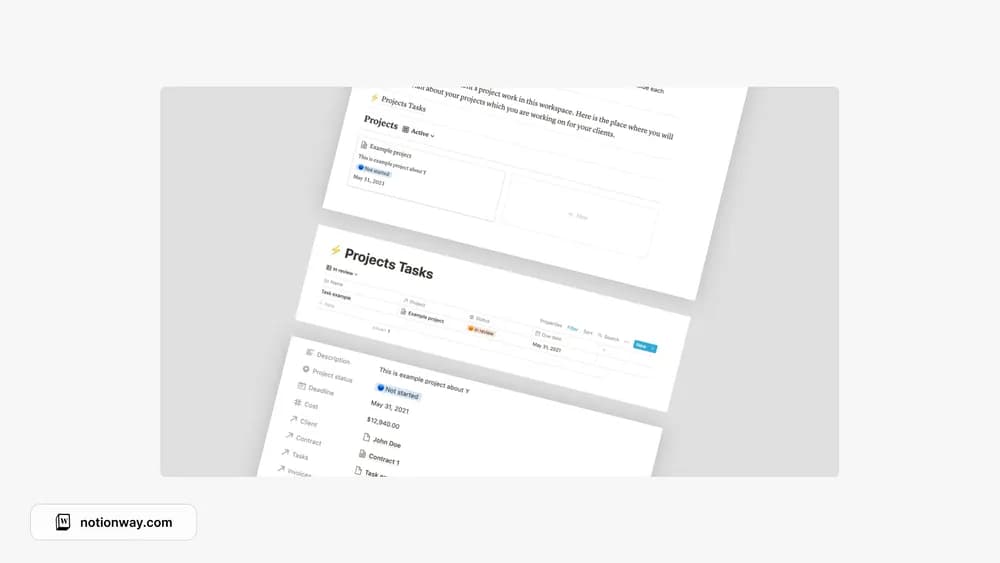
FreeA project workspace for the practical side of freelance delivery.
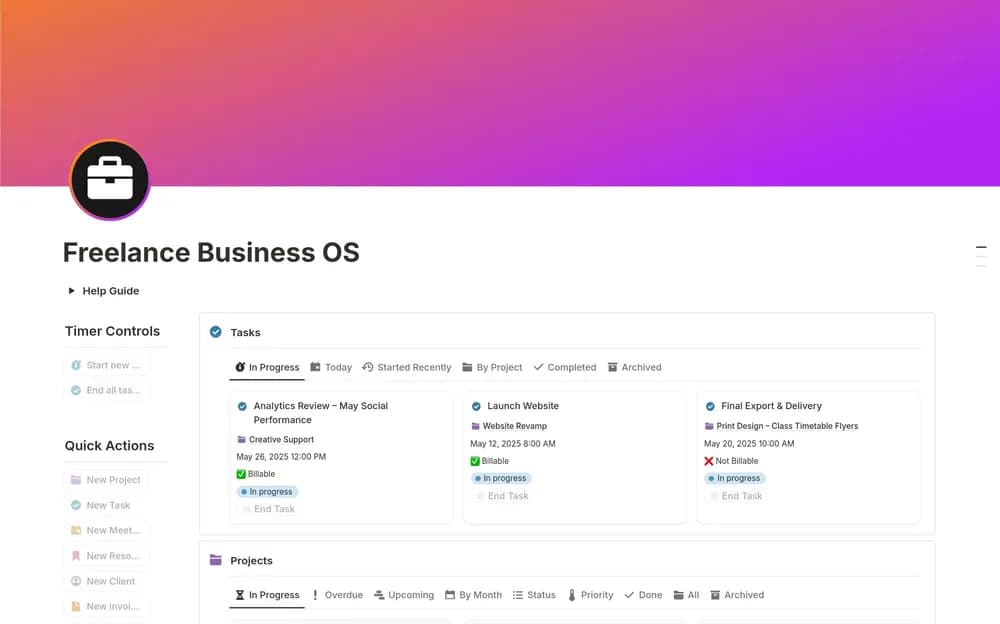 Paid
PaidKeep freelance clients, projects, and invoice records within reach.
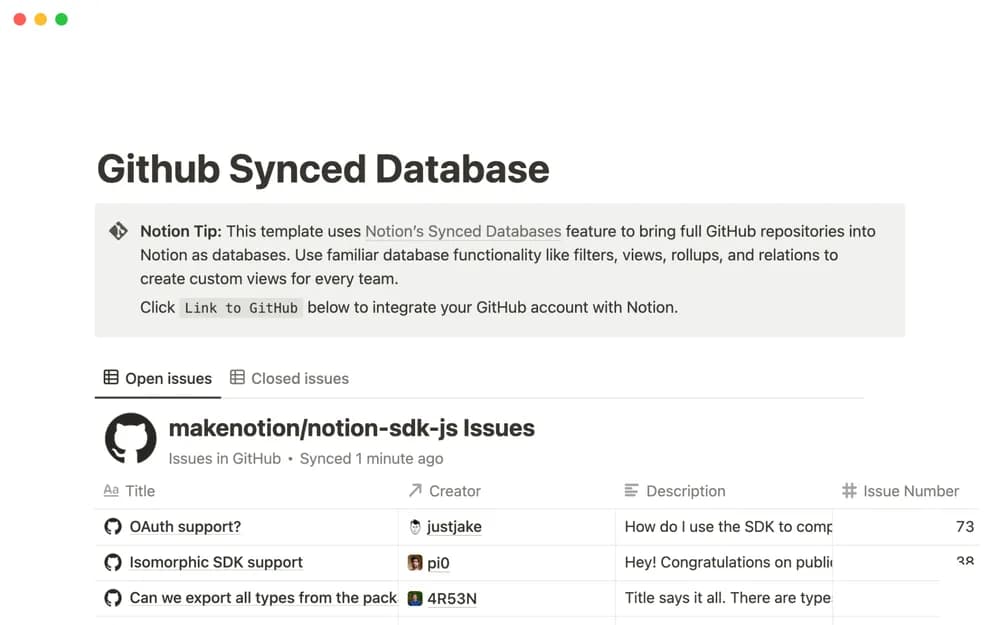 Free
FreeNotion’s template for exploring a GitHub-synced database workflow.
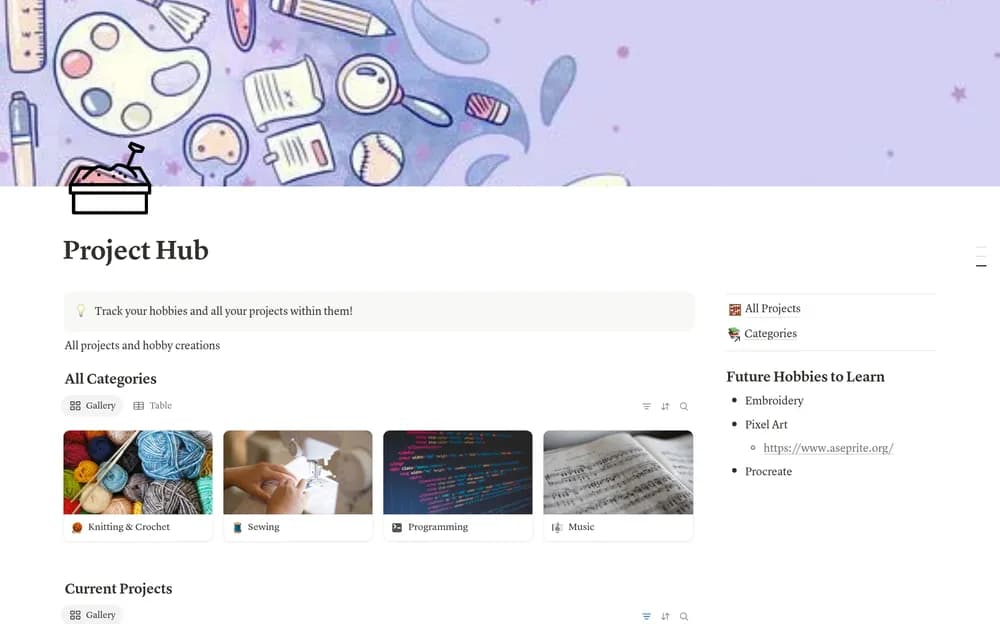 Free
FreeGive personal projects a starting point outside your work dashboard.
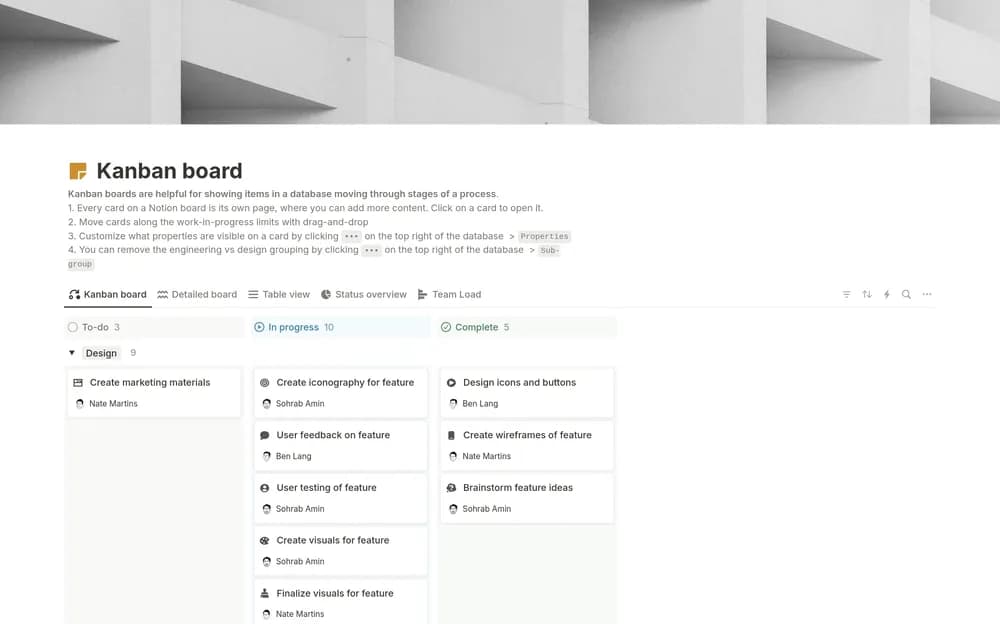 Free
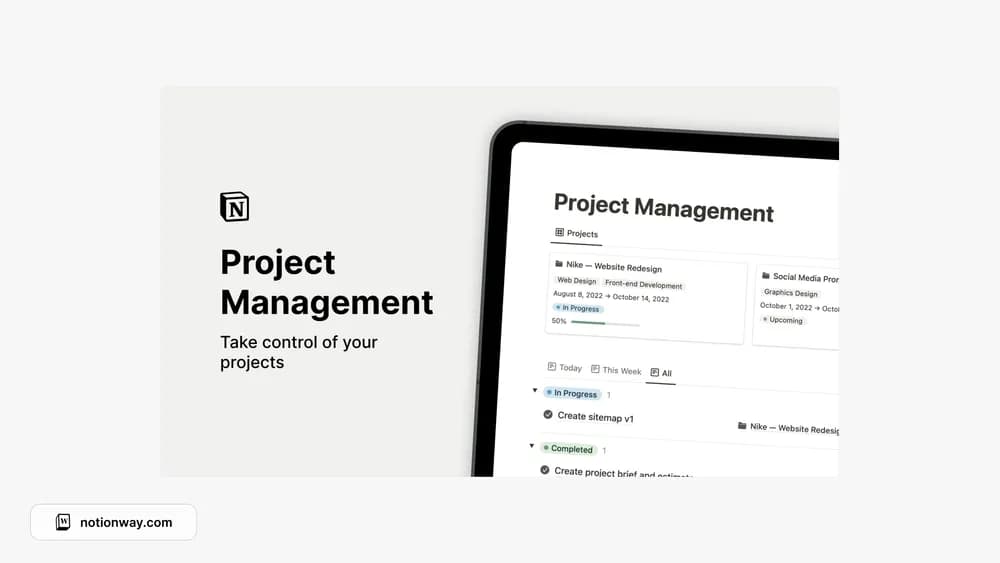
FreeA Notion-made Kanban board for seeing work move through stages.
 Free
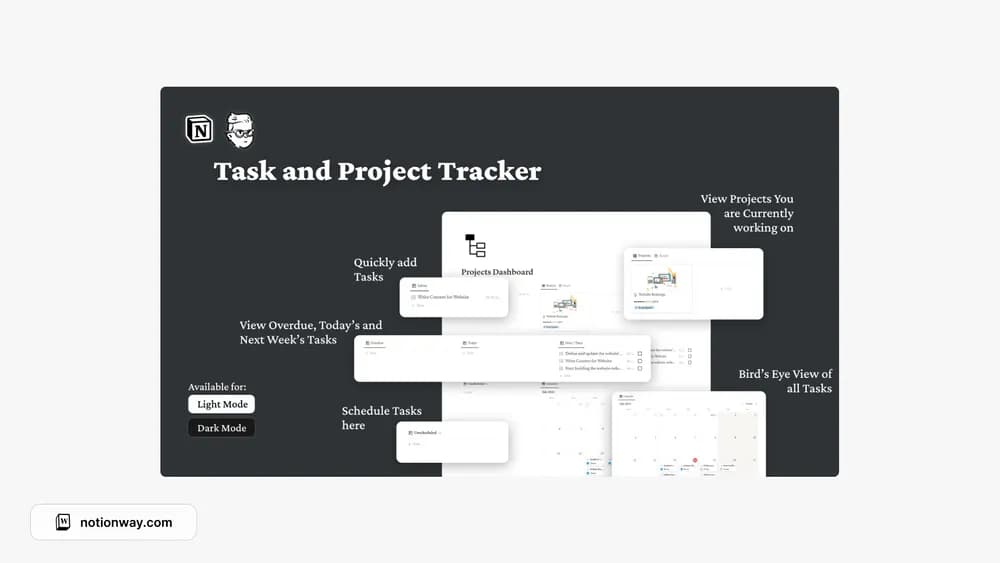
FreeGive projects and their next tasks a shared place to live.
 Free
FreeCompare the purpose and included features before choosing a workspace.
People who prefer an aesthetic project workspace.
People managing several pieces of active work.
People looking for a focused project overview.
Choose a template around how the work moves. A board suits stages; a timeline suits dependencies and dates; a project page holds context. Check that each task has an owner and the project has a defined finish. Try one live project before standardizing the whole team on a template.
A clear project scope
Task ownership
A useful view of deadlines
About the directoryDefine the result the project must deliver and what is outside the scope. Break work into owned tasks with useful completion criteria, then connect dependencies and milestones. Record decisions and changes alongside the plan so a status update can explain what has moved and what needs attention.
Choose the complexity the project needs. A small team may work well with a task board and decisions page; multiple workstreams may need milestones, dependencies, and a shared reporting view.
Yes. This collection currently includes 28 listings with a confirmed free creator offer, alongside 6 paid or freemium options. Use the Free filter to compare them. A free version can have different features from a creator’s paid upgrade, so check the original listing and current access terms before adding it to your workspace.