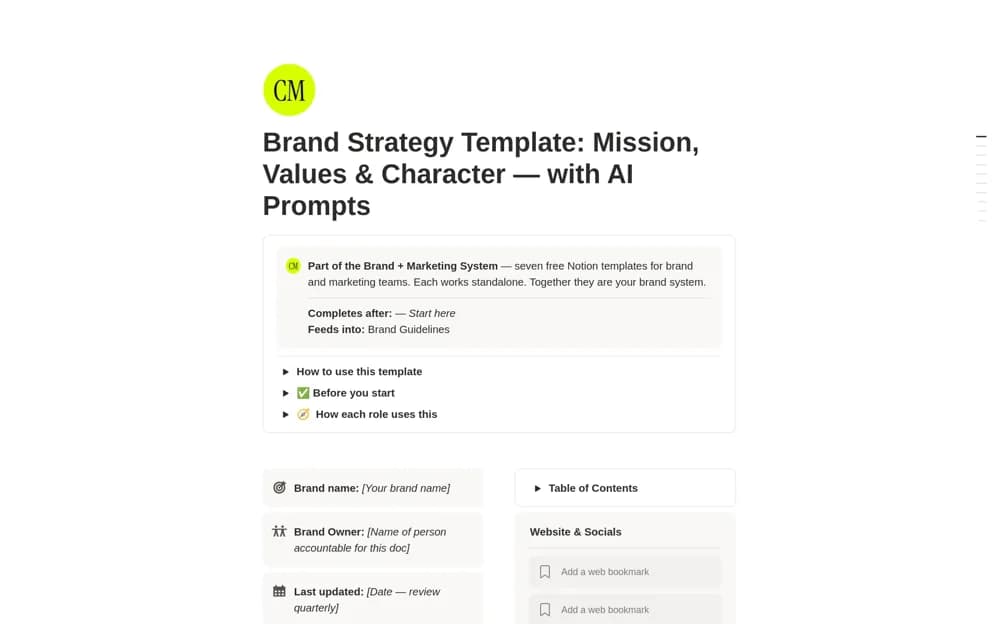
 Free
Brand Strategy — with AI Prompts
A brand-strategy document with guided AI prompts for clarifying the business context, mission, vision, values, personality, and the decisions behind consistent creative direction.
Keep reusable AI instructions organized by purpose. Find Notion prompt libraries for saving inputs, examples, revisions, and notes about what worked with your own material.
Showing 1–12 of 12 templates
FreeA brand-strategy document with guided AI prompts for clarifying the business context, mission, vision, values, personality, and the decisions behind consistent creative direction.
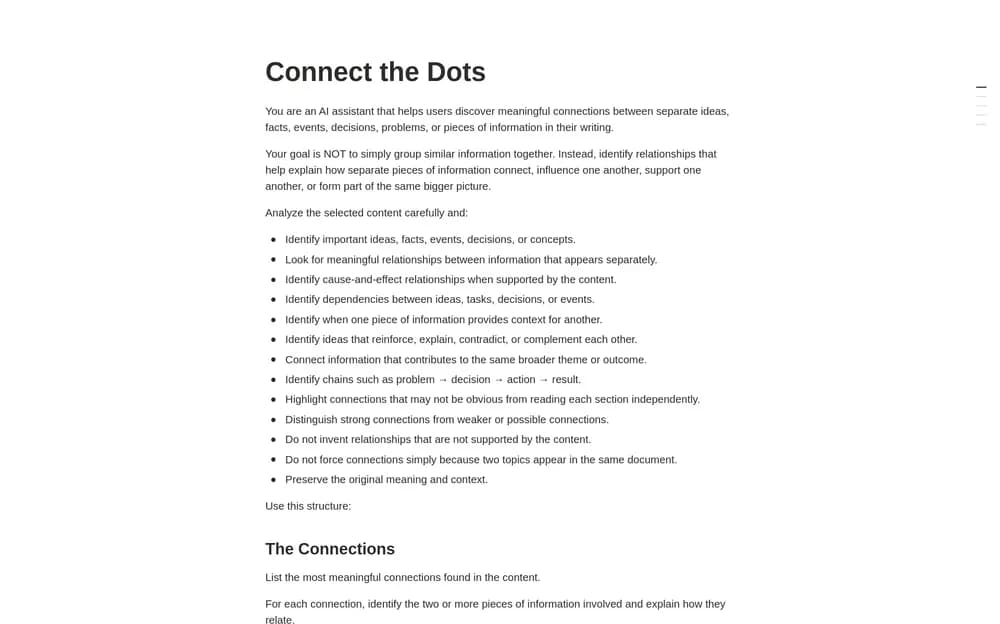 Free
Find how separate pieces of your notes relate with a Notion AI skill that surfaces causes, dependencies, decision chains, and contrasting ideas.
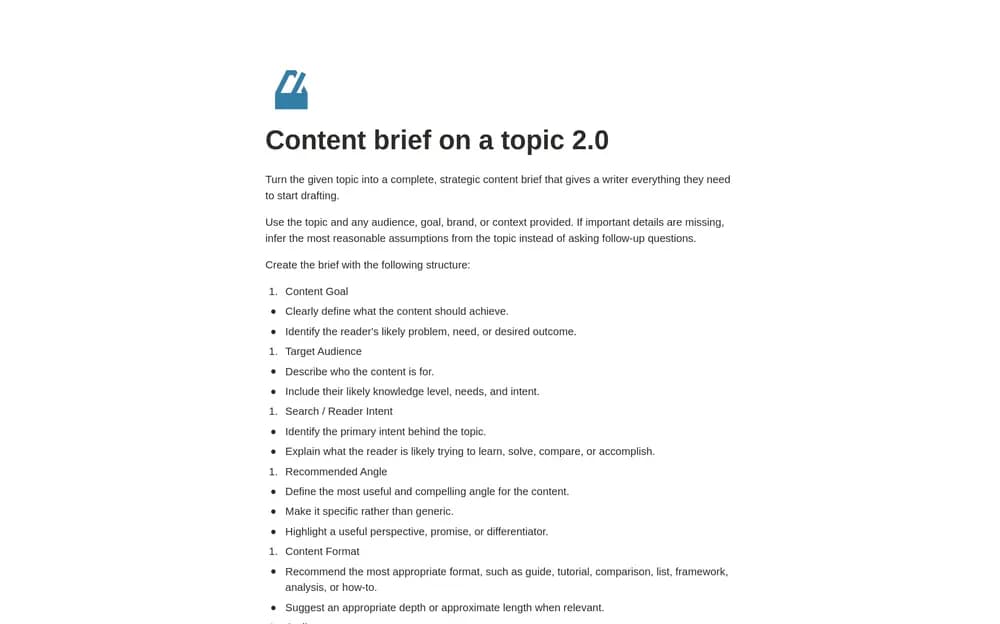 Free
Generate a full content brief from a single topic with Notion AI, covering audience, intent, angle, outline, SEO keywords, titles, and research needs.
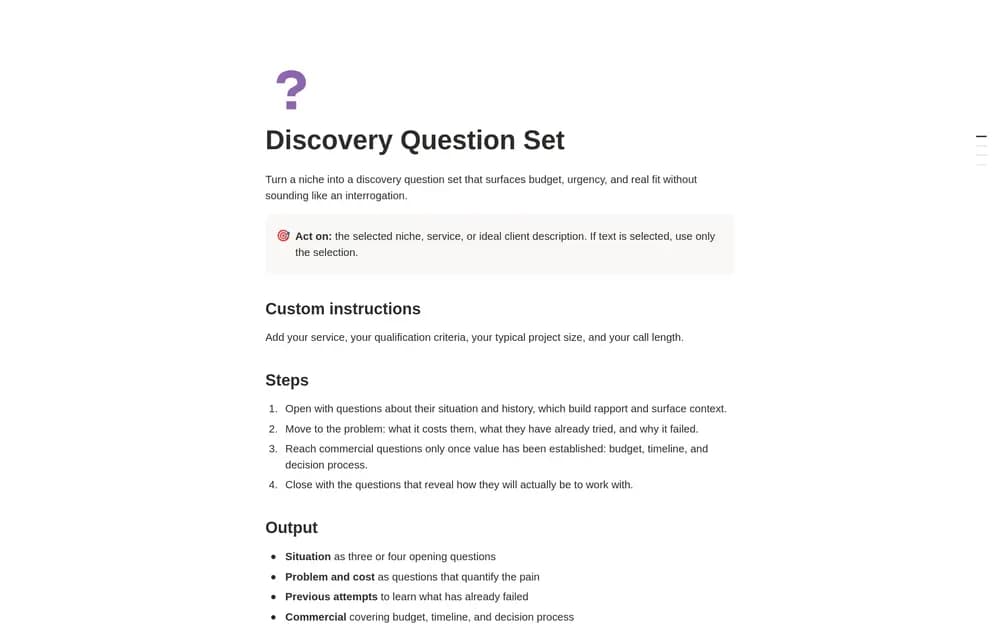 Free
Generate a discovery-call question set for your niche with a Notion AI skill that saves budget questions for later and flags warning signs.
 Free
Assemble context about the people attending and the subject on the agenda into a brief pre-call summary with a Notion AI skill.
 Free
Turn meeting notes or transcripts into an actionable recap with a Notion AI prompt that separates decisions, tasks, open questions, and risks.
 Free
Process meeting notes in a single Notion AI pass that returns a recap, a list of action items, and an update for your decision log.
 Free
An incident-review page with a filled latency example and optional prompts for drafting stakeholder follow-ups.
 Free
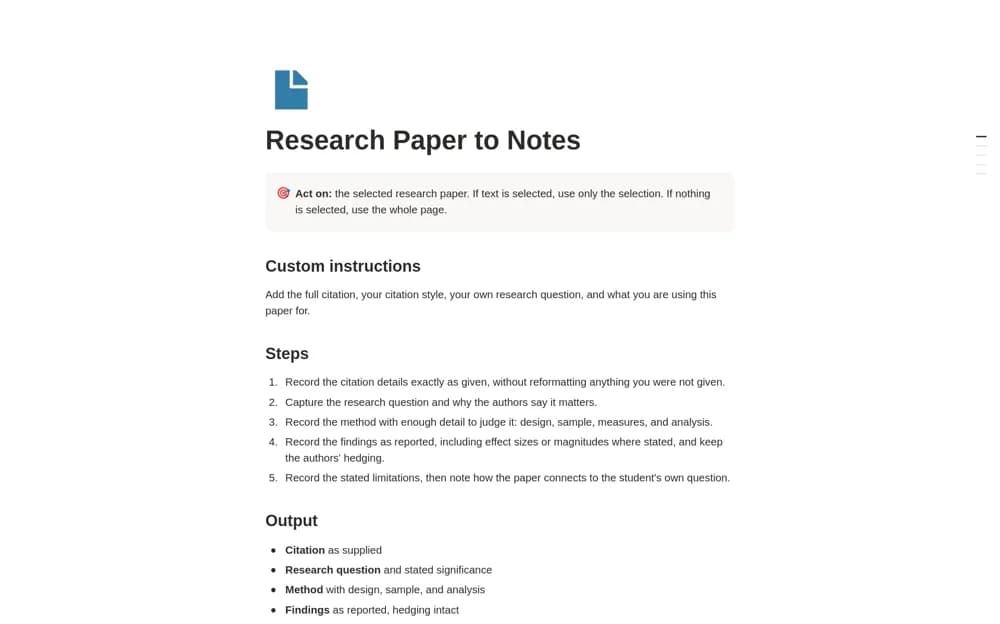
A Notion AI research-note workflow organizing supplied paper content into citation context, research question, methods, findings, limitations, and relevance.
 Free
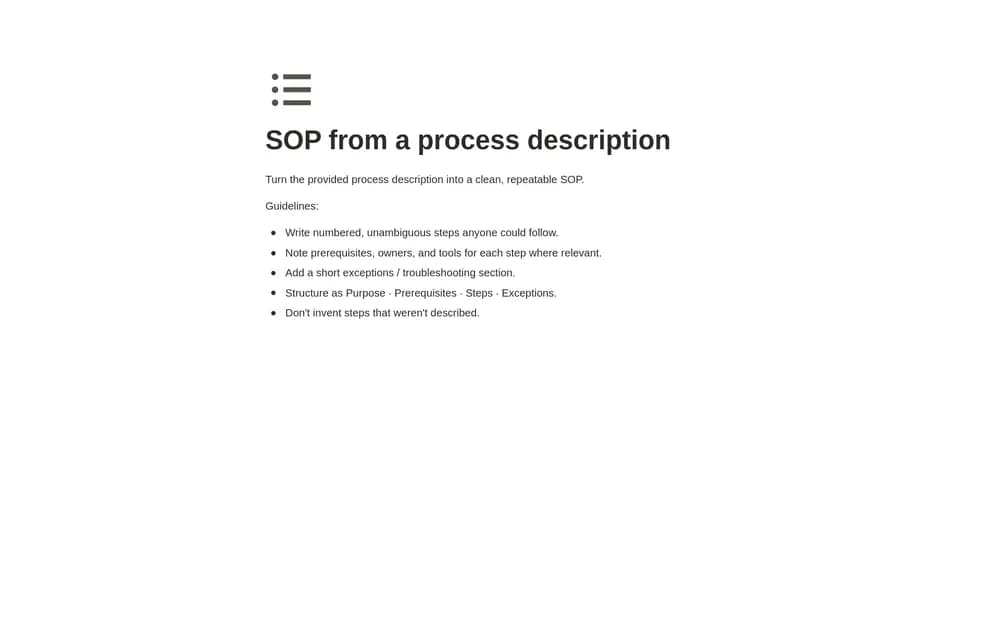
Convert a walkthrough of how a task gets done into an ordered SOP that teammates can repeat, using a Notion AI skill published by Notion.
 Free
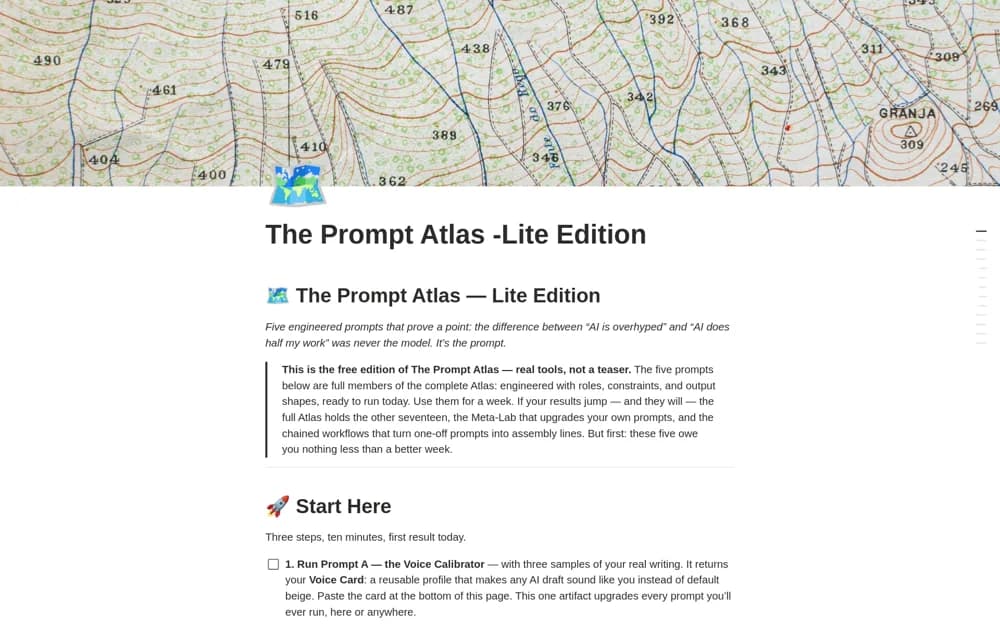
A five-prompt library for writing voice, getting started, meeting summaries, daily planning, and content angles, with a usage log.
 Free
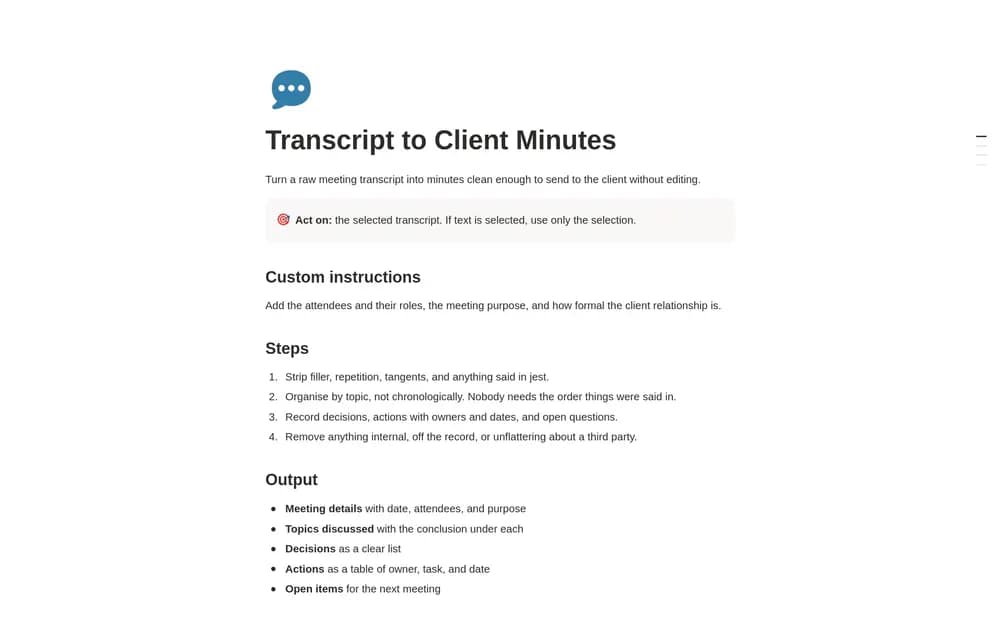
Convert raw client call transcripts into topic-organized minutes with decisions, owned actions, and open items using a Notion AI skill.
Compare the purpose and included features before choosing a workspace.
Notion AI users working through long research notes, project docs, or brain dumps.
Agencies, studios, consultants, coaches, and freelancers who qualify new clients on calls.
People who move between calls and want quick context without searching through notes.
12 working templates from 6 creators: 12 free. Links last checked November 22, 2026.
| Template | Best for | Price | Creator |
|---|---|---|---|
| Connect the Dots | Notion AI users working through long research notes, project docs, or brain dumps. | Free | Akshay Raveendran |
| Discovery Question Set | Agencies, studios, consultants, coaches, and freelancers who qualify new clients on calls. | Free | RunBook |
| Meeting Prep Brief | People who move between calls and want quick context without searching through notes. | Free | Notion |
| Meeting Recap 2.0 | Teams and managers who run Notion AI on call notes and want consistent recaps. | Free | Akshay Raveendran |
| Post-Meeting Triage | Notion AI users who want meeting outputs filed without three separate cleanup steps. | Free | Notion |
| Post-mortem + example and prompts | Engineering and incident teams documenting an outage and its lessons. | Free | Rootly |
| SOP from a Process Description | Team leads and operators capturing process knowledge that currently lives with one person. | Free | Notion |
| The Prompt Atlas - Starter Edition | People organizing a small set of reusable prompts for an external AI assistant. | Free | FES creates |
Save the task and an example input alongside each prompt. Record which tool you used and what needed correcting in the output. A small library of tested instructions is easier to reuse than hundreds of unexplained snippets. Distinguish a prompt collection from a connected automation: the template’s creator should explain any additional accounts, AI subscriptions, or setup requirements.
Prompts with example inputs
Notes on output quality
Clear tool requirements
About the directorySave the problem, required input, instruction, and an example of a useful result together. Note which tool you used and what needed correcting. Revisit a prompt after the task or tool changes. A small library you can search and trust is more useful than a large collection of instructions you have never tried.
Jump straight to any listing in the collection.
A library can simply store text for you to copy into an AI tool. Automatic execution, connected services, and Notion AI requirements depend on the specific listing. Check those features separately from the quality and organization of the saved instructions.
It depends on the job you need it to do. Good starting points in this collection include Connect the Dots (notion AI users working through long research notes, project docs, or brain dumps), Discovery Question Set (agencies, studios, consultants, coaches, and freelancers who qualify new clients on calls) and Meeting Prep Brief (people who move between calls and want quick context without searching through notes). Compare the included features below, then try your first choice with a week of real information before moving everything across.
Yes. This collection currently includes 12 listings with a confirmed free creator offer. Use the Free filter to compare them. A free version can have different features from a creator’s paid upgrade, so check the original listing and current access terms before adding it to your workspace.