About Professional Association Member CRM
A member directory for professional associations, with contact and organization details, membership type, lifecycle status, join dates, and renewals.
What’s included
- Members database
- Membership types, status, and dates
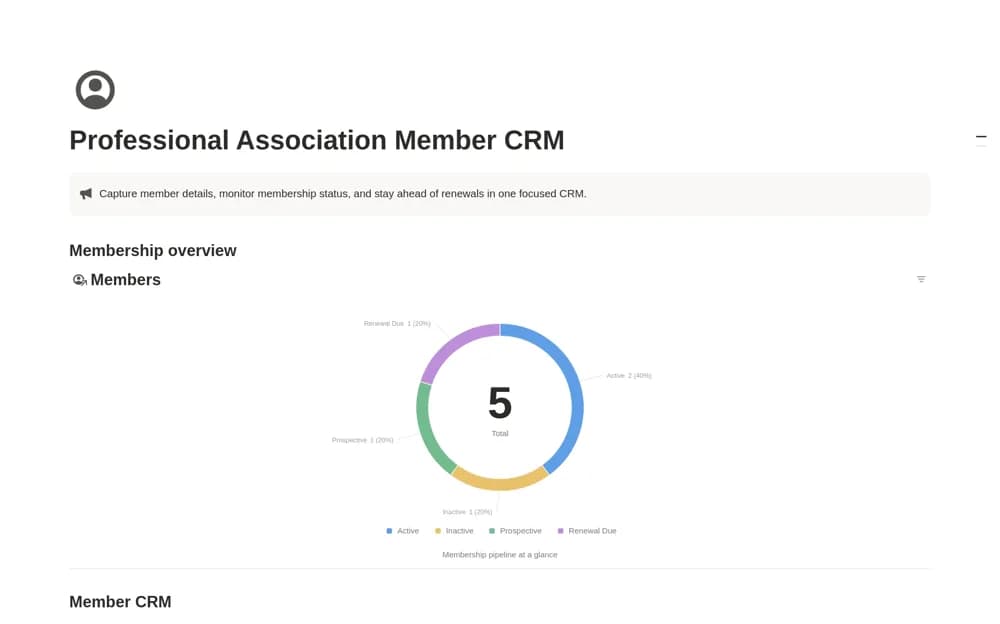
- Members by Status overview
How to use it in practice
Add a few members at different stages and check the renewal view with real dates. Keep contact details and organization names consistent before importing a larger list. Agree on who updates membership status after a payment or departure so the directory stays trustworthy during event and communication planning.
Set it up in your workspace
- Open the original Notion Marketplace listing and add the template to your chosen workspace while signed in. Keep its example records until you understand how the pages connect.
- Add a few members at different stages and check the renewal view with real dates.
- Try one complete example before adding a large backlog. Check that its views and any calculations show what you expect, then replace the sample content with your own.
Who it suits and what to consider
Membership and community teams that need a consistent record of who is active and who needs attention. This is a membership-record workspace. It does not confirm automated dues collection, mailing-list synchronization, or a public member portal.