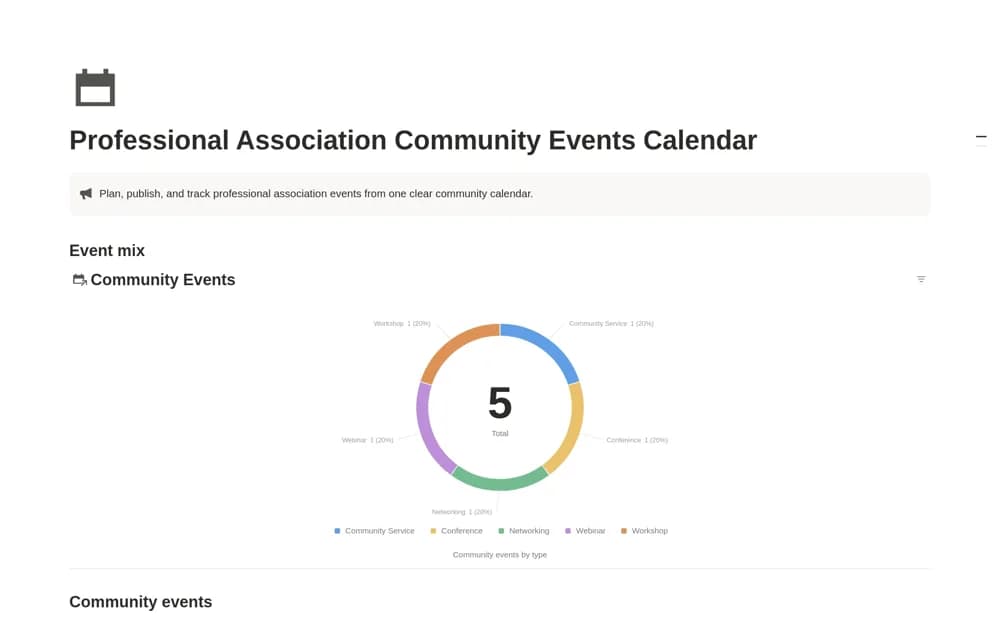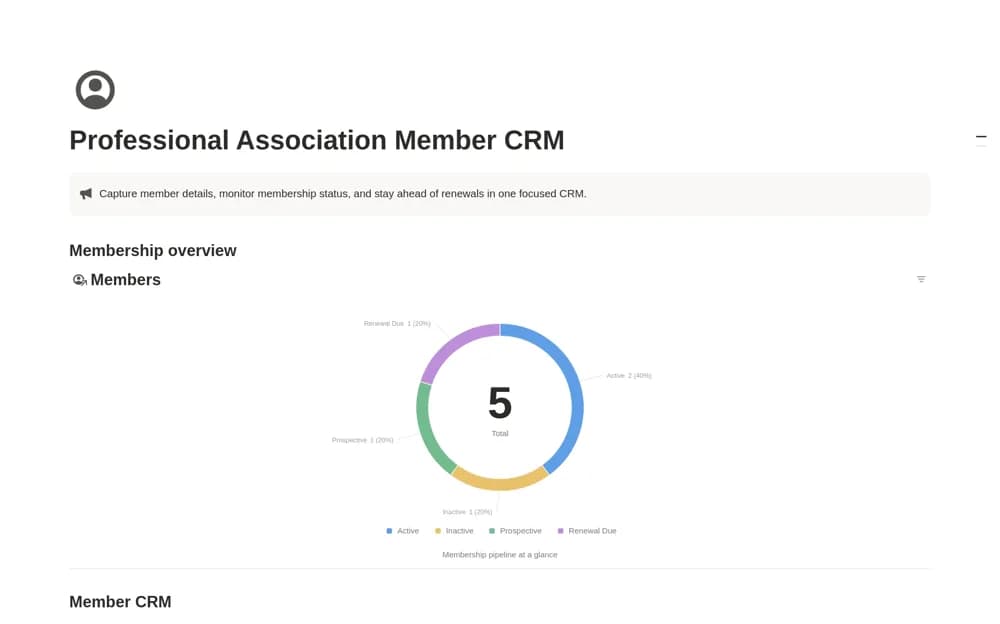
About Professional Association Revenue Dashboard
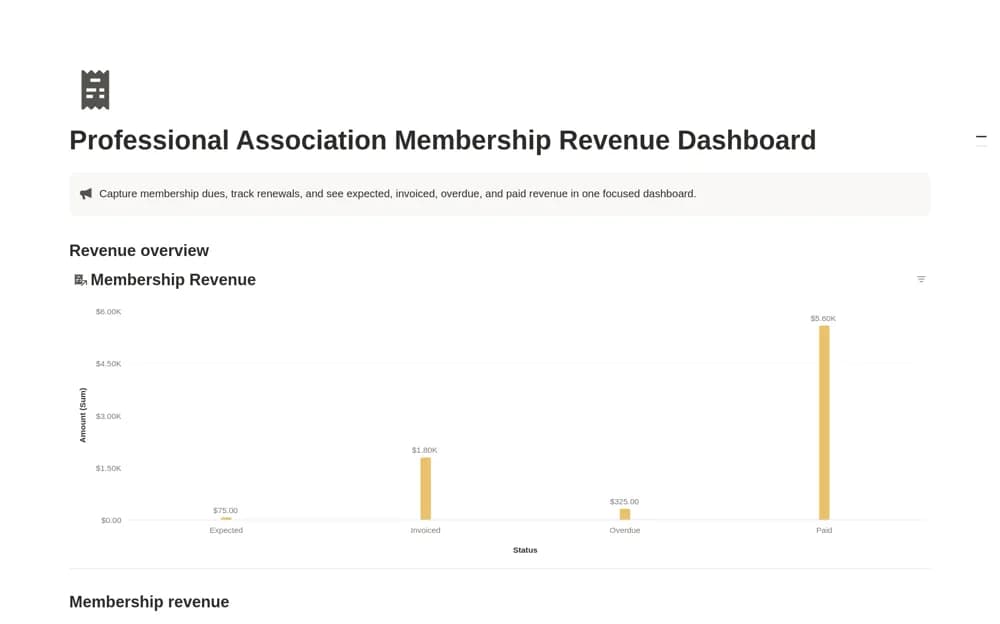
A membership dues tracker separating expected, invoiced, overdue, and paid revenue, with member or organization details, renewal dates, payment dates, amounts, and notes.
What’s included
- Membership Revenue database
- Renewal and payment dates
- Revenue by Status overview
How to use it in practice
Enter a completed renewal and an upcoming one, then confirm that their statuses put them in the right revenue view. Record payment evidence and date when money is received. Review overdue items with a specific next action, keeping expected dues separate from paid income during a budget conversation.
Set it up in your workspace
- Open the original Notion Marketplace listing and add the template to your chosen workspace while signed in. Keep its example records until you understand how the pages connect.
- Enter a completed renewal and an upcoming one, then confirm that their statuses put them in the right revenue view.
- Try one complete example before adding a large backlog. Check that its views and any calculations show what you expect, then replace the sample content with your own.
Who it suits and what to consider
Association teams following up on renewals and reviewing income without mixing forecasts with payments. The dashboard relies on recorded payment statuses. It does not collect dues or automatically verify transactions against a membership platform or bank.