 Free
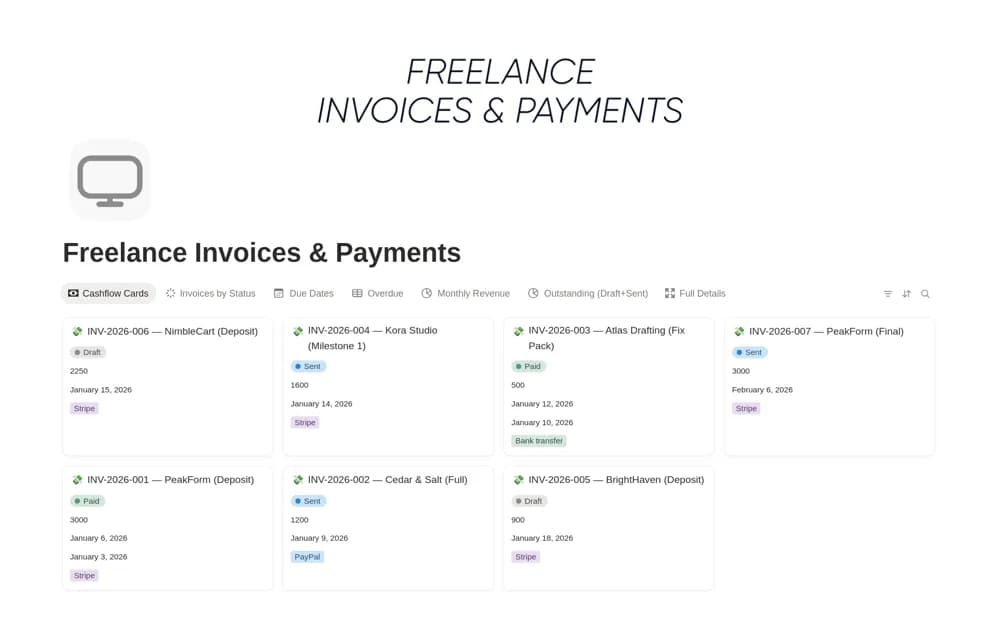
FreeFreelance Invoices & Payments
A freelance invoice register tracking the client, amount, due date, payment status, and follow-up notes, with links to projects and views for overdue or approaching payments.
Keep money owed to the business easier to follow up. Find Notion templates for outstanding invoices, customer payments, due dates, and the conversations behind overdue balances.
Showing 1–5 of 5 templates
A little structure goes a long way.FreeA freelance invoice register tracking the client, amount, due date, payment status, and follow-up notes, with links to projects and views for overdue or approaching payments.
 Free
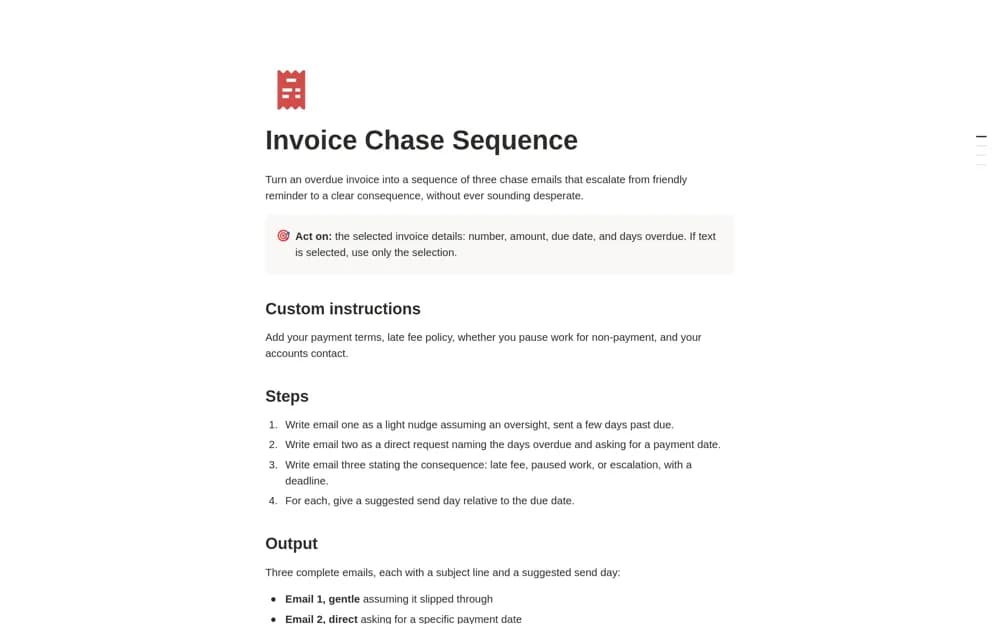
FreeA Notion AI instruction template that drafts three escalating invoice-reminder emails, using invoice details, suggested send dates, and your own payment policies.
 Free
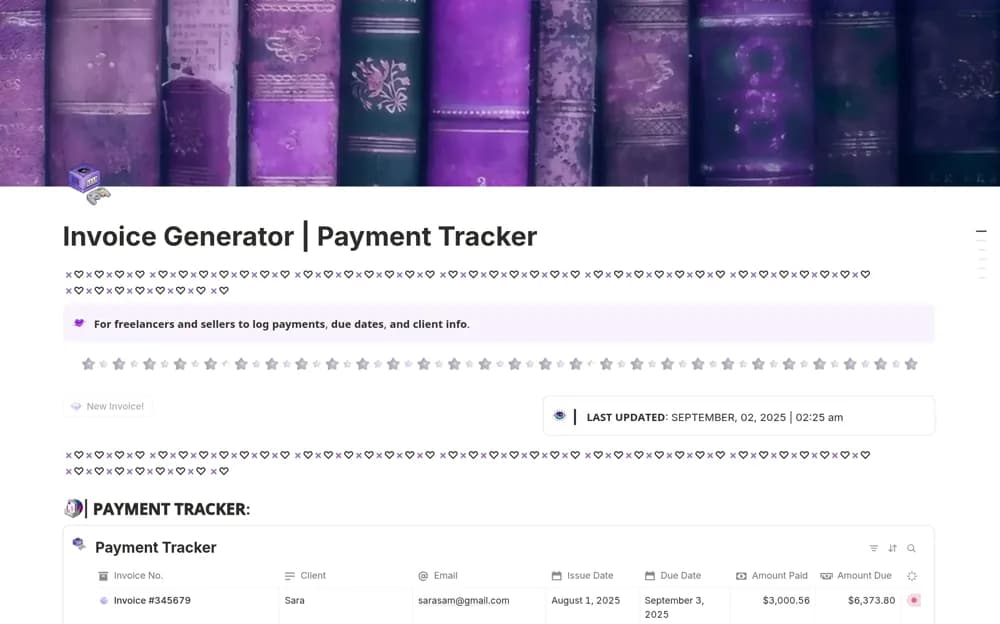
FreeA modular invoice add-on with a button that creates an editable invoice page, a payment-status dashboard, linked invoice records, and setup guidance for a creator workspace.
 Paid
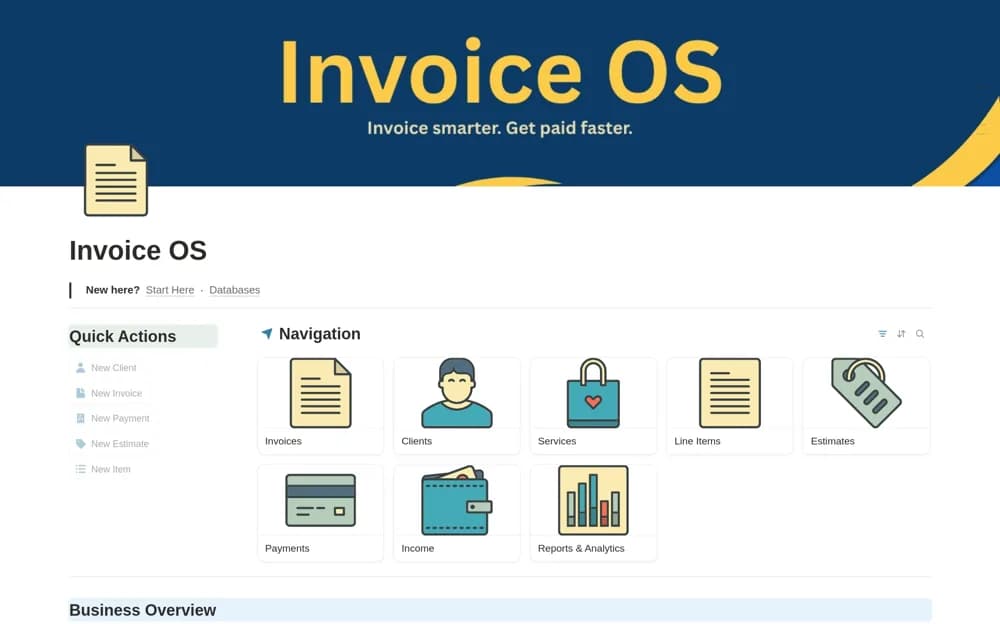
PaidA billing workspace linking clients, services, estimates, invoice line items, and payments, with separate views of invoiced amounts, collected income, and outstanding balances.
 Free
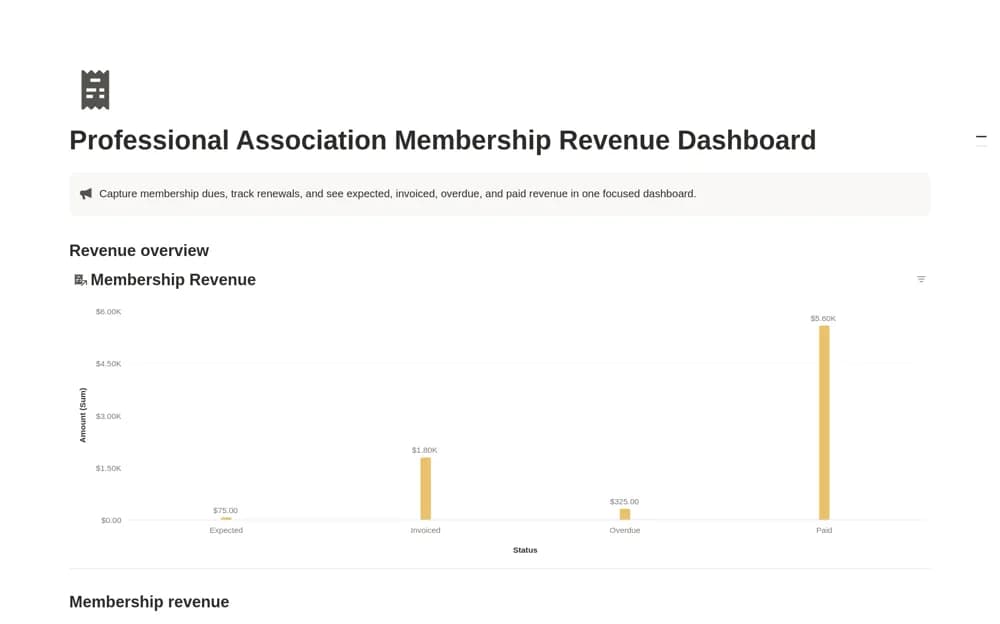
FreeA membership dues tracker separating expected, invoiced, overdue, and paid revenue, with member or organization details, renewal dates, payment dates, amounts, and notes.
Compare the purpose and included features before choosing a workspace.
Freelancers who already issue invoices elsewhere and need a clear collections routine.
Freelancers and agency teams preparing careful follow-up messages for overdue invoices.
Digital creators and freelancers wanting simple invoice preparation beside an existing Notion dashboard.
Test a partially paid invoice, a disputed charge, and a fully settled balance. The amount still owed should remain clear. Put a next action beside overdue items so the view supports a useful follow-up routine. Check whether the template creates invoices, records them, or simply drafts reminder messages; those are different features. Keep payment confirmations and official accounting records linked to the right invoice rather than treating a reminder as proof of collection.
Due dates and outstanding amounts
Payment and dispute statuses
Next follow-up actions
About the directoryRecord the invoice, customer, due date, total, amount received, and remaining balance where the template supports them. Keep disputes and partial payments distinguishable from untouched overdue items. Review the next action regularly and retain payment evidence. If AI drafts reminders, verify the facts and terms before sending anything.
A generator prepares an invoice page or document. A tracker records invoices issued elsewhere and follows their status. Some systems combine both, but neither title guarantees payment processing, automatic bank confirmation, or accounting compliance.
Yes. This collection currently includes 4 listings with a confirmed free creator offer, alongside 1 paid or freemium option. Use the Free filter to compare them. A free version can have different features from a creator’s paid upgrade, so check the original listing and current access terms before adding it to your workspace.