About Reading Tracker: Book Library, Habit & Goals
Build a visual book library in Notion and log daily reading on a heatmap, with monthly and yearly goal progress bars and quick-add buttons.
What’s included
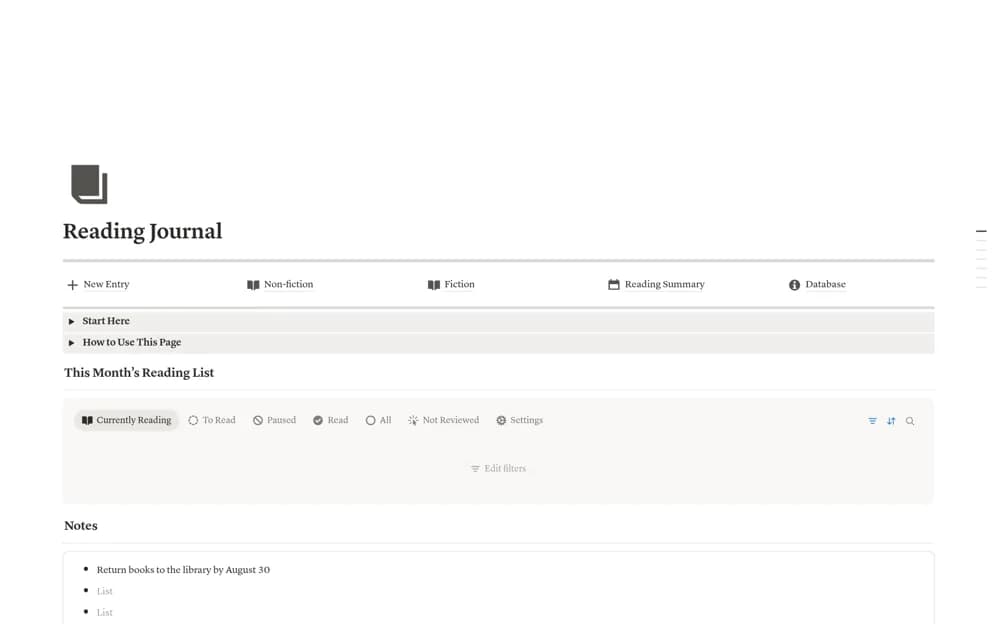
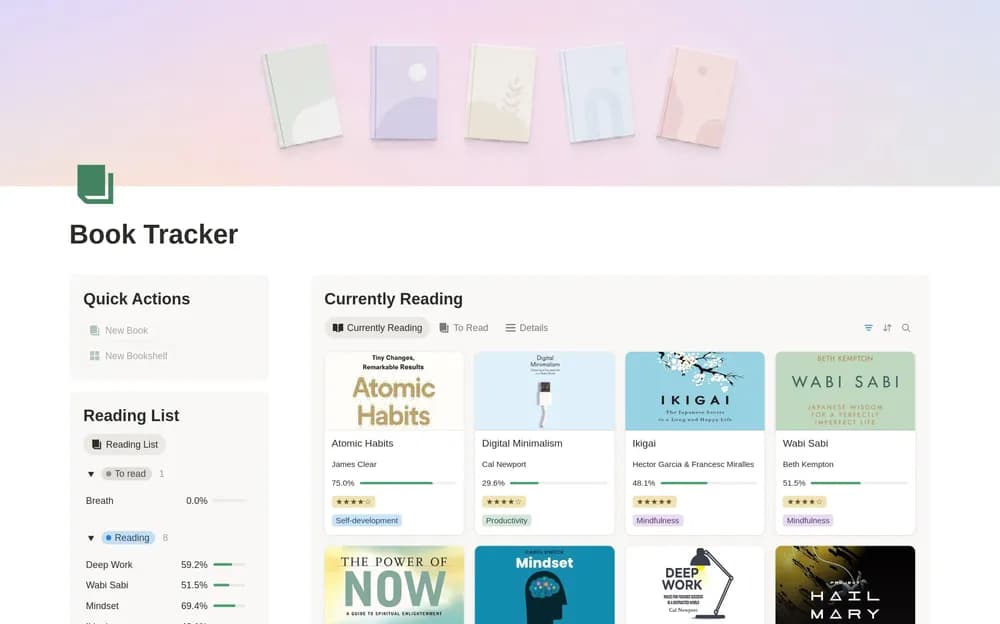
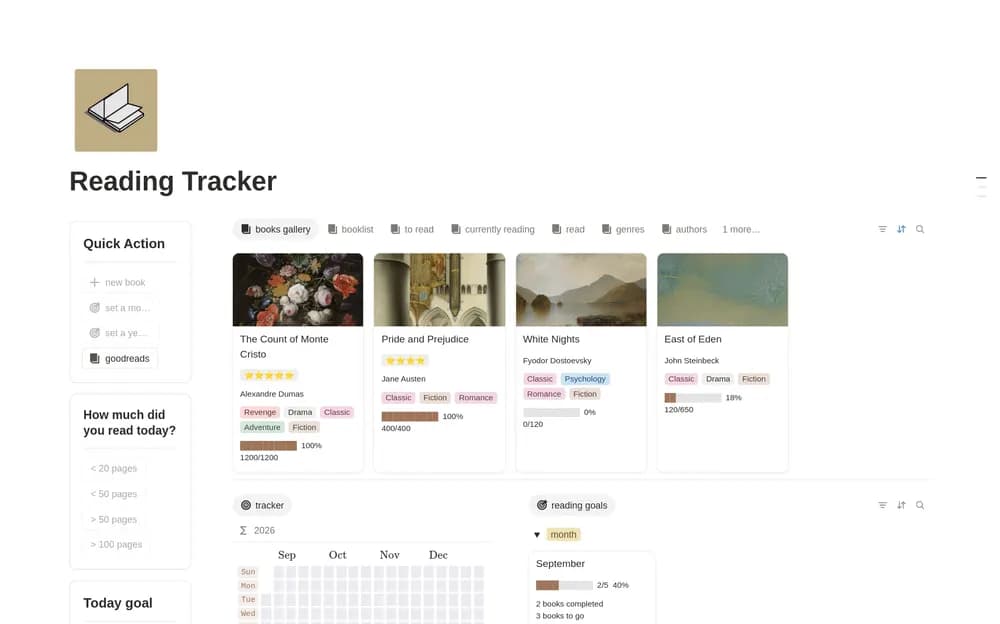
- Library organized by status, genre, and author with covers, tags, and star ratings
- Daily reading heatmap
- Monthly and yearly reading goals with progress bars
- Quick buttons to add a book, set a goal, or open Goodreads
How to use it in practice
Add the books you are currently reading and a few you finished recently. Set a monthly goal, then log how much you read each day this week so the heatmap starts filling in. At the end of the week, check the progress bar and decide whether the goal is realistic.
Set it up in your workspace
- Open the original Notion Marketplace listing and add the template to your chosen workspace while signed in. Keep its example records until you understand how the pages connect.
- Add the books you are currently reading and a few you finished recently.
- Try one complete example before adding a large backlog. Check that its views and any calculations show what you expect, then replace the sample content with your own.
Who it suits and what to consider
Readers working toward a yearly reading challenge or trying to read every day. The Goodreads button opens the site; the listing does not describe importing your Goodreads shelves. The heatmap only reflects days you log.