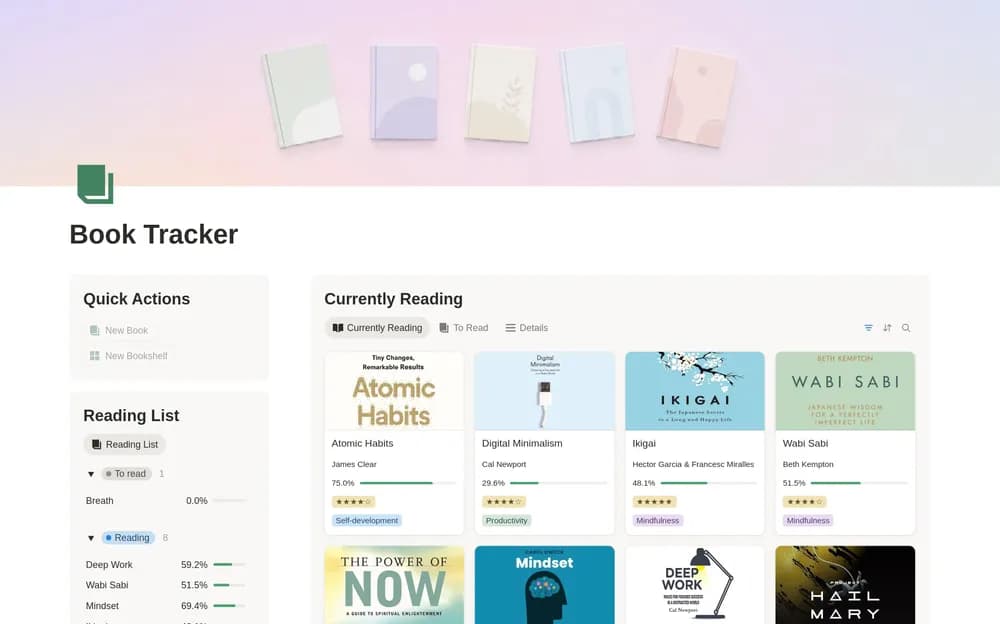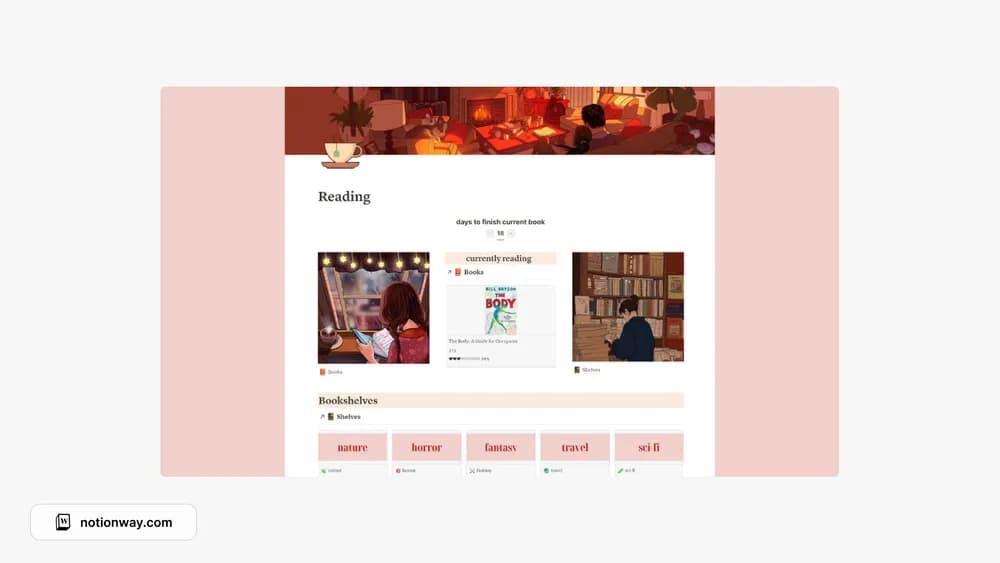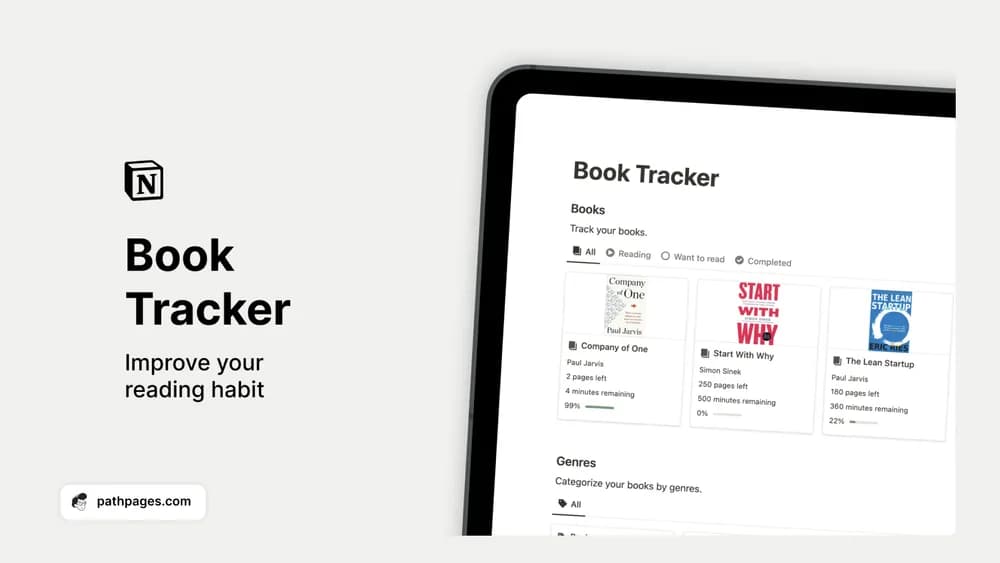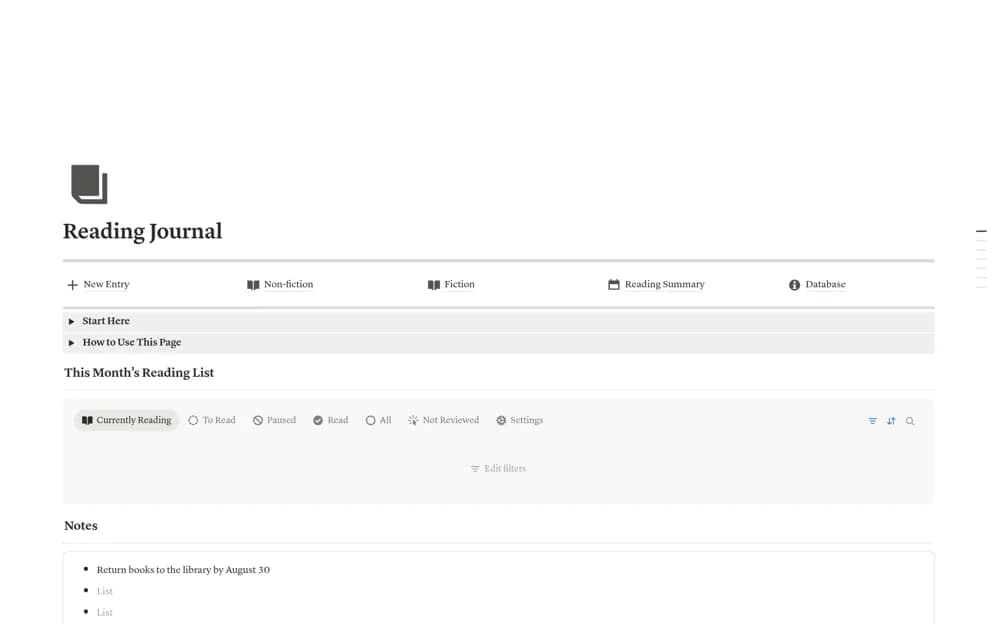
About Ultimate Reading Journal (Minimal)
Keep fiction and nonfiction reading journals in Notion with session logs, quotes, insights, reading goals, series, and library statistics.
What’s included
- Separate fiction and nonfiction dashboards
- Page and time-based reading logs
- Quote, insight, and action sections
- Goals, series, and library-filter views
How to use it in practice
Add one book in the appropriate library and record a reading session with its page range. Check the calculated progress before entering more history, then save a short insight or quote with enough context to revisit it. Use an action record only when you genuinely intend to apply something you learned.
Set it up in your workspace
- Open the original Notion Marketplace listing and add the template to your chosen workspace while signed in. Keep its example records until you understand how the pages connect.
- Add one book in the appropriate library and record a reading session with its page range.
- Try one complete example before adding a large backlog. Check that its views and any calculations show what you expect, then replace the sample content with your own.
Who it suits and what to consider
Readers who want detailed reflection and session records in addition to a bookshelf. The richer structure requires more upkeep than a simple reading list. Start with one book and inspect the session calculations before migrating your library.