About Second Brain Notion Template
A second brain becomes useful when saved information supports something you are doing. This creator’s template offers another structure to explore. Check how it handles capture and retrieval, then test it with real notes before migrating an existing collection.
What’s included
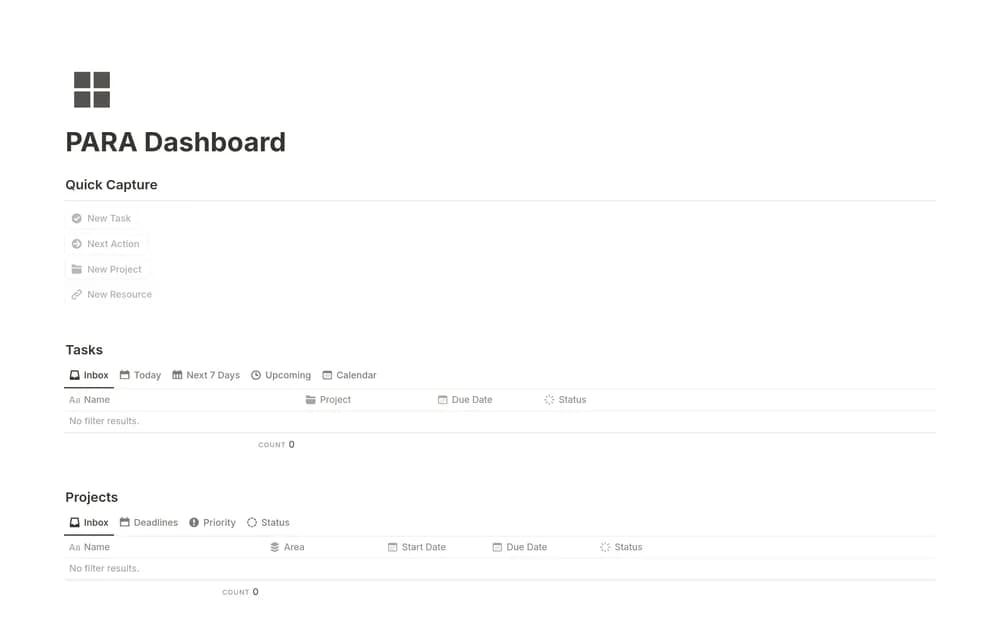
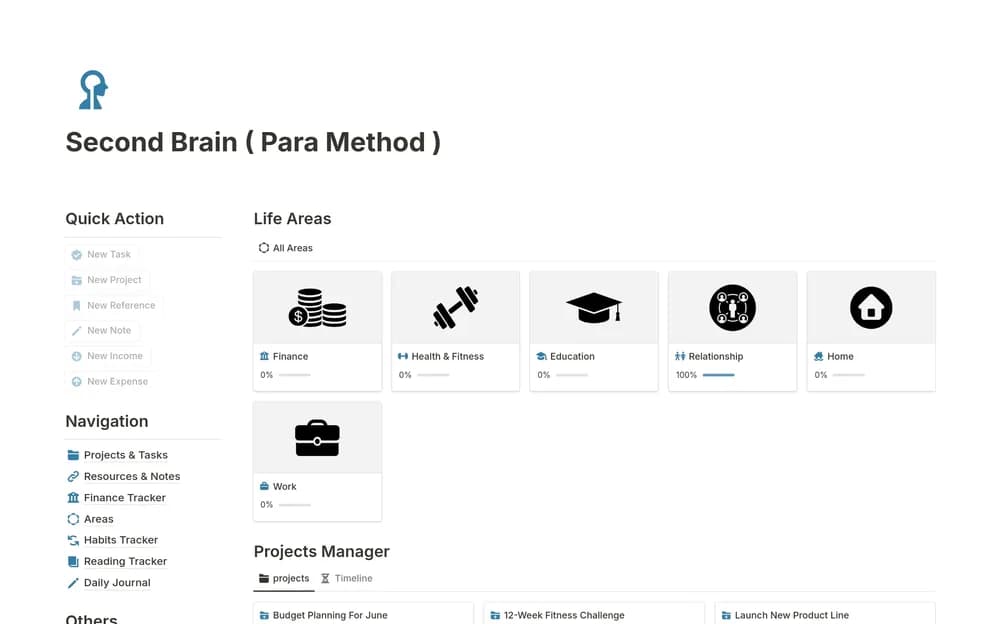
- Projects, Areas, Resources, and Archive databases based on PARA
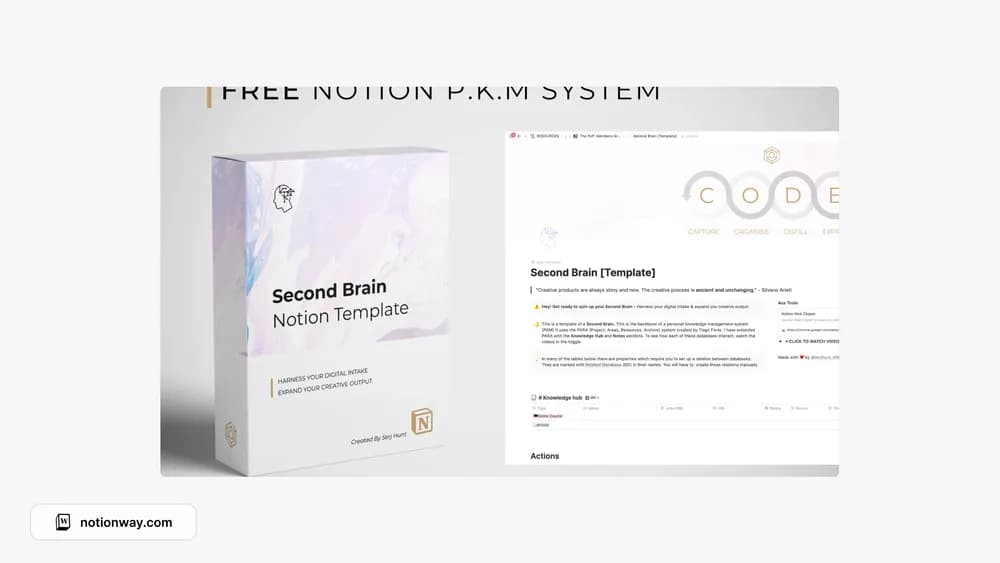
- Additional Knowledge Hub and Notes databases
- A simple second-brain structure for captured information and active work
How to use it in practice
Capture a useful note, place it beside the project it supports, and review it when you next work on that project. Use areas for ongoing responsibilities and resources for reference interests. Archive finished or inactive material so the active view stays manageable. The system becomes useful through that review loop rather than through collecting a large number of resources.
Set it up in your workspace
- Follow the original creator’s checkout or access instructions to obtain the Notion page. Open that page while signed in, then duplicate it into the workspace you want to use.
- Add a few notes linked to one active project. Try finding them again after several days.
- Try one complete example before adding a large backlog. Check that its views and any calculations show what you expect, then replace the sample content with your own.
Who it suits and what to consider
People looking for a home for notes and project context. The free system and the creator’s separate paid AI version have different scopes. This listing describes the basic PARA structure, not the additional AI assistants promoted elsewhere on the page.