About Second Brain 3.5
A complete second brain needs a routine as well as a structure. This system comes from Notion Everything and brings several areas of personal organization together. Review the creator’s walkthrough and current package before buying, then begin with the part of your workflow that needs the most attention.
What’s included
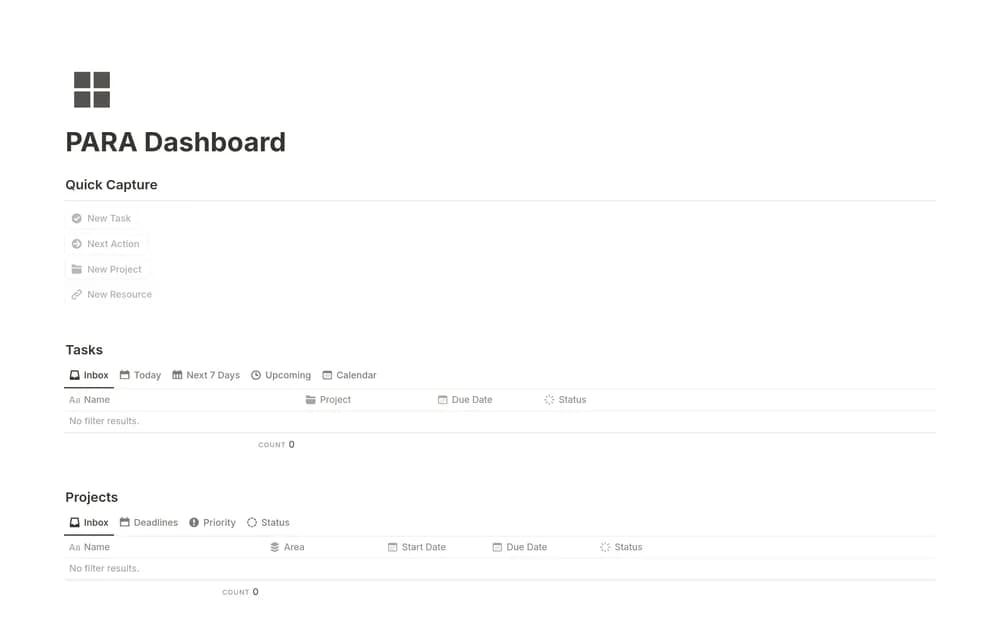
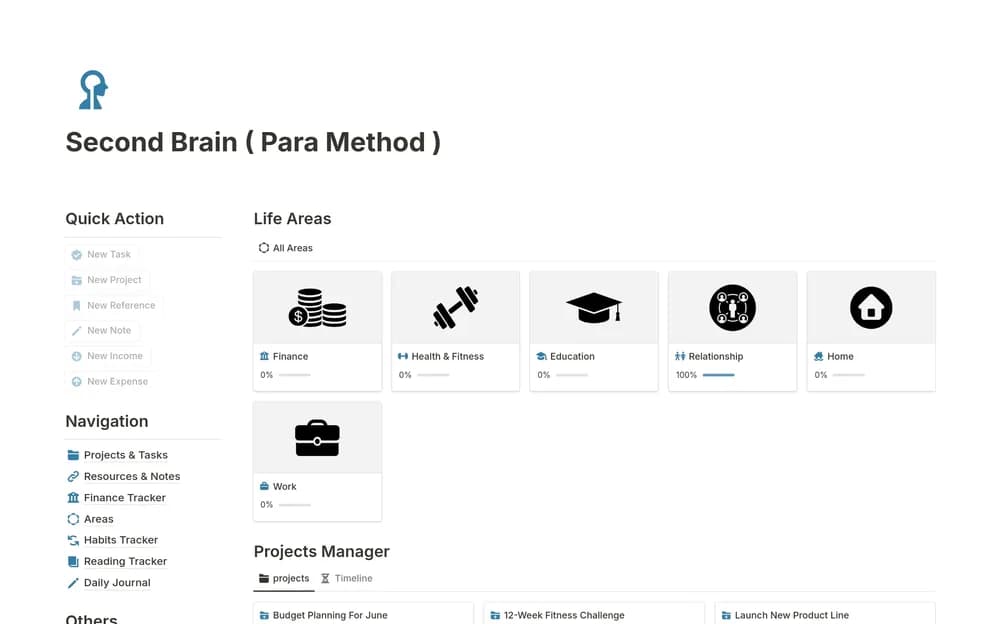
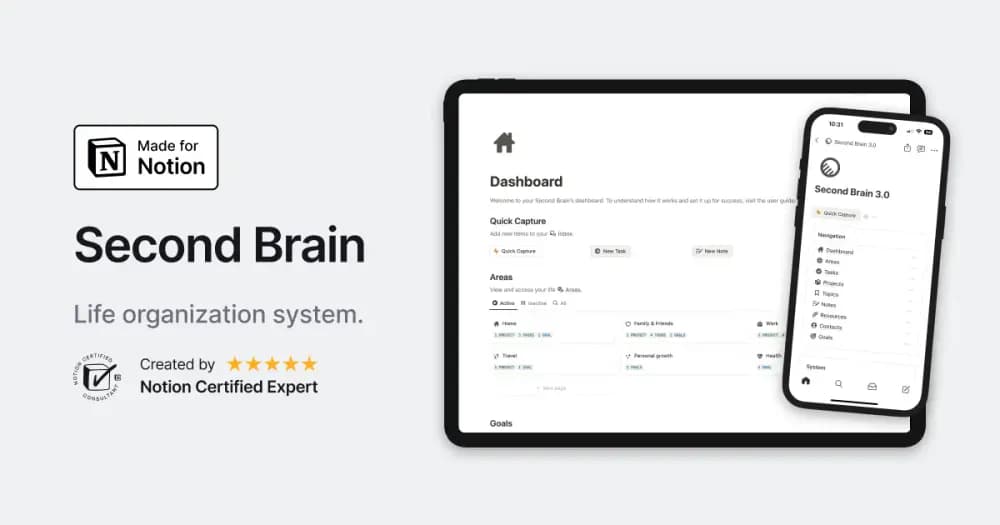
- Connected areas, projects, tasks, goals, notes, resources, topics, and contacts
- Quick Capture, an inbox, and a My Day view with recurring-task support
- Additional habit, journal, book, and address-book tools described by the creator
How to use it in practice
Set up an area of responsibility and one active project, then capture a task and a relevant note. Process the inbox regularly so a quick capture becomes something you can find and use. Review My Day against the work you have actually committed to, and archive finished projects. Add the extra trackers gradually once the core capture-and-review routine is dependable.
Set it up in your workspace
- Follow the original creator’s checkout or access instructions to obtain the Notion page. Open that page while signed in, then duplicate it into the workspace you want to use.
- Watch the creator’s walkthrough and check the current offer. After duplicating, try one active project and a small set of real notes before a larger migration.
- Try one complete example before adding a large backlog. Check that its views and any calculations show what you expect, then replace the sample content with your own.
Who it suits and what to consider
People ready to use a broader personal organization system. A fuller PARA-inspired system for people who want several connected tools. Inspect the demo and onboarding guide before bringing over a large personal archive.