About Second Brain OS
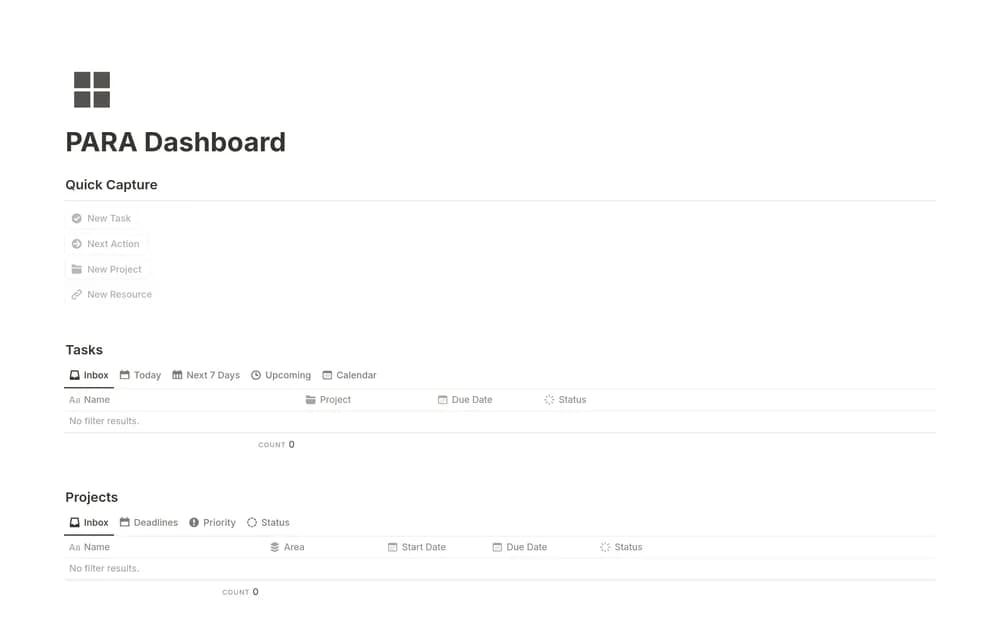
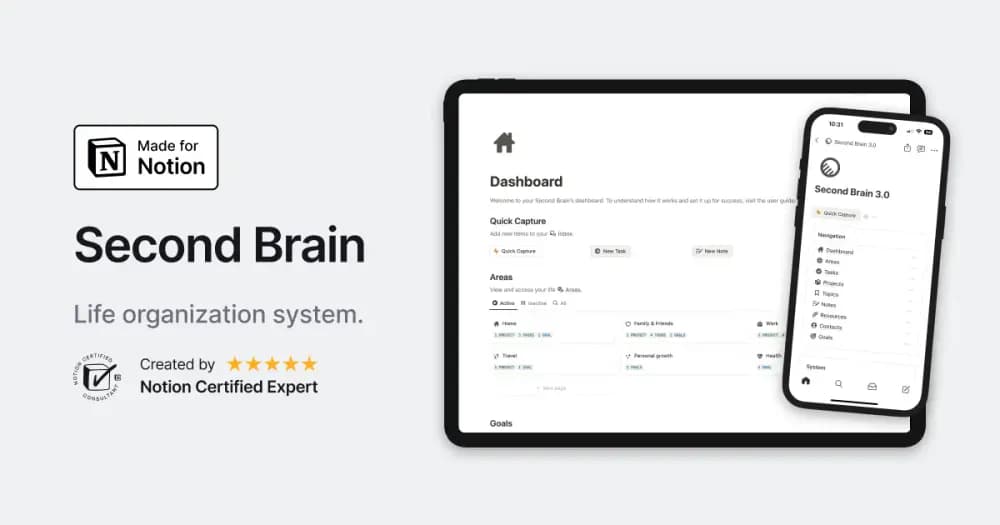
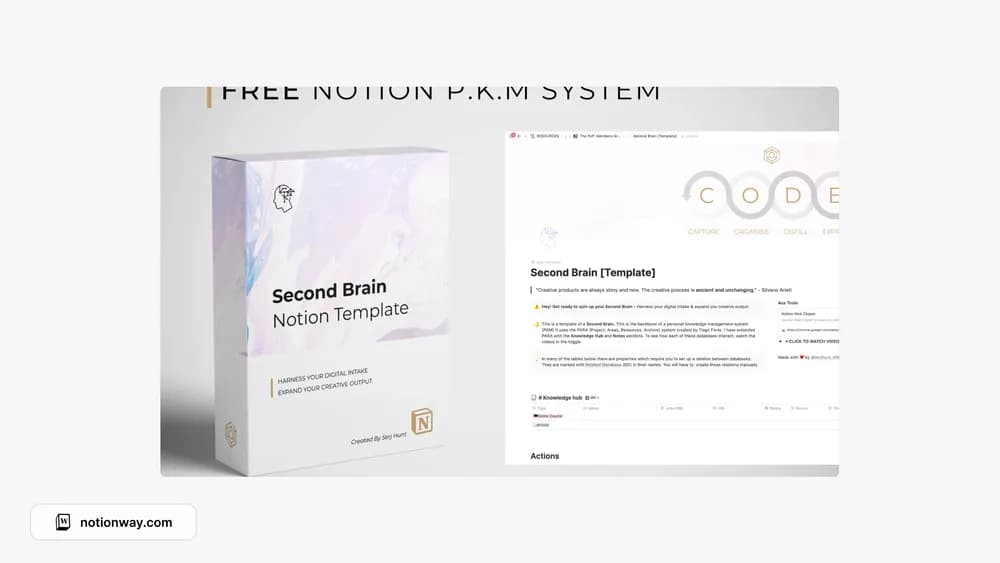
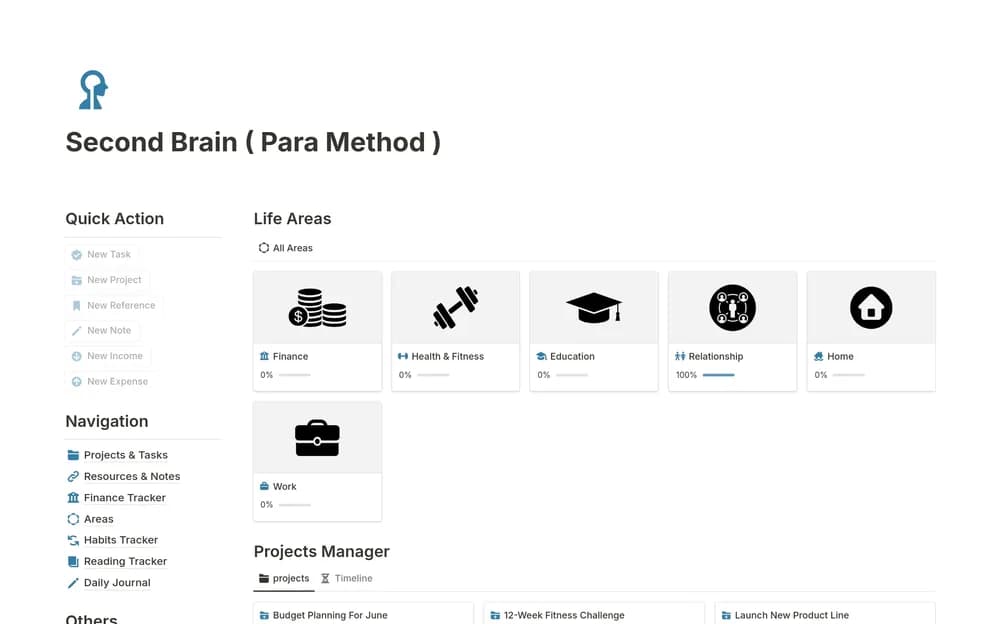
heyismail’s free PARA dashboard offers a starting point for organizing a personal knowledge collection. PARA separates projects with an end point, ongoing areas of responsibility, reference resources, and archives. That distinction can help a meeting note stay close to the work it supports. Before moving an existing archive, open the creator’s preview and check how this particular dashboard implements the method. The first useful test is retrieval: can you find a note from the project where you expect to need it?
What’s included
- An interconnected workspace for notes, tasks, projects, and resources
- A main dashboard with filtered views
- Connected databases for keeping captured knowledge beside ongoing work
How to use it in practice
Start with one project you are actively trying to finish. Add its next task and a note or resource that helps you do it, then check how they appear from the dashboard. Capture new material quickly and review it later to decide where it belongs. Archive old work when it stops being active so the home page remains useful each morning.
Set it up in your workspace
- Open the original Notion Marketplace listing and add the template to your chosen workspace while signed in. Keep its example records until you understand how the pages connect.
- Bring across one active project and five supporting notes. Try adding a new note and finding an old one before migrating the rest.
- Try one complete example before adding a large backlog. Check that its views and any calculations show what you expect, then replace the sample content with your own.
Who it suits and what to consider
People who keep useful notes but struggle to find them again. A fit for people who want knowledge and action in the same workspace. Evaluate it through a real project before importing years of notes; a small connected collection is easier to understand and maintain.