About Kanban Task Board
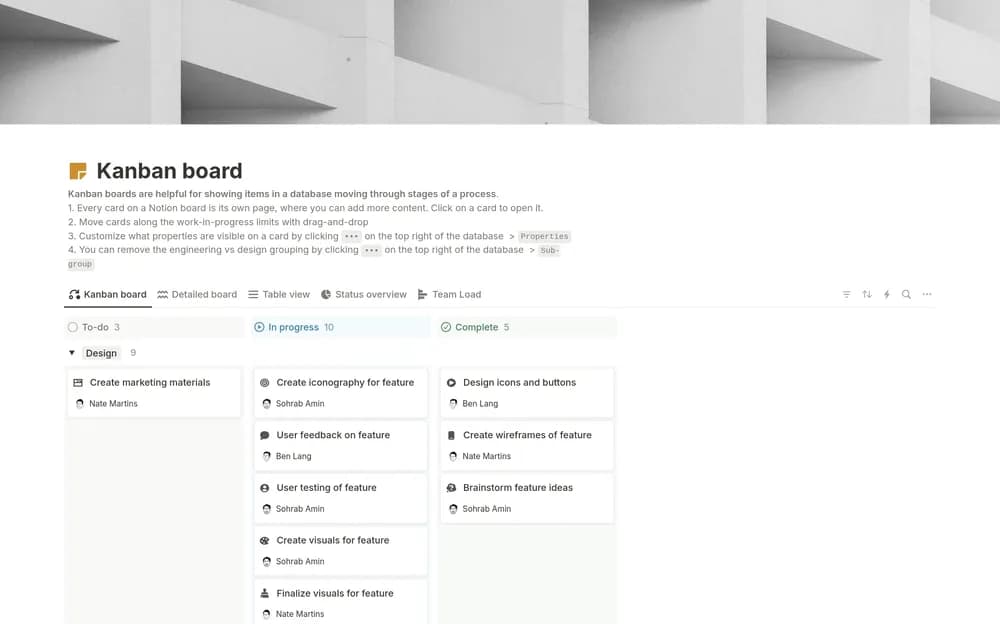
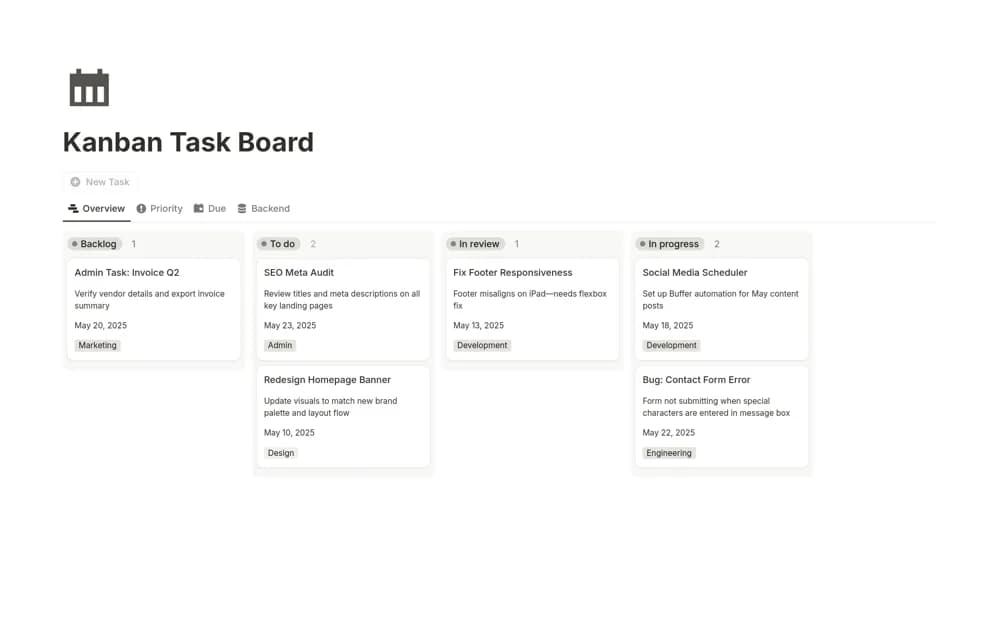
See tasks move through stages in a simple Notion Kanban board, with a visual work queue for reviewing what needs attention next.
What’s included
- Visual task board
- Stage-based task organization
- Work-in-progress overview
How to use it in practice
Add a small set of real tasks and name the stages so everyone understands what each means. Move one task through the board as you work, then review unfinished cards before accepting more. Keep a clear definition of completion so the final column reflects finished work.
Set it up in your workspace
- Open the original Notion Marketplace listing and add the template to your chosen workspace while signed in. Keep its example records until you understand how the pages connect.
- Add a small set of real tasks and name the stages so everyone understands what each means.
- Try one complete example before adding a large backlog. Check that its views and any calculations show what you expect, then replace the sample content with your own.
Who it suits and what to consider
Individuals and small teams who want a task board without a larger project-management system. This is a basic task-flow layout. Sprint capacity, release planning, and detailed reporting are not documented.