About Simple Monthly Planner
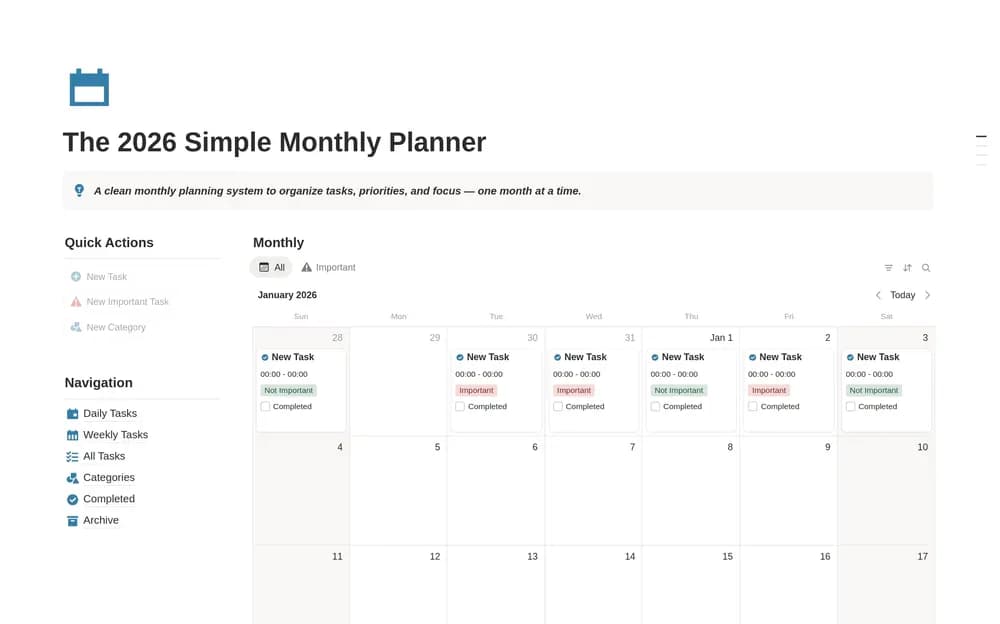
Map out a month in Notion with prioritized tasks and simple navigation between daily, weekly, and monthly views, kept free of dashboard clutter.
What’s included
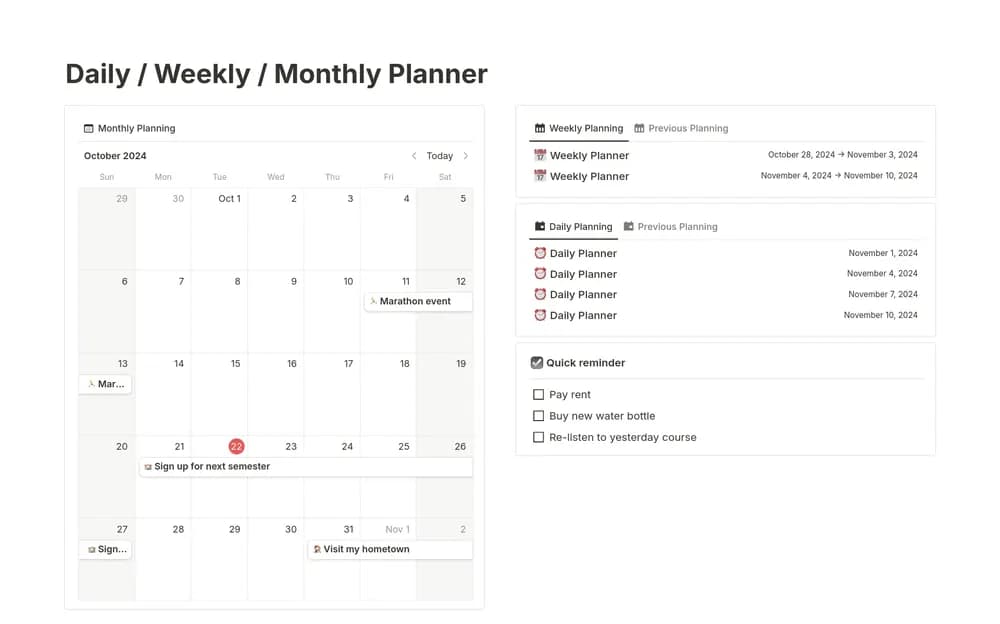
- Visual monthly planning view
- Task capture with priority levels
- Daily, weekly, and monthly views
- Highlighting for important tasks
How to use it in practice
Add the fixed dates and deadlines for the current month first. Capture the tasks you already know about and assign a priority to each. Use the weekly view each Monday to choose what to tackle, and check the monthly view on Friday to see whether the important items are still on track.
Set it up in your workspace
- Open the original Notion Marketplace listing and add the template to your chosen workspace while signed in. Keep its example records until you understand how the pages connect.
- Add the fixed dates and deadlines for the current month first.
- Try one complete example before adding a large backlog. Check that its views and any calculations show what you expect, then replace the sample content with your own.
Who it suits and what to consider
Students, creators, and freelancers who want a quiet monthly planning view rather than a full life system. The listing is brief and does not detail properties or recurring tasks, so explore the views in your copy before moving real deadlines into it. It is labeled for 2026, so check for any year-specific pages.