About Reading List & Book Tracker
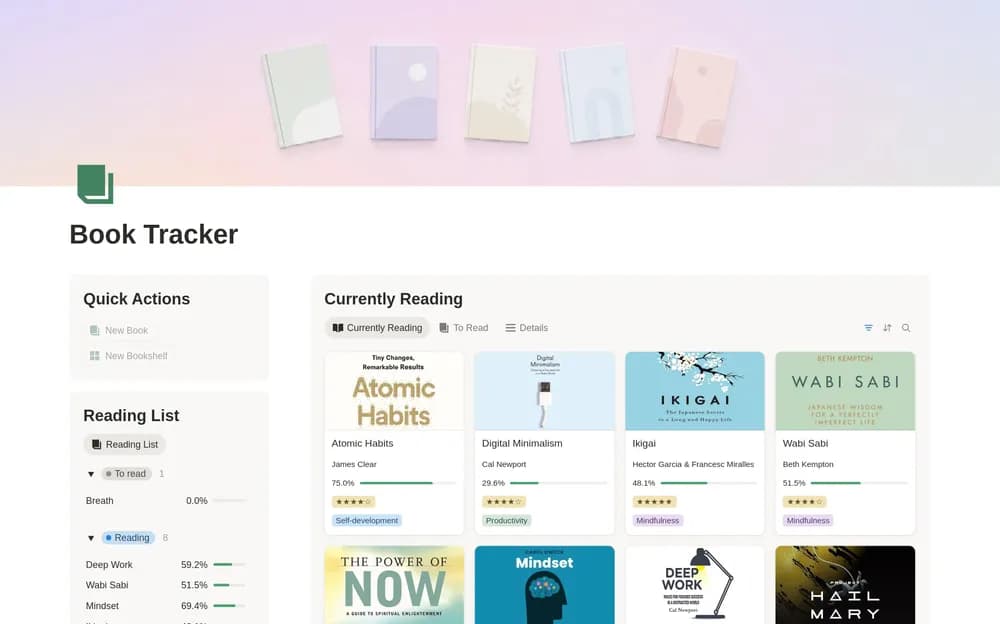
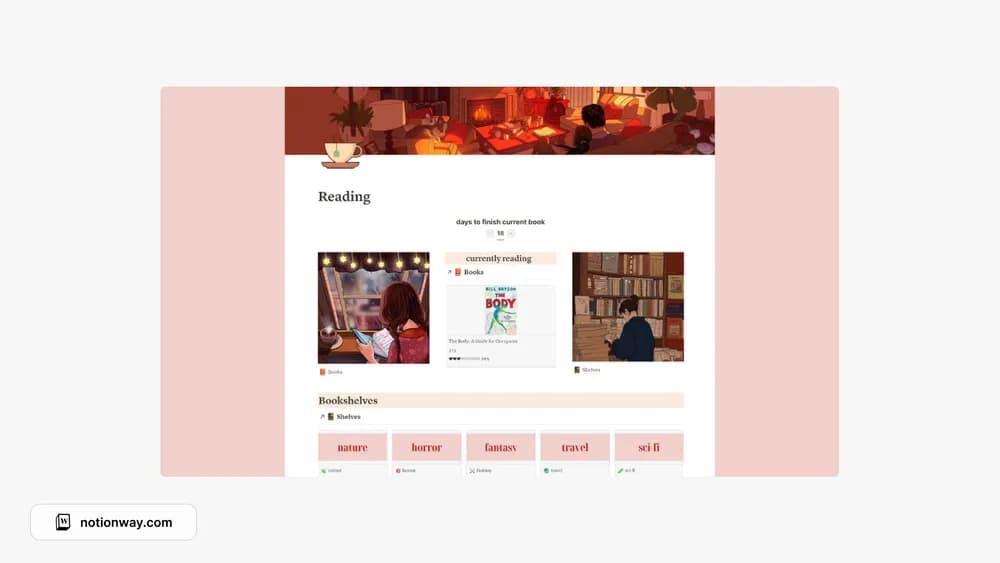
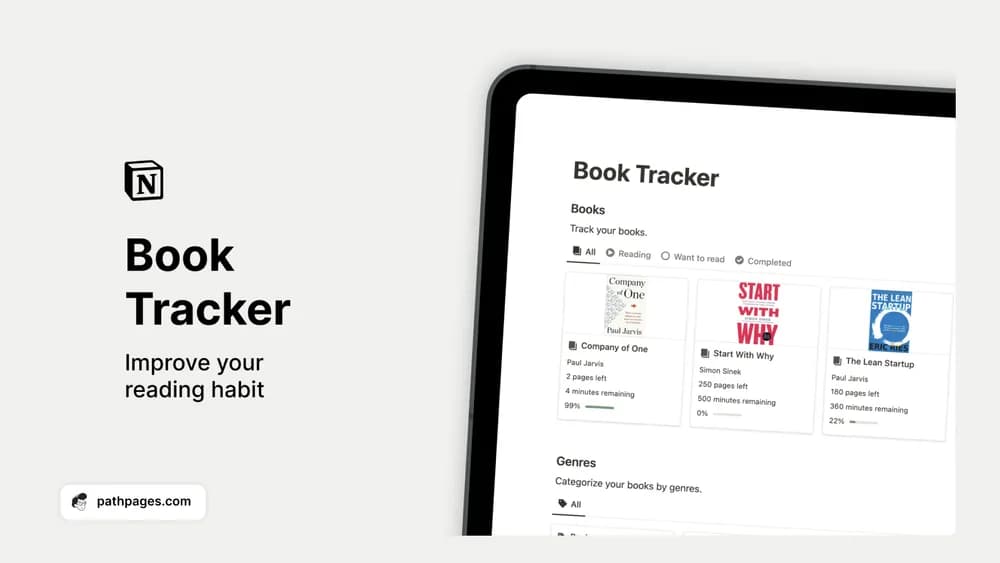
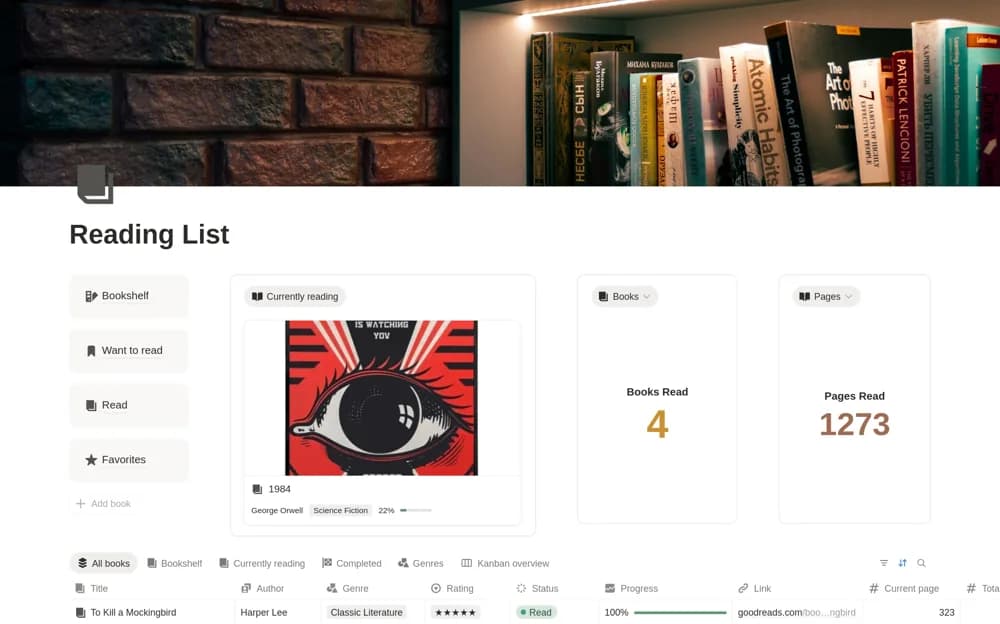
Manage a Notion bookshelf with current reads, a reading queue, completed books, favorites, page progress, and simple reading totals.
What’s included
- Bookshelf with author and genre records
- Current, planned, and completed reading views
- Ratings and favorite books
- Page progress and reading statistics
How to use it in practice
Add the book you are reading now with its total pages and current position. Enter a few realistic choices for what to read next, then update progress after a reading session. When you finish, record a rating that will help you remember the book and inspect the completed-books view.
Set it up in your workspace
- Open the original Notion Marketplace listing and add the template to your chosen workspace while signed in. Keep its example records until you understand how the pages connect.
- Add the book you are reading now with its total pages and current position.
- Try one complete example before adding a large backlog. Check that its views and any calculations show what you expect, then replace the sample content with your own.
Who it suits and what to consider
Readers who want a straightforward library tracker rather than a large journaling workspace. Reading progress depends on manual entries. Book metadata imports, ebook synchronization, and automatically captured reading sessions are not documented.