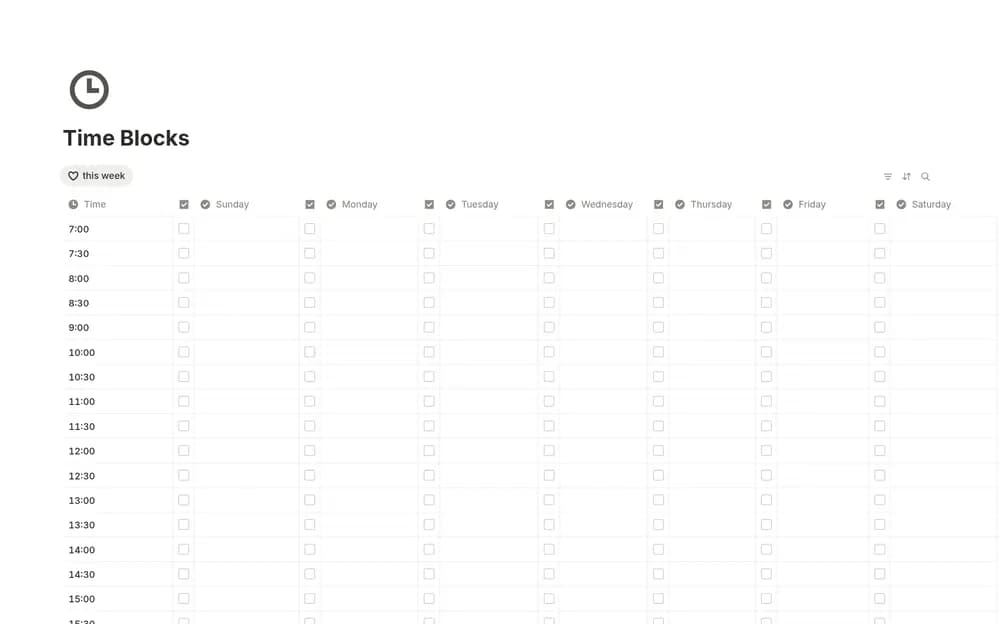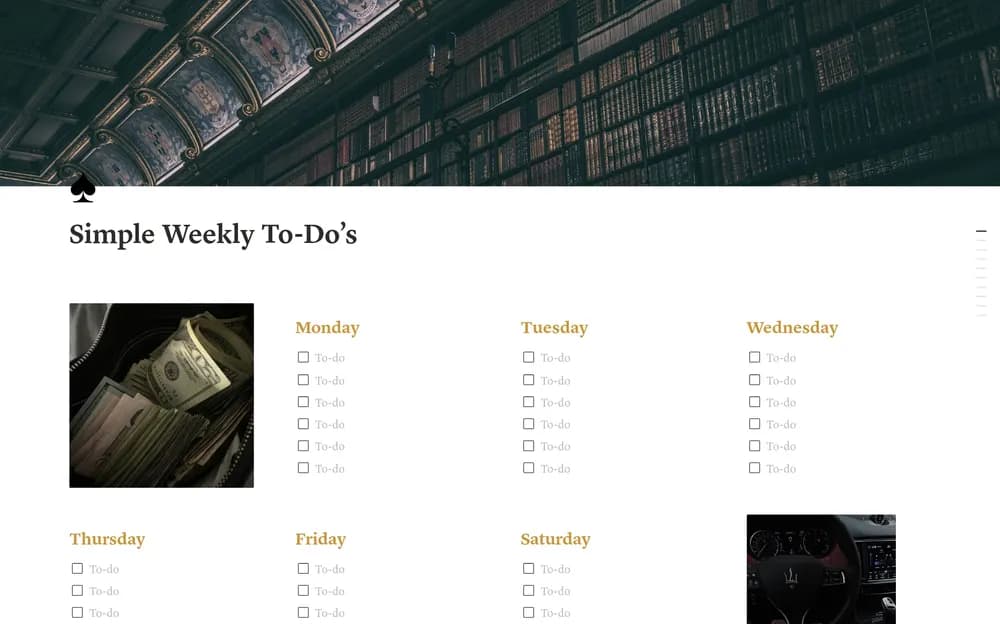
About Simple Weekly To-Dos
Keep a basic weekly to-do list in Notion with space for each day, a simple calendar view, and a minimal design you can duplicate and start using.
What’s included
- Weekly to-do lists
- Space to organize each day
- Simple calendar view
- Minimal, customizable design
How to use it in practice
Duplicate the page and add the tasks you need to finish this week, grouped by day. Check the calendar view to spot crowded days and move items if needed. Tick tasks off as you go and, at the end of the week, note what kept getting pushed back.
Set it up in your workspace
- Open the original Notion Marketplace listing and add the template to your chosen workspace while signed in. Keep its example records until you understand how the pages connect.
- Duplicate the page and add the tasks you need to finish this week, grouped by day.
- Try one complete example before adding a large backlog. Check that its views and any calculations show what you expect, then replace the sample content with your own.
Who it suits and what to consider
People who want the plainest possible weekly task list without dashboards or setup. The listing is brief, with no mention of priorities, recurring tasks, or reviews. It suits light personal planning; anything larger needs a fuller task system.