About Story/ Novel/ Book writing and planning
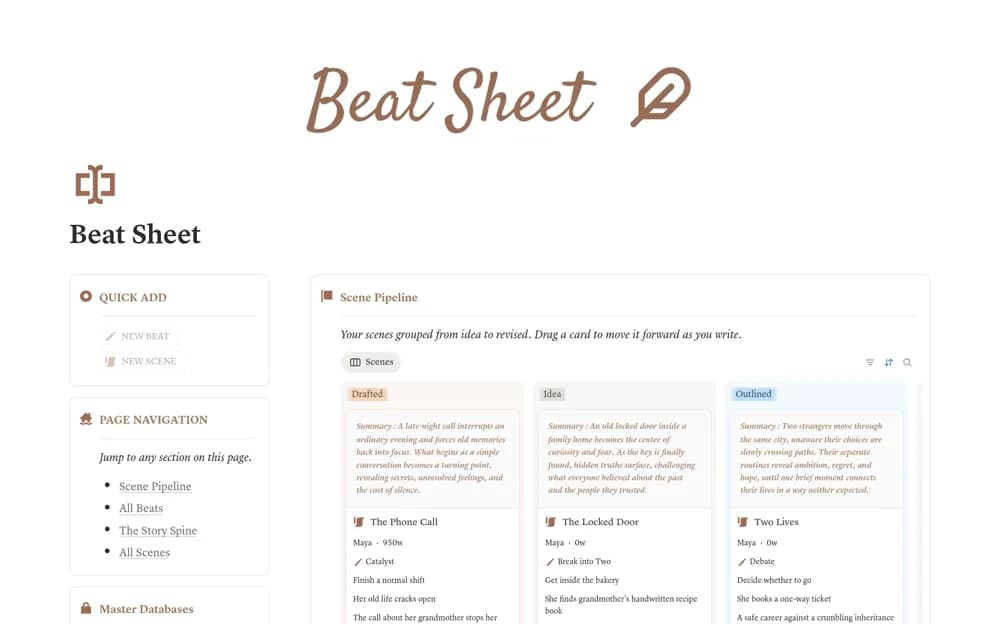
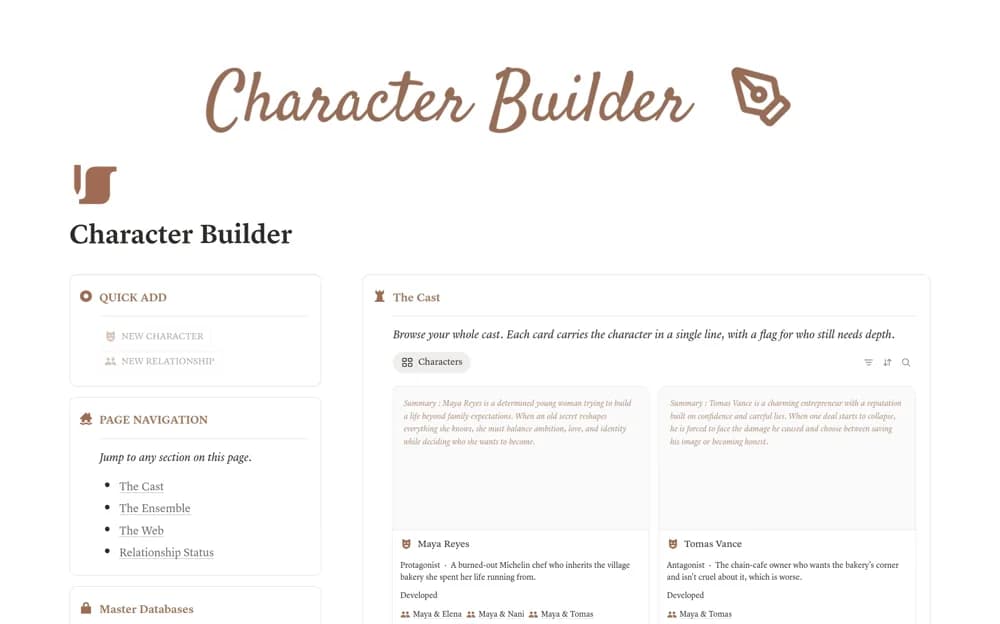
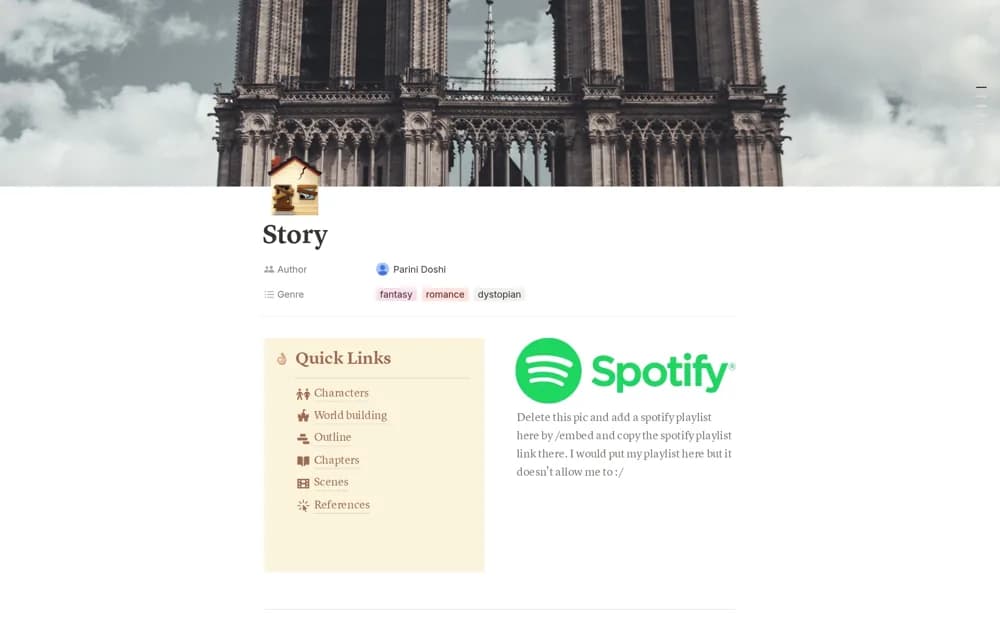
A story-writing workspace for organizing a book and cross-referencing its planning material while you draft.
What’s included
- Book-writing and planning structure
- Cross-reference organization
- Creator notes explaining customization
How to use it in practice
Add the planning material needed for your current chapter rather than building the entire world first. Test how you find a referenced detail and keep important changes aligned with the manuscript. Use the included customization notes to simplify the structure around your actual writing process.
Set it up in your workspace
- Open the original Notion Marketplace listing and add the template to your chosen workspace while signed in. Keep its example records until you understand how the pages connect.
- Add the planning material needed for your current chapter rather than building the entire world first.
- Try one complete example before adding a large backlog. Check that its views and any calculations show what you expect, then replace the sample content with your own.
Who it suits and what to consider
Writers who want an adaptable reference alongside a novel in progress. The public description is brief and does not establish a full editing, publishing, or manuscript-export system.