About Tax Tracker & Filing Organizer
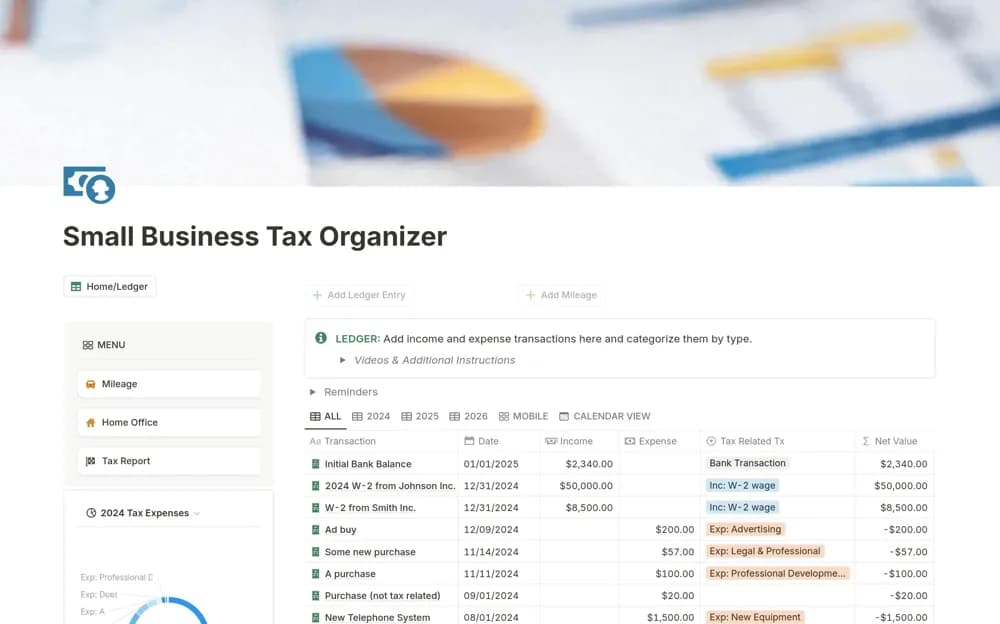
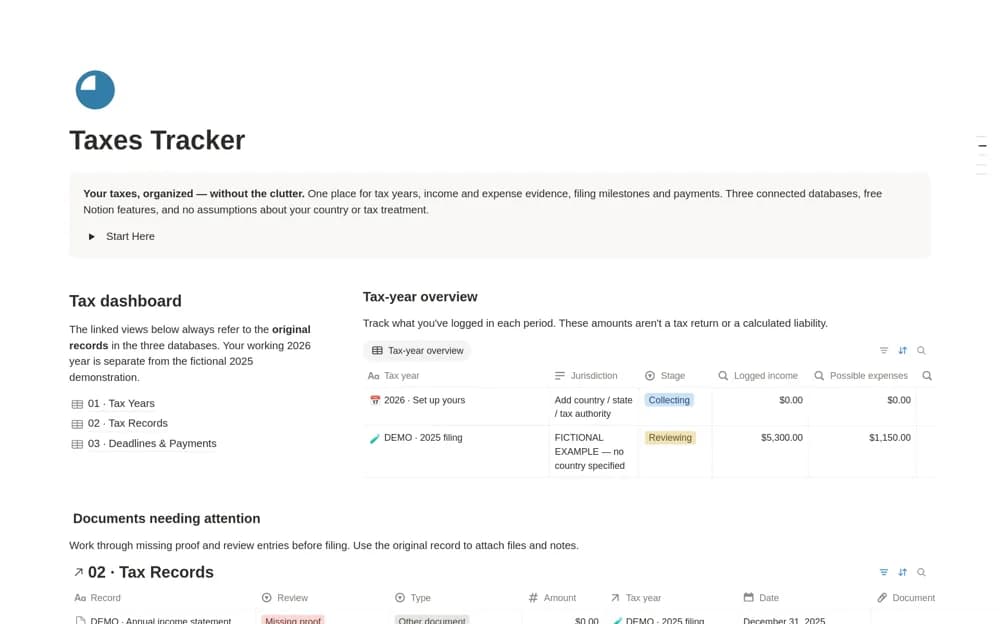
Collect tax-year records in Notion with income and supporting documents, jurisdiction notes, filing status, and missing-document reviews.
What’s included
- Separate tax-period records
- Linked income and expense evidence
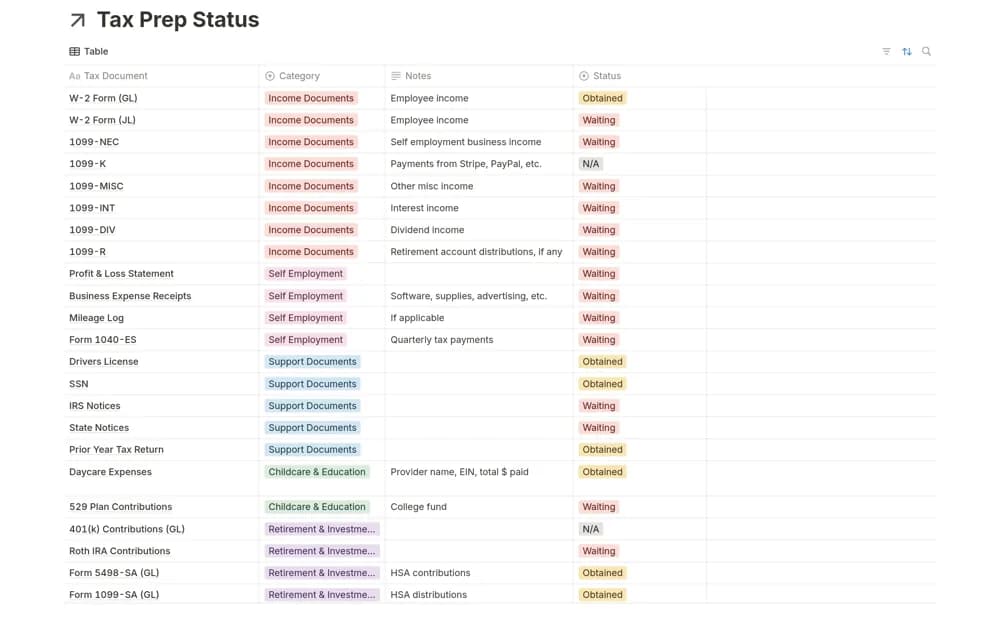
- Supporting files and withholding records
- Filing-stage and missing-document organization
How to use it in practice
Create the tax period and confirm which jurisdiction the records concern. Add documents as they arrive, linking each to the correct year, then review missing information before your preparation appointment. Have the appropriate reviewer determine how each item should be treated rather than inferring eligibility from a category name.
Set it up in your workspace
- Open the original Notion Marketplace listing and add the template to your chosen workspace while signed in. Keep its example records until you understand how the pages connect.
- Create the tax period and confirm which jurisdiction the records concern.
- Try one complete example before adding a large backlog. Check that its views and any calculations show what you expect, then replace the sample content with your own.
Who it suits and what to consider
People organizing information to review with their tax preparer or established filing process. The organizer does not calculate a verified tax return or determine deductible expenses. Filing rules and deadlines require current jurisdiction-specific confirmation.