About Teacher Classroom Planner
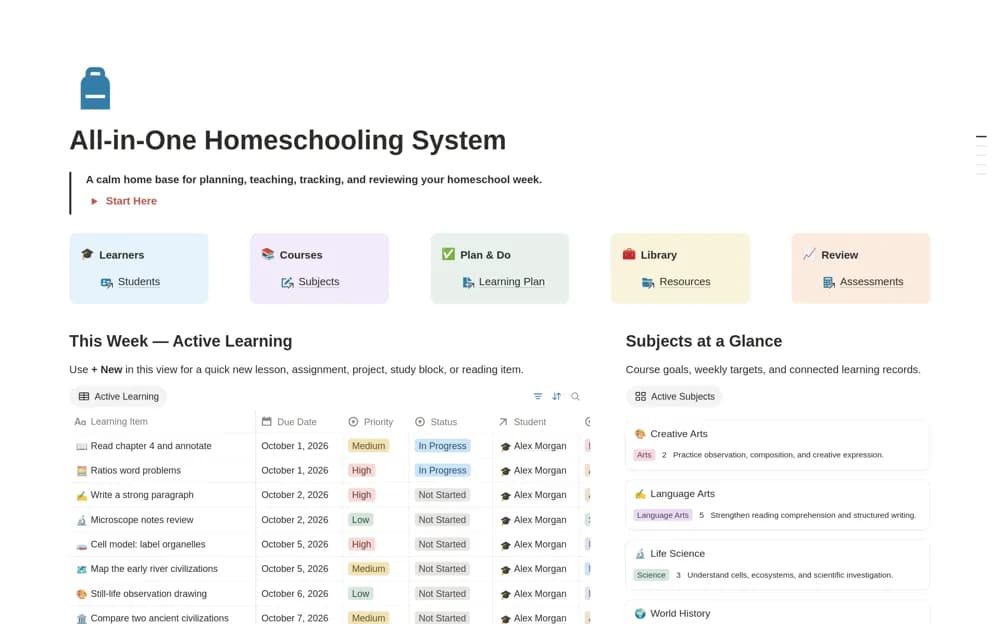
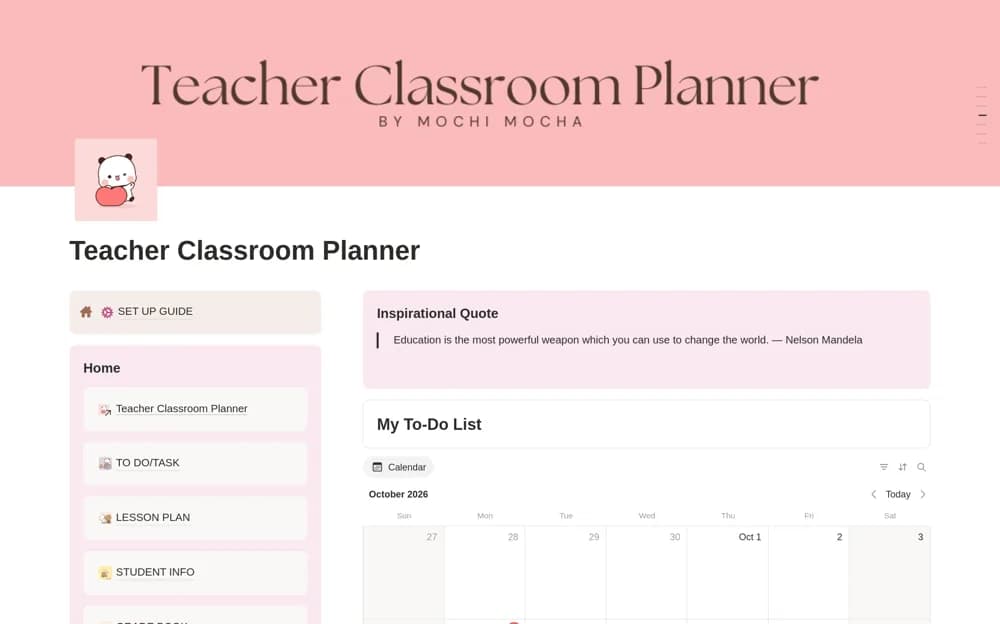
A classroom planner for lessons, student records, attendance, grades, teaching resources, schedules, and reflection notes.
What’s included
- Weekly and monthly lesson layouts
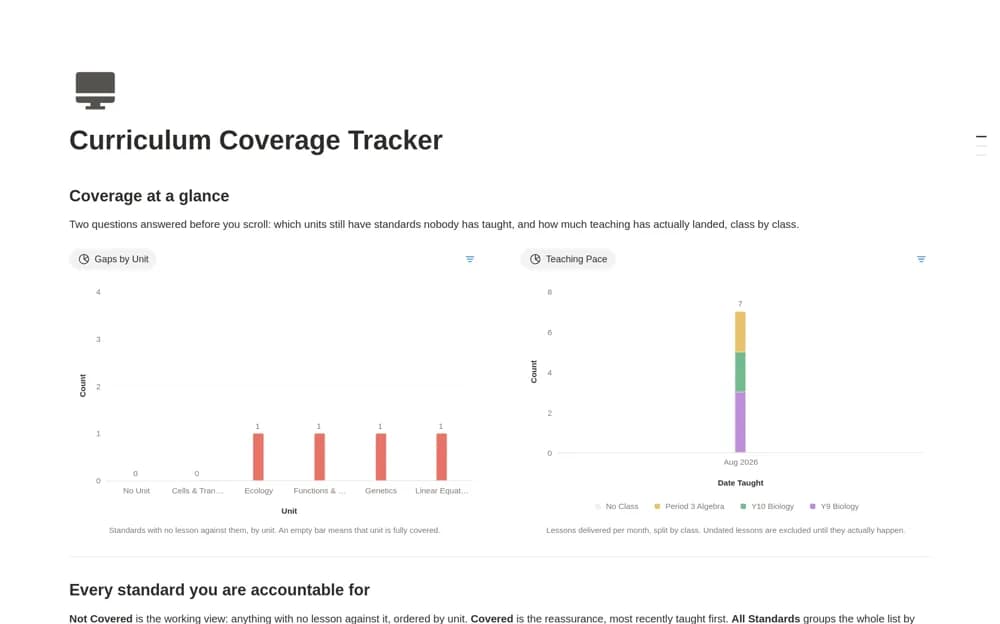
- Student attendance, grades, and performance notes
- Timetables, teaching resources, and reflection pages
How to use it in practice
Plan one week of lessons around your actual class objectives and link the required resources. Trial student fields with fictional records and check institutional permissions before entering personal data. Use reflections to adjust the next lesson while keeping official records in the approved school system.
Set it up in your workspace
- Open the original Notion Marketplace listing and add the template to your chosen workspace while signed in. Keep its example records until you understand how the pages connect.
- Plan one week of lessons around your actual class objectives and link the required resources.
- Try one complete example before adding a large backlog. Check that its views and any calculations show what you expect, then replace the sample content with your own.
Who it suits and what to consider
Teachers organizing class planning and routine classroom information. The template does not establish suitability for regulated student records or replace your school’s policies.