About Teacher Lesson Planning OS
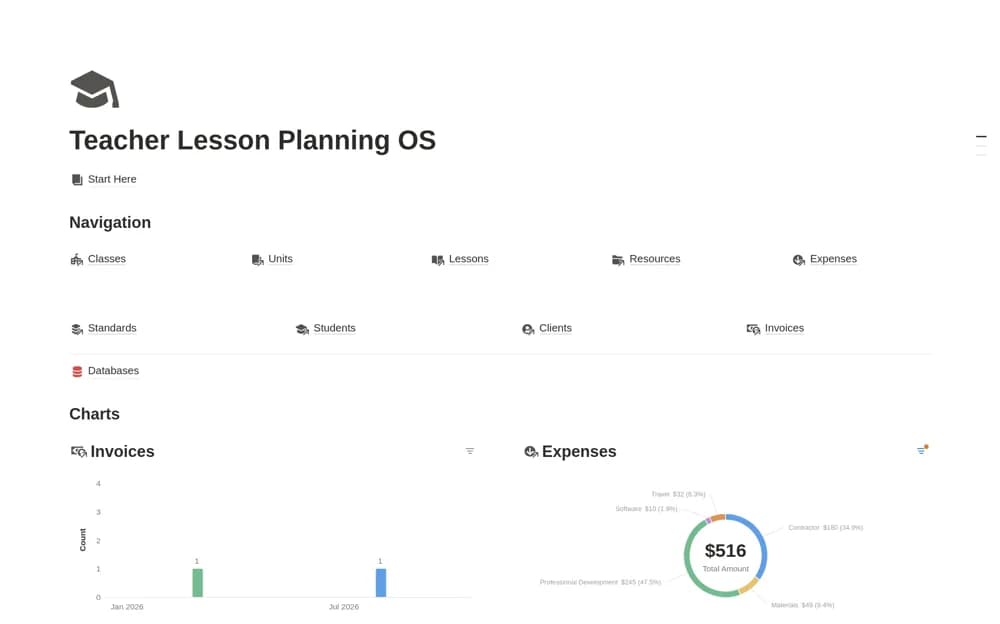
A connected teaching-practice system linking clients, students, classes, units, lessons, standards, invoices, and expenses.
What’s included
- Nine connected databases for teaching and administration
- Unit, lesson, standards, and resource organization
- Session-fee, invoice, and outstanding-balance calculations
How to use it in practice
Trial a single class with a fictional learner and a completed session. Check how lessons relate to units and how rates flow into billing. Review curriculum mappings and access requirements before entering live student or payer details, then reconcile a known invoice example.
Set it up in your workspace
- Open the original Notion Marketplace listing and add the template to your chosen workspace while signed in. Keep its example records until you understand how the pages connect.
- Trial a single class with a fictional learner and a completed session.
- Try one complete example before adding a large backlog. Check that its views and any calculations show what you expect, then replace the sample content with your own.
Who it suits and what to consider
Independent teachers and small teaching practices managing both lessons and billing. The billing and standards relationships need checking against your arrangements and applicable institutional requirements.