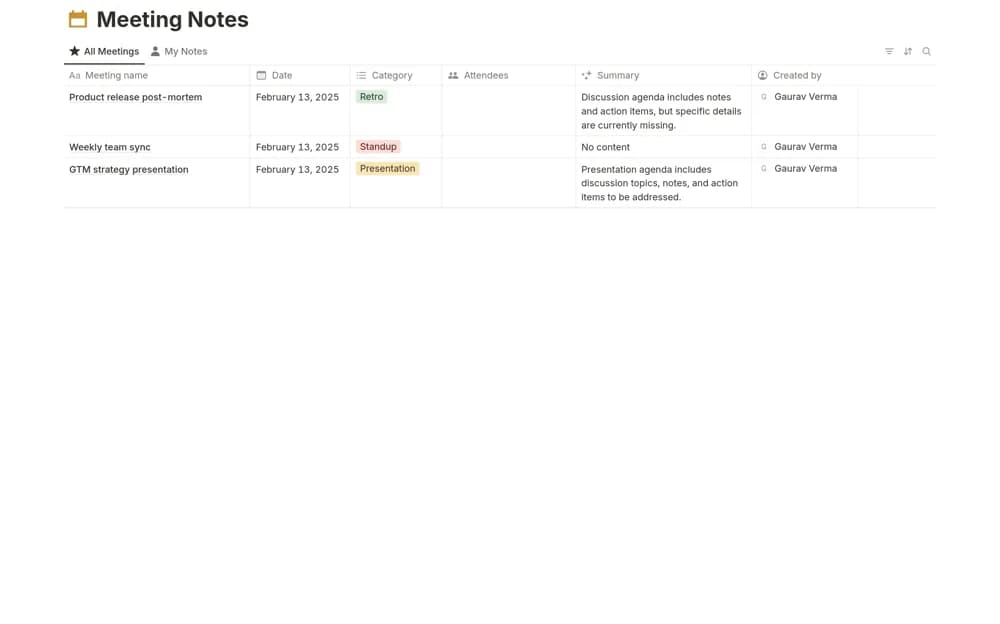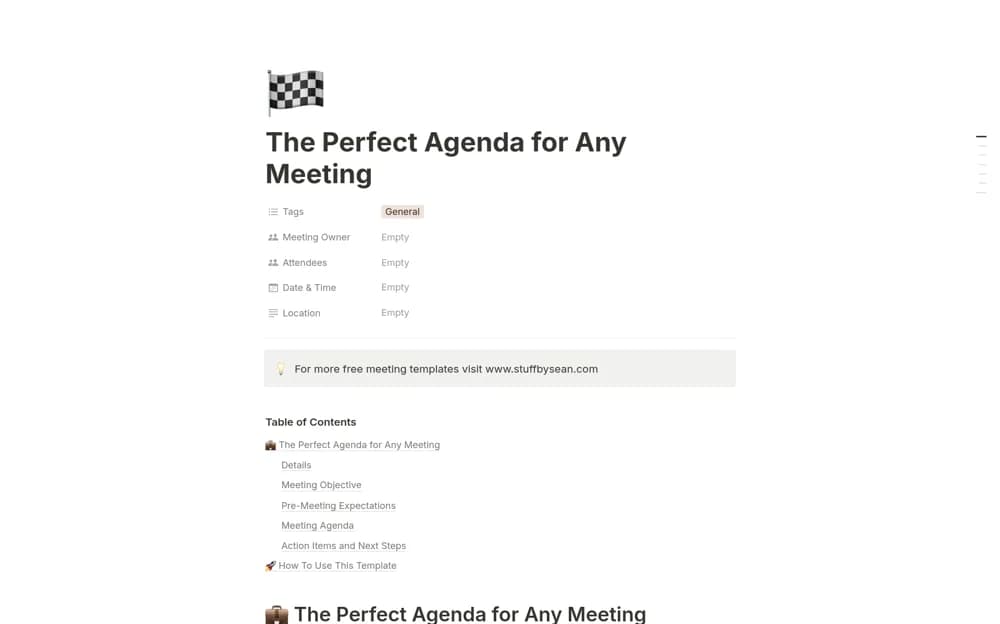
About Team Huddle
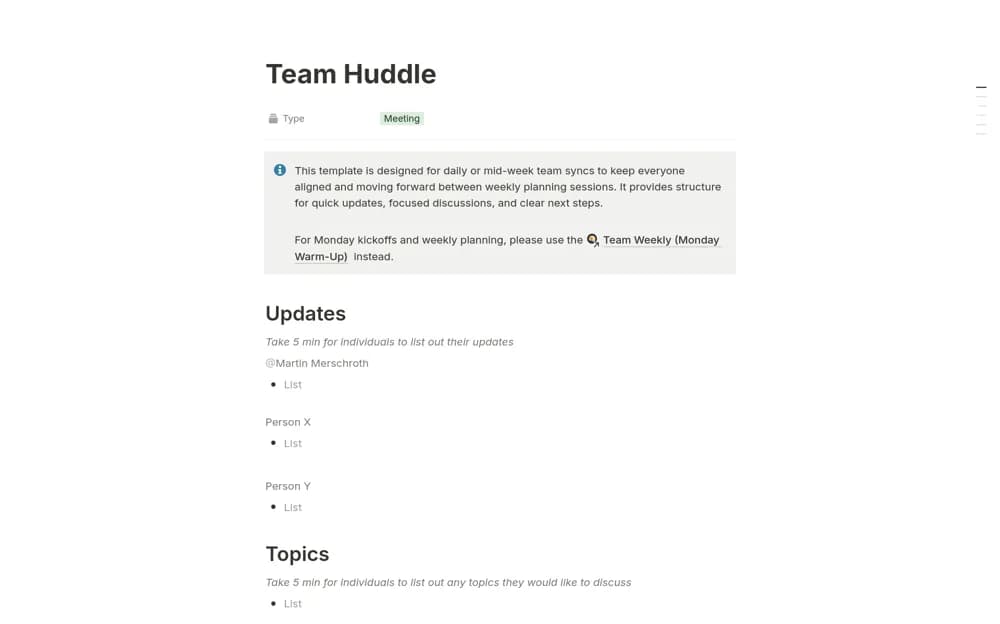
Run focused daily huddles in Notion with written progress updates, discussion topics, blockers, decisions, and assigned next steps.
What’s included
- Written progress-update section
- Shared discussion-topic collection
- Dashboard review prompts
- Decision and next-step capture
How to use it in practice
Ask participants to write their update before the huddle. Collect issues that need a decision, discuss the blockers that affect today’s work, and assign a next step for each unresolved topic. At the following huddle, check the previous actions before opening another discussion.
Set it up in your workspace
- Open the original Notion Marketplace listing and add the template to your chosen workspace while signed in. Keep its example records until you understand how the pages connect.
- Ask participants to write their update before the huddle.
- Try one complete example before adding a large backlog. Check that its views and any calculations show what you expect, then replace the sample content with your own.
Who it suits and what to consider
Teams that need a short daily coordination routine between longer weekly planning meetings. The agenda needs a facilitator and realistic time limits. It does not automatically obtain status updates from your project tools.