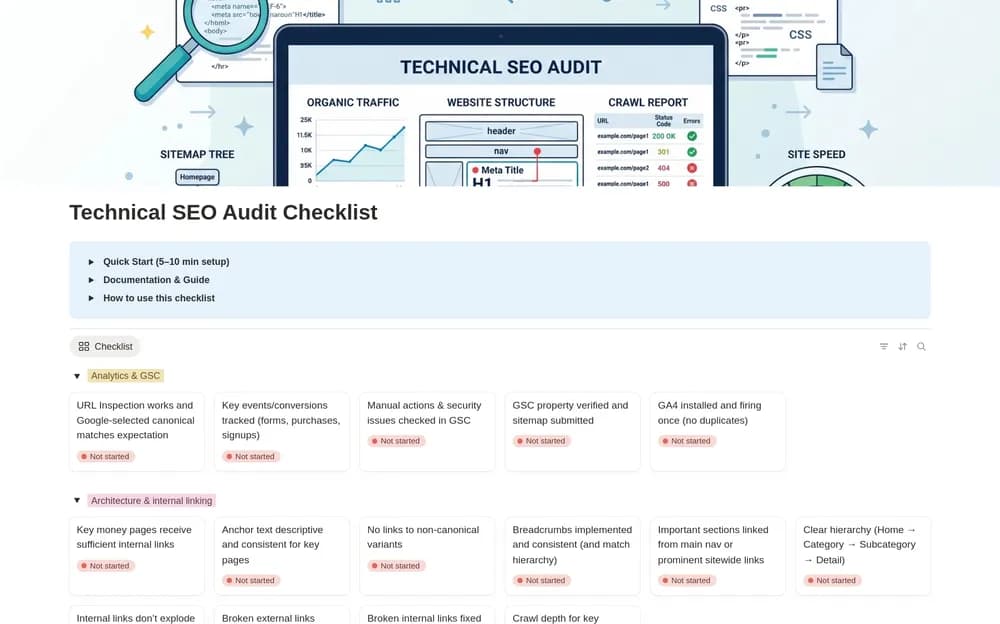
About Technical SEO Audit Checklist
An audit checklist helps you keep a record of what you inspected and what needs work. Use official search-engine guidance to interpret the checks and prioritize issues by their effect on the site. A checklist supports the process; it does not establish a ranking result.
What’s included
- Checks covering crawling, indexing, status codes, redirects, canonicals, and site architecture
- Sections for JavaScript rendering, performance, mobile, and structured data
- A findings workflow with evidence, priorities, ownership, and due dates
How to use it in practice
Audit one important section of a website and record evidence for each issue before proposing a fix. Separate a confirmed technical problem from an untested assumption. Prioritize work by its effect on users and search access, then recheck the affected URLs after implementation. Keep links to official guidance beside findings that require interpretation.
Set it up in your workspace
- Open the original Notion Marketplace listing and add the template to your chosen workspace while signed in. Keep its example records until you understand how the pages connect.
- Choose one important section of the site and record evidence for each issue. Separate observations from proposed fixes.
- Try one complete example before adding a large backlog. Check that its views and any calculations show what you expect, then replace the sample content with your own.
Who it suits and what to consider
Site owners and marketers carrying out an audit. Useful for keeping an audit organized and reproducible. It supports investigation and follow-up; a completed checklist cannot establish a future ranking result.