 Free
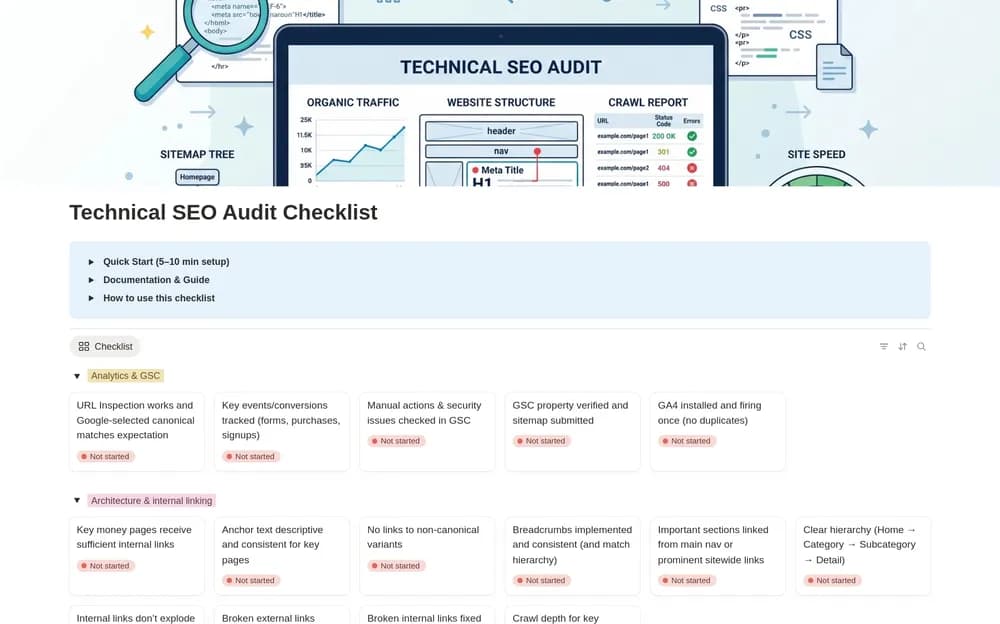
FreeTechnical SEO Audit Checklist
Keep technical SEO checks organized while reviewing a website.
Keep search work tied to useful pages and verified issues. Browse Notion SEO templates for content planning, technical findings, source evidence, priorities, and checking changes after implementation.
Showing 1–2 of 2 templates
A little structure goes a long way.FreeKeep technical SEO checks organized while reviewing a website.
 Paid
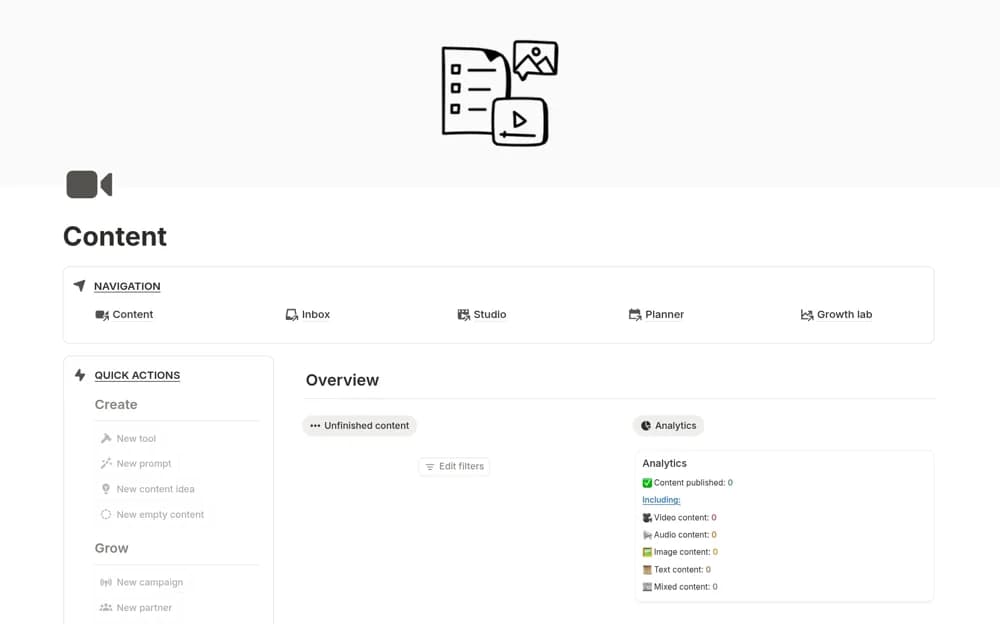
PaidA broad content-production workspace with connected databases, calendars, dashboards, performance records, and partnership organization.
Compare the purpose and included features before choosing a workspace.
Site owners and marketers carrying out an audit.
Creators and content teams evaluating a more extensive editorial system.
Begin with the page or user need you want to improve. Record the observed problem and evidence before assigning a fix. Keep content work, technical checks, and results easy to distinguish. Use current primary guidance for technical decisions, and date your observations. A tracker can organize improvements and monitoring; it cannot establish a future search position.
Evidence for findings
Clear priorities and owners
Follow-up checks on changed pages
About the directoryYes. This collection currently includes 1 listing with a confirmed free creator offer, alongside 1 paid or freemium option. Use the Free filter to compare them. A free version can have different features from a creator’s paid upgrade, so check the original listing and current access terms before adding it to your workspace.