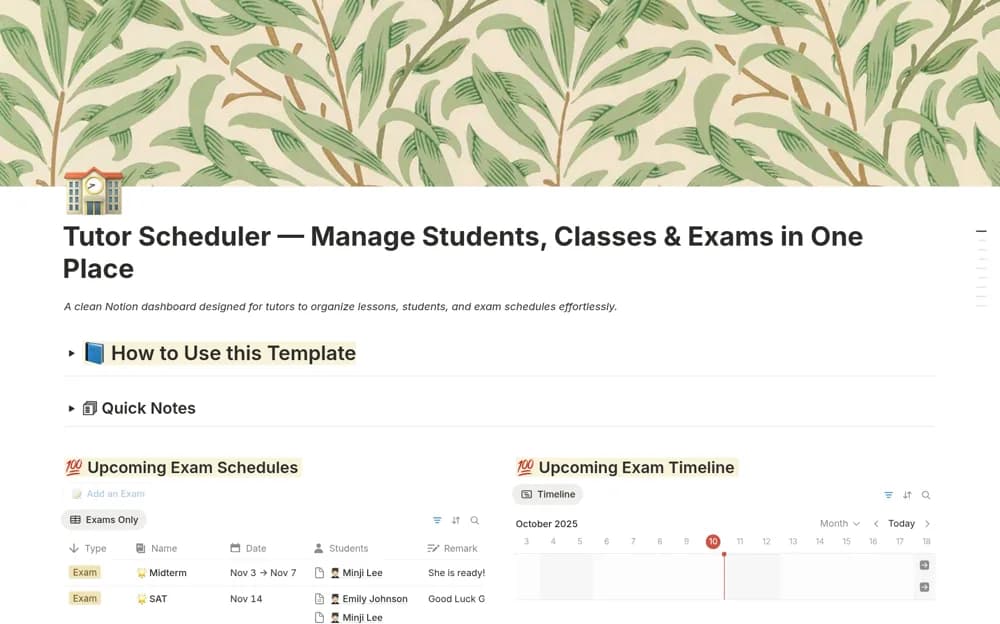
About Tutor Scheduler — Manage Students & Classes
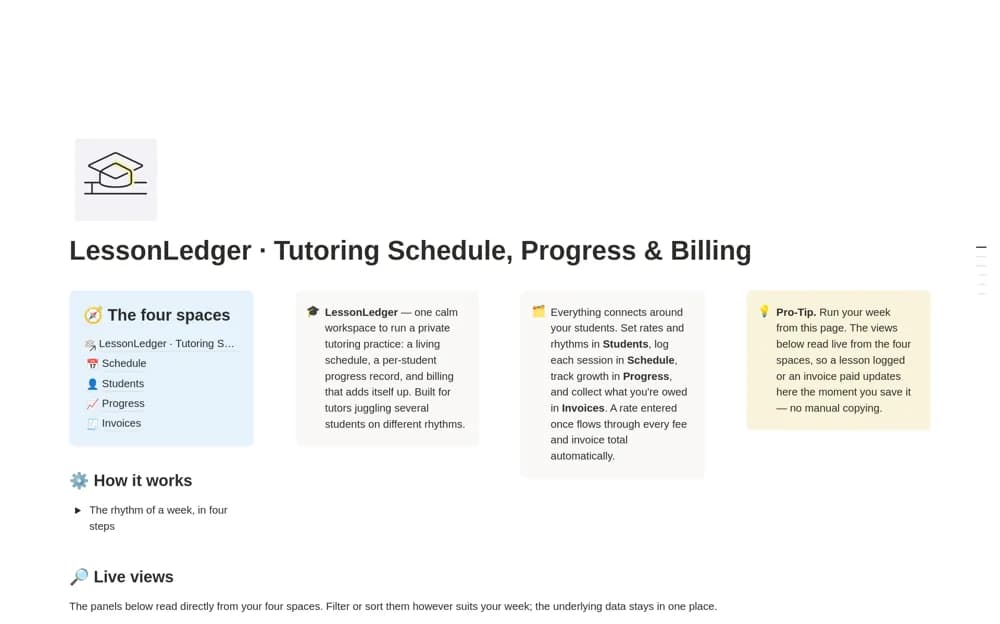
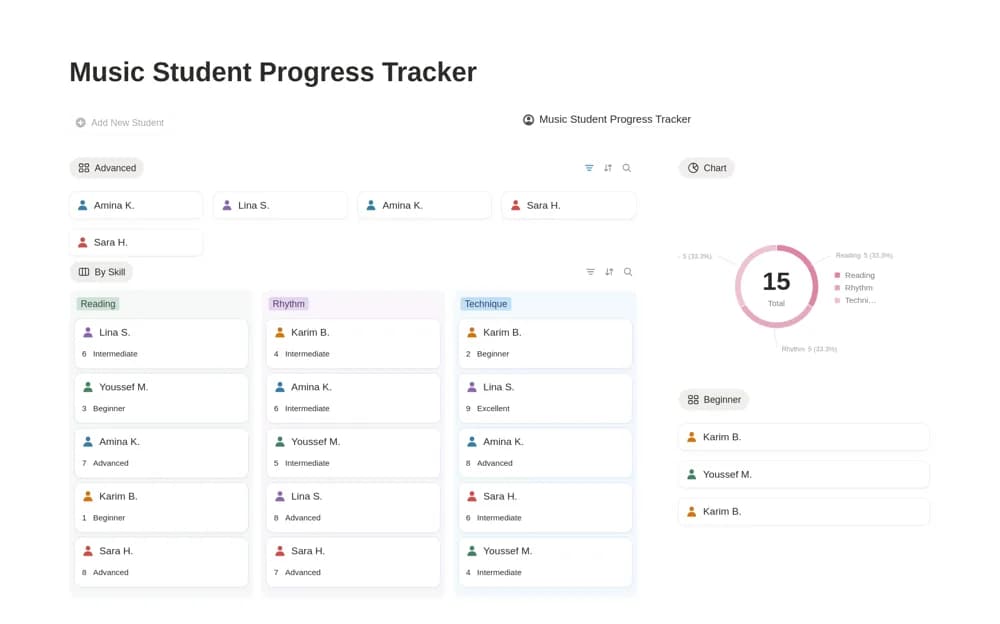
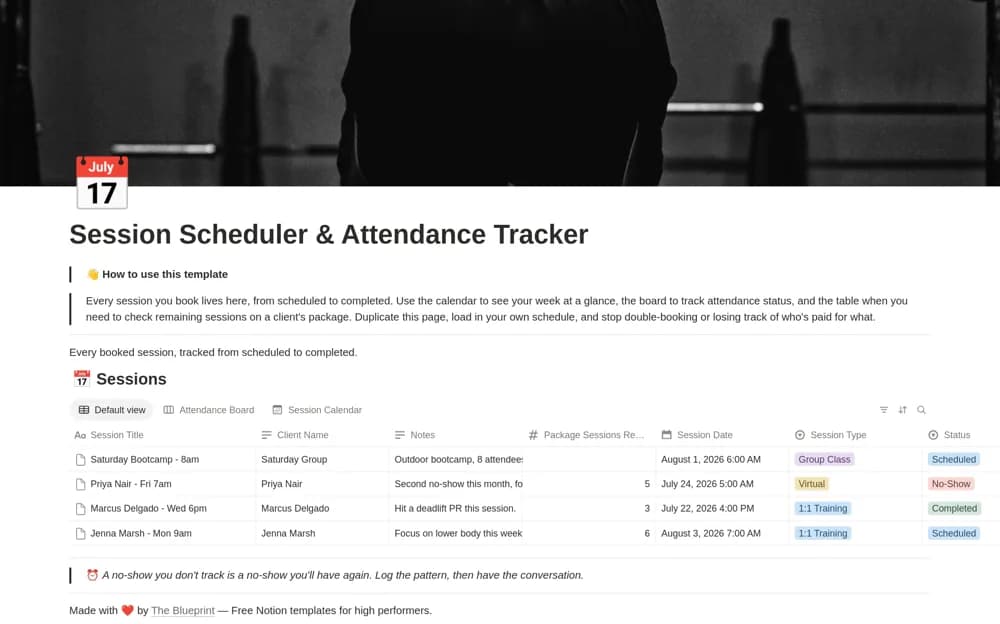
A tutoring dashboard bringing student profiles, classes, exam dates, attendance, grades, and feedback together through linked records and focused calendar or list views.
What’s included
- Student profiles and attendance records
- Lesson and exam scheduling
- Grades, feedback, and tutor or student filters
How to use it in practice
Add a student, their next lesson, and an upcoming assessment. Check the student view to make sure all three appear together, then record attendance and feedback after the session. Use the tutor filter when several educators share the schedule so responsibilities remain clear.
Set it up in your workspace
- Open the original Notion Marketplace listing and add the template to your chosen workspace while signed in. Keep its example records until you understand how the pages connect.
- Add a student, their next lesson, and an upcoming assessment.
- Try one complete example before adding a large backlog. Check that its views and any calculations show what you expect, then replace the sample content with your own.
Who it suits and what to consider
Private tutors and teaching teams coordinating students, lessons, and assessments. The source describes connected Notion records with no integration setup. Do not assume it sends booking confirmations or synchronizes with an external school system.