About LessonLedger · Tutoring Schedule and more
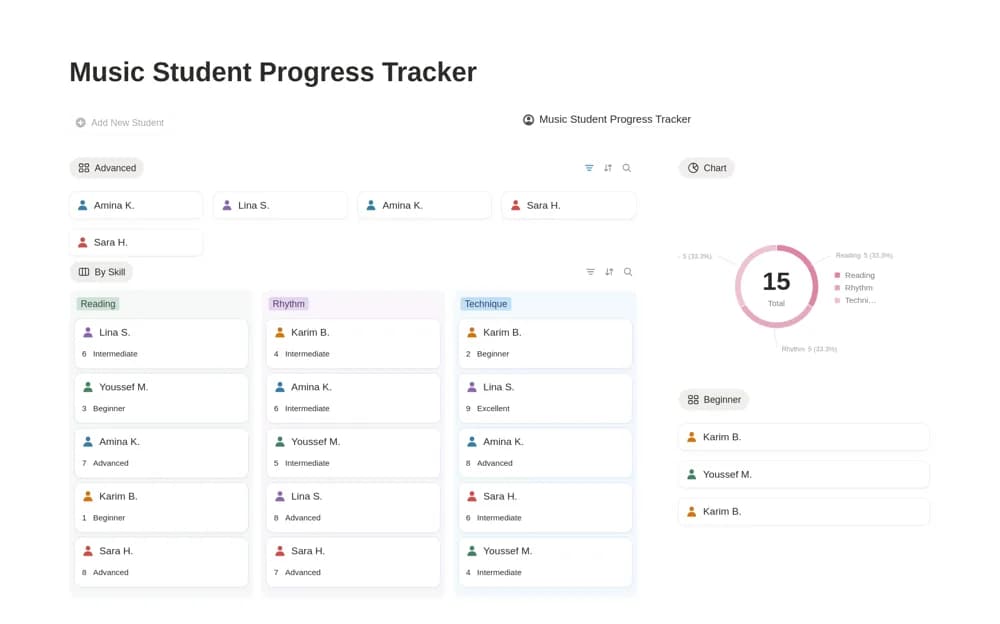
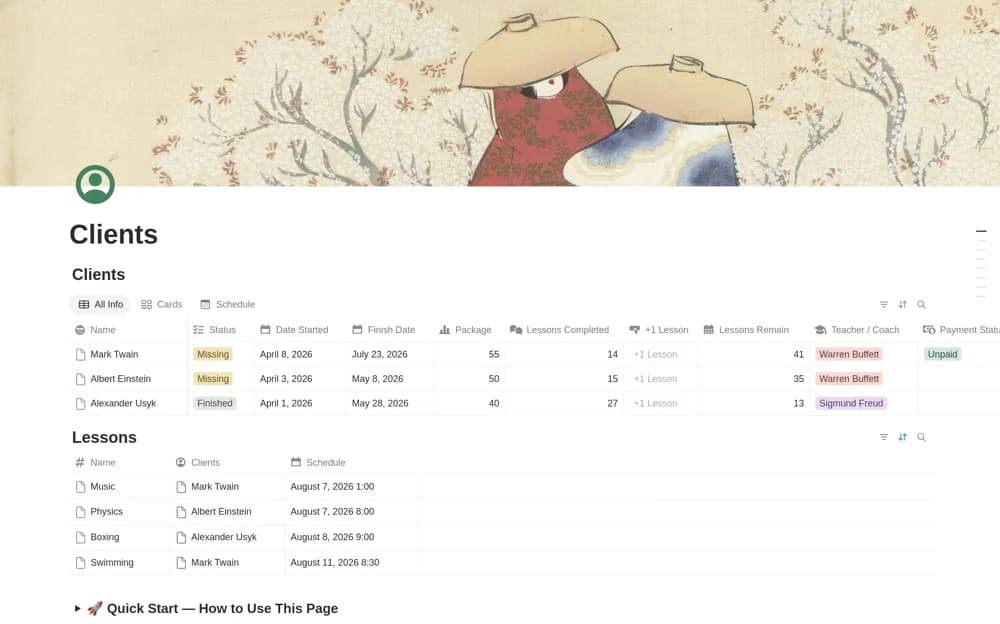
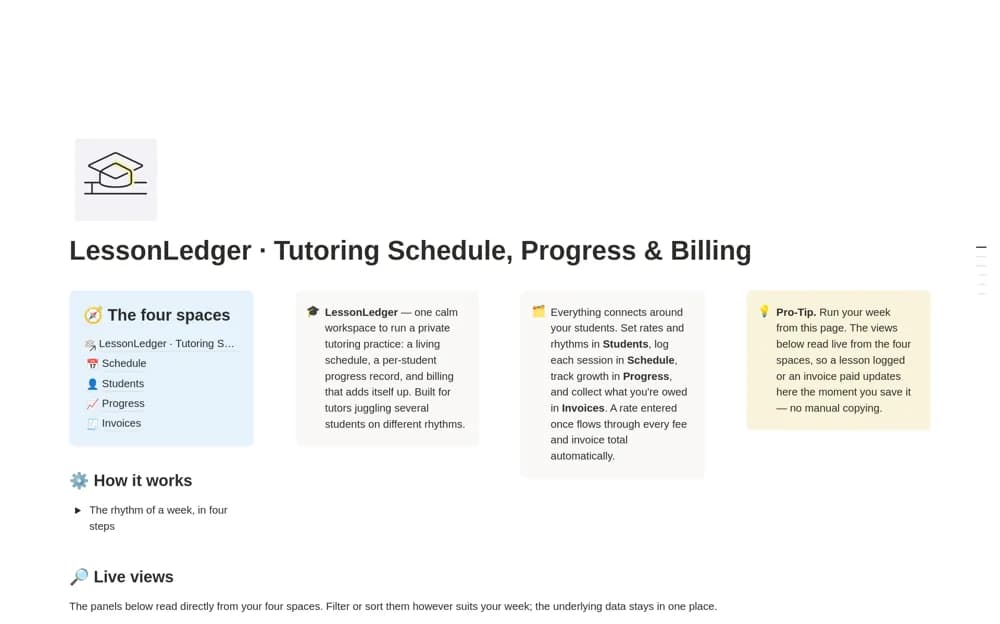
A tutoring system connecting student records, lesson schedules, learning progress, calculated fees, and invoices.
What’s included
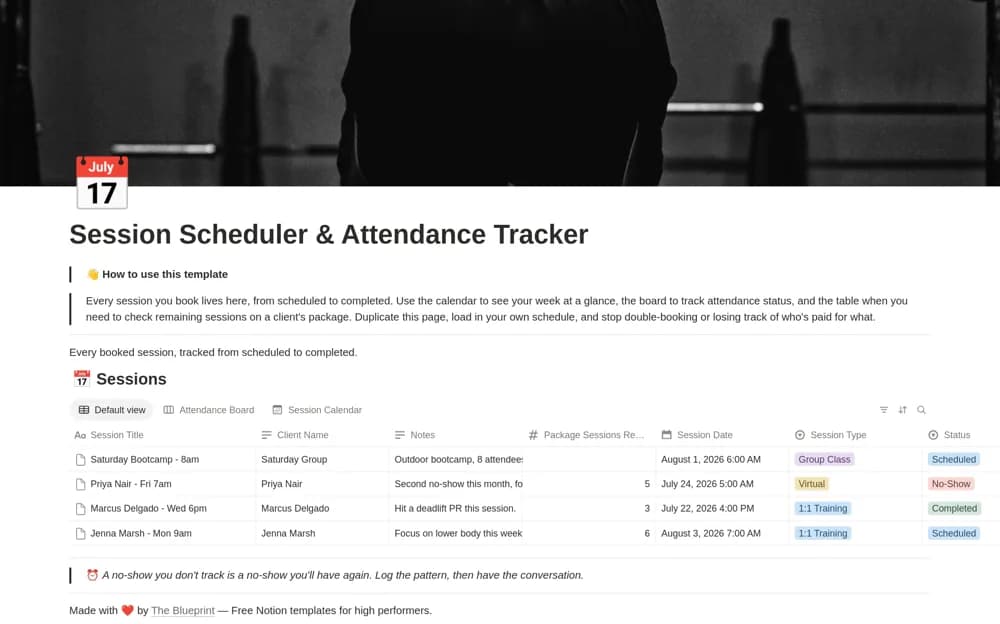
- Students, Schedule, Progress, and Invoices databases
- Lesson fees calculated from rate and duration
- Lesson calendar, active roster, and outstanding-invoice board
How to use it in practice
Create a fictional student with an agreed rate and record a sample lesson. Check duration units, the fee, and the invoice total before using live billing records. Keep learning notes purposeful and review access, especially when organizing information about children.
Set it up in your workspace
- Open the original Notion Marketplace listing and add the template to your chosen workspace while signed in. Keep its example records until you understand how the pages connect.
- Create a fictional student with an agreed rate and record a sample lesson.
- Try one complete example before adding a large backlog. Check that its views and any calculations show what you expect, then replace the sample content with your own.
Who it suits and what to consider
Private tutors working with several students on different schedules. Billing formulas and student records need checking against your arrangements and information-handling responsibilities.