 Free
Session Scheduler & Attendance Tracker
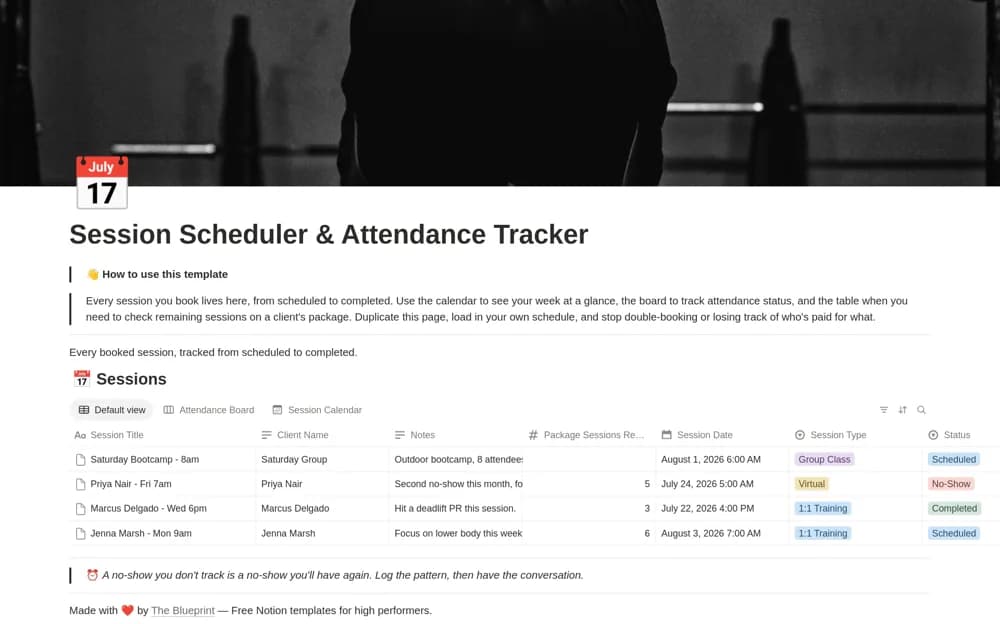
A session log for bookings, attendance, no-shows, and package-related conversations, using calendar and board views to make the week and recurring patterns easier to review.
Keep attendance records easier to update and review. Find Notion templates for teachers, tutors, and program coordinators recording participation across classes, sessions, or recurring activities.
Showing 1–4 of 4 templates
FreeA session log for bookings, attendance, no-shows, and package-related conversations, using calendar and board views to make the week and recurring patterns easier to review.
 Free
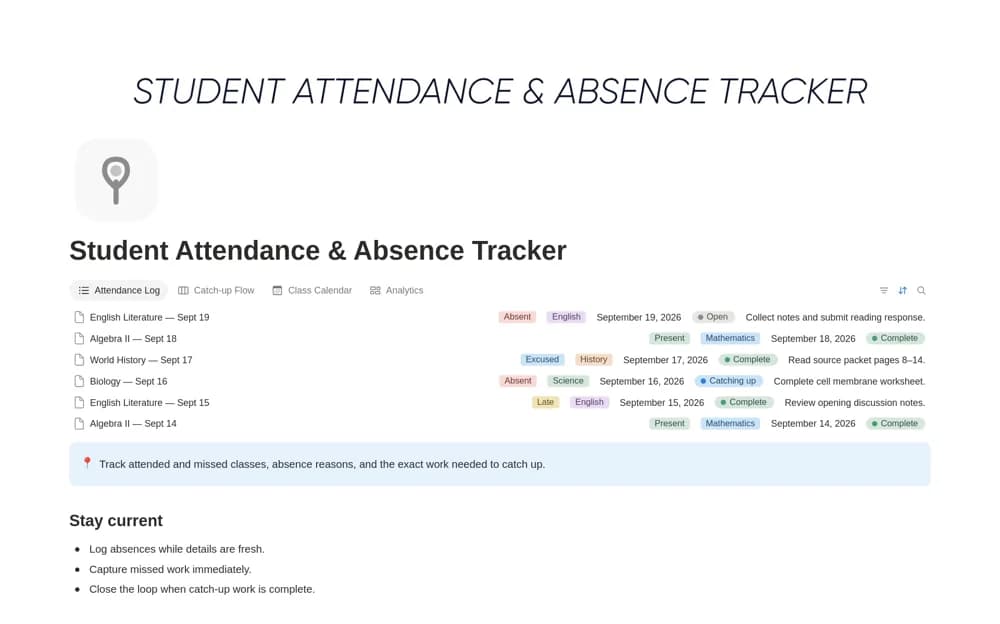
A student-facing absence log that records missed sessions, reasons, catch-up work, and follow-up status, so an absence can lead to a clear recovery plan.
 Free
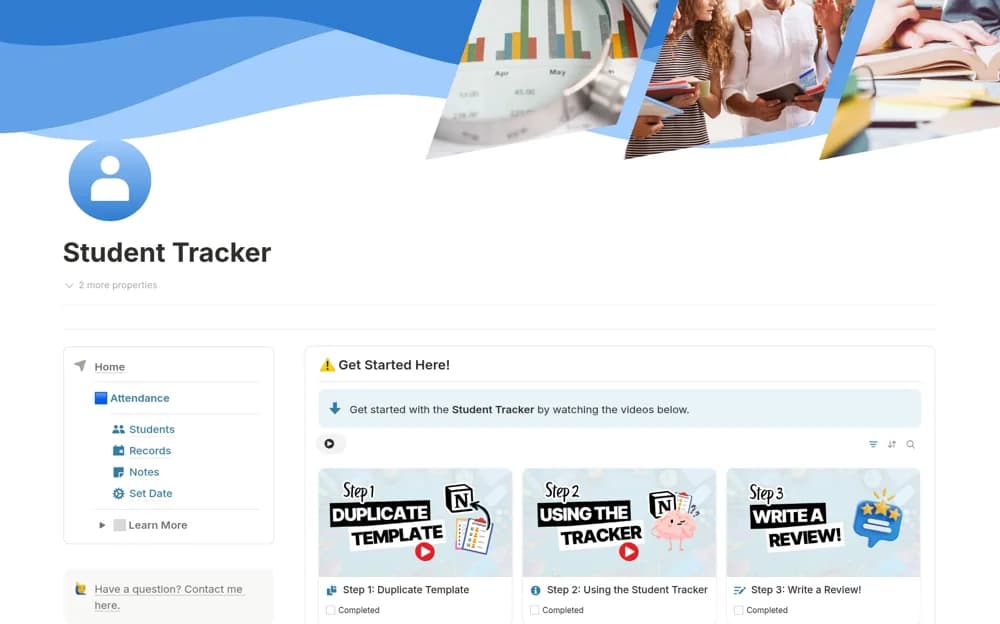
A focused classroom attendance tool for marking students present or absent, offered as a small standalone part of a broader teacher-planning range.
 Free
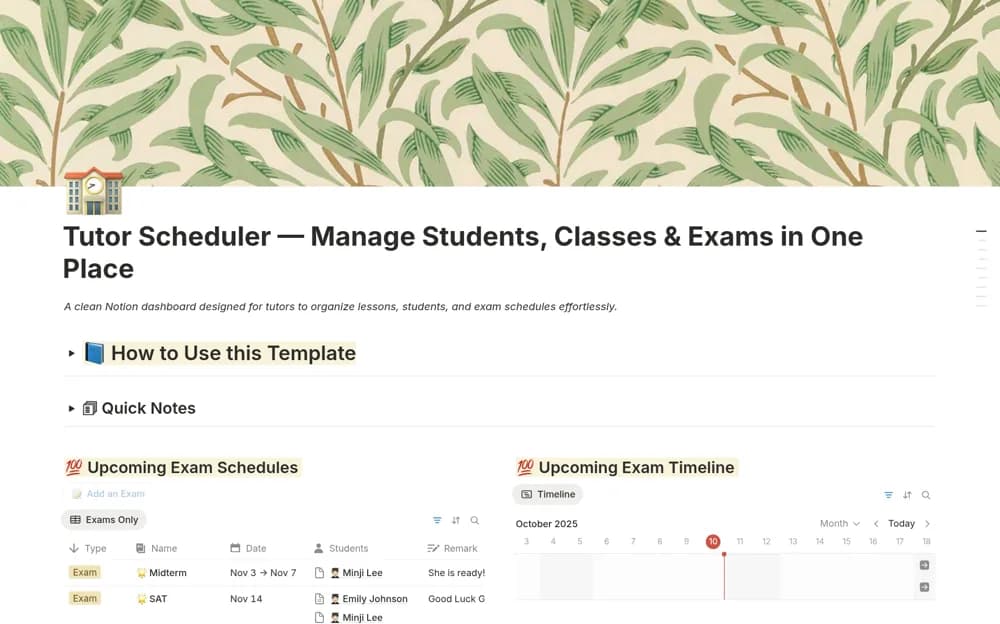
A tutoring dashboard bringing student profiles, classes, exam dates, attendance, grades, and feedback together through linked records and focused calendar or list views.
Compare the purpose and included features before choosing a workspace.
Tutors, coaches, and service providers who work through scheduled client sessions.
Students and families keeping track of missed classes and the work still outstanding.
Teachers who need a simple attendance routine without adopting a larger workspace.
4 working templates from 4 creators: 4 free. Links last checked October 11, 2026.
| Template | Best for | Price | Creator |
|---|---|---|---|
| Session Scheduler & Attendance Tracker | Tutors, coaches, and service providers who work through scheduled client sessions. | Free | The Blueprint |
| Student Attendance & Absence Tracker | Students and families keeping track of missed classes and the work still outstanding. | Free | NimbleGot |
| Student Attendance Tracker | Teachers who need a simple attendance routine without adopting a larger workspace. | Free | Milo | Notion4Teachers |
| Tutor Scheduler — Manage Students & Classes | Private tutors and teaching teams coordinating students, lessons, and assessments. | Free | NYCLifewithNyx |
Try a week containing an absence, a canceled session, and a late arrival. Those events should remain distinguishable so the record reflects what actually happened. Check whether the template tracks each session or only an overall student total. Keep names and dates consistent before using summaries. For formal reporting, compare the exported or summarized records with the requirements of your school, organization, or funding program.
Session-level records
Clear attendance statuses
Student and date filters
About the directoryKeep the session date, participant, and attendance status identifiable. Use different states for an absence, cancellation, and completed session if the process needs that distinction. Record catch-up work separately from the attendance mark. Review a short period against the original register or coordinator’s record before relying on a summary.
Jump straight to any listing in the collection.
A student log often focuses on missed material and recovery work. A teacher register focuses on marking attendance for a class. Choose the workflow you need and verify any reporting or export requirements separately.
It depends on the job you need it to do. Good starting points in this collection include Session Scheduler & Attendance Tracker (tutors, coaches, and service providers who work through scheduled client sessions), Student Attendance & Absence Tracker (students and families keeping track of missed classes and the work still outstanding) and Student Attendance Tracker (teachers who need a simple attendance routine without adopting a larger workspace). Compare the included features below, then try your first choice with a week of real information before moving everything across.
Yes. This collection currently includes 4 listings with a confirmed free creator offer. Use the Free filter to compare them. A free version can have different features from a creator’s paid upgrade, so check the original listing and current access terms before adding it to your workspace.