About UAT Tracker for Digital Health Startups
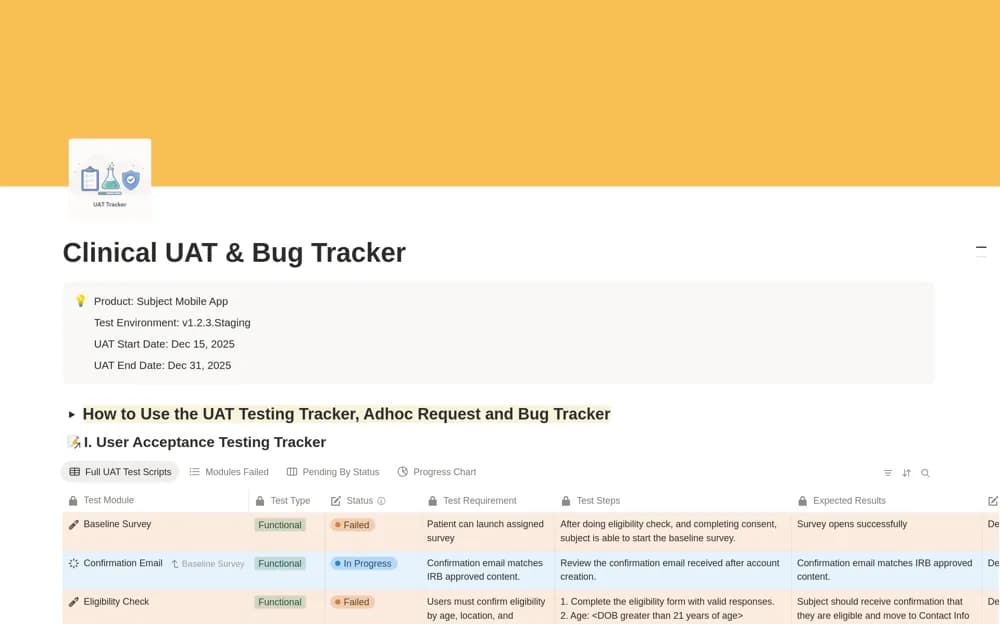
A user-acceptance testing workspace for scripts, pass/fail states, bugs, ad hoc requests, and client review materials.
What’s included
- Test scripts with Passed, Failed, and In Progress states
- Bug tracker and ad hoc request form
- CSV-import workflow and links for demos or reference material
How to use it in practice
Trial a small test set with fictional or suitably de-identified data. Verify tester permissions and what a failed test creates before inviting clients. Confirm the automation and notification behavior in your own workspace, retaining any regulated validation evidence through the approved process.
Set it up in your workspace
- Open the original Notion Marketplace listing and add the template to your chosen workspace while signed in. Keep its example records until you understand how the pages connect.
- Trial a small test set with fictional or suitably de-identified data.
- Try one complete example before adding a large backlog. Check that its views and any calculations show what you expect, then replace the sample content with your own.
Who it suits and what to consider
Technical project managers coordinating testers and external stakeholders. The digital-health title does not establish clinical validation, security certification, or regulatory compliance.