 Free
Asset Manager
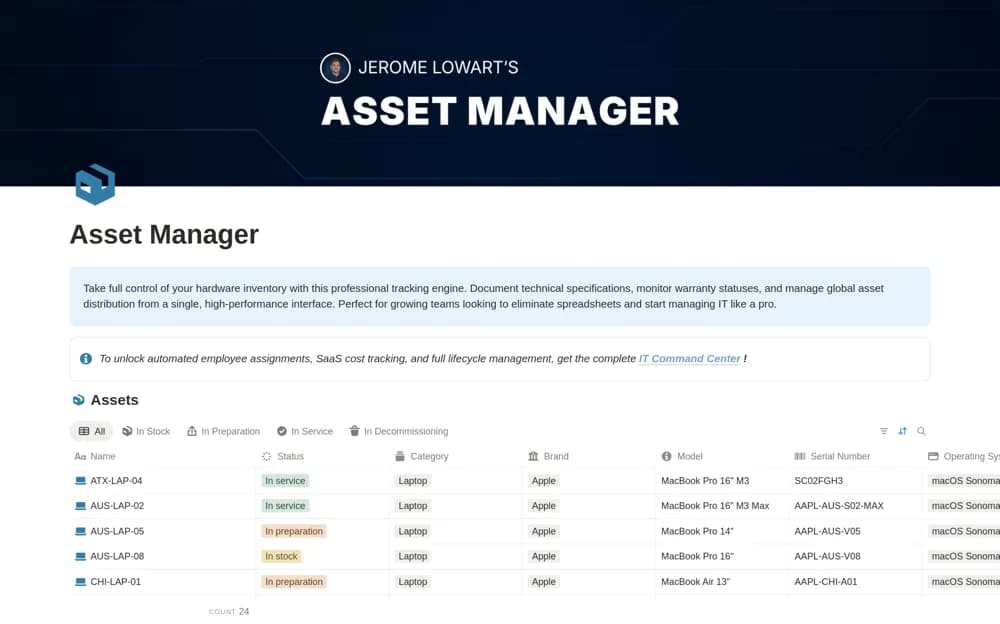
An IT hardware register for serial numbers, specifications, purchases, grouping, and warranty context.
Give support requests, equipment records, and internal IT knowledge a clear home. Find Notion templates for everyday technology operations.
Showing 1–12 of 12 templates
FreeAn IT hardware register for serial numbers, specifications, purchases, grouping, and warranty context.
 Paid
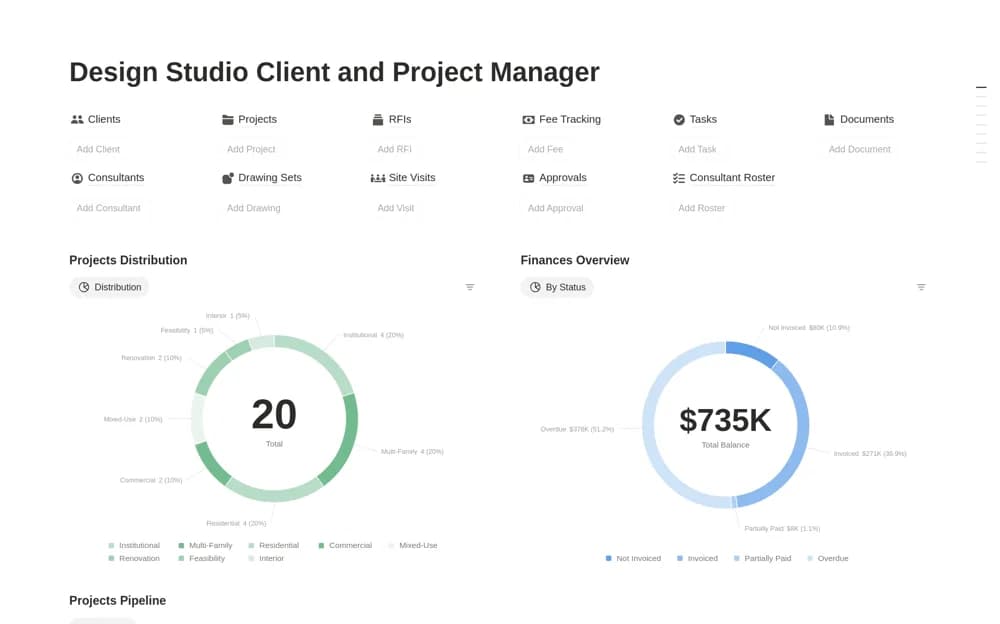
A studio operations workspace linking clients, design projects, drawings, approvals, site visits, and fees.
 Free
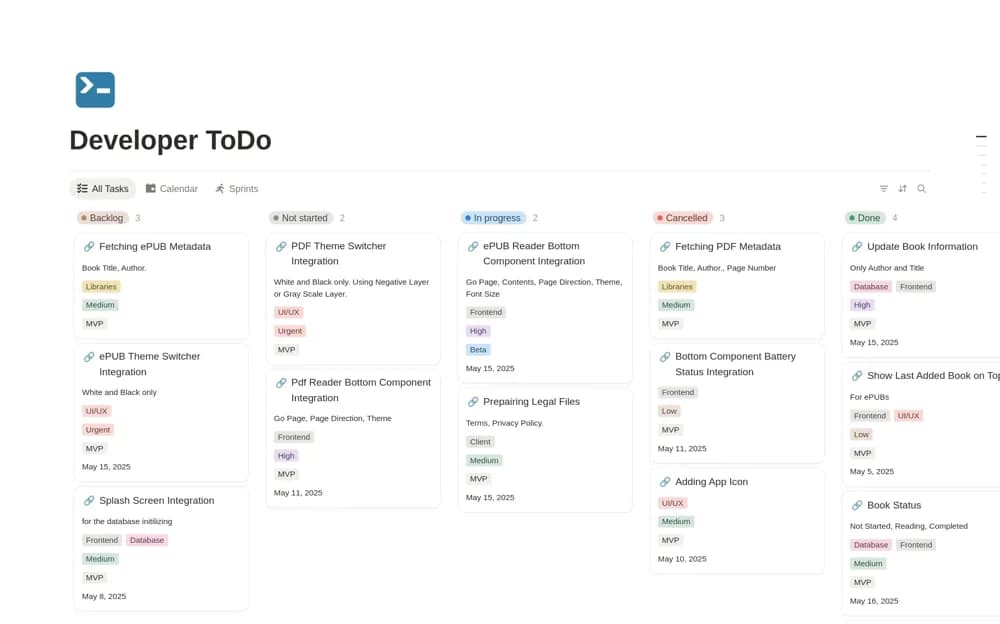
A development Kanban tracker with sprint scope, release targets, stack tags, and task priorities.
 Free
 Free
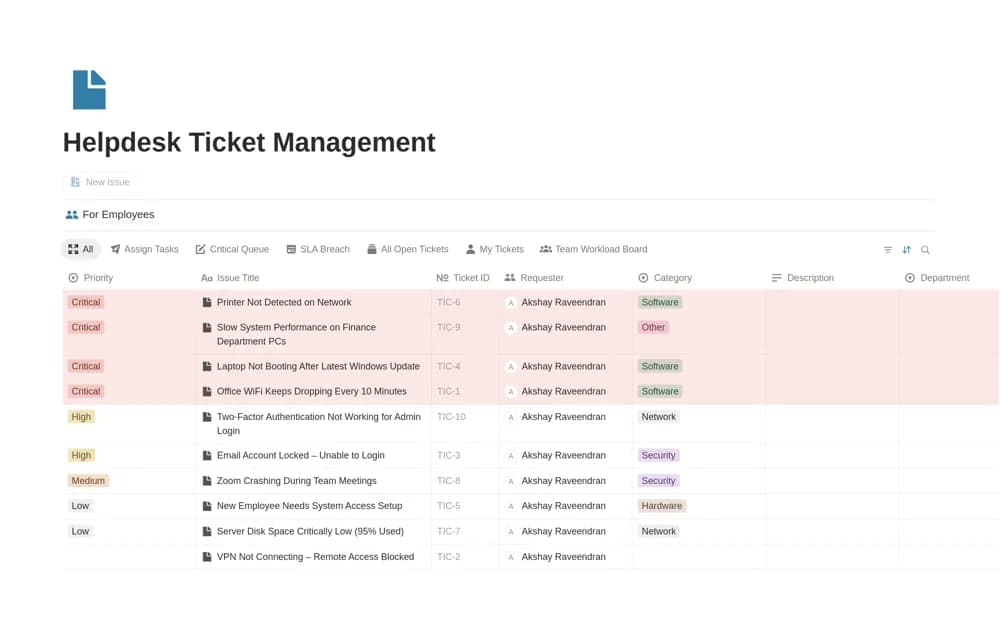
An internal IT ticket workspace for requests, priorities, technician assignments, resolution states, and SLA-related dates.
 Free
 Paid
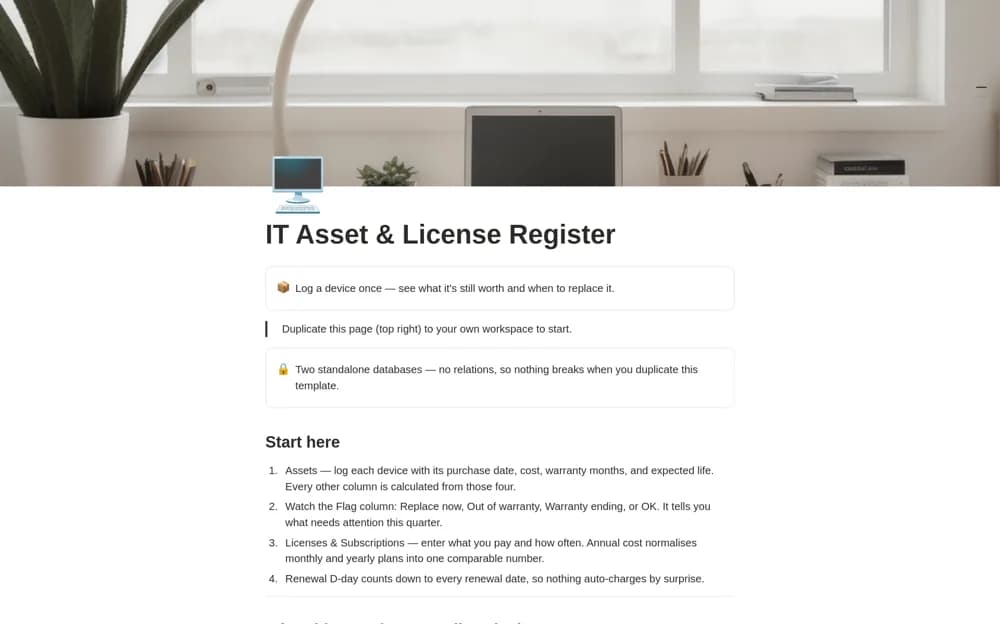
Track IT equipment and software in Notion with warranty dates, replacement timing, depreciation estimates, and annual license costs.
 Free
Track software licenses, seat counts, client assignments, and renewal dates in Notion, with a 30-day renewals view and a renewal-stage board.
 Free
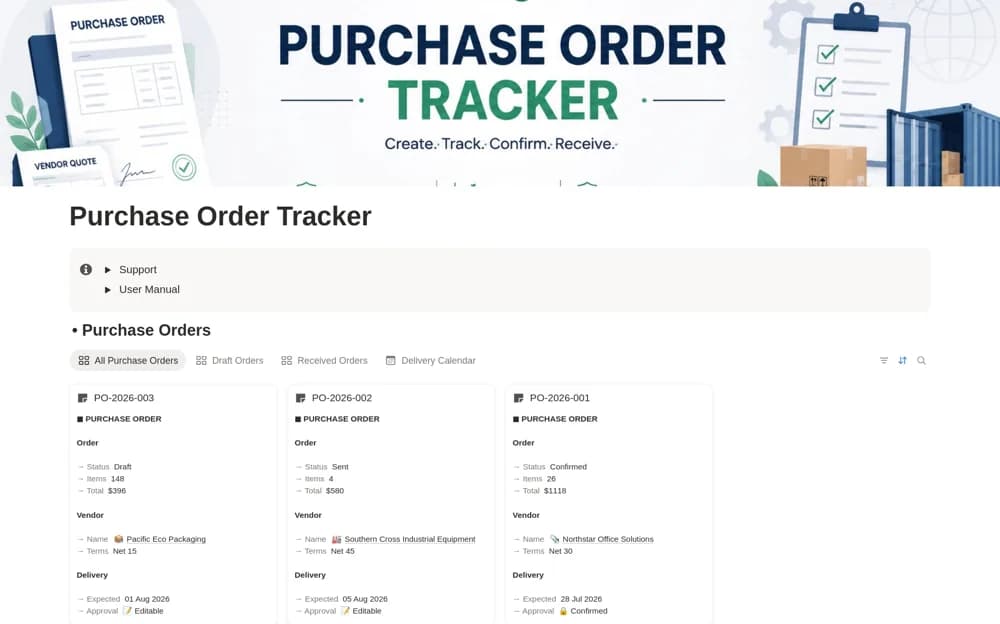
A procurement workspace for purchase orders, vendors, ordered items, approvals, payment terms, and delivery follow-up.
 Free
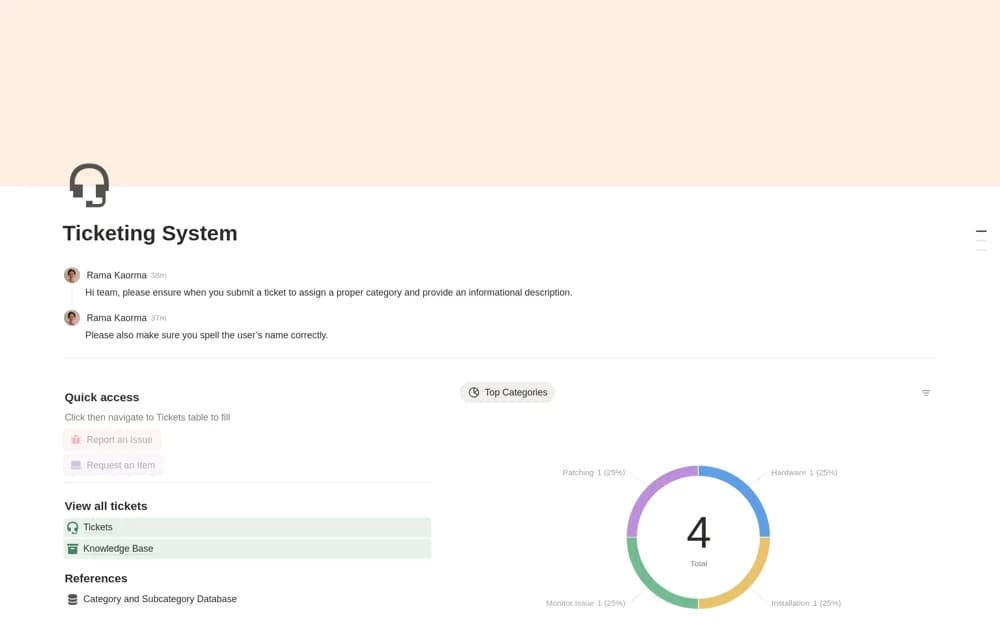
Manage internal IT tickets in Notion with assigned support staff, issue categories, resolution status, and a team knowledge base.
 Free
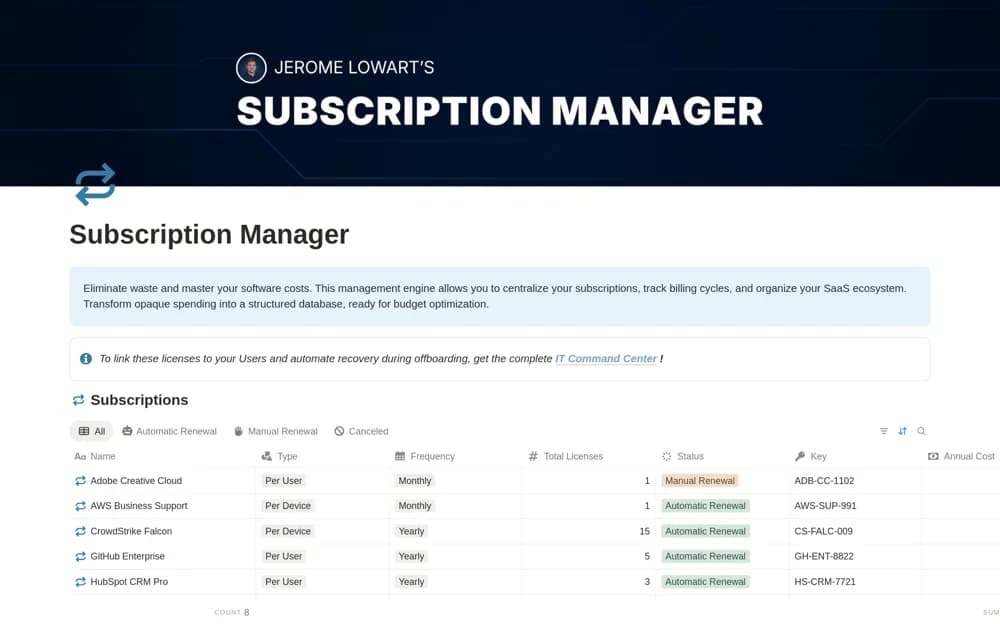
A software subscription register for vendor details, recurring costs, contract information, categories, and renewal dates.
 Paid
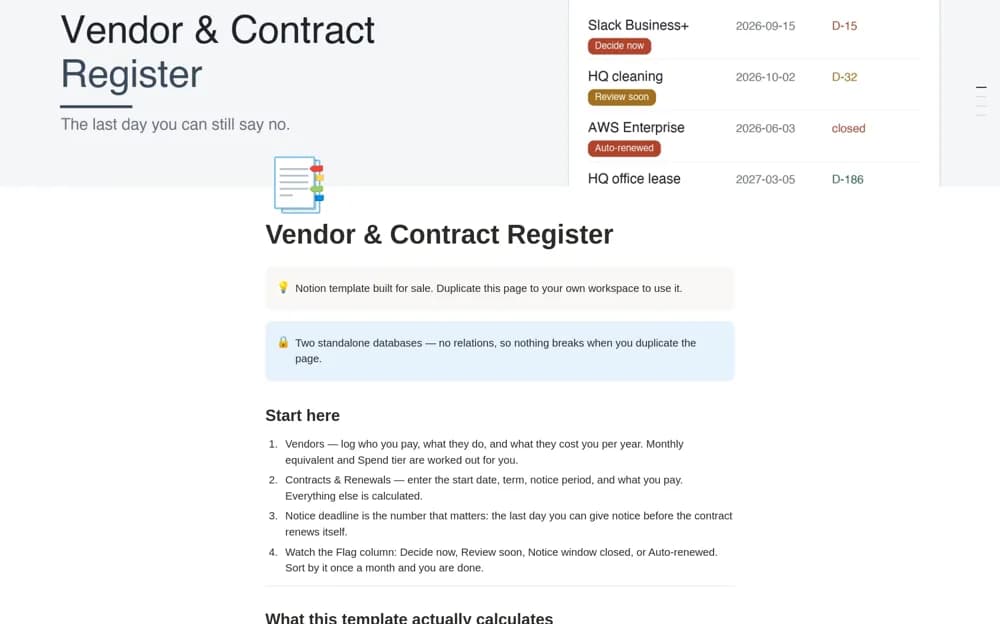
A vendor contract register calculating term dates, notice deadlines, annualized cost, and renewal attention flags.
Compare the purpose and included features before choosing a workspace.
Teams documenting operational incidents.
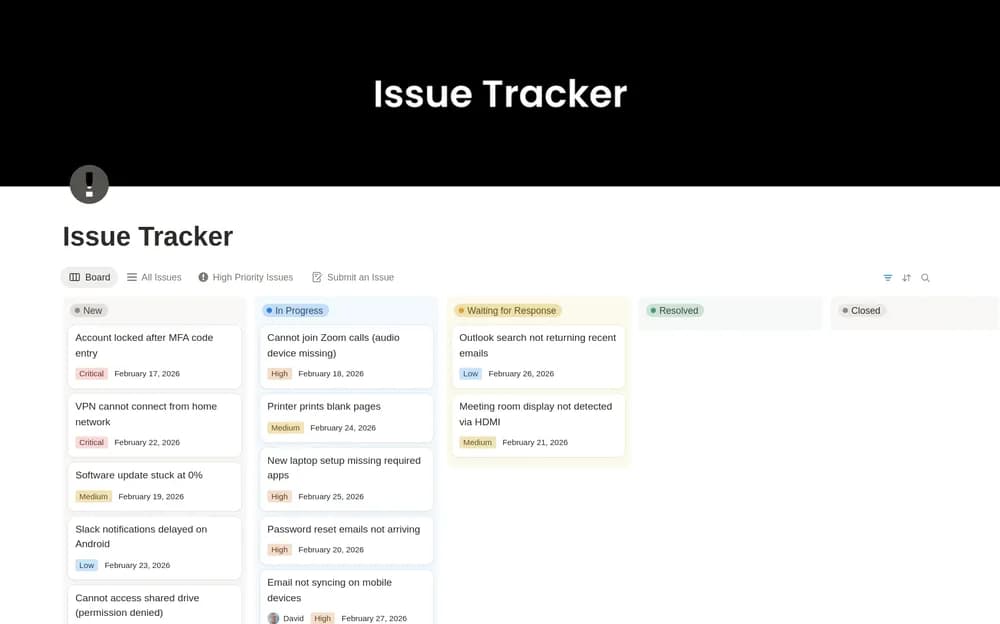
Small teams keeping track of technical work and support issues.
IT professionals maintaining a clear inventory of physical equipment.
12 working templates from 10 creators: 9 free and 3 paid, with paid options from $29 to $169. Links last checked November 22, 2026.
| Template | Best for | Price | Creator |
|---|---|---|---|
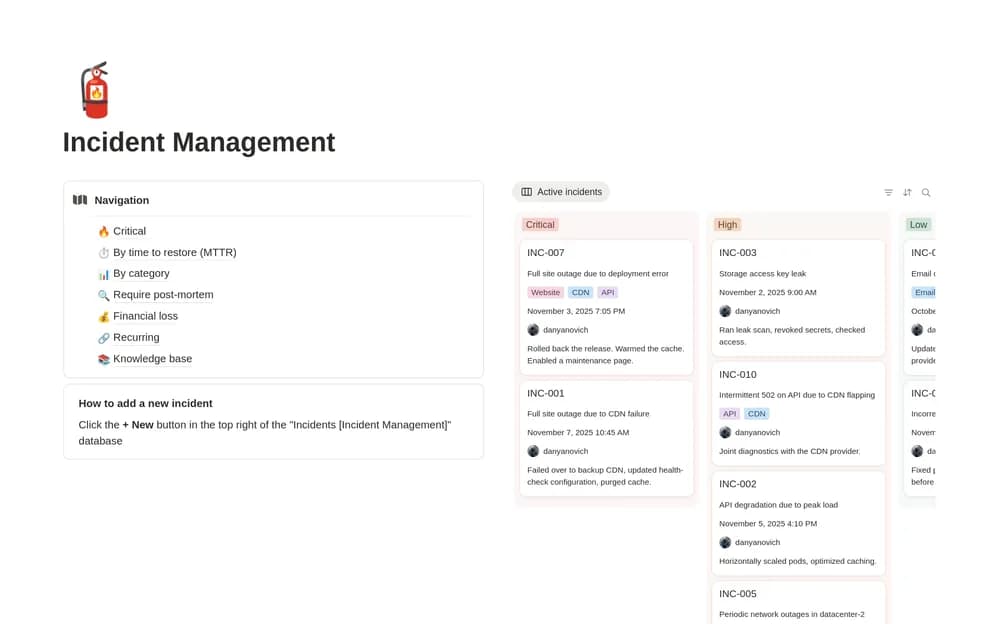
| Incident Management | Teams documenting operational incidents. | Free | danyanovich |
| Issue Tracker | Small teams keeping track of technical work and support issues. | Free | Sentele |
| Asset Manager | IT professionals maintaining a clear inventory of physical equipment. | Free | Jerome Lowart |
| Design Studio Client and Project Manager | Architecture and design studios coordinating delivery across clients and consultants. | $169 | Nation4Business |
| Developer ToDo and Sprint Tracker | Software developers and technical teams planning smaller delivery cycles. | Free | SectorOps | B2B Business Operating Systems |
| Internal IT Helpdesk & Ticket Management | IT teams evaluating a Notion-based request and support queue. | Free | Akshay Raveendran |
| IT Asset & License Register | IT generalists and office managers maintaining a small organization’s devices and software subscriptions. | US$29 | DailyForm |
| LicenseGuard OS: Software License & Renewal Tracker | Freelancers, agencies, and small IT teams managing software subscriptions for themselves or their clients. | Free | Solo Studio OS |
An equipment register and a support queue solve different problems. Choose the starting point that matches your team’s immediate need. For requests, look for priority, ownership, and resolution status. For assets, check whether you can record who has an item and when it needs attention. Keep passwords in a dedicated password manager.
Request ownership
Asset details
Searchable internal guidance
About the directoryA request queue needs impact, ownership, and resolution status; an asset register needs a dependable identifier, assignment history, and lifecycle information. Pick the immediate workflow and test a complete case. Link reusable guidance from resolved requests while keeping credentials and sensitive operational details in appropriate systems.
Jump straight to any listing in the collection.
They are different records and often work better as connected areas. A request may refer to a device, but a device still needs its own identity and assignment history after the request is closed.
It depends on the job you need it to do. Good starting points in this collection include Incident Management (teams documenting operational incidents), Issue Tracker (small teams keeping track of technical work and support issues) and Asset Manager (iT professionals maintaining a clear inventory of physical equipment). Compare the included features below, then try your first choice with a week of real information before moving everything across.
Yes. This collection currently includes 9 listings with a confirmed free creator offer, alongside 3 paid or freemium options. Use the Free filter to compare them. A free version can have different features from a creator’s paid upgrade, so check the original listing and current access terms before adding it to your workspace.