About Ultimate Daily Action Template
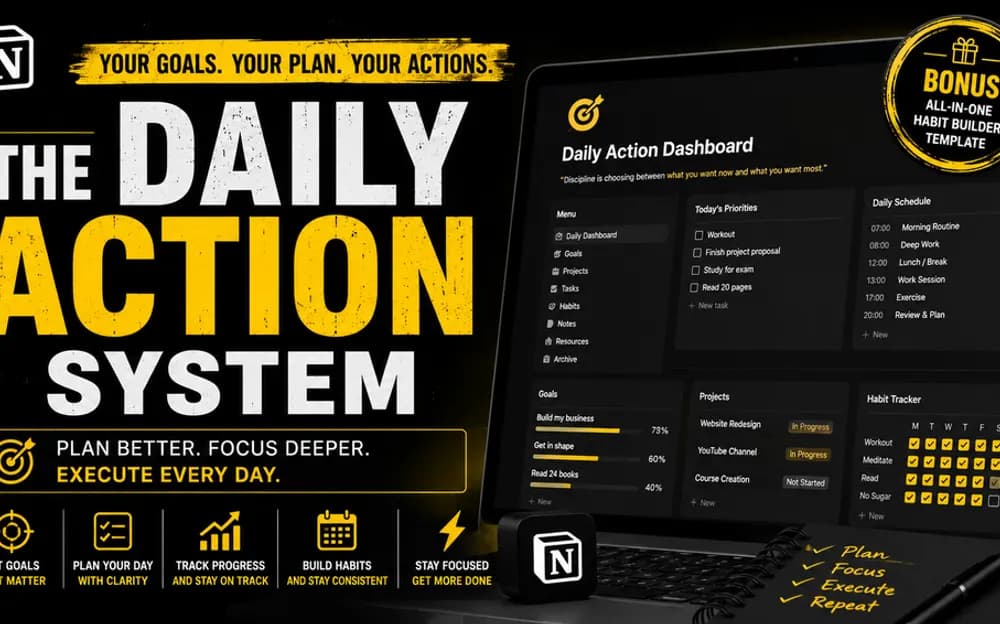
Plan each day from a Notion action dashboard with priorities, a daily schedule, goal progress, projects, and a bonus habit builder template.
What’s included
- Daily dashboard with priorities and a time schedule
- Goal tracking with progress bars
- Task and project tracking
- Notes and resources pages
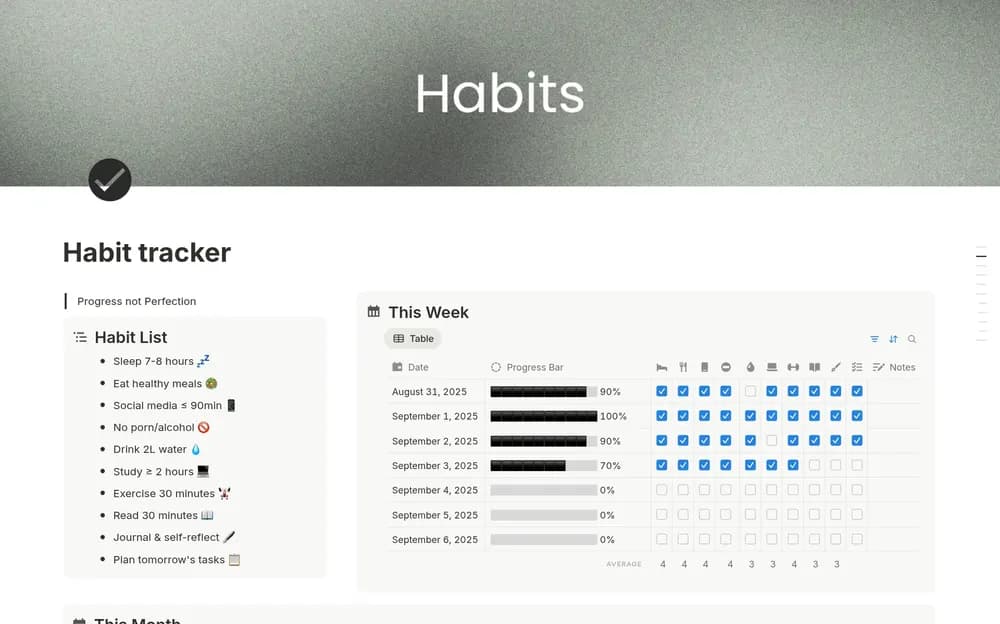
- Bonus all-in-one habit builder
How to use it in practice
Add one or two goals you are working on now and link the projects that support them. Each morning, choose a short list of priorities and block out your schedule. Track two habits in the bonus habit builder for the week. At the end of the week, check whether goal progress moved and trim tasks that never got done.
Set it up in your workspace
- Follow the original creator’s checkout or access instructions to obtain the Notion page. Open that page while signed in, then duplicate it into the workspace you want to use.
- Add one or two goals you are working on now and link the projects that support them.
- Try one complete example before adding a large backlog. Check that its views and any calculations show what you expect, then replace the sample content with your own.
Who it suits and what to consider
Creators, students, and professionals who want long-term goals turned into daily actions. The listing describes the system in general terms, so check the properties and views after duplicating. The habit builder is a separate bonus template.