About User Interview Plan
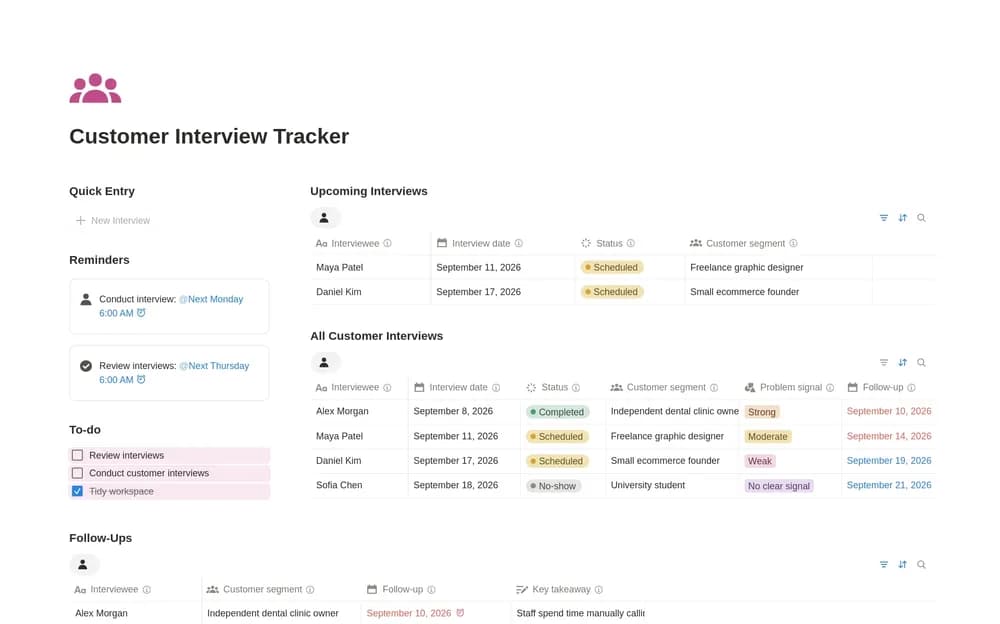
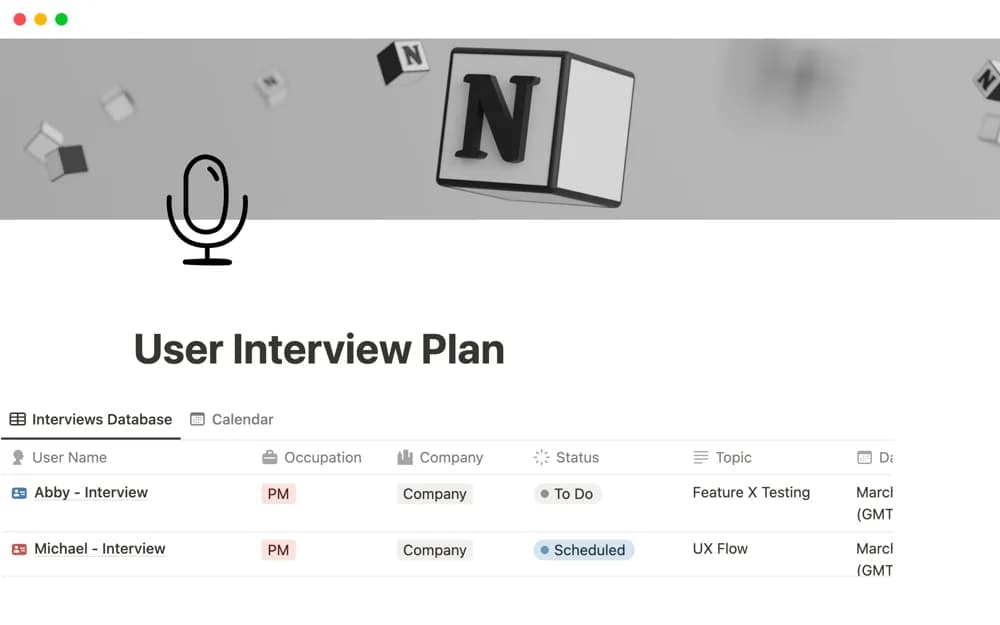
A user-research planning workspace for scheduling interviews, keeping summaries, developing persona context, and collaborating on findings.
What’s included
- Interview planning and scheduling
- Interview management and summaries
- Persona and team-collaboration context
How to use it in practice
Define the research question and suitable participant criteria before writing the interview plan. Confirm consent and information handling, then test the discussion with a pilot. Keep observations separate from interpretations and compare findings across sessions before making a product decision.
Set it up in your workspace
- Open the original Notion Marketplace listing and add the template to your chosen workspace while signed in. Keep its example records until you understand how the pages connect.
- Define the research question and suitable participant criteria before writing the interview plan.
- Try one complete example before adding a large backlog. Check that its views and any calculations show what you expect, then replace the sample content with your own.
Who it suits and what to consider
Product researchers and designers organizing a small interview study. The template structures research work; it does not independently establish a representative sample or reliable conclusions.