 Free
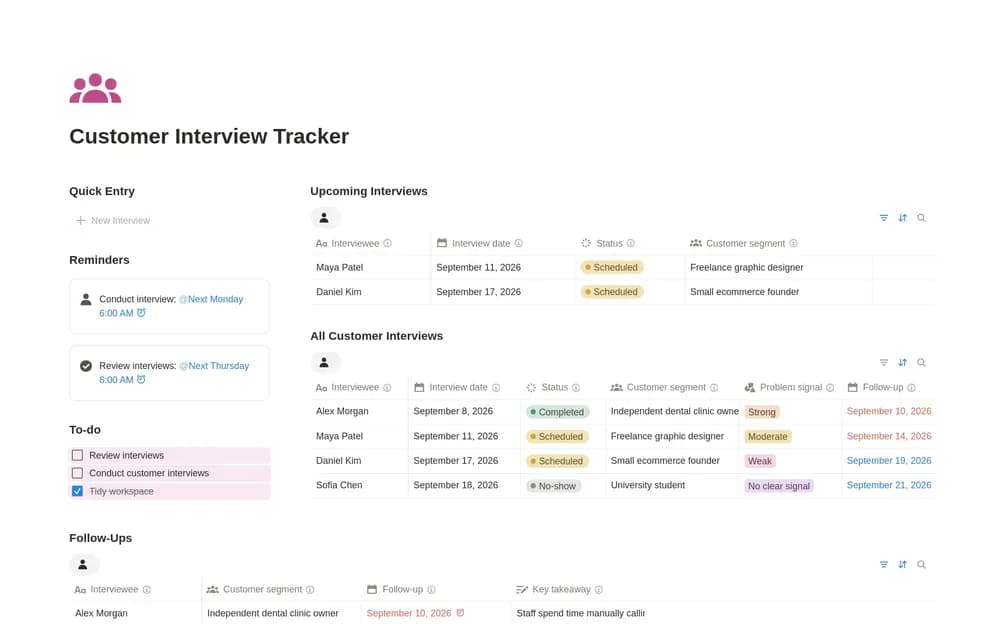
Customer Interview Tracker
Keep customer interviews connected to the questions you are investigating.
Organize research interviews from preparation to findings. Find Notion templates for learning goals, discussion guides, session notes, evidence, and making the next research step clear.
Showing 1–3 of 3 templates
FreeKeep customer interviews connected to the questions you are investigating.
 Free
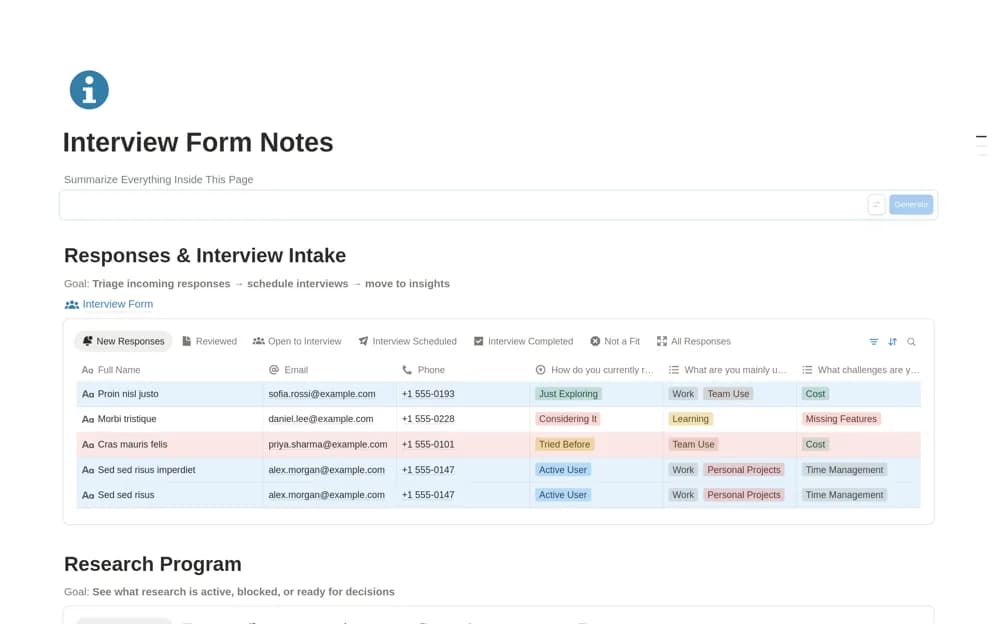
Connect user-research intake, interview notes, and study programs in Notion, with consent fields and views from new response to synthesis.
 Free
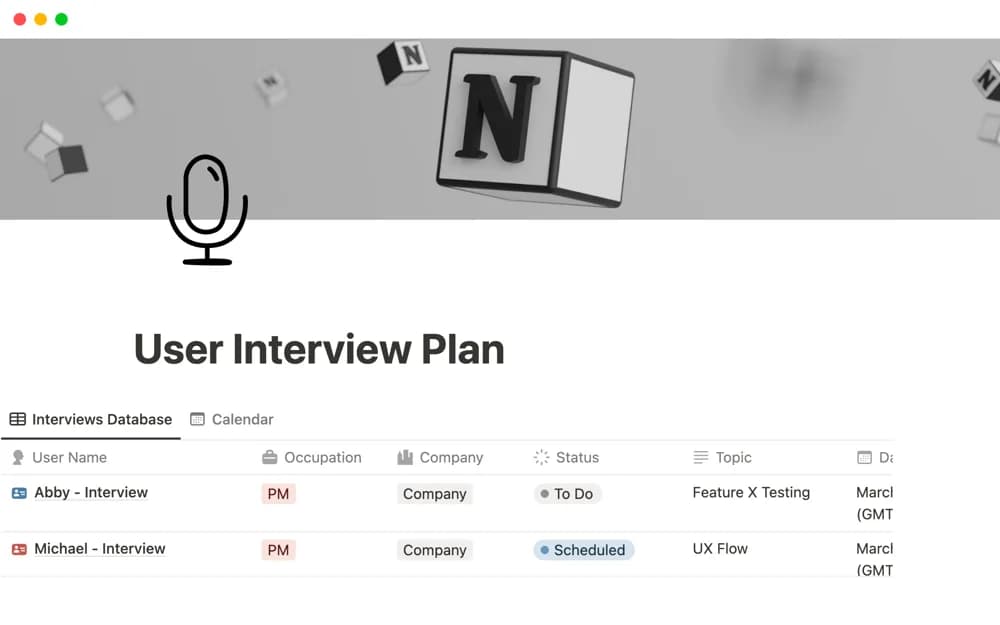
A user-research planning workspace for scheduling interviews, keeping summaries, developing persona context, and collaborating on findings.
Compare the purpose and included features before choosing a workspace.
UX researchers and product teams organizing participant conversations around a defined research question.
Product researchers and designers organizing a small interview study.
Founders and researchers learning from customers.
3 working templates from 3 creators: 3 free. Links last checked October 12, 2026.
| Template | Best for | Price | Creator |
|---|---|---|---|
| User Interview Form & Notes – UX Research | UX researchers and product teams organizing participant conversations around a defined research question. | Free | Akshay Raveendran |
| User Interview Plan | Product researchers and designers organizing a small interview study. | Free | Myron | PM & ProdOps |
| Customer Interview Tracker | Founders and researchers learning from customers. | Free | Still Linda |
Choose a learning question and prepare prompts that invite concrete examples. Keep participant context and consent information in the appropriate restricted location. Distinguish observations and quotes from your interpretation, then link findings back to the session. Summarize what the interview suggests and what needs more evidence before turning one conversation into a broad product conclusion.
Focused research questions
Traceable session evidence
Findings with appropriate context
About the directoryDefine the research question and prepare prompts about actual experience. Record enough context to understand each observation, while following the relevant consent and access arrangements. After the session, separate quotes, observations, interpretations, and questions for further research. Connect findings back to their source rather than summarizing away the evidence.
Jump straight to any listing in the collection.
Session notes preserve an individual conversation. A repository helps connect findings across sessions and decisions. Start with usable notes, then add a repository when the team needs to compare and revisit evidence across multiple studies.
It depends on the job you need it to do. Good starting points in this collection include User Interview Form & Notes – UX Research (uX researchers and product teams organizing participant conversations around a defined research question), User Interview Plan (product researchers and designers organizing a small interview study) and Customer Interview Tracker (founders and researchers learning from customers). Compare the included features below, then try your first choice with a week of real information before moving everything across.
Yes. This collection currently includes 3 listings with a confirmed free creator offer. Use the Free filter to compare them. A free version can have different features from a creator’s paid upgrade, so check the original listing and current access terms before adding it to your workspace.