About User Journey Map - UX & Product
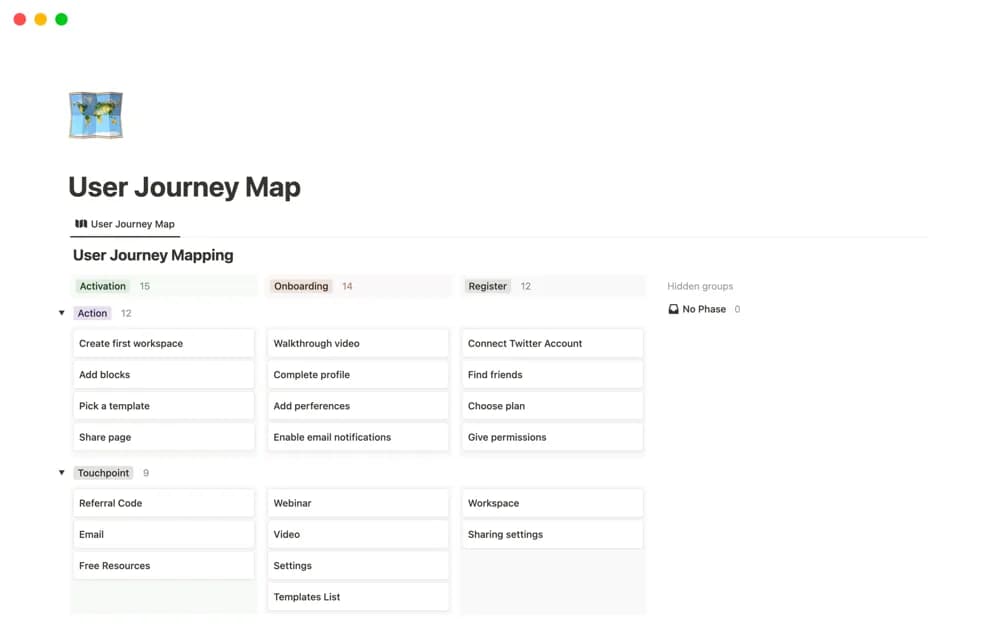
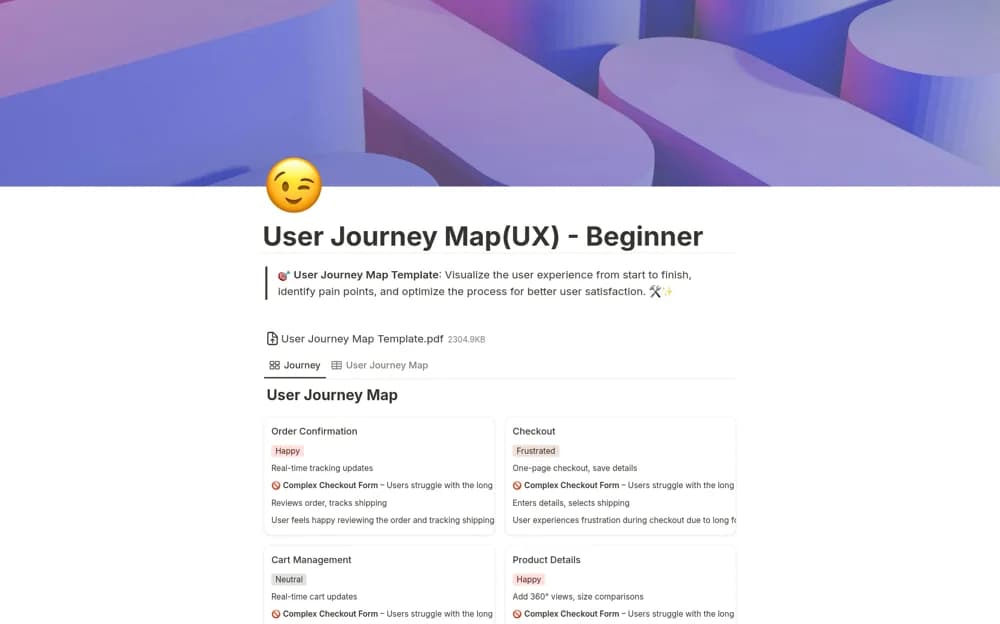
A user-journey table for steps, actions, emotions, pain points, opportunities, and a separate recommendations page.
What’s included
- Journey overview by step
- Action, emotion, pain-point, and opportunity columns
- Insights and recommendation subpage
How to use it in practice
Map one real scenario and retain the research source behind important observations. Separate the current journey from proposed improvements, then prioritize a testable recommendation. Keep assumptions visible where you have not observed the user’s actual experience.
Set it up in your workspace
- Open the original Notion Marketplace listing and add the template to your chosen workspace while signed in. Keep its example records until you understand how the pages connect.
- Map one real scenario and retain the research source behind important observations.
- Try one complete example before adding a large backlog. Check that its views and any calculations show what you expect, then replace the sample content with your own.
Who it suits and what to consider
Design and product teams documenting a focused user experience. The framework does not generate research evidence or prove that a proposed change will improve the experience.