 Free
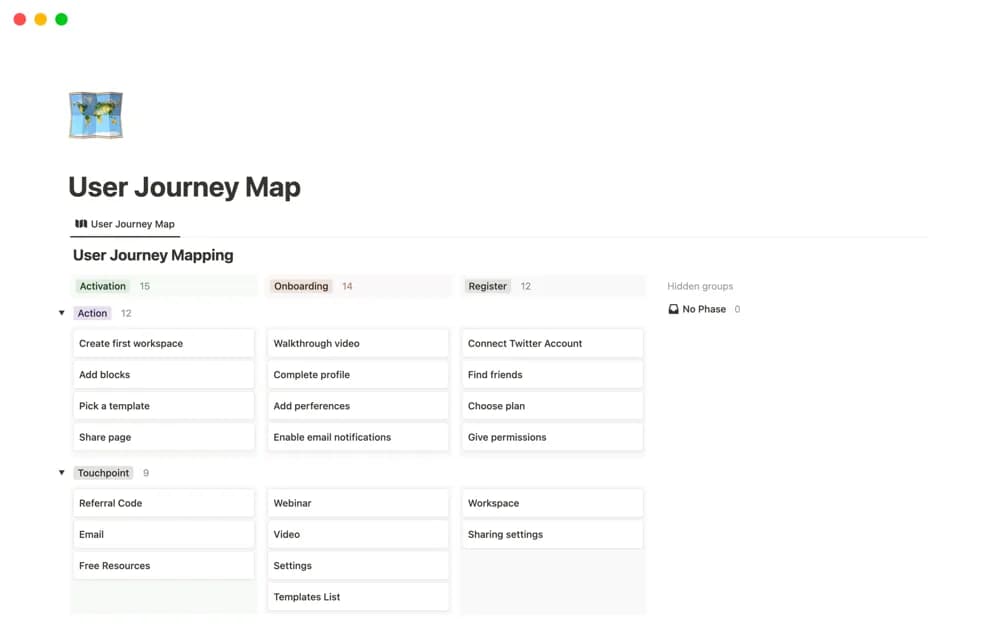
User Journey Map
A journey-mapping workspace for user stages, actions, touchpoints, emotions, pain points, and opportunities, with visual-board references.
Map the context around a user’s experience. Browse Notion journey templates for stages, goals, touchpoints, observations, pain points, and opportunities grounded in research.
Showing 1–3 of 3 templates
FreeA journey-mapping workspace for user stages, actions, touchpoints, emotions, pain points, and opportunities, with visual-board references.
 Free
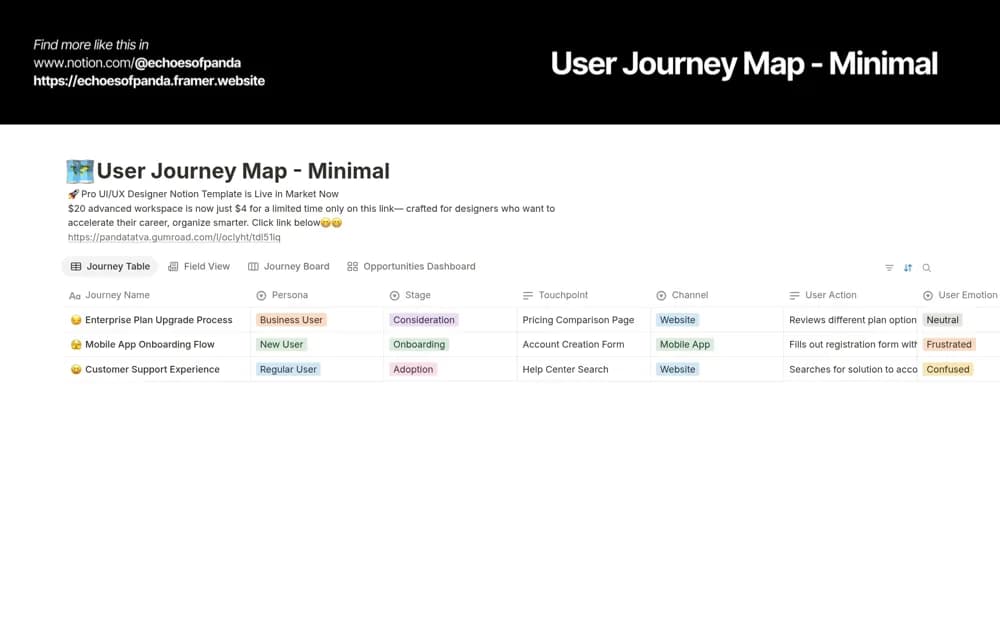
Map a customer journey in Notion through awareness, consideration, acquisition, retention, and advocacy, recording goals, touchpoints, and emotions.
 Free
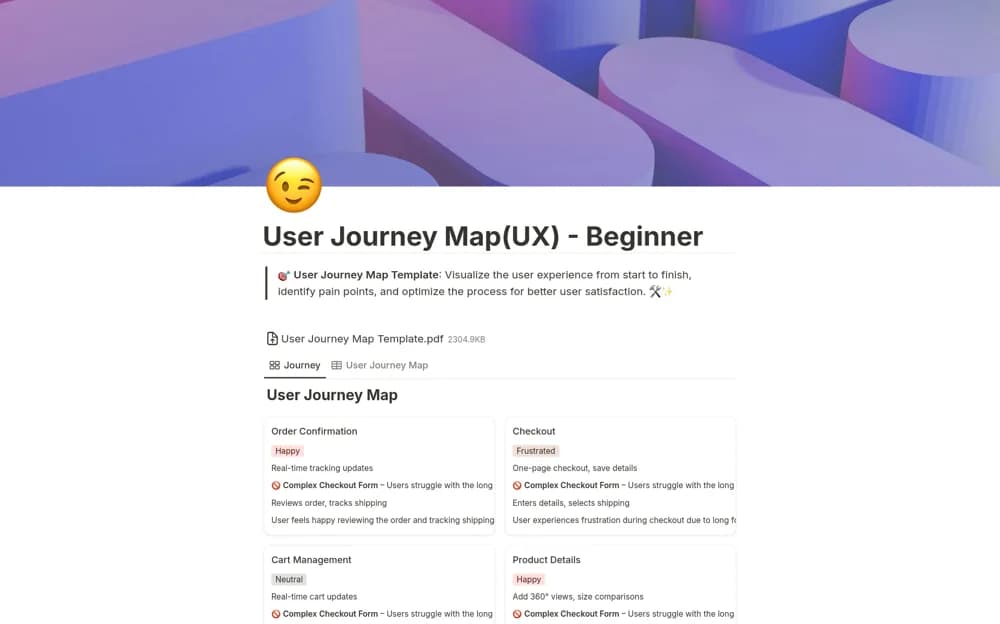
A user-journey table for steps, actions, emotions, pain points, opportunities, and a separate recommendations page.
Compare the purpose and included features before choosing a workspace.
UX teams organizing evidence about a user’s experience across a process.
UX teams and solo product builders documenting a journey for a specific user situation.
Design and product teams documenting a focused user experience.
3 working templates from 2 creators: 3 free. Links last checked October 12, 2026.
| Template | Best for | Price | Creator |
|---|---|---|---|
| User Journey Map | UX teams organizing evidence about a user’s experience across a process. | Free | Notion |
| User Journey Map - Clean Minimal | UX teams and solo product builders documenting a journey for a specific user situation. | Free | Echoes of Panda🐼 |
| User Journey Map - UX & Product | Design and product teams documenting a focused user experience. | Free | Echoes of Panda🐼 |
Choose a specific scenario and audience before mapping stages. Distinguish observed behavior from assumptions, and attach evidence where possible. Include what happens outside your product when it affects the experience. Use the map to identify a question or improvement worth testing. Review it after new research rather than treating the first workshop’s output as a permanent description.
A defined scenario
Observed versus assumed behavior
Evidence-backed opportunities
About the directoryChoose a particular user goal and context rather than mapping an undefined average experience. Record stages, actions, obstacles, source observations, and assumptions. Distinguish the current journey from a proposed future one. Use the map to identify a question or improvement to investigate, then revisit it when new evidence changes your understanding.
Jump straight to any listing in the collection.
A journey map emphasizes the user's experience and context. A process diagram often emphasizes internal steps and responsibilities. Connecting them can expose handoff problems, but keep the user's observations distinct from the organization's intended process.
It depends on the job you need it to do. Good starting points in this collection include User Journey Map (uX teams organizing evidence about a user’s experience across a process), User Journey Map - Clean Minimal (uX teams and solo product builders documenting a journey for a specific user situation) and User Journey Map - UX & Product (design and product teams documenting a focused user experience). Compare the included features below, then try your first choice with a week of real information before moving everything across.
Yes. This collection currently includes 3 listings with a confirmed free creator offer. Use the Free filter to compare them. A free version can have different features from a creator’s paid upgrade, so check the original listing and current access terms before adding it to your workspace.