About Visual Habit Tracker Graphics
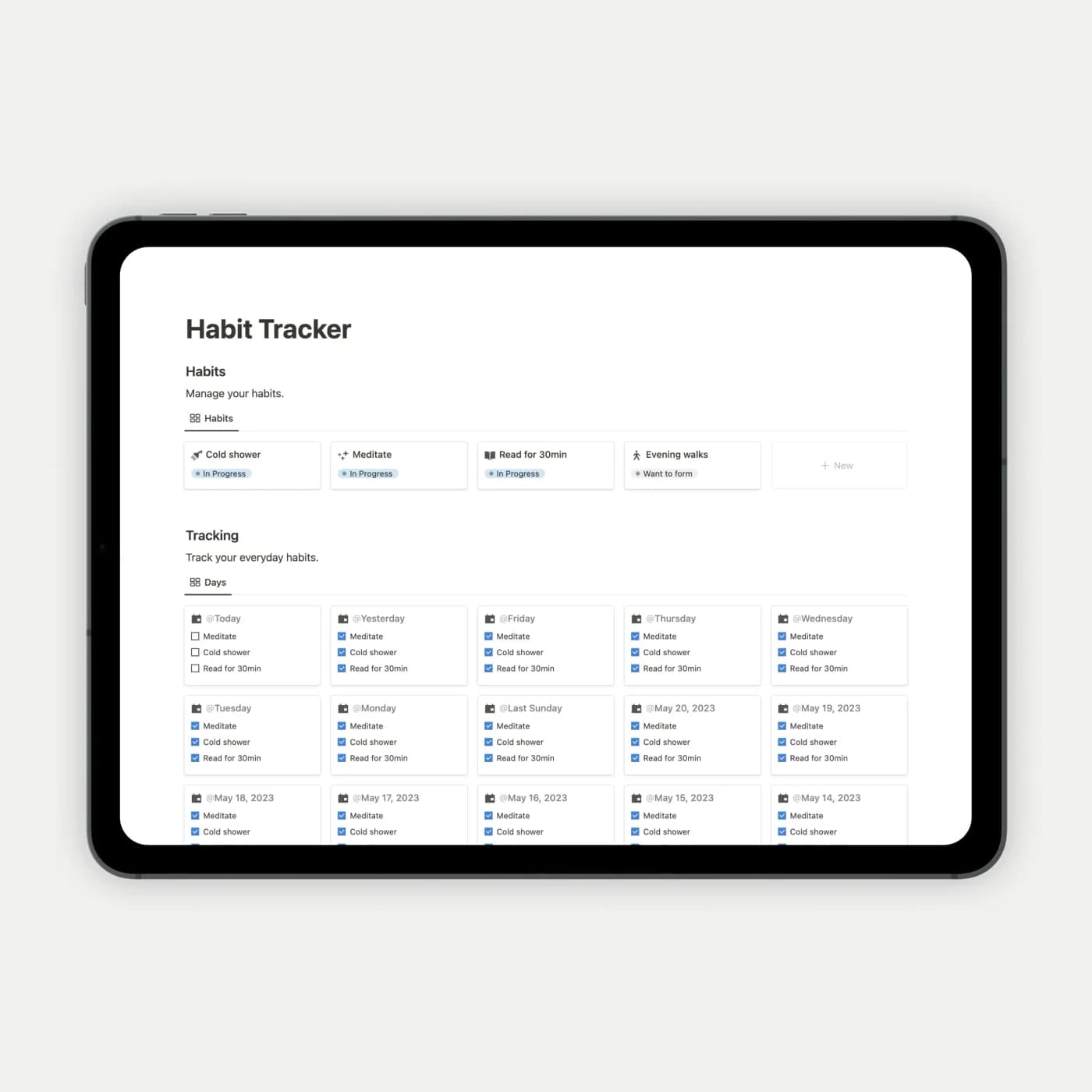
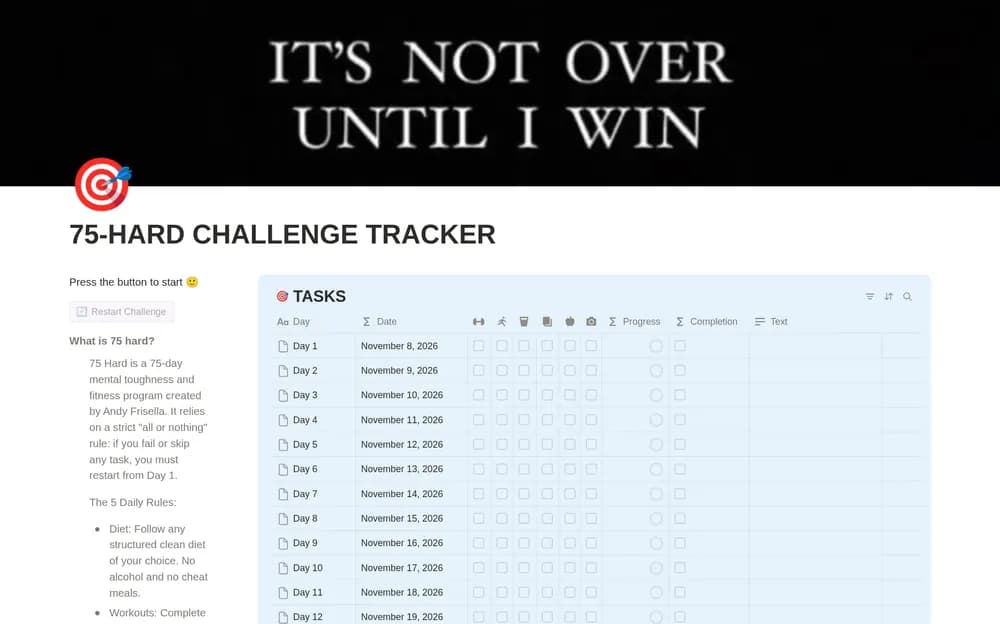
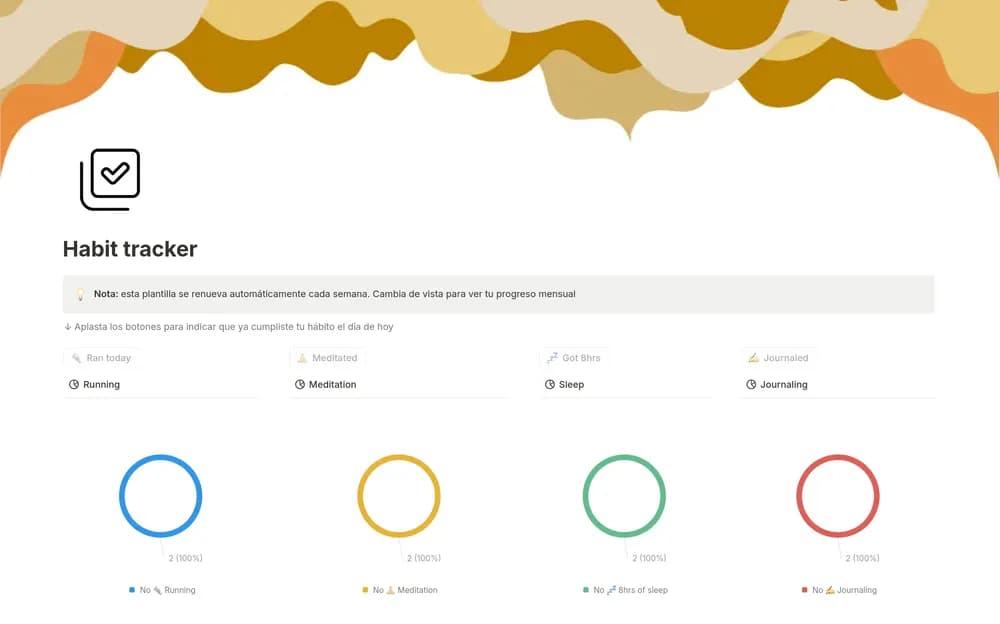
Track four daily habits in Notion with automatically created daily pages, one-click completion buttons, weekly progress graphs, and a yearly history.
What’s included
- Automatically generated daily pages
- Four preset habits to choose from
- Button to mark a habit as done
- Weekly progress graphs and annual history
- Optional reminders
How to use it in practice
Pick the four habits you most want to keep and rename the defaults to match. Mark each one with the button as you complete it during the day, and set a reminder for the habit you tend to forget. After a week, open the charts to see which days slipped and whether the habit list is realistic.
Set it up in your workspace
- Open the original Notion Marketplace listing and add the template to your chosen workspace while signed in. Keep its example records until you understand how the pages connect.
- Pick the four habits you most want to keep and rename the defaults to match.
- Try one complete example before adding a large backlog. Check that its views and any calculations show what you expect, then replace the sample content with your own.
Who it suits and what to consider
People building a small set of routines who are motivated by seeing progress charted over time. The setup is built around four habits, so tracking a longer list may require editing the database and charts. The listing is brief, so review the chart views in your copy before relying on them for a long-term record.