About Agile retrospective
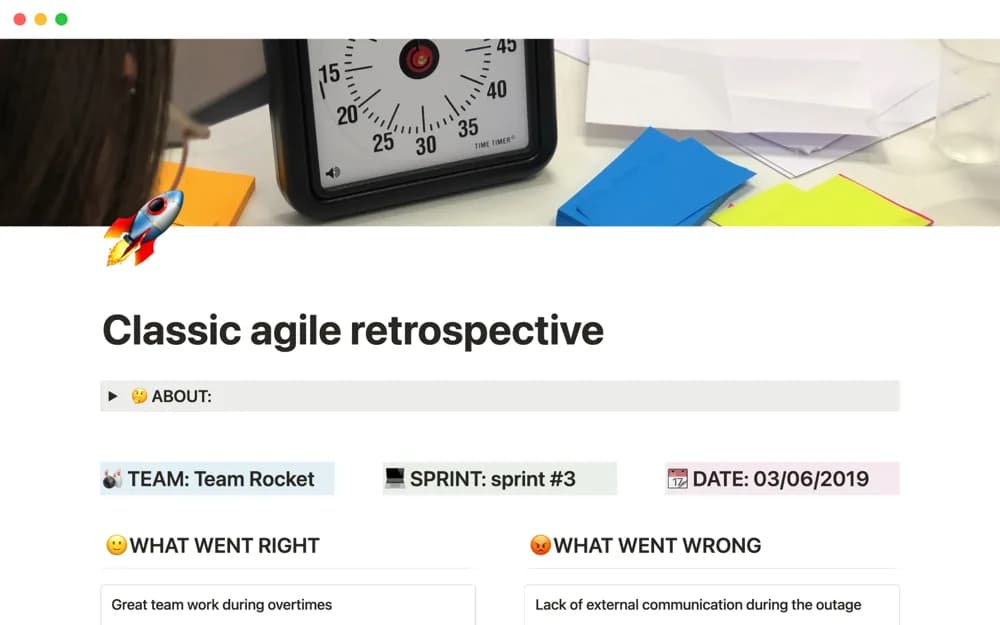
Run an Agile retrospective in Notion with cards for feedback, learning, actions, voting, and recognition for teammates’ contributions.
What’s included
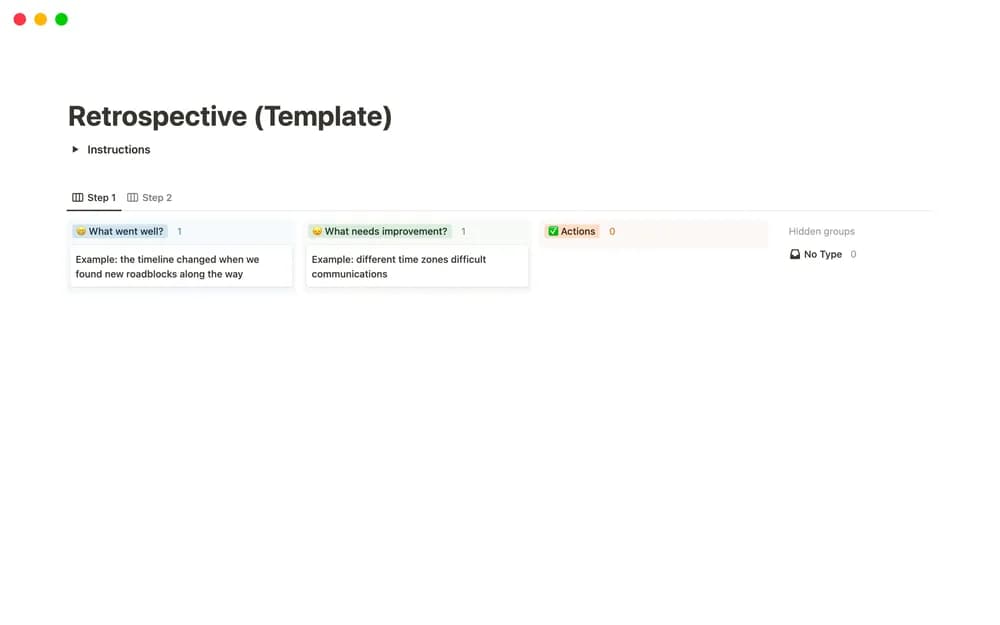
- Positive and negative feedback cards
- Learning and action sections
- Voting system
- Team recognition section
How to use it in practice
Give participants time to add observations before the discussion. Group related feedback and use voting to choose what needs attention, then agree on a small number of actions with owners. Revisit those actions at the next retrospective so the exercise leads to changes rather than another archive of comments.
Set it up in your workspace
- Open the original Notion Marketplace listing and add the template to your chosen workspace while signed in. Keep its example records until you understand how the pages connect.
- Give participants time to add observations before the discussion.
- Try one complete example before adding a large backlog. Check that its views and any calculations show what you expect, then replace the sample content with your own.
Who it suits and what to consider
Teams reviewing a completed sprint or working period and choosing a small set of improvements. Votes help set the agenda; they do not establish why a problem occurred. Discuss the evidence and make room for less common but consequential concerns.