 Free
FreeWork & business
Incident Report Notion templates
Record an incident while its details are still available. Browse Notion reports for timelines, impact, response actions, evidence, and the questions that need investigation.
Showing 1–3 of 3 templates
A little structure goes a long way.Free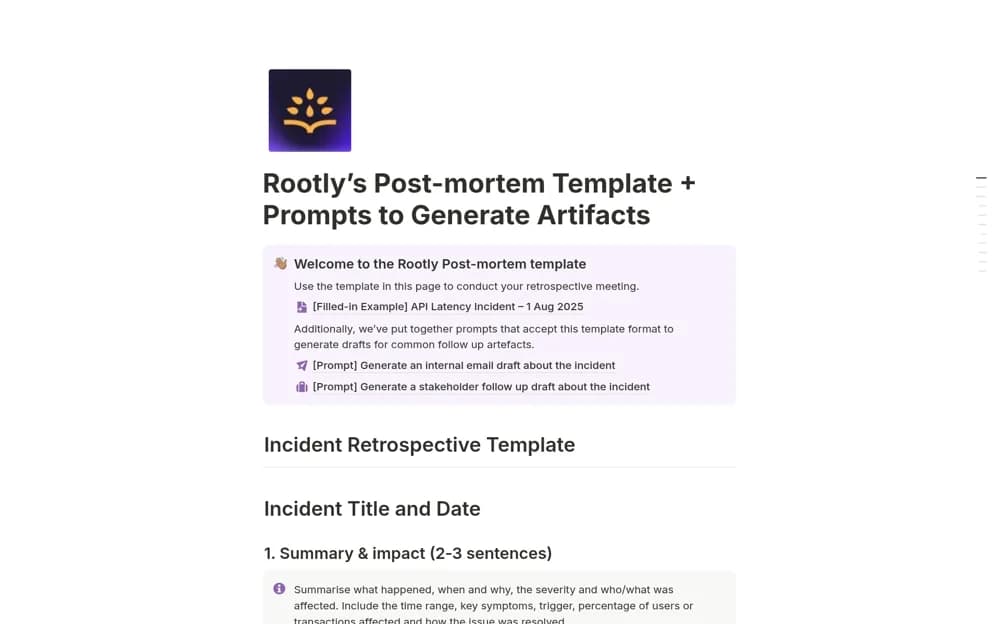 Free
FreePost-mortem + example and prompts
An incident-review page with a filled latency example and optional prompts for drafting stakeholder follow-ups.
 Free
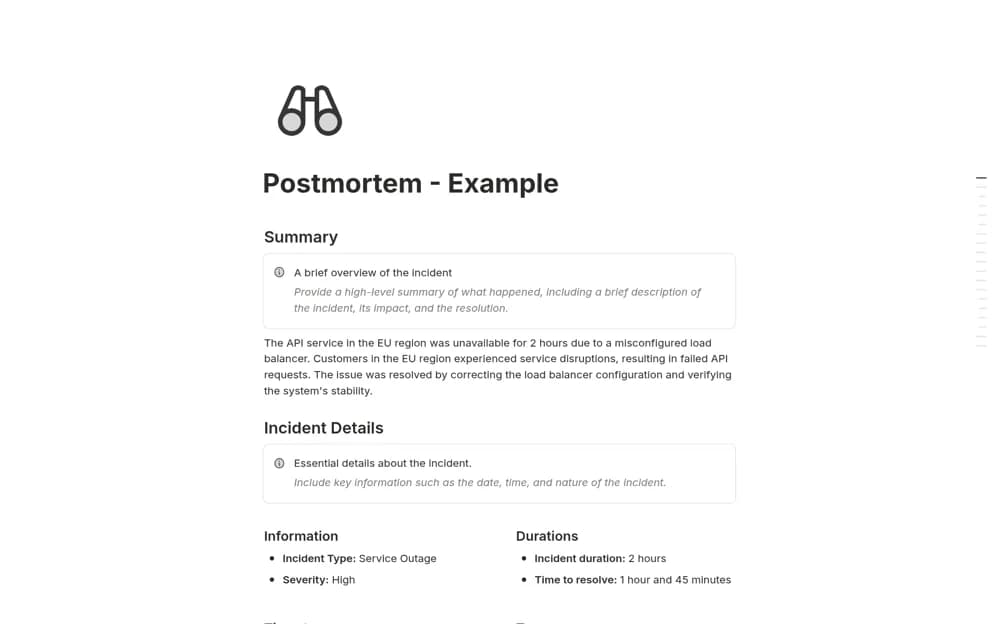
FreePostmortem Starter
An incident review framework for timelines, impact, contributing factors, resolution, and owned prevention work.
A closer look at the collection
Which template fits your work?
Compare the purpose and included features before choosing a workspace.
Postmortem Starter
Teams documenting what happened after a service incident or failure.
- Incident summary, severity, duration, and participant records
- Chronological timeline and contributing-factor analysis
- Lessons, preventive measures, deadlines, and reflection prompts
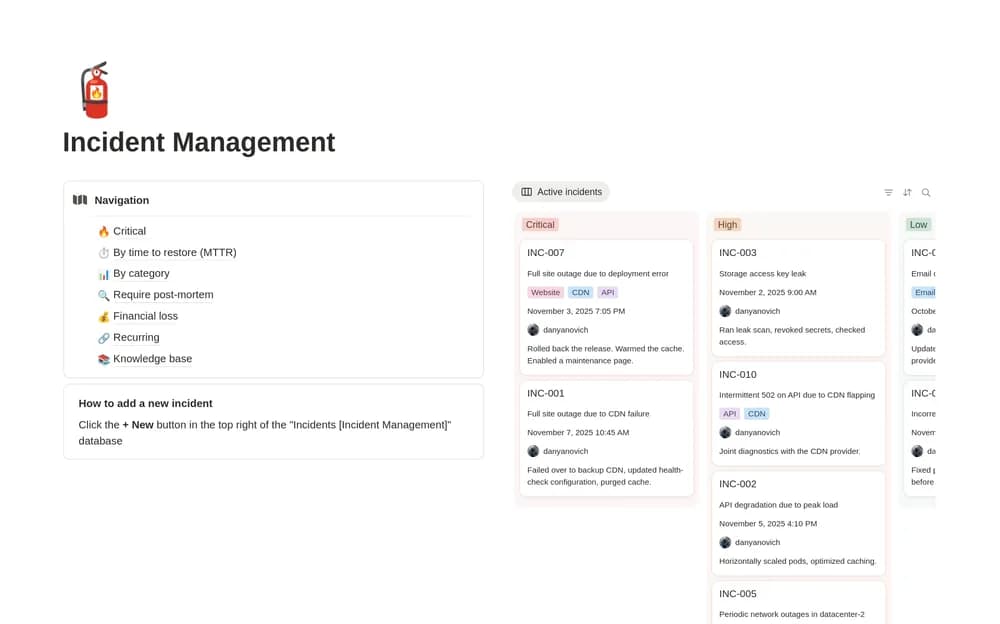
Incident Management
Teams documenting operational incidents.
- Keep incident records
- Organize a response timeline
- Track follow-up actions
Post-mortem + example and prompts
Engineering and incident teams documenting an outage and its lessons.
- Summary, severity, service, participant, and timeline sections
- Contributing factors, mitigations, resolution, and lessons
- A completed example and communication prompts
Choose something that fits
How to compare incident report templates
Keep confirmed facts separate from working hypotheses. Record timestamps consistently and link to the evidence behind important events. Identify the current response owner and the next update time when the incident is active. After resolution, preserve what the team learned and assign follow-up work. A report template organizes the record; operational response procedures still need to be established separately.
A few things to look for
A factual timeline
Impact and response ownership
Evidence and follow-up actions
About the directoryBefore you chooseQuestions about
Questions about
this collection
Are there free templates in the incident report collection?+
Yes. This collection currently includes 3 listings with a confirmed free creator offer. Use the Free filter to compare them. A free version can have different features from a creator’s paid upgrade, so check the original listing and current access terms before adding it to your workspace.