About Scrum Board
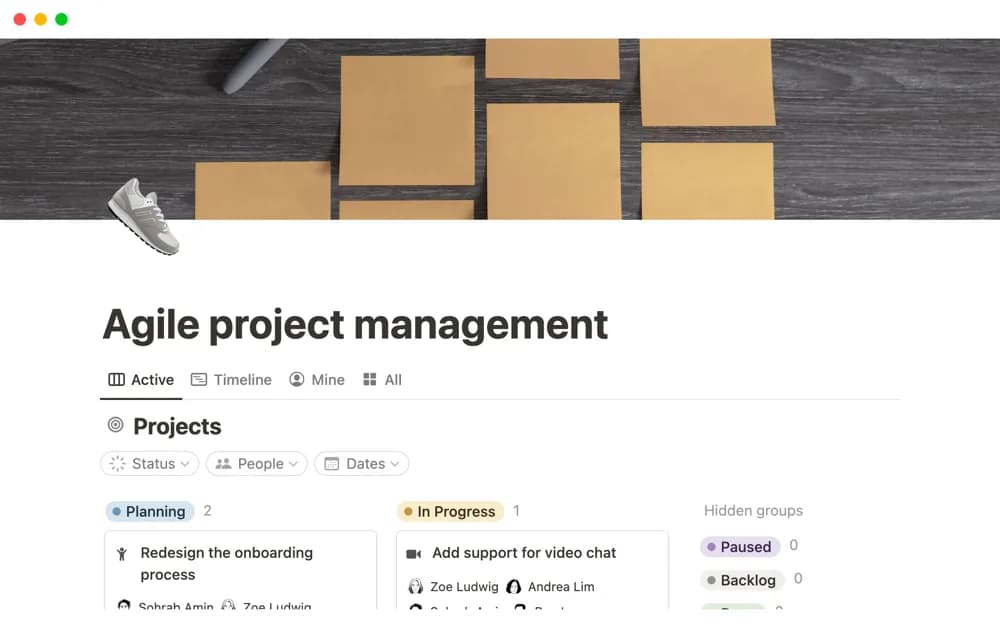
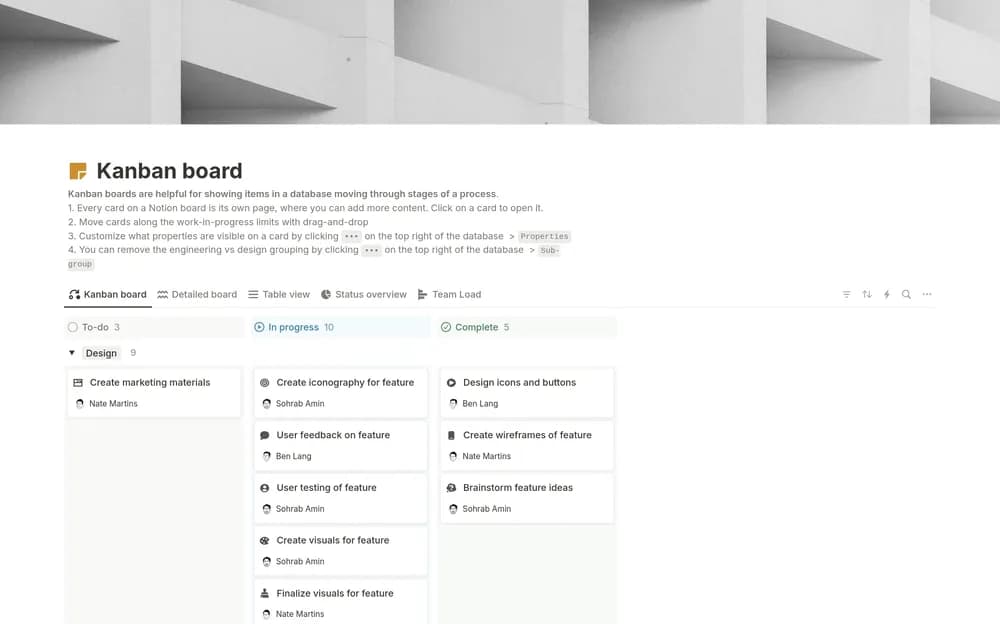
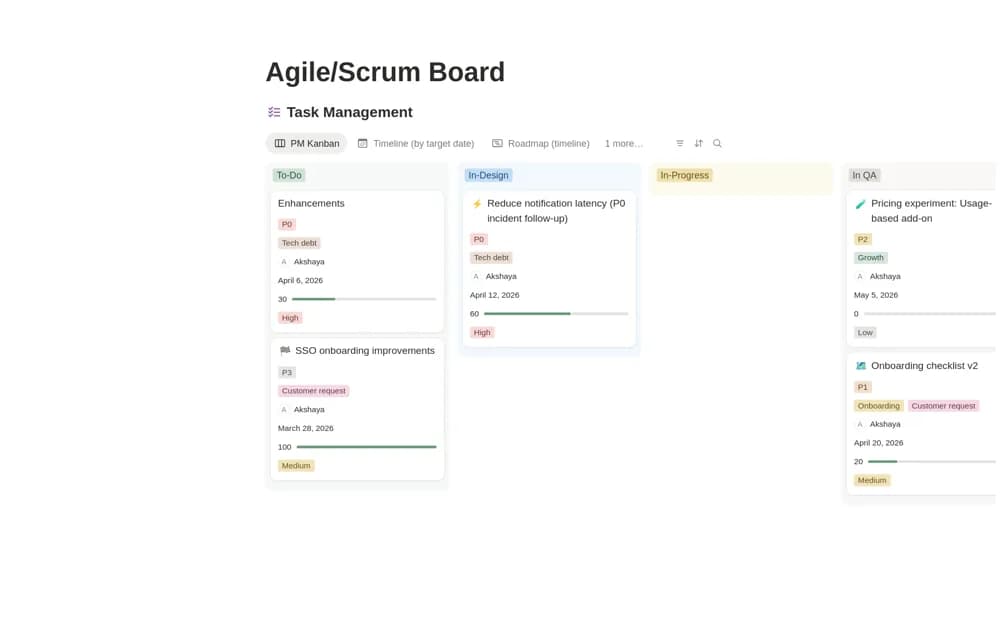
Organize Agile work in Notion with a task board, a project timeline, and a calendar for sprint activities, roadmaps, and delivery dates.
What’s included
- Kanban task view
- Project and roadmap timeline
- Scheduling calendar
- Editable stages and task groups
How to use it in practice
Create the next sprint’s work using a clearly agreed goal and a realistic selection of tasks. Adapt the board stages to your team, then check dates in the calendar and timeline. Review the actual work with the team throughout the sprint rather than using the board as a substitute for planning conversations.
Set it up in your workspace
- Open the original Notion Marketplace listing and add the template to your chosen workspace while signed in. Keep its example records until you understand how the pages connect.
- Create the next sprint’s work using a clearly agreed goal and a realistic selection of tasks.
- Try one complete example before adding a large backlog. Check that its views and any calculations show what you expect, then replace the sample content with your own.
Who it suits and what to consider
Scrum Masters and project managers adapting a shared board to their team’s delivery routine. The listing describes flexible views rather than documented velocity or capacity calculations. Confirm any reporting needs before making it the team’s delivery system.