 Free
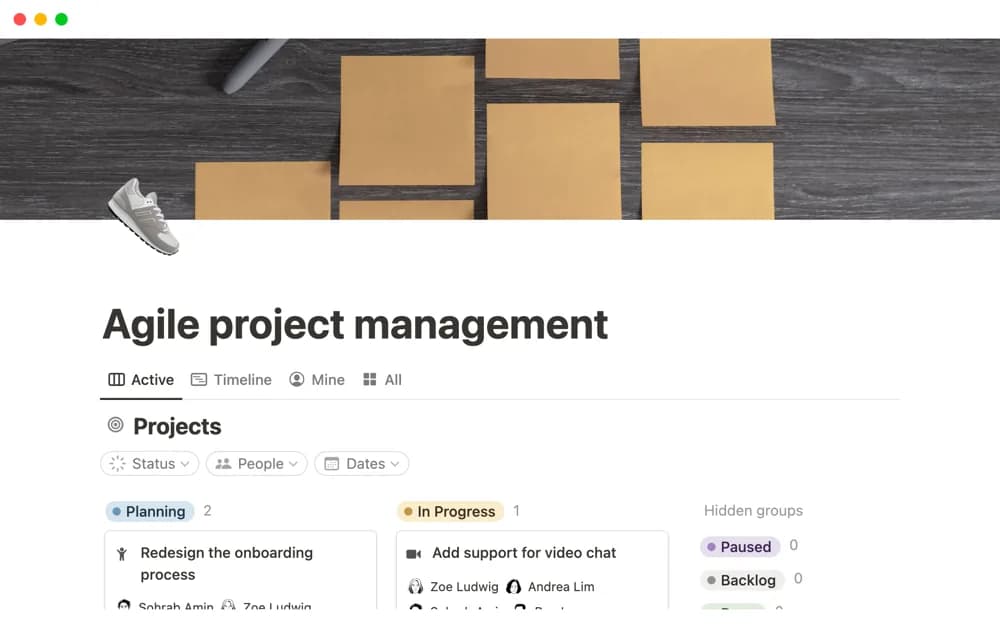
Agile Project Management
A Notion-made project system that divides work into tasks and sprints with a sprint timeline.
See sprint work move through agreed stages. Explore Notion Scrum boards for backlog items, current tasks, blockers, and delivery conversations with the team.
Showing 1–4 of 4 templates
FreeA Notion-made project system that divides work into tasks and sprints with a sprint timeline.
 Free
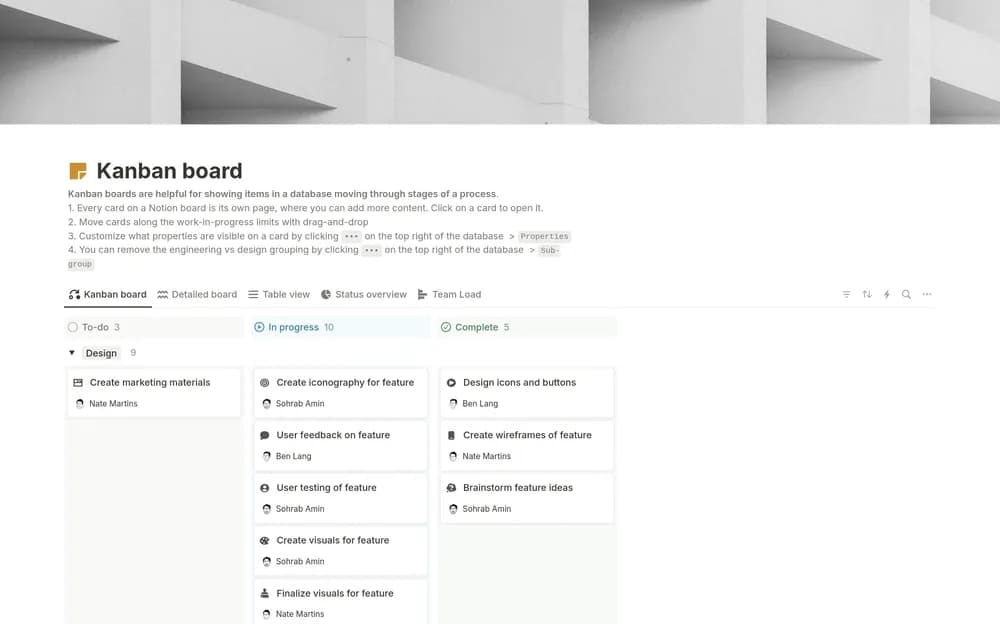
A Notion-made Kanban board for seeing work move through stages.
 Free
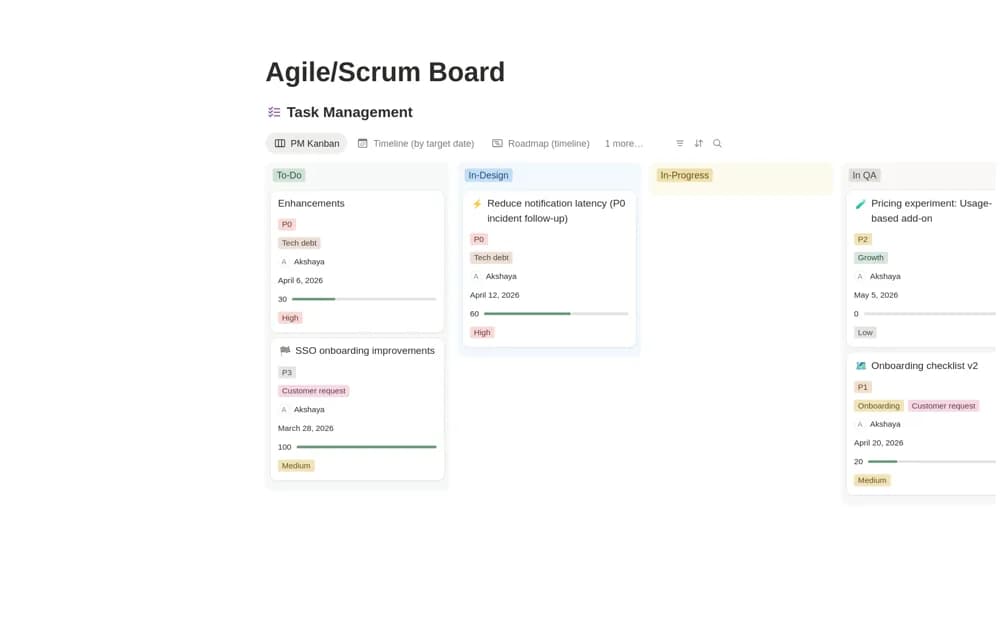
Organize Agile work in Notion with a task board, a project timeline, and a calendar for sprint activities, roadmaps, and delivery dates.
 Free
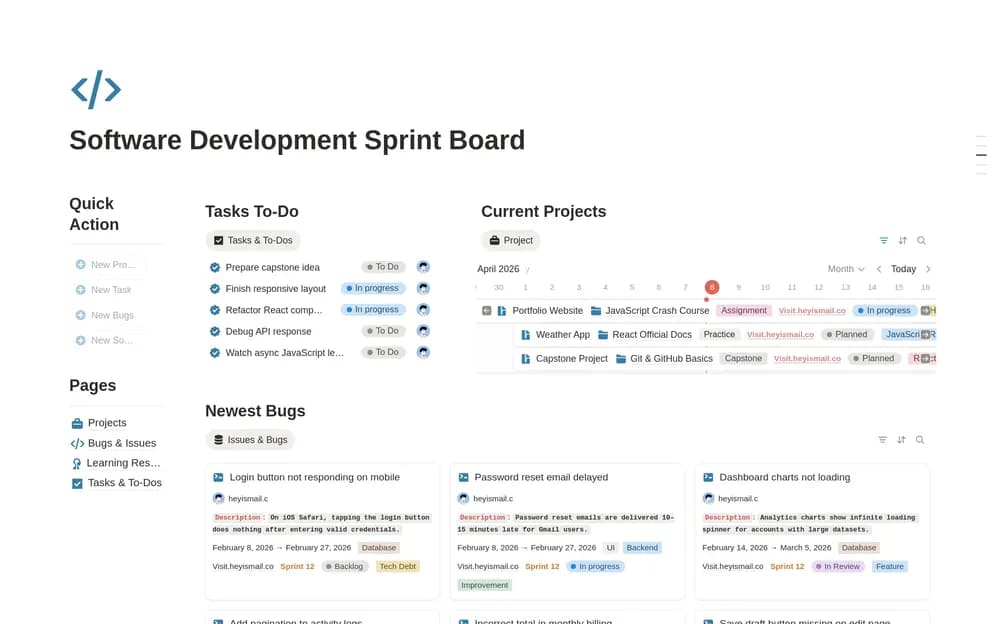
Run development sprints in Notion with connected projects, sprint tasks, a bug and issue log, saved learning resources, and a timeline calendar.
Compare the purpose and included features before choosing a workspace.
Scrum Masters and project managers adapting a shared board to their team’s delivery routine.
Teams organizing iterative delivery across projects and smaller tasks.
Teams and individuals who prefer a board view.
4 working templates from 3 creators: 4 free. Links last checked November 22, 2026.
| Template | Best for | Price | Creator |
|---|---|---|---|
| Scrum Board | Scrum Masters and project managers adapting a shared board to their team’s delivery routine. | Free | The SaaSy Chick |
| Agile Project Management | Teams organizing iterative delivery across projects and smaller tasks. | Free | Notion |
| Kanban board (w/ Notion AI) | Teams and individuals who prefer a board view. | Free | Notion |
| Software Development Sprint Board | Solo developers, computer science students, and small software teams organizing coding projects. | Free | heyismail.co |
Agree on what each stage means and how the team will flag blocked work. Keep the sprint scope visible alongside ownership and completion criteria. Review older cards before adding new ones so the board remains current. Link supporting specifications or acceptance notes to the item. The template supplies a view of the work; the team still needs a shared review rhythm.
Defined workflow stages
Sprint scope and owners
Visible blockers
About the directoryAgree the sprint goal and which items the team has selected. Keep requirements, ownership, dependencies, and the completion criteria accessible from active work. Record blockers with a practical next action. Review the outcome at the end of the cycle and return unfinished work to an explicit planning decision rather than silently carrying every card forward.
Jump straight to any listing in the collection.
No. It provides a view of work. The team's planning, collaboration, review, and improvement practices still need agreement and actual use. Choose a template that supports those conversations without treating the board's labels as proof of a working process.
It depends on the job you need it to do. Good starting points in this collection include Scrum Board (scrum Masters and project managers adapting a shared board to their team’s delivery routine), Agile Project Management (teams organizing iterative delivery across projects and smaller tasks) and Kanban board (w/ Notion AI) (teams and individuals who prefer a board view). Compare the included features below, then try your first choice with a week of real information before moving everything across.
Yes. This collection currently includes 4 listings with a confirmed free creator offer. Use the Free filter to compare them. A free version can have different features from a creator’s paid upgrade, so check the original listing and current access terms before adding it to your workspace.