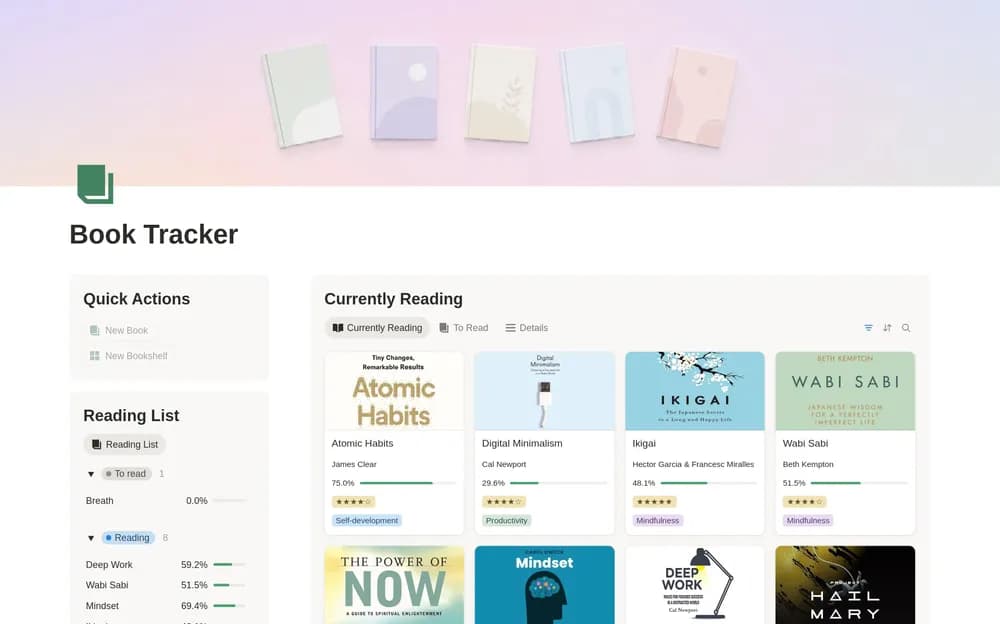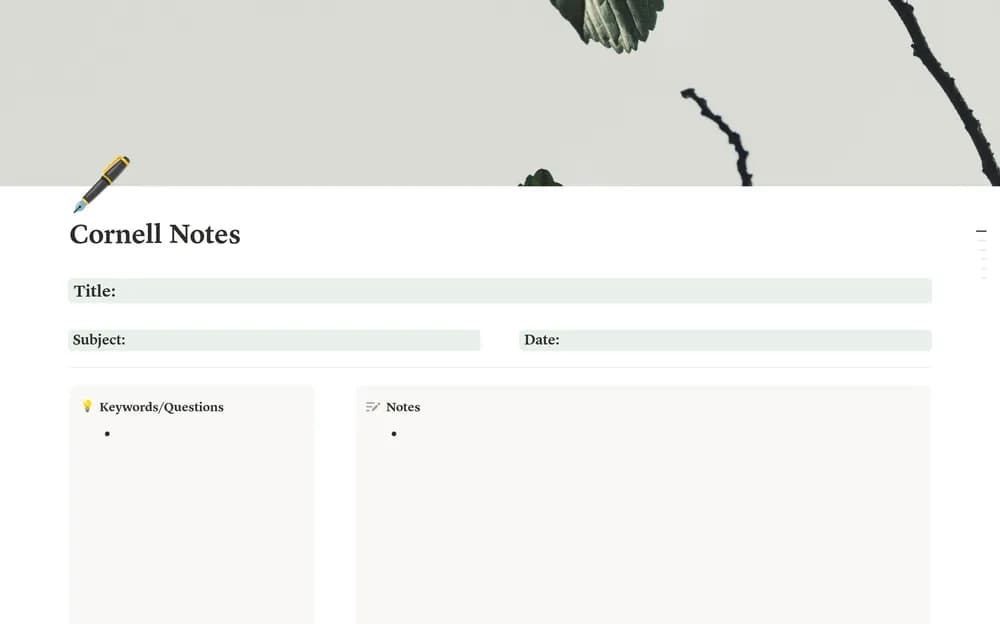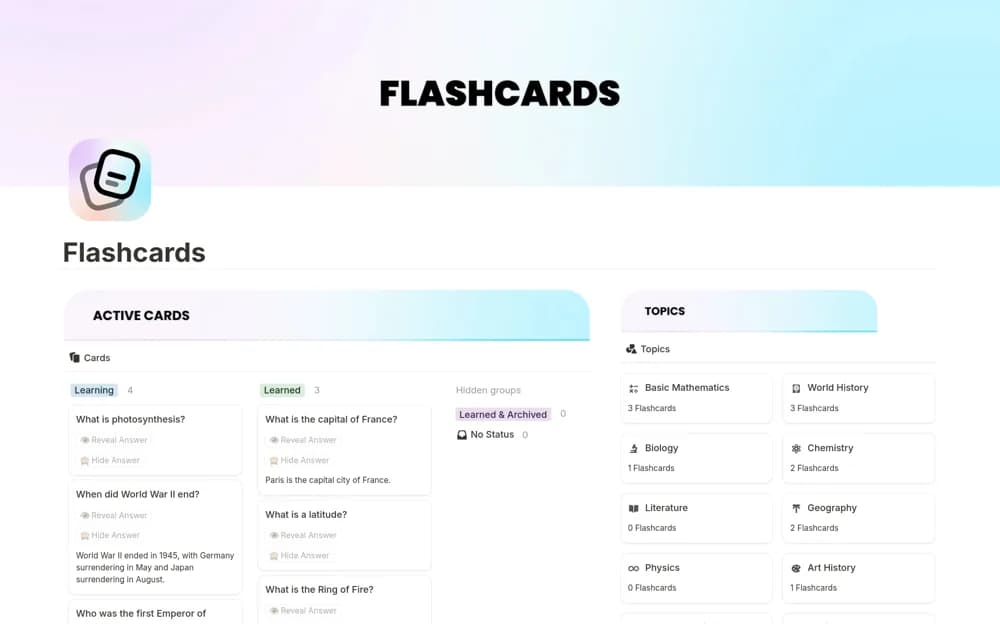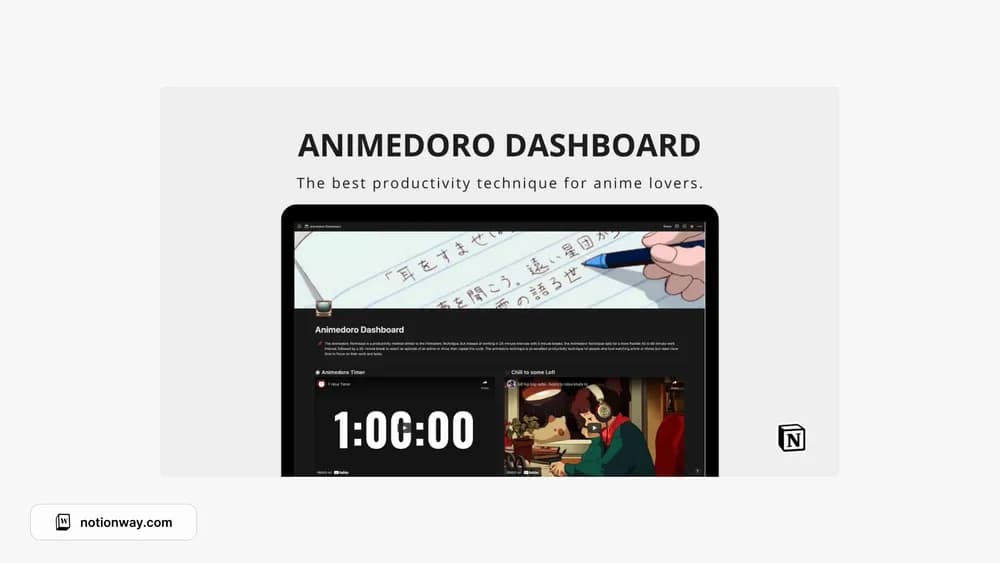
About Animedoro Dashboard
Animedoro pairs focused work with an entertainment break. This dashboard puts that idea into an anime-inspired Notion setting. It is a useful option if the theme makes you want to open your task page; decide on the work you will finish before starting a session.
What’s included
- A task and productivity tracker for focus sessions
- A 60-minute timer with notifications
- Optional background music alongside the dashboard
How to use it in practice
Pick an outcome that fits a focused work block, then decide on the break before starting. The creator’s Animedoro approach pairs a longer work interval with an anime or show episode. After the break, record what remains and deliberately start the next session. If an hour is too long for the task, shorten the block rather than forcing the routine.
Set it up in your workspace
- Follow the original creator’s checkout or access instructions to obtain the Notion page. Open that page while signed in, then duplicate it into the workspace you want to use.
- Choose one task and set a work session you can realistically finish. Treat the break as part of the plan.
- Try one complete example before adding a large backlog. Check that its views and any calculations show what you expect, then replace the sample content with your own.
Who it suits and what to consider
Anime fans who enjoy a themed workspace. Best if the reward structure appeals to you. Preview how the timer and music behave in your browser, and choose a break length that still leaves time for the rest of your day.