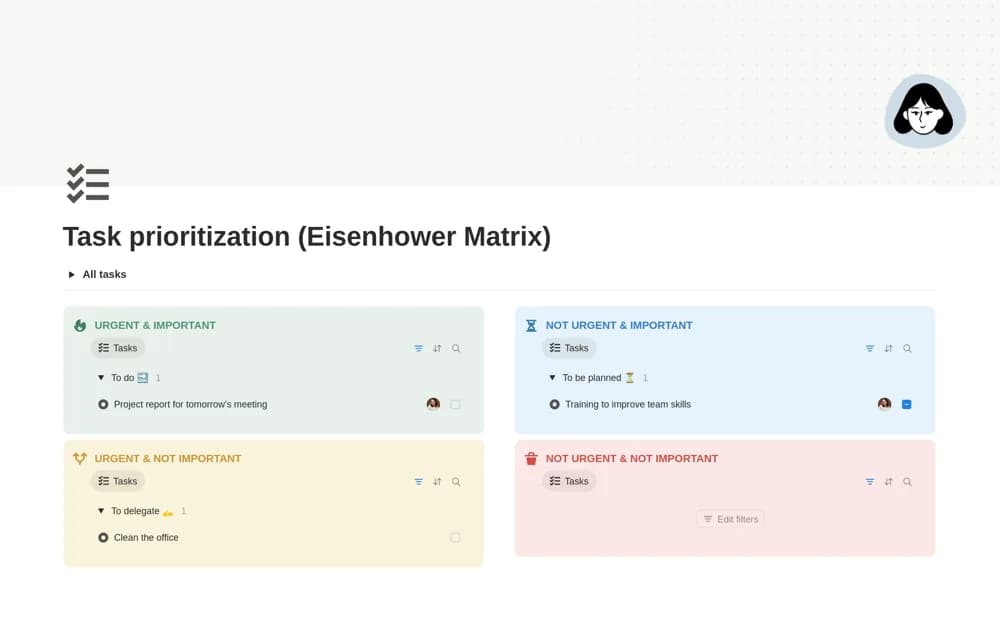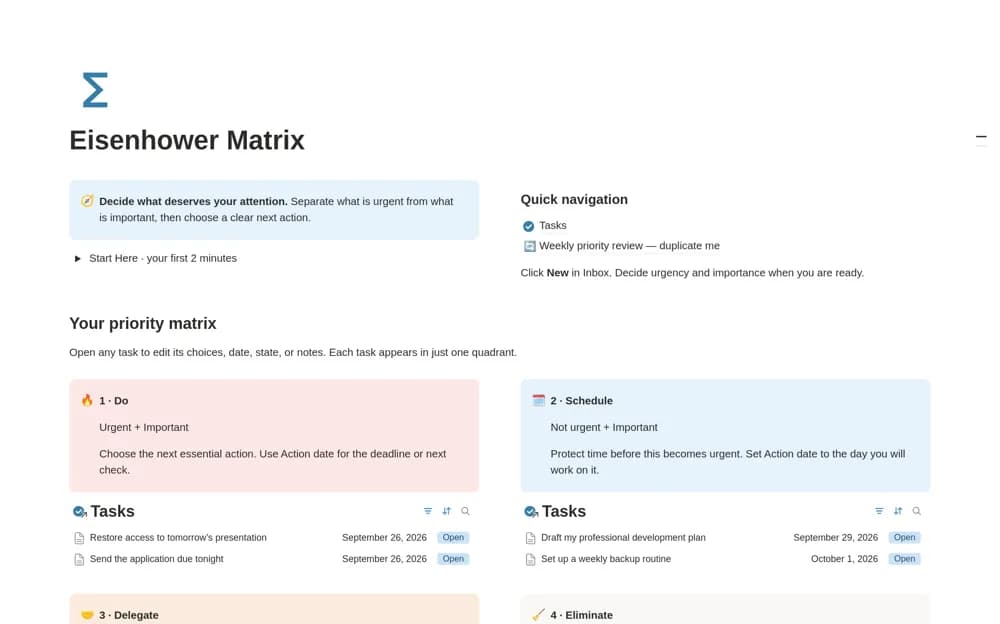
About Automated Eisenhower Matrix
Sort tasks into Eisenhower Matrix quadrants automatically in Notion based on urgency and importance, with a countdown of days until each due date.
What’s included
- Tasks sorted into quadrants automatically
- Urgency and importance prioritization
- Days-left calculation for each due date
How to use it in practice
Add your current tasks and mark each one’s urgency and importance. Check that each lands in the quadrant you would expect. Work from the urgent-and-important quadrant first for a week, and watch the days-left figures to see which tasks move up as deadlines approach.
Set it up in your workspace
- Open the original Notion Marketplace listing and add the template to your chosen workspace while signed in. Keep its example records until you understand how the pages connect.
- Add your current tasks and mark each one’s urgency and importance.
- Try one complete example before adding a large backlog. Check that its views and any calculations show what you expect, then replace the sample content with your own.
Who it suits and what to consider
People who prioritize with the urgent-important framework and want quadrants filled without manual sorting. The listing does not explain whether urgency is set by hand or derived from due dates, so test how sorting behaves with a few examples.