About Podcast OS
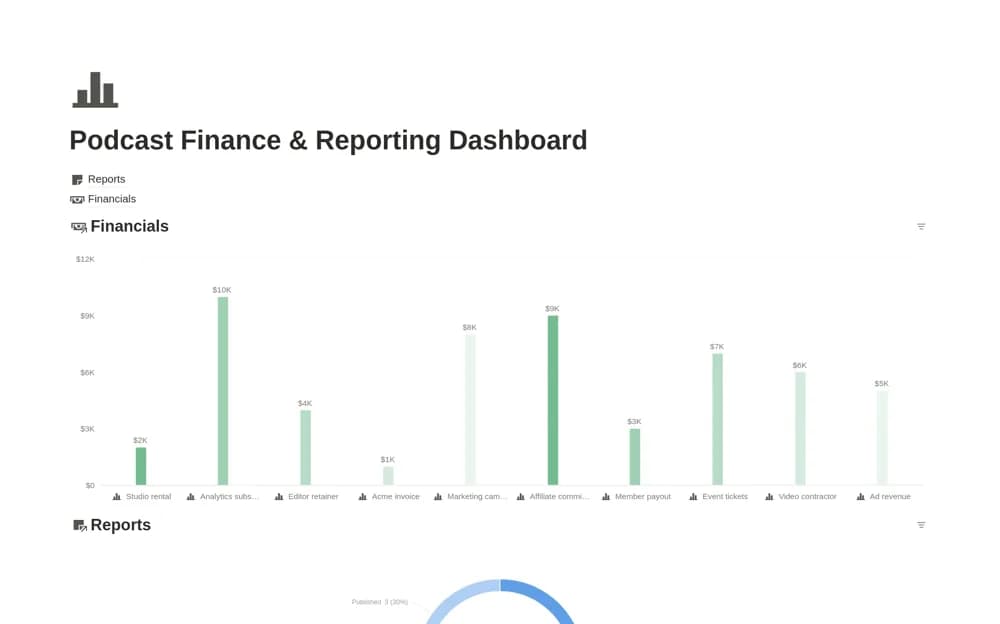
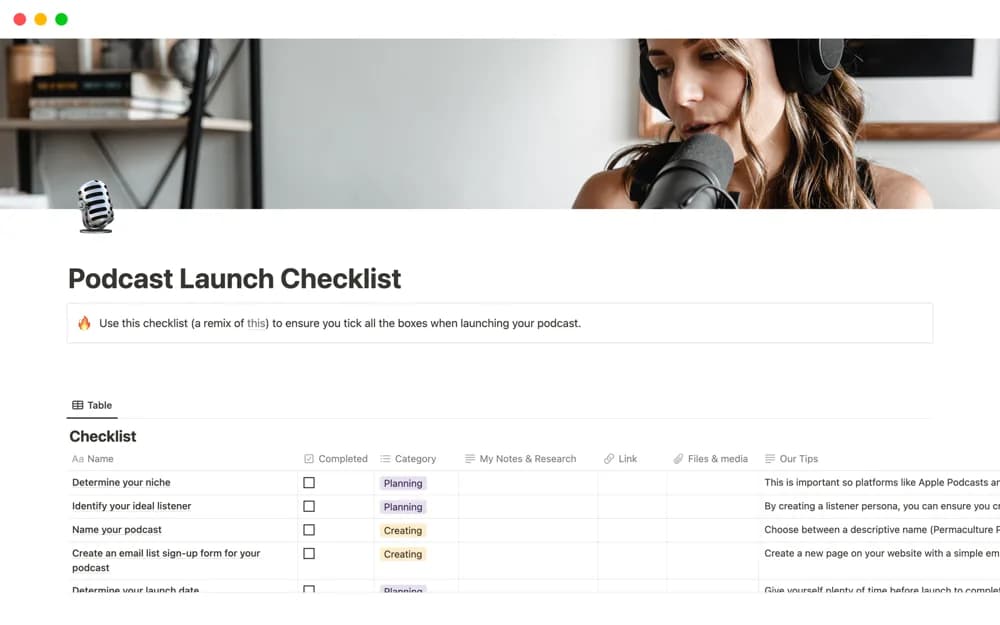
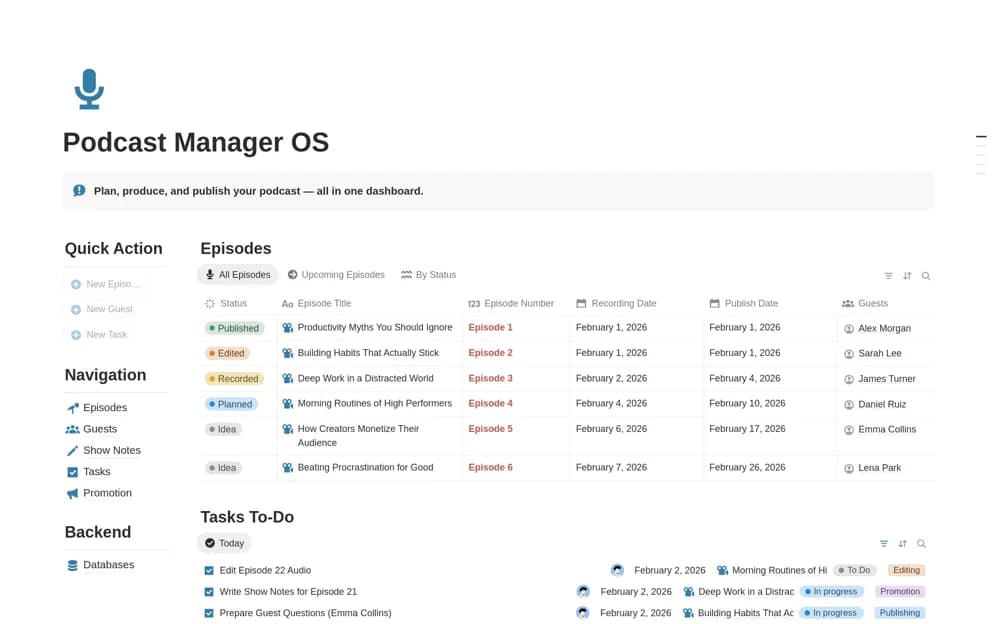
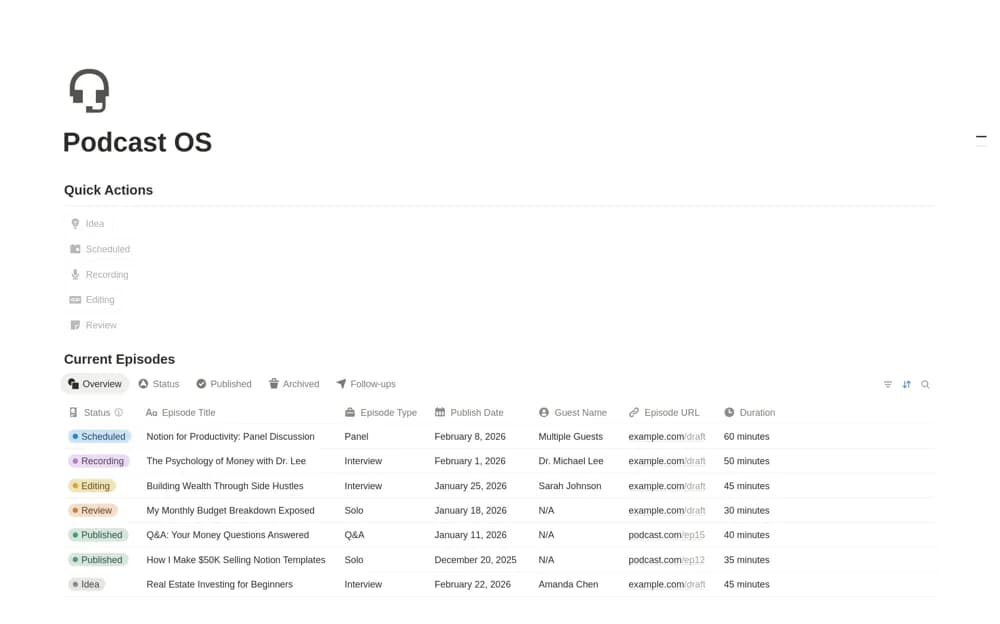
A podcast production workspace for episode ideas, scripts, recordings, editing, and publication details.
What’s included
- Episode idea organization
- Script, recording, and editing context
- Publishing information kept with production work
How to use it in practice
Choose an episode and record its purpose before drafting the script. Keep recording and editing stages visible, then add the final publication link. Review a small batch of episodes to decide which fields genuinely help production and which can be simplified.
Set it up in your workspace
- Open the original Notion Marketplace listing and add the template to your chosen workspace while signed in. Keep its example records until you understand how the pages connect.
- Choose an episode and record its purpose before drafting the script.
- Try one complete example before adding a large backlog. Check that its views and any calculations show what you expect, then replace the sample content with your own.
Who it suits and what to consider
Podcasters who need a clear view from episode idea to release. The source describes production organization; recording, hosting, and distribution services remain separate unless documented otherwise.