About Budget Targets & Actuals
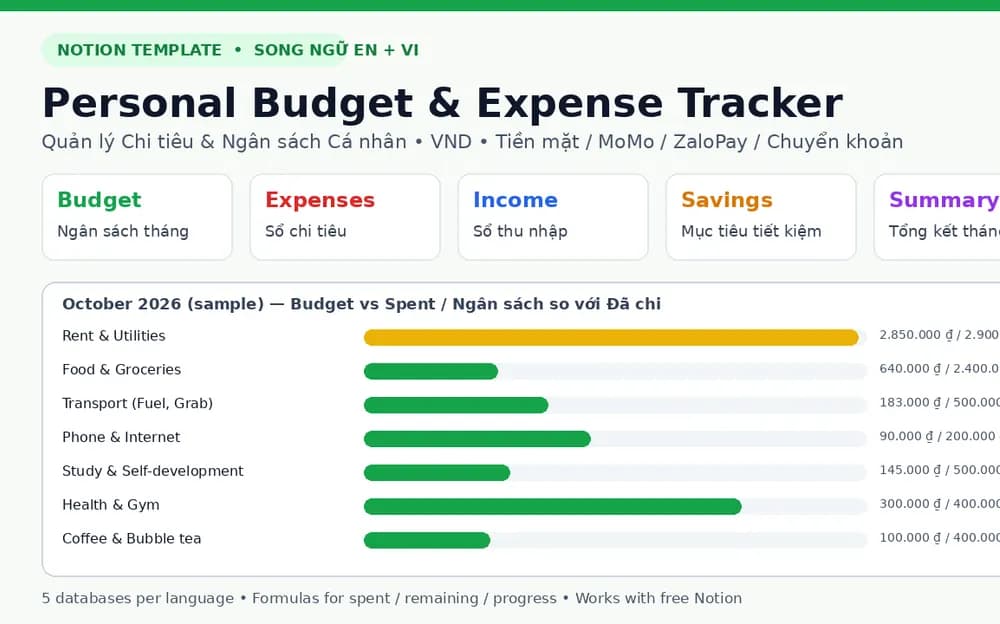
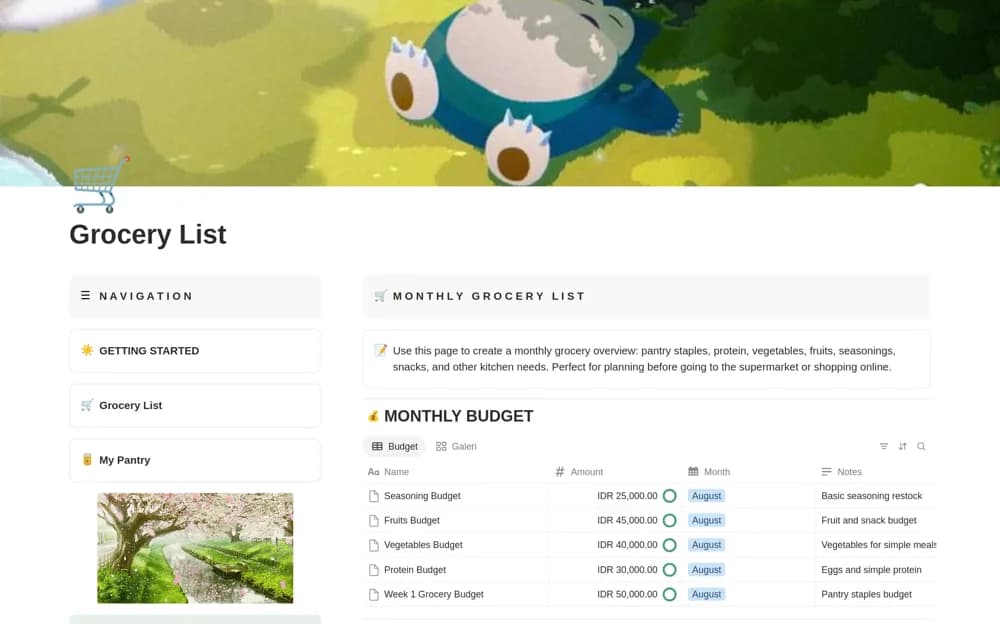
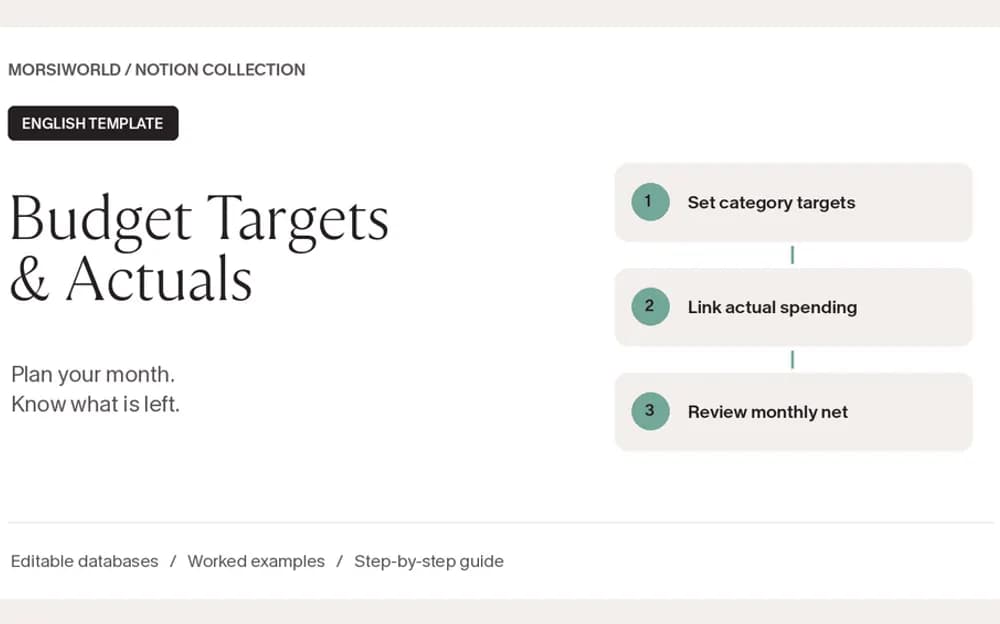
Set monthly category targets in Notion, link real expenses and income to them, and see what remains in each budget line before the month ends.
What’s included
- Monthly budget lines with target, linked actual, and remaining amounts
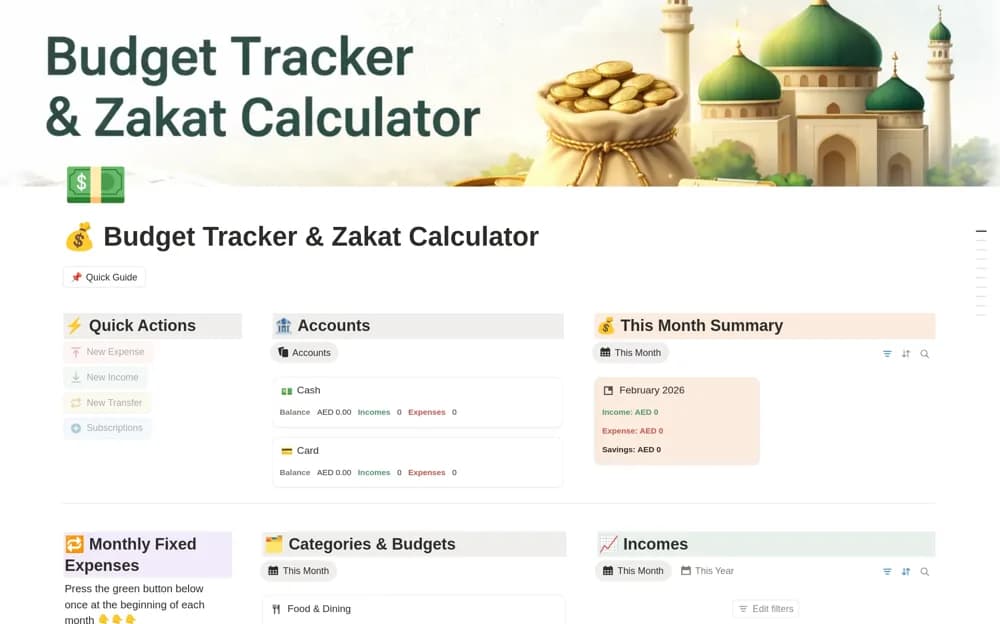
- Separate expense and income databases
- Monthly reviews with income, expenses, and net
- Over-target flags and a category board
- Fictional worked examples with a setup guide
How to use it in practice
Create budget lines for the current month using only the categories you genuinely spend in. Enter a week of real expenses and income, linking each record to its budget line and review month. Check the remaining amounts and over-target flags midweek. At the end of the week, confirm that no record is missing a link, since unlinked entries drop out of the totals.
Set it up in your workspace
- Follow the original creator’s checkout or access instructions to obtain the Notion page. Open that page while signed in, then duplicate it into the workspace you want to use.
- Create budget lines for the current month using only the categories you genuinely spend in.
- Try one complete example before adding a large backlog. Check that its views and any calculations show what you expect, then replace the sample content with your own.
Who it suits and what to consider
People who budget by category and want to compare each month’s plan with what they actually spent. Every transaction is entered and linked by hand; there is no bank sync, import, or currency conversion. The creator recommends one currency per copy.