About Business Finance Management
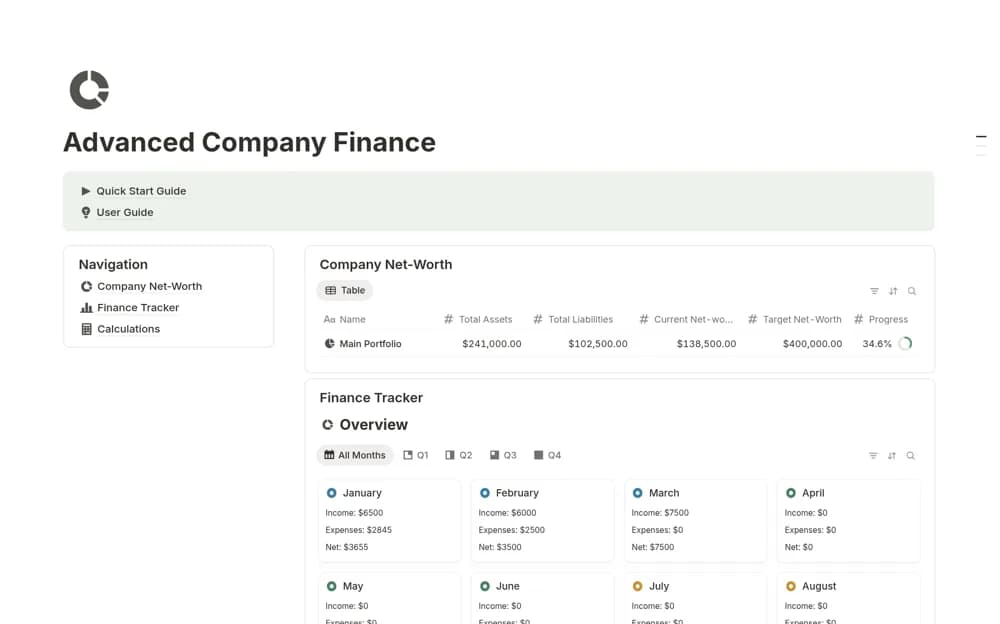
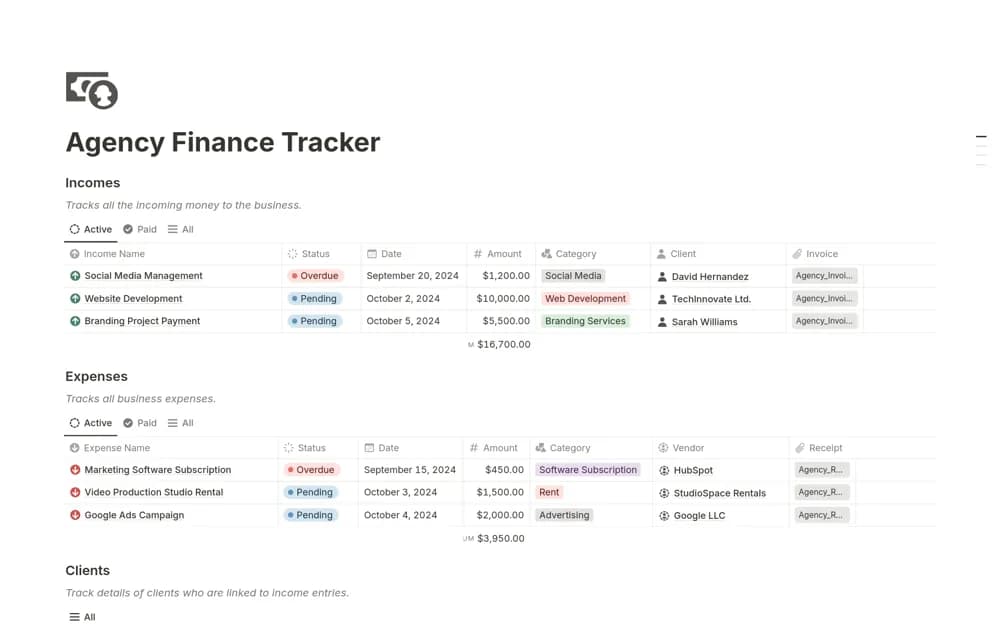
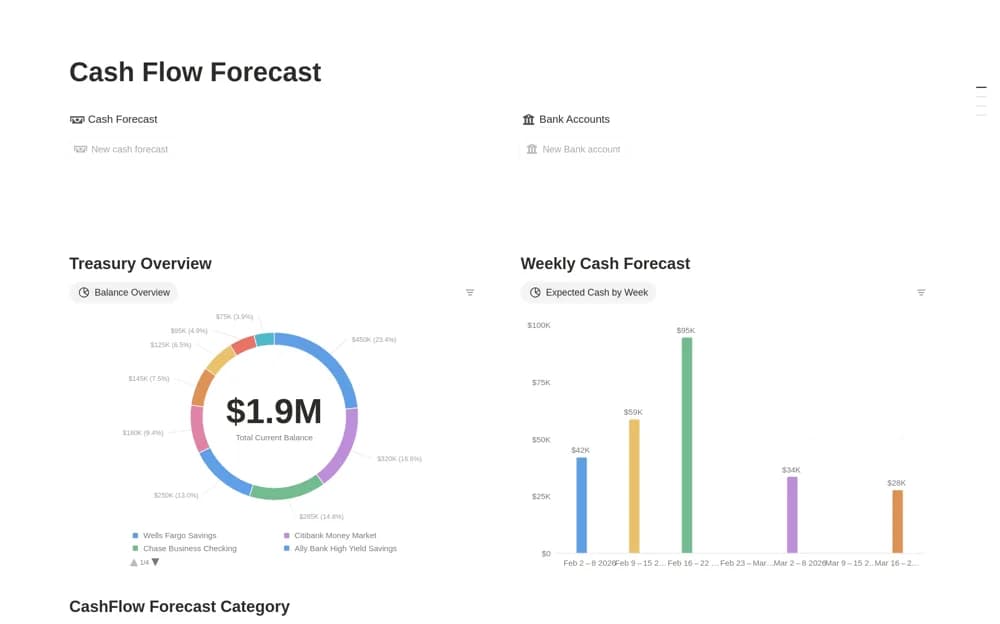
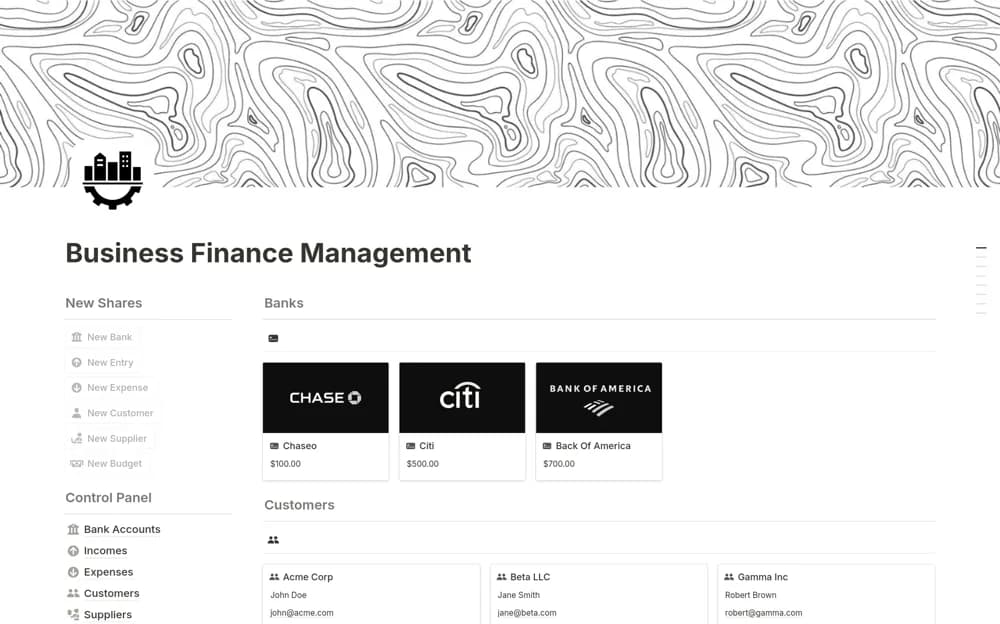
A paid business-finance workspace covering budgets, cash flow, income, and expenses, intended to give a small business a combined view of its financial records.
What’s included
- Budget sections
- Cash-flow organization
- Income and expense records
How to use it in practice
Begin with a reporting period you can check against existing records. Enter the main income and expense categories, then compare the budget and cash-flow sections with what actually happened. Keep forecasts identifiable so planned receipts are not mistaken for money already received during a business review.
Set it up in your workspace
- Open the original Notion Marketplace listing and add the template to your chosen workspace while signed in. Keep its example records until you understand how the pages connect.
- Begin with a reporting period you can check against existing records.
- Try one complete example before adding a large backlog. Check that its views and any calculations show what you expect, then replace the sample content with your own.
Who it suits and what to consider
Entrepreneurs and small-business teams wanting their financial planning and transaction context together. The creator description confirms the broad finance sections but gives limited detail about calculations or integrations. Review the preview before choosing it for a specialized accounting workflow.