About Agency Finance Tracker
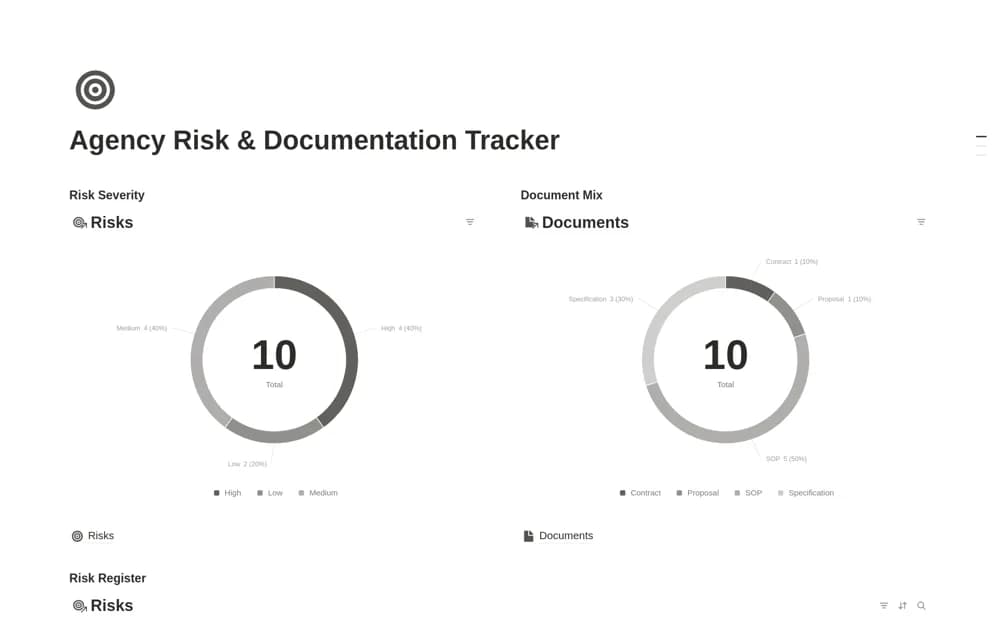
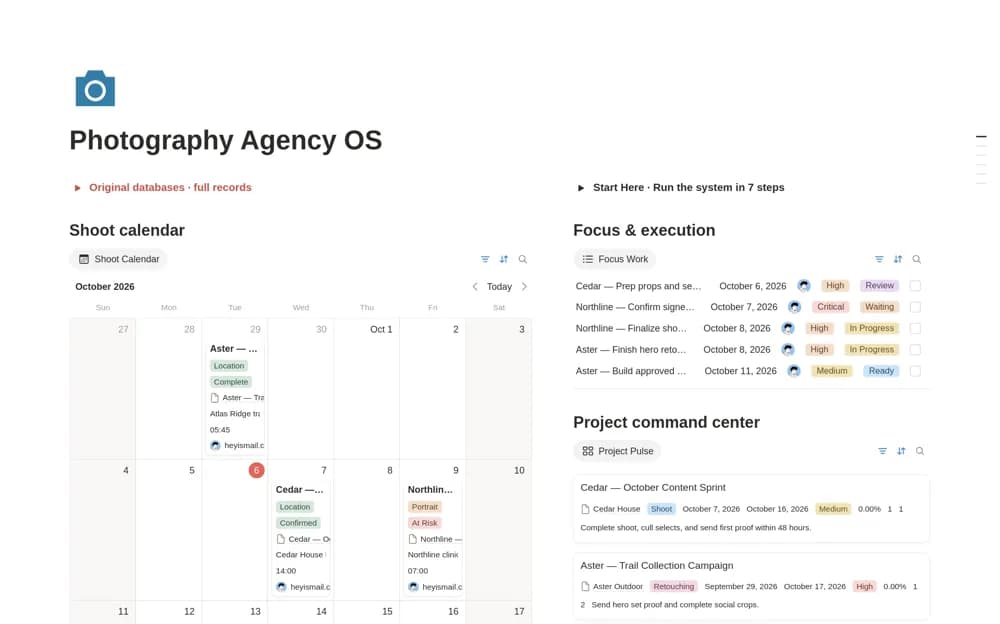
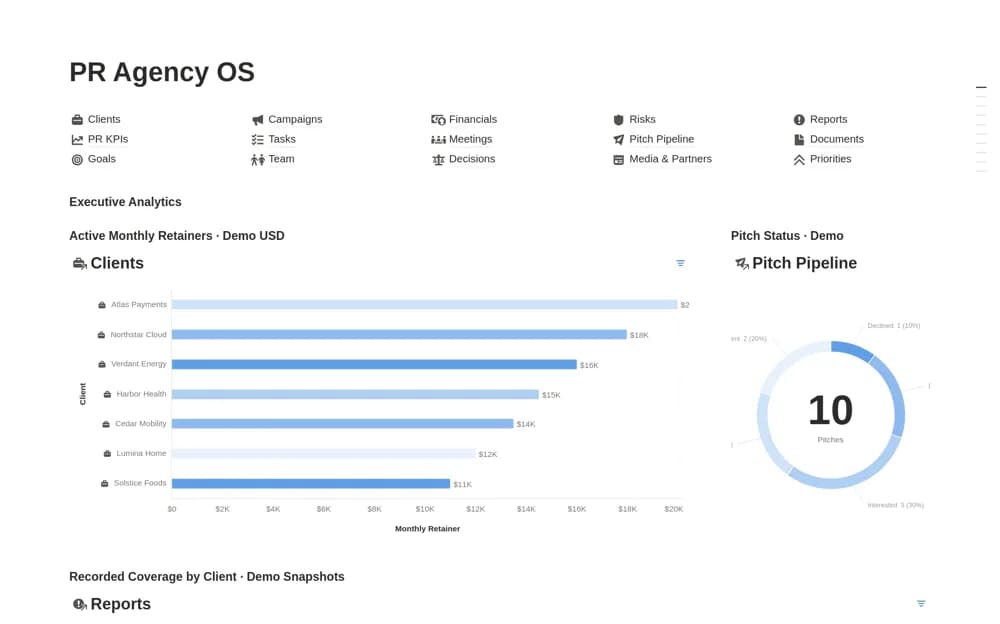
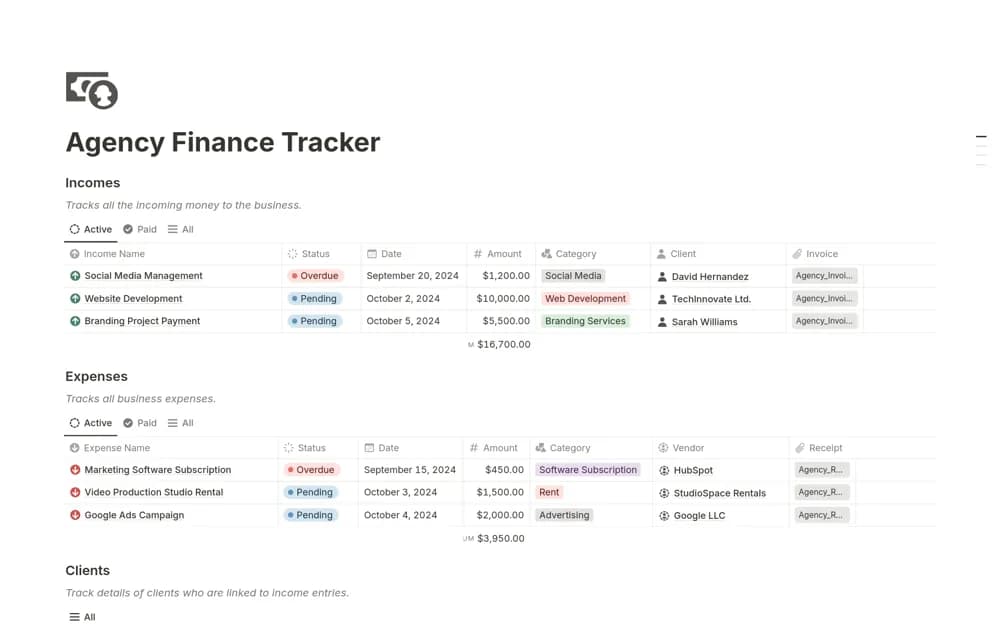
A simple agency finance workspace for client income, expenses, payments, and vendor contract context, bringing the operating money records into a focused management view.
What’s included
- Client income and payments
- Expense organization
- Vendor contract and cash-flow context
How to use it in practice
Enter a client payment and the vendor costs for the same project, using actual dates and amounts. Check which items are still outstanding before reviewing the overall cash position. Keep contract and invoice links nearby so a payment question can be resolved from its source rather than a dashboard total alone.
Set it up in your workspace
- Open the original Notion Marketplace listing and add the template to your chosen workspace while signed in. Keep its example records until you understand how the pages connect.
- Enter a client payment and the vendor costs for the same project, using actual dates and amounts.
- Try one complete example before adding a large backlog. Check that its views and any calculations show what you expect, then replace the sample content with your own.
Who it suits and what to consider
Small agencies reviewing cash flow and the payments associated with clients and suppliers. The creator describes a finance tracker, with limited technical detail about formulas or integrations. Confirm the preview before choosing it for complex accounting or multi-currency requirements.